Fabric API Needed by RebindMyKeys 2.3
requiredMatching file found Matched file: 0.92.12+1.20.1
Modrinth · Minecraft mod
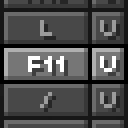
Allows you to rebind more keybindings. Furthermore, adds an unbind button and allows escape to be rebound!
Quick answer
RebindMyKeys 2.3 targets 1.20, 1.20.1, 1.20.2 with Fabric. It must be installed on the client. Do not install it on the dedicated server. All 1 required mods have matching files.
Where it goes
It must be installed on the client. Do not install it on the dedicated server.
This file is marked client-only.
2.3. Change the file and its required mods may change too.
Install Fabric API first. We found matching files for this game-version and loader setup.
We only count dependency files that match this setup. A file for another loader does not fill the gap.
Before you install it
Built for RebindMyKeys 2.3. Pick another file and the loader, install side or required mods may change.
Use 2.3. It targets 1.20, 1.20.1, 1.20.2 with Fabric; another release may have different loader, side or dependency requirements.
Install Fabric API first. We found matching files for this game-version and loader setup.
It must be installed on the client. Do not install it on the dedicated server.
Use the “Get this file” button beside 2.3. It opens that exact file at the source.
About this project

RebindMyKeys allows you to rebind normally hard-coded keybindings. It also allows escape to be used in keybindings and adds a button to allow unbinding of keys.
You don't like the Debug Menu being F3 or having to press F1 to hide your HUD? Then this mod is for you. With RebindMyKeys you can rebind the Debug Menu, HUD and more!
If you want me to add a KeyBinding please create an Issue on my GitHub!
The additional KeyBindings function just like normal KeyBindings. KeyBindings which are used with a key combination only conflict with keys using the same combination. This mod also allows the vanilla fullscreen and screenshot KeyBindings to be bound to mouse keys.
To unbind a KeyBinding simply press the "U" button. This mod removes the vanilla function of unbinding a key when you try to bind it to escape and instead allows binding keys to escape. (thanks to @syorito-hatsuki)
Rebranded from UnbindMyKeys.
Project description from Modrinth.
Pick your setup
Choose the version and loader you play, then open the matching release.
Check the dependencies, then try the file in a copied instance before changing a world you care about.
Recent files
RebindMyKeys-3.0+alpha2.1.jar
17 Apr 2025
RebindMyKeys-3.0+alpha2-mc1.20.jar
24 Feb 2024
RebindMyKeys-3.0+alpha-mc1.20.jar
23 Jan 2024
RebindMyKeys-2.3-mc1.20.jar
20 Jan 2024
RebindMyKeys-2.2-mc1.20.jar
16 Jan 2024
RebindMyKeys-2.1-mc1.20.jar
12 Jan 2024
RebindMyKeys-1.0.jar
5 Jan 2024
UnbindMyKeys-1.0-mc1.20.jar
27 Dec 2023
Looking for an older file? The official Modrinth project page is in Resources.
 mod
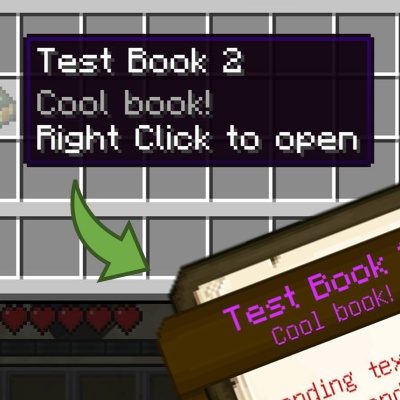
Open guidebooks, backpacks, handhelds and more with a single click in inventory
 mod
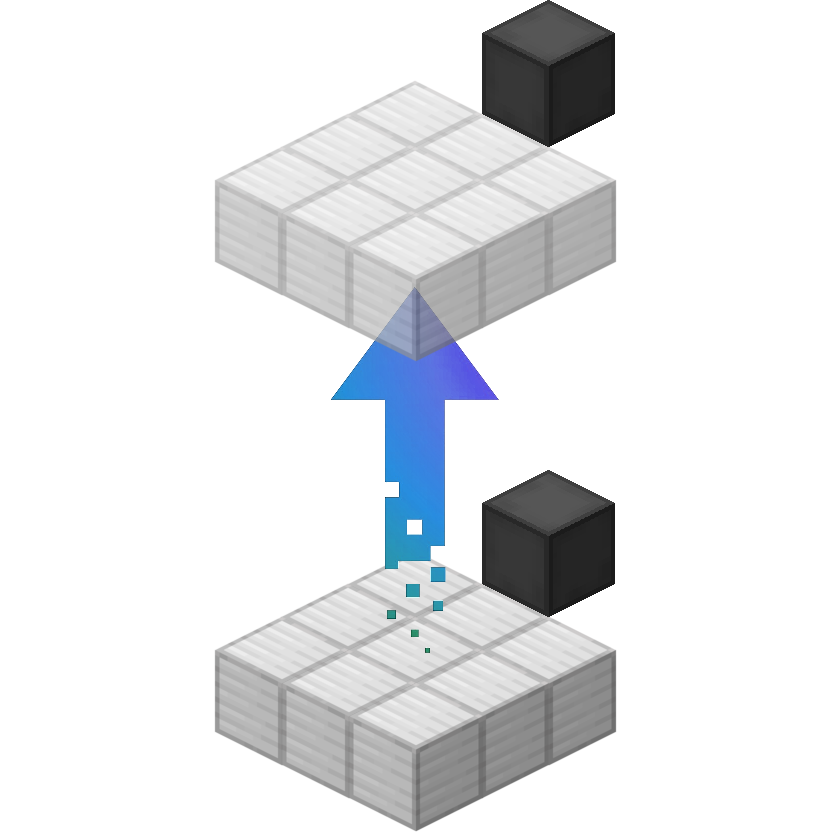
Moving Elevators adds real Elevators to Minecraft!
 mod
Adds boss bars to different mini-bosses (or bosses that lack their own) from numerous different Minecraft mods, including vanilla's Elder Guardian and Warden.