Minecraft version
Back to mods 
CurseForge · Minecraft mod
Latitude
Latitude overhauls world generation so biomes follow realistic latitude bands—from equatorial jungles to polar tundras.
Choose a version Pick your version below, then grab the matching file.
Quick answer
Which Latitude release should I use?
Latest stable file Latitude 1.3.0+1.20.1-r1
Game version 1.20.1
Loader Fabric
Latitude 1.3.0+1.20.1-r1 targets 1.20.1 with Fabric. The project page does not say whether this file belongs on the client, dedicated server, or both. No extra mods listed for this file.
Where it goes
Is Latitude required on the client, server, or both?
The project page does not say whether this file belongs on the client, dedicated server, or both.
Client Source doesn’t say
Dedicated server Source doesn’t say
Loader for this release Fabric
Required install it here Optional supported, not mandatory Not supported do not install here Source doesn’t say do not assume
The source does not explicitly classify this release as client-only or server-only.
What else does Latitude 1.3.0+1.20.1-r1 need?
Latitude 1.3.0+1.20.1-r1. Change the file and its required mods may change too.
This file does not list any required mods. Do not add a library just because a different file uses it.
This file does not list any required or optional mods.
Before you install it
Add Latitude without breaking your instance.
Built for Latitude 1.3.0+1.20.1-r1. Pick another file and the loader, install side or required mods may change.
- 01
Stick to this file
Use Latitude 1.3.0+1.20.1-r1. It targets 1.20.1 with Fabric; another release may have different loader, side or dependency requirements.
- 02
Bring the mods it needs
This file does not list any required mods. Do not add a library just because a different file uses it.
- 03
Put it on the correct side
The project page does not say whether this file belongs on the client, dedicated server, or both.
- 04
Pick the file you checked
Use the “Get this file” button beside Latitude 1.3.0+1.20.1-r1. It opens that exact file at the source.
About this project
What does Latitude add?
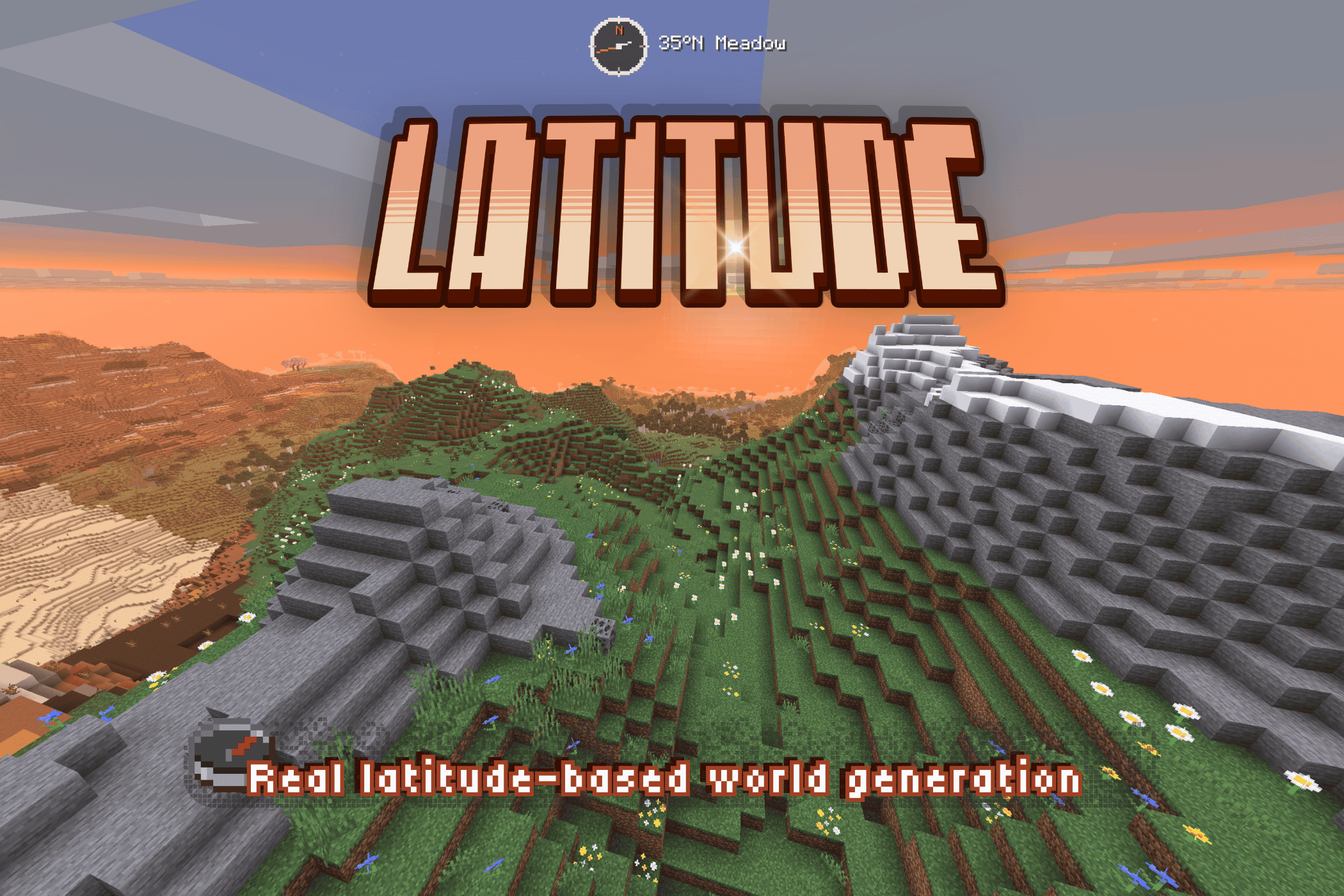
A planet-scale world with real geography and climate bands.
Latitude brings new life to Minecraft world generation by distributing biomes according to latitude. Thick jungles and sprawling savanna stretch out from the equator and gradually give way to cooler climates heading north or south towards the poles, where snow blankets the landscape and water freezes. I built Latitude to make Minecraft worlds feel finite and real, and to make travel feel purposeful, grounded, and exciting.
⚠️ Latitude overhauls world generation and takes effect in new worlds. Existing Latitude worlds keep the generation they were created with.
🗺️ Latitude-based geography
Five climate bands radiate outward from the equator at the center of the world to the poles at its edges:
| Zone | Character | Typical Biomes |
|---|---|---|
| 🌴 Tropical | Hot, humid, lush | Jungle, Bamboo Jungle, Mangrove Swamp, Sprawling savanna |
| ☀️ Subtropical | Warm and varied, drier toward the edges | Savanna, Desert, Badlands, Plains |
| 🌿 Temperate | Mild, forested, familiar | Forest, Birch Forest, Meadow |
| 🌨️ Subpolar | Cold, stark, increasingly sparse | Taiga, Snowy Plains, Grove |
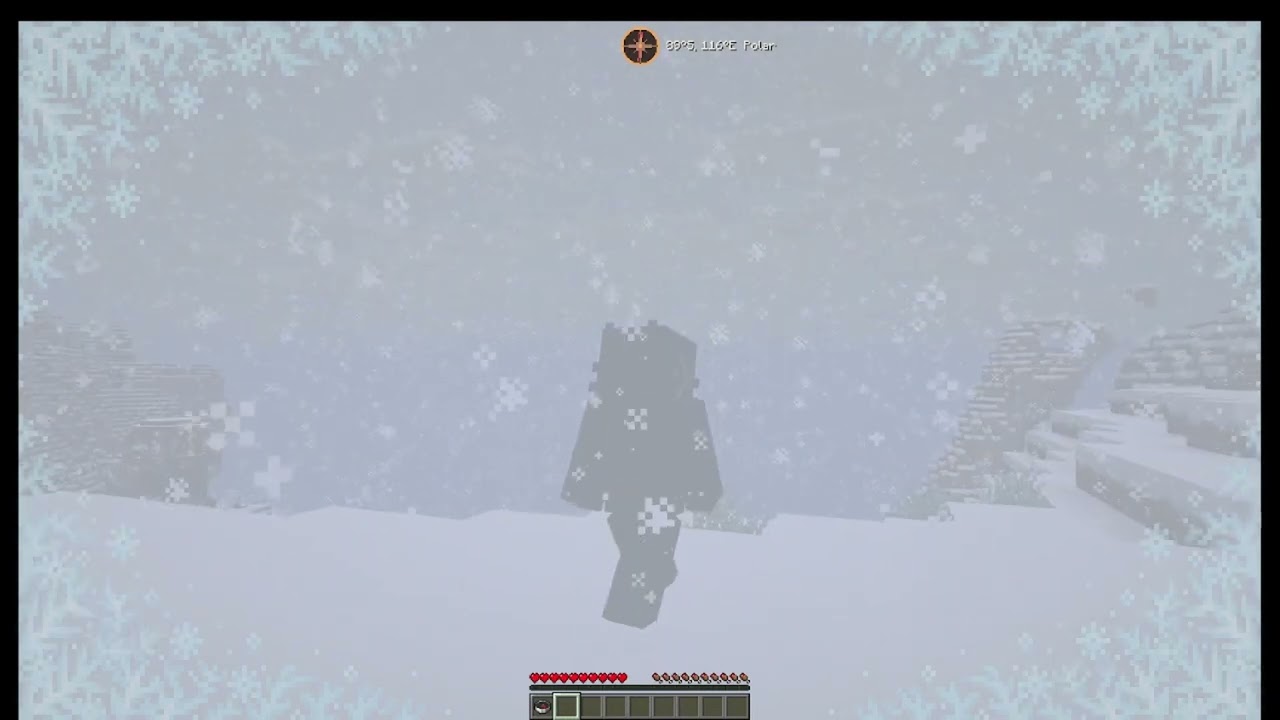
| ❄️ Polar | Frozen and forbidding | Snowy Plains, Ice Spikes, Frozen Ocean |
Zones blend gradually, avoiding harsh climate seams and allowing travel across the latitude bands to feel smooth and natural.
⛰️ Snow-capped mountains with tree lines
Mountains get a sense of scale, with forests thinning out at the tree line, where only grass and sparse foliage survive, while barren rock and snow blanket the highest peaks.
🥾 Wanderlust
A planet-like map makes the frontier a real place, with real stakes:
- Approaching the poles present a real freeze-hazard.
- At the edges of the world, you'll encounter gradually thickening fog that disguises the vanilla borders to help with immersion.
- Climate band and hemisphere titles cinematically announce your crossings.
🌐 Finite by design
Pick a world size! By design, Latitude worlds are finite. This size limit helps worlds feel more natural and purposeful.
| Size | Diameter | Feel |
|---|---|---|
| Itty Bitty | 7,500 × 7,500 | Equator to pole in an afternoon |
| Tiny | 10,000 × 10,000 | Tiny and cute |
| Small | 15,000 × 15,000 | Compact and varied |
| Regular | 20,000 × 20,000 | Balanced |
| Large | 30,000 × 30,000 | Long-haul survival |
| Ginormous | 40,000 × 40,000 | Continental-scale trek |
Everything scales with the size you pick — band widths, border behavior, latitude math. A smaller world doesn't cut off a bigger one; it compresses the whole climate system proportionally. That said, with custom biome packs installed, smaller worlds may have reduced biome representation.
Choose your spawn zone: prefer hot climates? Spawn into a lush, tropical adventure! Prefer the cold? Drop into a snowy wonderland!
🧭 Navigate with ease
Latitude ships a built-in navigation HUD, fully customizable:
- Compass — digital (cardinal, 8-way, or degrees) or analog with different color themes.
- Latitude readout — your live position in the world
- Biome & zone detail — see where you are, or not!
- Customizable — size, color, opacity, position
HUD Studio: press F9 in-game (rebindable) to open a live editing screen — drag the title, compass, and location readout wherever you want, snap-to-grid or free. A quick keybind toggles the compass on and off.
For server operators, release builds include a small /latitude command set (here, explainHere, probe, tpLat, tpBand) for inspecting and navigating the climate map.
🧩 Compatibility
Latitude works through Minecraft's biome-tag system. Pairs nicely with terrain-shaping mods like Tectonic, Geophilic, and William Wyther's Overhauled Overworld. Custom biome support places biomes into the right climate bands automatically. Currently supported packs include Biomes O' Plenty, Terralith, and CliffTree, with more to come.
ℹ️ A note on big biome-pack stacks: each climate band draws from a finite pool, so the more packs you stack, the smaller each biome's share becomes — you won't necessarily see every biome from every pack. The mix stays coherent and climate-appropriate. Vanilla biomes are given preference.
🔭 What's next — Latitude 2.0 🌏
Latitude 2.0 is in production. The larger overhaul being showcased publicly — with its more elaborate mechanics — is a separate line and still in development: expanded biome support, broader worlds, and more earthlike generation shaped by continents, oceans, climate, and exploration. And all the cats you could ever want!!! 🐈⬛🐈
1.5 is the final polish release of the 1.x line, and the best version of this idea to date. 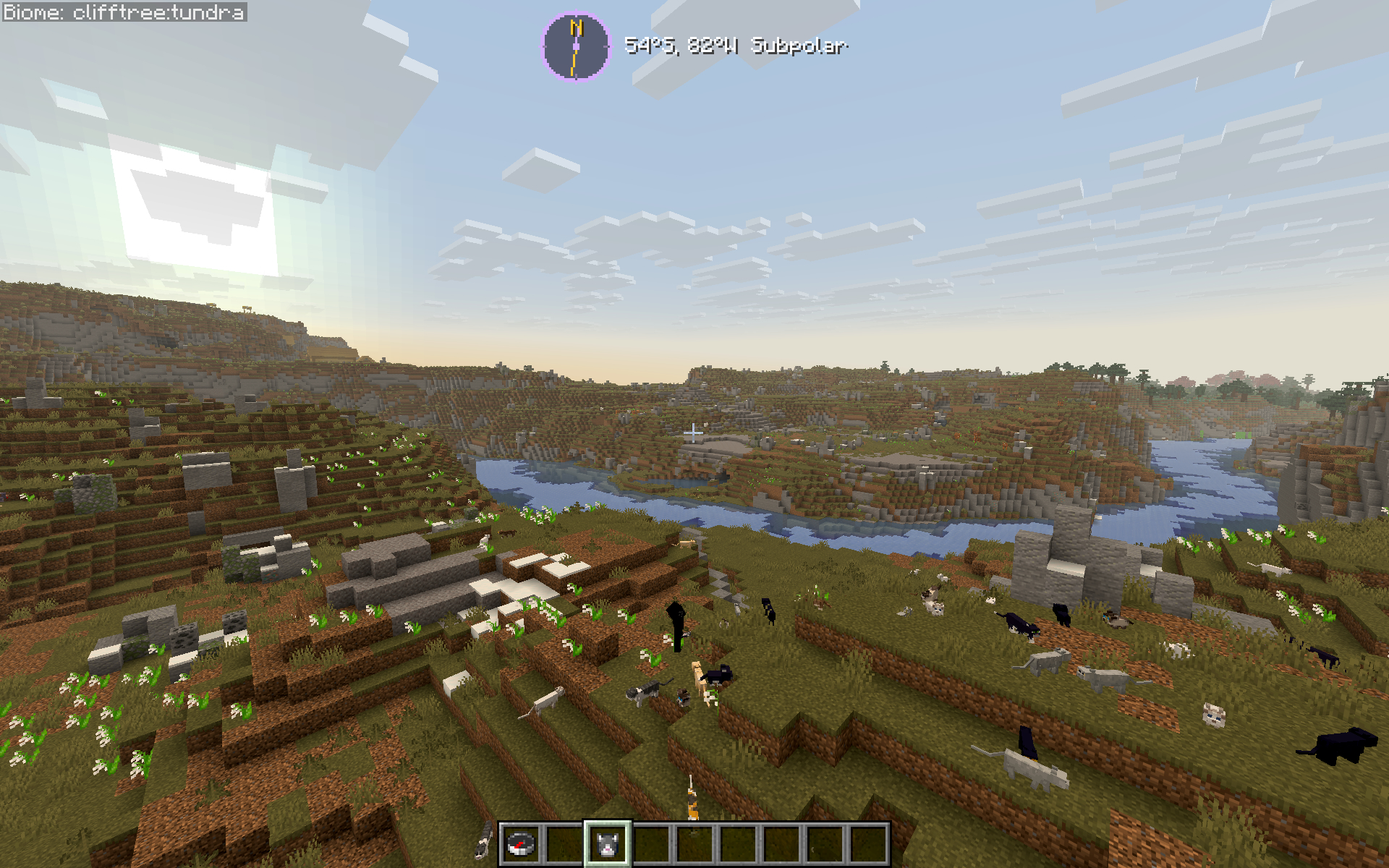
💛 About & Support + AI Disclaimer
If you've ever thought vanilla biome placement felt random and disconnected — this fixes that. Latitude is built for long-term survival worlds, exploration-focused playthroughs, and modpacks that want a world that feels like a real place without piling on new content.
🧭 Latitude is a solo passion project and my first mod. Thank you for playing -- I hope you enjoy it as much as I do! :D
👾 Latitude contains AI-generated code (I am still learning to code with Java!), but the project is designed, directed, planned, and tested by me. I use AI to help me realize my dream, not to churn out slop. If you see any wonky code that could use improvement, please feel free to open a pull request! :)
🐛 Found a bug, or want to follow development? → GitHub
⭐ Enjoying Latitude? Leave a ❤️ on Modrinth — it genuinely helps a solo dev!
➢ Follow my mod development: https://www.youtube.com/@peetsamods
video lag is unrelated to actual gameplay--it's just my computer COOKING 🍳
🌍 A development journal for Latitude
Curious about the bigger idea behind the project? Read the Latitude Field Guide for a look behind the scenes at real-time development. Updated by Codex, designed and overseen by me (totally human, promise!).
Project description from CurseForge.
Pick your setup
Latitude by Minecraft version and loader
Choose the version and loader you play, then open the matching release.
Minecraft version
26.1.2
1 loader buildMinecraft version
26.1.1
1 loader buildMinecraft version
26.1
1 loader buildMinecraft version
1.21.11
1 loader buildMinecraft version
1.21.1
1 loader buildMinecraft version
1.20.4
1 loader buildMinecraft version
1.20.3
1 loader buildMinecraft version
1.20.2
1 loader buildMinecraft version
1.20.1
1 loader buildCheck the dependencies, then try the file in a copied instance before changing a world you care about.
Recent files
Latitude versions and loaders
Latitude 1.5.1-beta.2+26.2
latitude-1.5.1-beta.2+26.2.jar
20 Aug 2026
Client Source doesn’t say Server Source doesn’t say Dependencies No extras listed Listed on Release listing
Check the 26.2 · Fabric setup Fabric26.2 beta
Latitude 1.5.1-beta.1
latitude-1.5.1-beta.1+26.2.jar
19 Aug 2026
Client Source doesn’t say Server Source doesn’t say Dependencies No extras listed Listed on Release listing
Check the 26.2 · Fabric setup Fabric26.2 beta
latitude-1.5.0-beta.1+26.1.2.jar
latitude-1.5.0+26.1.2.jar
6 Aug 2026
Client Source doesn’t say Server Source doesn’t say Dependencies No extras listed Listed on Release listing
Check the 26.1.2 · Fabric setup Fabric26.1.2 beta
Latitude 1.5.0-beta.1+26.2
latitude-1.5.0+26.2.jar
5 Aug 2026
Client Source doesn’t say Server Source doesn’t say Dependencies No extras listed Listed on Release listing
Check the 26.2 · Fabric setup Fabric26.2 beta
Latitude 1.3.0+1.20.1-r1
latitude-1.3.0+1.20.1-r1.jar
4 Jun 2026
Client Source doesn’t say Server Source doesn’t say Dependencies No extras listed Listed on Release listing
Check the 1.20.1 · Fabric setup Fabric1.20.1 release
DEPRECATED - use Latitude 1.3.0+1.20.1-r1
latitude-1.3.0+1.20.1.jar
3 May 2026
Client Source doesn’t say Server Source doesn’t say Dependencies No extras listed Listed on Release listing
Check the 1.20.1 · Fabric setup Fabric1.20.1 release
Latitude 1.3.0+1.21.1: Cohesion Update
latitude-1.3.0+1.21.1.jar
2 May 2026
Client Source doesn’t say Server Source doesn’t say Dependencies No extras listed Listed on Release listing
Check the 1.21.1 · Fabric setup Fabric1.21.1 release
1.3.0+1.21.1--DEPRECATED
latitude-1.3.0+1.21.1.jar
2 May 2026
Client Optional Server Optional Dependencies No extras listed Listed on Release listing
Check the 1.21.1 · Fabric setup 1.21.1Fabric release
Latitude 1.3.0+1.21.11-r2: Cohesion Update
latitude-1.3.0+1.21.11.jar
26 Apr 2026
Client Source doesn’t say Server Source doesn’t say Dependencies No extras listed Listed on Release listing
Check the 1.21.11 · Fabric setup Fabric1.21.11 release
Latitude 1.3.0+26.1.x — Cohesion Update
latitude-1.3.0+26.1.jar
26 Apr 2026
Client Source doesn’t say Server Source doesn’t say Dependencies No extras listed Listed on Release listing
Check the 26.1.2 · Fabric setup Fabric26.126.1.126.1.2 release
1.3.0+1.21.11
latitude-1.3.0+1.21.11.jar
21 Apr 2026
Client Optional Server Optional Dependencies No extras listed Listed on Release listing
Check the 1.21.11 · Fabric setup 1.21.11Fabric release
Latitude 1.2.5+1.20.1
latitude-1.2.5+1.20.1.jar
6 Feb 2026
Client Source doesn’t say Server Source doesn’t say Dependencies No extras listed Listed on Release listing
Check the 1.20.4 · Fabric setup 1.20.2Fabric1.20.11.20.4 release
Looking for an older file? The official CurseForge project page is in Resources.
 mod
mod CurseForge · Minecraft
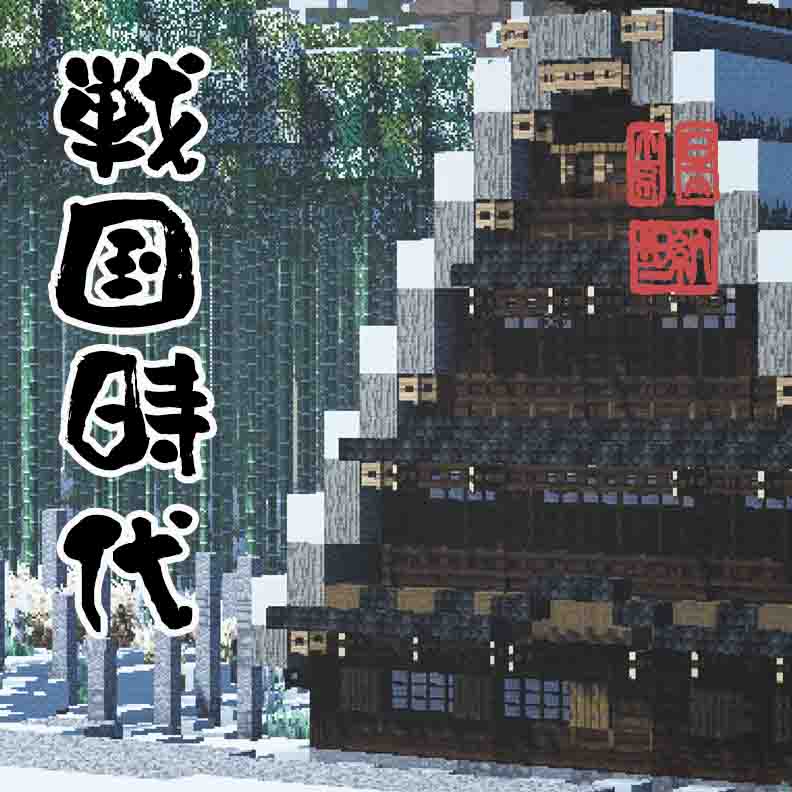
Sengoku Jidai, Japanese Overhaul
An immense mod that adds and modifys weapons, biomes, mobs, world gen, blocks, and much much more.
 mod
mod CurseForge · Minecraft
Gemstone Protection
Protect your lands using customizable gemstone wards with an intuitive GUI to manage players, flags, and visual borders.
 mod
mod CurseForge · Minecraft
MineCoin: Economy & Trade
Complete physical economy system with tiered coins, functional wallets, lottery scratch-offs, and player-to-player auctions.