Fabric API Needed by Transparent Cosmetics 1.5.1+1.19.4
requiredNo matching file

Modrinth · Minecraft mod
Fall in love with your skin again!
Quick answer
Transparent Cosmetics 1.5.1+1.19.4 targets 1.19.4 with Fabric. Installation on the client is optional. Installation on the dedicated server is optional. 2 required mods need a matching file.
Where it goes
Installation on the client is optional. Installation on the dedicated server is optional.
The source marks this as usable on both the client and server.
1.5.1+1.19.4. Change the file and its required mods may change too.
Install Fabric API, Cosmetic Armor, Trinkets first, but 2 required mods have no matching file for this setup. Do not mix loader builds to force a match. 1 comes through another mod in the chain.
1 extra mod was pulled in by another dependency. Indented rows show who needs each one. We only count dependency files that match this setup. A file for another loader does not fill the gap.
Before you install it
Built for Transparent Cosmetics 1.5.1+1.19.4. Pick another file and the loader, install side or required mods may change.
Use 1.5.1+1.19.4. It targets 1.19.4 with Fabric; another release may have different loader, side or dependency requirements.
Install Fabric API, Cosmetic Armor, Trinkets first, but 2 required mods have no matching file for this setup. Do not mix loader builds to force a match. 1 comes through another mod in the chain.
Installation on the client is optional. Installation on the dedicated server is optional.
Use the “Get this file” button beside 1.5.1+1.19.4. It opens that exact file at the source.
About this project
⚠️ ATTENTION, Please read this!
Starting from version 1.20, Transparent Cosmetics will be replaced with Glass Armor.
Please note that Transparent Cosmetics will no longer receive updates.
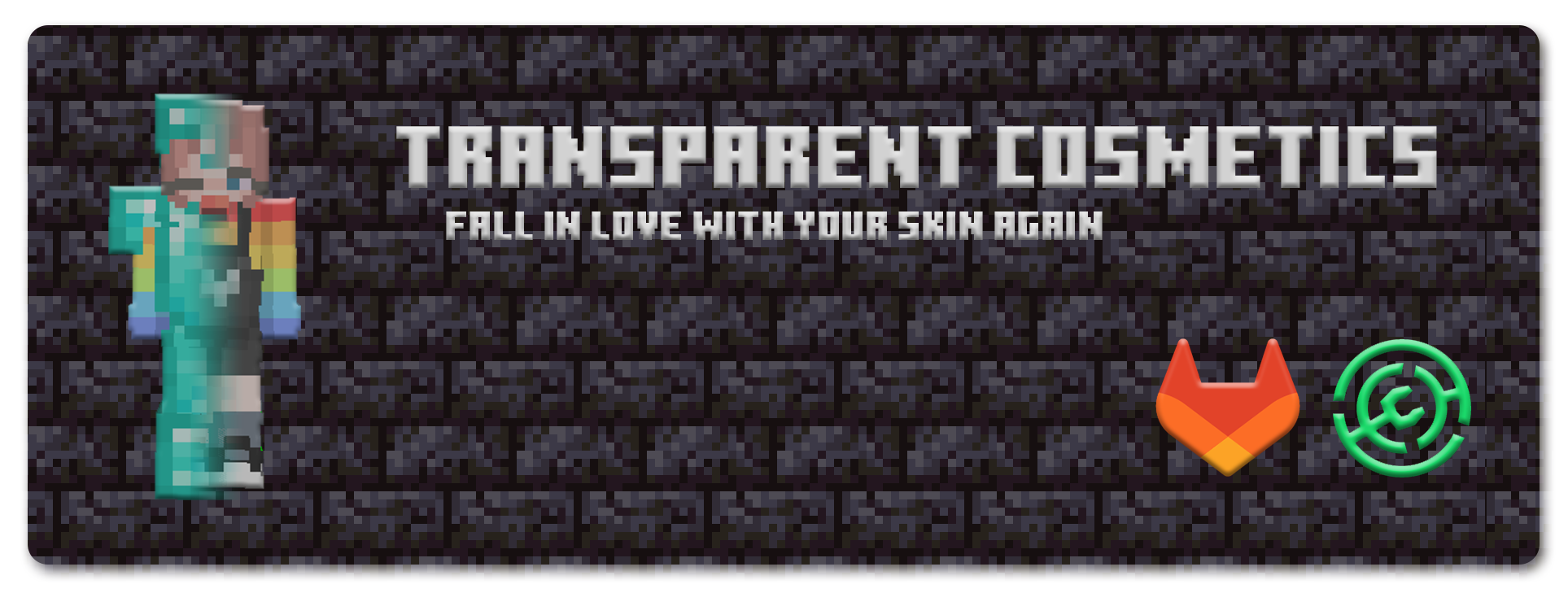
Welcome to my first Minecraft mod! As someone who has previously worked on plugins, I wanted to delve into the world of modding and expand my skills. With the help of fellow developers, I present to you my inaugural mod!
Transparent Cosmetics is a mod designed with PvE gameplay in mind. However, please note that it may be considered overpowered on PvP servers. If you plan to use it on a PvP server, exercise caution and balance it accordingly.
This mod integrates features from Cosmetic Armor and Trinkets to introduce transparent "gear" to your Minecraft modpack. By equipping items from this mod into the cosmetic slots, you can hide the armor you're wearing in your armor slots. This allows you to showcase your skin without having to unequip your armor.
To stay updated on the latest changes, please refer to the changelog.
If you would like to feature this mod in your mod pack, kindly let me know and share it with me.
For any issues or concerns, please visit the GitLab repository linked under the "source" section and post your problems there. I'll be glad to assist you.
I hope you enjoy using Transparent Cosmetics in your Minecraft adventures!
⚠️ ATTENTION, Please read this!
Starting from version 1.20, Transparent Cosmetics will be replaced with Glass Armor.
Please note that Transparent Cosmetics will no longer receive updates.
Project description from Modrinth.
Pick your setup
Choose the version and loader you play, then open the matching release.
Check the dependencies, then try the file in a copied instance before changing a world you care about.
Recent files
TransparentCosmetics-1.5.1+1.19.4.jar
29 May 2023
TransparentCosmetics-1.5.1+1.19.3.jar
29 May 2023
TransparentCosmetics-1.5.1+1.19.jar
29 May 2023
TransparentCosmetics-1.4.0.jar
31 Mar 2022
TransparentCosmetics-1.3.0.jar
31 Mar 2022
TransparentCosmetics-1.2.0.jar
14 Mar 2021
TransparentCosmetics-1.1.1.jar
2 Mar 2021
TransparentCosmetics-1.1.0.jar
2 Mar 2021
Looking for an older file? The official Modrinth project page is in Resources.
 mod
Adding the Zenith Sword to Minecraft, use it to attack groups of enemies from a distance.
 mod
An items, block and more content from Universe3090!
 mod
Adds an attributes panel to look at your plentiful stats!