Glass Config API Optional for Coolbelt 1.9.0
optionalMatching file found Matched file: 3.2.5
Modrinth · Minecraft mod
Adds slots for your sword, pickaxe, axe, and shovel. Automatically switches between them.
Quick answer
Coolbelt 1.9.0 targets b1.7.3 with babric, Fabric. Installation on the client is optional. Installation on the dedicated server is optional. All 1 required mods have matching files.
Where it goes
Installation on the client is optional. Installation on the dedicated server is optional.
The source marks this as usable on both the client and server.
1.9.0. Change the file and its required mods may change too.
Install Accessory API first. We found matching files for this game-version and loader setup. 1 comes through another mod in the chain.
1 extra mod was pulled in by another dependency. Indented rows show who needs each one. We only count dependency files that match this setup. A file for another loader does not fill the gap.
Before you install it
Built for Coolbelt 1.9.0. Pick another file and the loader, install side or required mods may change.
Use 1.9.0. It targets b1.7.3 with babric, Fabric; another release may have different loader, side or dependency requirements.
Install Accessory API first. We found matching files for this game-version and loader setup. 1 comes through another mod in the chain.
Installation on the client is optional. Installation on the dedicated server is optional.
Use the “Get this file” button beside 1.9.0. It opens that exact file at the source.
About this project
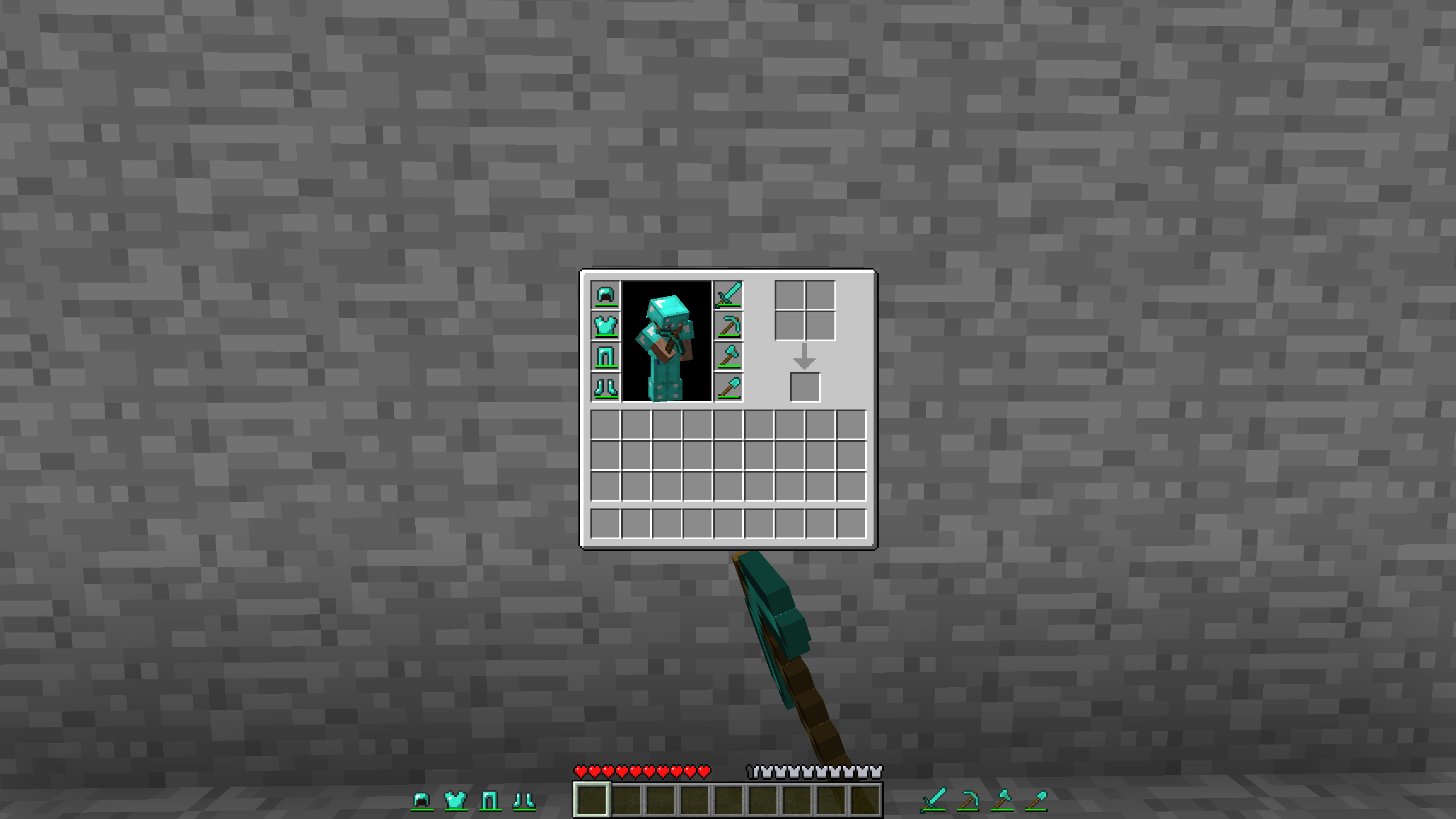
Coolbelt is a toolbelt mod for Minecraft Beta 1.7.3 that adds slots for your sword, pickaxe, axe, and shovel.
The tool that is currently in-use is displayed in your main hand and replaces the item currently being held.
The mod automatically selects the most efficient tool for the job, and allows you to choose from several options for deciding which tool to use when the selected item is also a tool.
This mod requires the following in order to function:
>=0.8.1coolbelt-x.x.x.jar file..jar file into your instance's mods directory.Mixes into PlayerInventory, TextureManager, InGameHud, GameOptions. TranslationStorage, ToolItem, AxeItem, PickaxeItem, ShovelItem, SwordItem.
The controls menu gets crowded when other mods also add keybinds.
Solution: Install a mod that implements a scrollable controls screen.
With Accessory API versions lower than 0.9.0, some HUD elements list items incorrectly.
Solution: Upgrade to a newer version, or disable "Always show tool durabilities".
Inventory operations from other mods are offset by the amount of slots added to Accessory API.
Solution: Check if the affected mod offers a compatibility patch or option.
Project description from Modrinth.
Pick your setup
Choose the version and loader you play, then open the matching release.
Check the dependencies, then try the file in a copied instance before changing a world you care about.
Recent files
coolbelt-1.9.0.jar
19 Oct 2026
coolbelt-1.8.5.jar
7 Oct 2026
coolbelt-1.8.4.jar
30 Sept 2026
coolbelt-1.8.3.jar
25 Sept 2026
coolbelt-1.8.2.jar
24 Sept 2026
coolbelt-1.8.1.jar
22 Sept 2026
coolbelt-1.8.0.jar
22 Sept 2026
coolbelt-1.7.4.jar
18 Sept 2026
coolbelt-1.7.3.jar
17 Sept 2026
coolbelt-1.7.2.jar
16 Sept 2026
coolbelt-1.7.1.jar
16 Sept 2026
coolbelt-1.7.0.jar
15 Sept 2026
Looking for an older file? The official Modrinth project page is in Resources.
 mod
A tech mod with pipes, computers, guns, rusty machinery and meat.
 mod
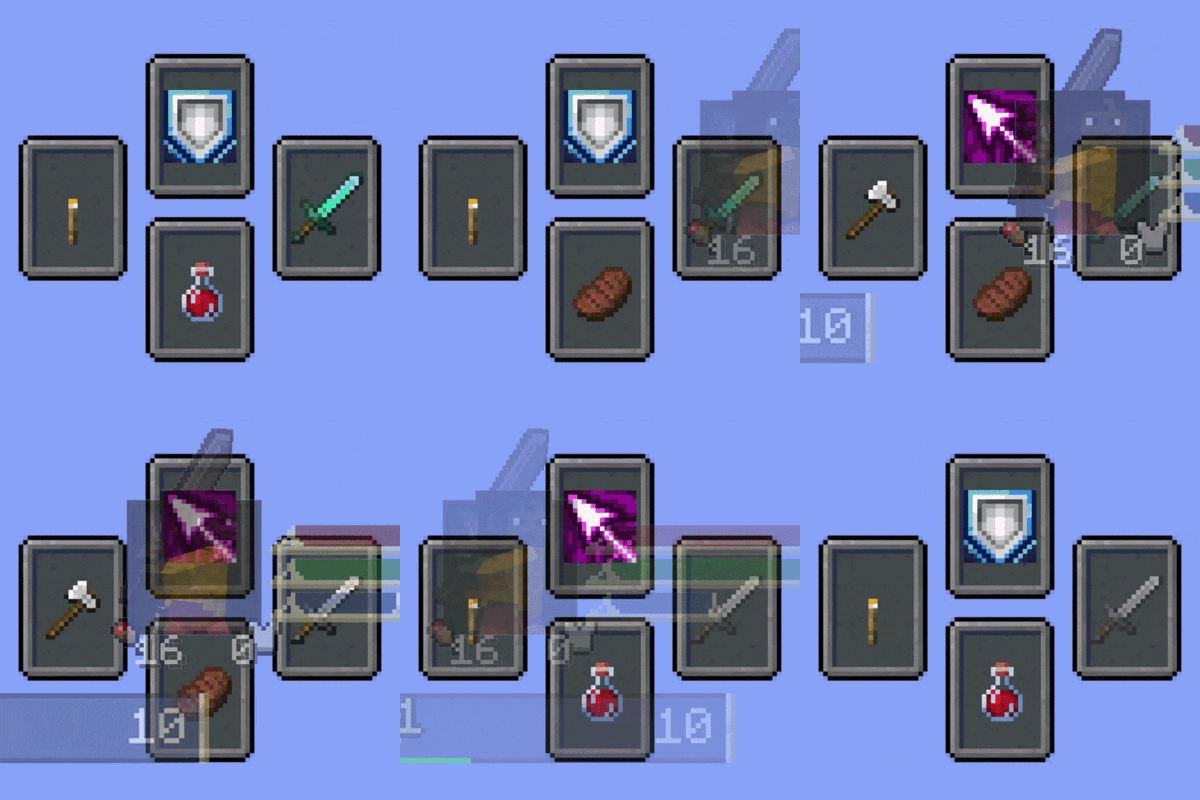
Adds a soulslike HUD featuring equipment slots, boss bar, status gauges and team display.
 mod
Alternative Options Menu for Sodium