Rinku Optional for Minedows 2000 1.0.0-beta.9
optionalNo matching file

Modrinth · Minecraft mod
A familiar look and feel in the most unexpected place.
Quick answer
Minedows 2000 1.0.0-beta.9 targets 26.3 with Fabric, Quilt. It must be installed on the client. Do not install it on the dedicated server. 1 required mod needs a matching file.
Where it goes
It must be installed on the client. Do not install it on the dedicated server.
This file is marked client-only.
1.0.0-beta.9 on Quilt. Every mod below is checked against that same setup.
Install Fabric API, AlinLib first, but 1 required mod has no matching file for this setup. Do not mix loader builds to force a match. 1 comes through another mod in the chain.
1 extra mod was pulled in by another dependency. Indented rows show who needs each one. We only count dependency files that match this setup. A file for another loader does not fill the gap.
Before you install it
Built for Minedows 2000 1.0.0-beta.9 on Quilt. Pick another file and the loader, install side or required mods may change.
Use 1.0.0-beta.9. It targets 26.3 with Fabric, Quilt; another release may have different loader, side or dependency requirements.
Install Fabric API, AlinLib first, but 1 required mod has no matching file for this setup. Do not mix loader builds to force a match. 1 comes through another mod in the chain.
It must be installed on the client. Do not install it on the dedicated server.
Use the “Get this file” button beside 1.0.0-beta.9. It opens that exact file at the source.
About this project
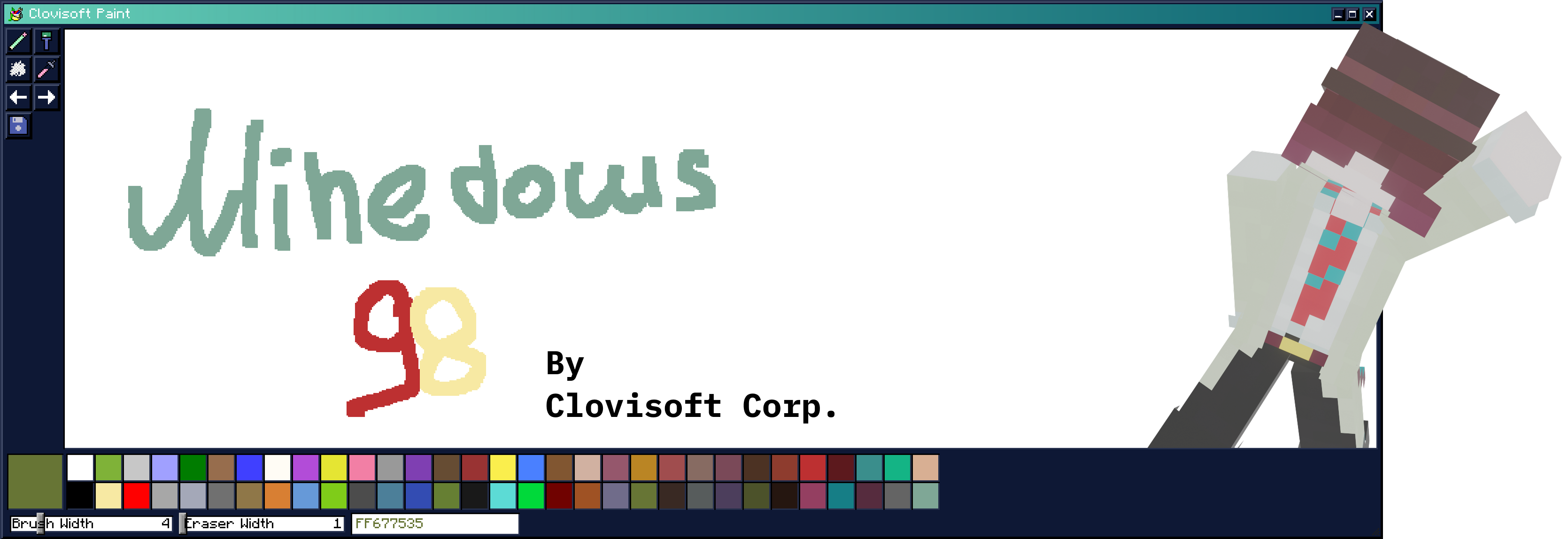
Introducing Minedows 98!
Feel like you're back in the old days with the modern video game Minecraft. You can do anything you want with windows, your surroundings, and even create!
Let's take a closer look at the features.
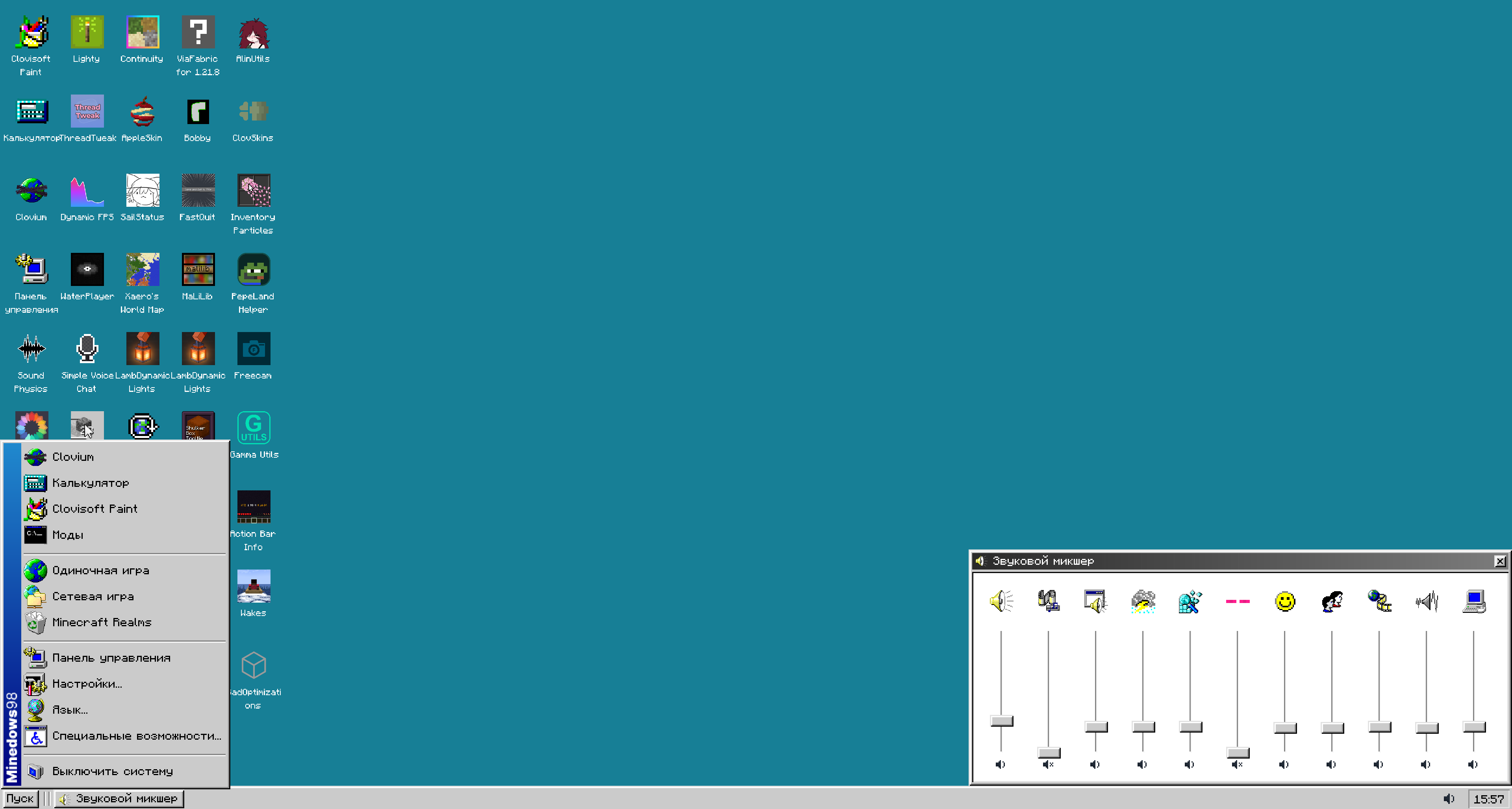
You can customize the shortcuts, wallpapers, and color palette of your environment.
Now let's take a look at a couple of programs that come with the “Operating System.”
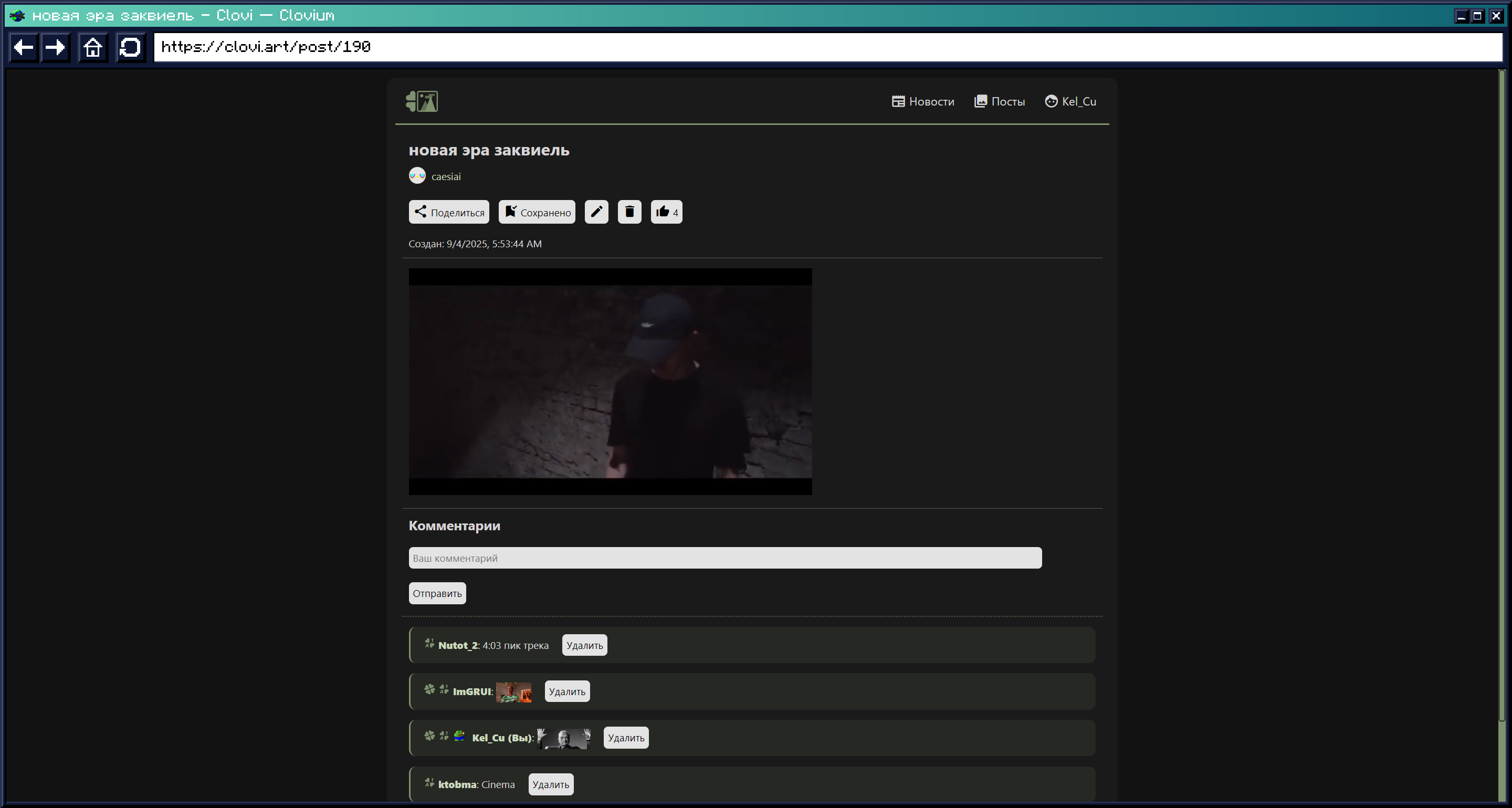
Here you can go anywhere on the World Wide Web, except vk.ru
Important: in order for the browser to work and be available, you need to install MCEF for 1.21.8 and above!
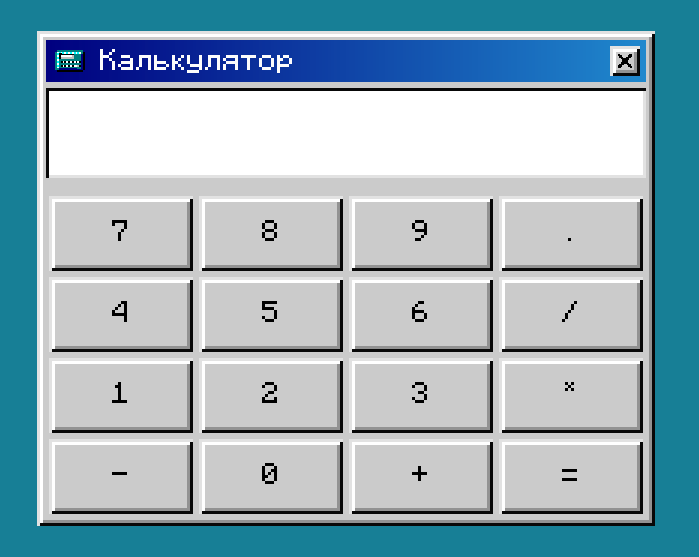
A simple calculator where you can calculate your diamonds on your favorite server.
You got it right, we made our own version of Microsoft Paint 1998 in Minecraft, where you can draw anything you want!
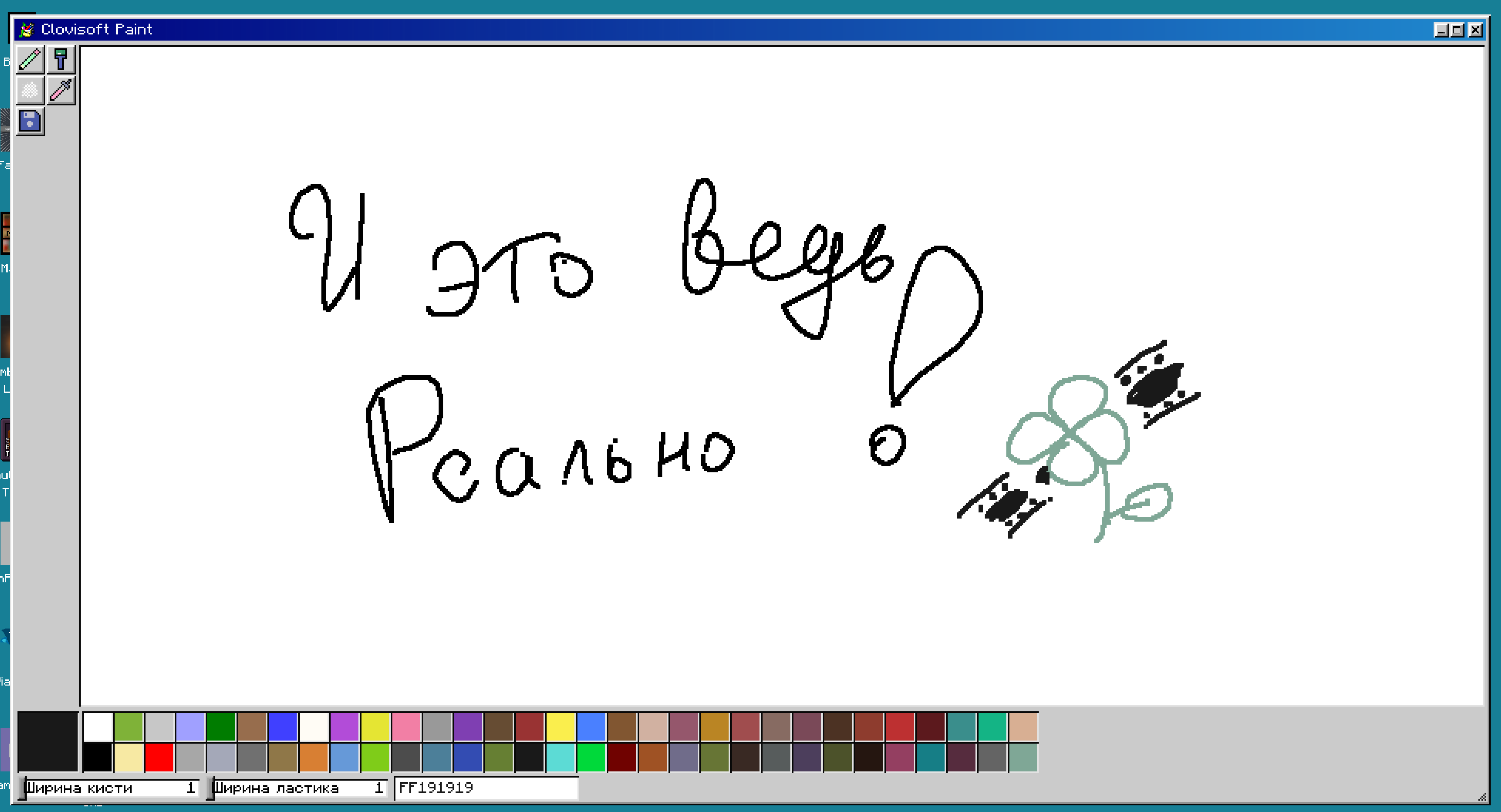
Now that we've discussed the apps, let's talk about
You can set any wallpaper you like, for example: Perlin Noise with its colors, a boring solid color, or a familiar panorama. But that's not all! You can set your own wallpaper using your images in the world machine.
As mentioned earlier, you can customize the color palette of your theme or use ready-made ones in the “system.” Here is an example of a desktop in the “Urban environment” style:

Now that you're interested, we look forward to seeing you in the Minedows 98 family!
With love,
Clovisoft Corp.!
Project description from Modrinth.
Pick your setup
Choose the version and loader you play, then open the matching release.
Check the dependencies, then try the file in a copied instance before changing a world you care about.
Recent files
Minedows 2000-1.0.0-beta.9+mc26.3.jar
24 Nov 2026
Minedows 2000-1.0.0-beta.8+mc26.3.jar
17 Nov 2026
Minedows 98-1.0.0-beta.7-true+mc1.21.8.jar
4 Jan 2026
Minedows 98-1.0.0-beta.7-true+mc1.21.10.jar
4 Jan 2026
Minedows 98-1.0.0-beta.7+mc1.21.8.jar
4 Jan 2026
Minedows 98-1.0.0-beta.7+mc1.21.10.jar
4 Jan 2026
Minedows 98-fabric-1.0.0-beta.5+mc1.21.8.jar
18 Nov 2025
Minedows 98-fabric-1.0.0-beta.4+mc1.21.8.jar
16 Nov 2025
Minedows 98-fabric-1.0.0-beta.3+mc1.21.8.jar
23 Oct 2025
Minedows 98-fabric-1.0.0-beta.2+mc1.21.8.jar
18 Oct 2025
Looking for an older file? The official Modrinth project page is in Resources.
 mod
Mobs can drop their head when killed by a player, easy drop rate config, drop messages, advancement collection and more
 mod
Adding more birds to your Minecraft world!
 mod
this mod changes how Minecraft schedules sounds in order to prevent the sound pool to fill up