Fabric API Needed by TwitchierChat 1.4+26.3
requiredMatching file found Matched file: 0.166.2+26.3

Modrinth · Minecraft mod
Server side fabric mod to make minecraft chat more like twitch's. Adds emotes, name colors, replies and much more.
Quick answer
TwitchierChat 1.4+26.3 targets 26.3 with Fabric. Do not install it on the client. It must be installed on the dedicated server. All 1 required mods have matching files.
Where it goes
Do not install it on the client. It must be installed on the dedicated server.
This file is marked server-only.
1.4+26.3 on 26.3. Every mod below is checked against that same setup.
Install Fabric API first. We found matching files for this game-version and loader setup.
We only count dependency files that match this setup. A file for another loader does not fill the gap.
Before you install it
Built for TwitchierChat 1.4+26.3 on 26.3. Pick another file and the loader, install side or required mods may change.
Use 1.4+26.3. It targets 26.3 with Fabric; another release may have different loader, side or dependency requirements.
Install Fabric API first. We found matching files for this game-version and loader setup.
Do not install it on the client. It must be installed on the dedicated server.
Use the “Get this file” button beside 1.4+26.3. It opens that exact file at the source.
About this project
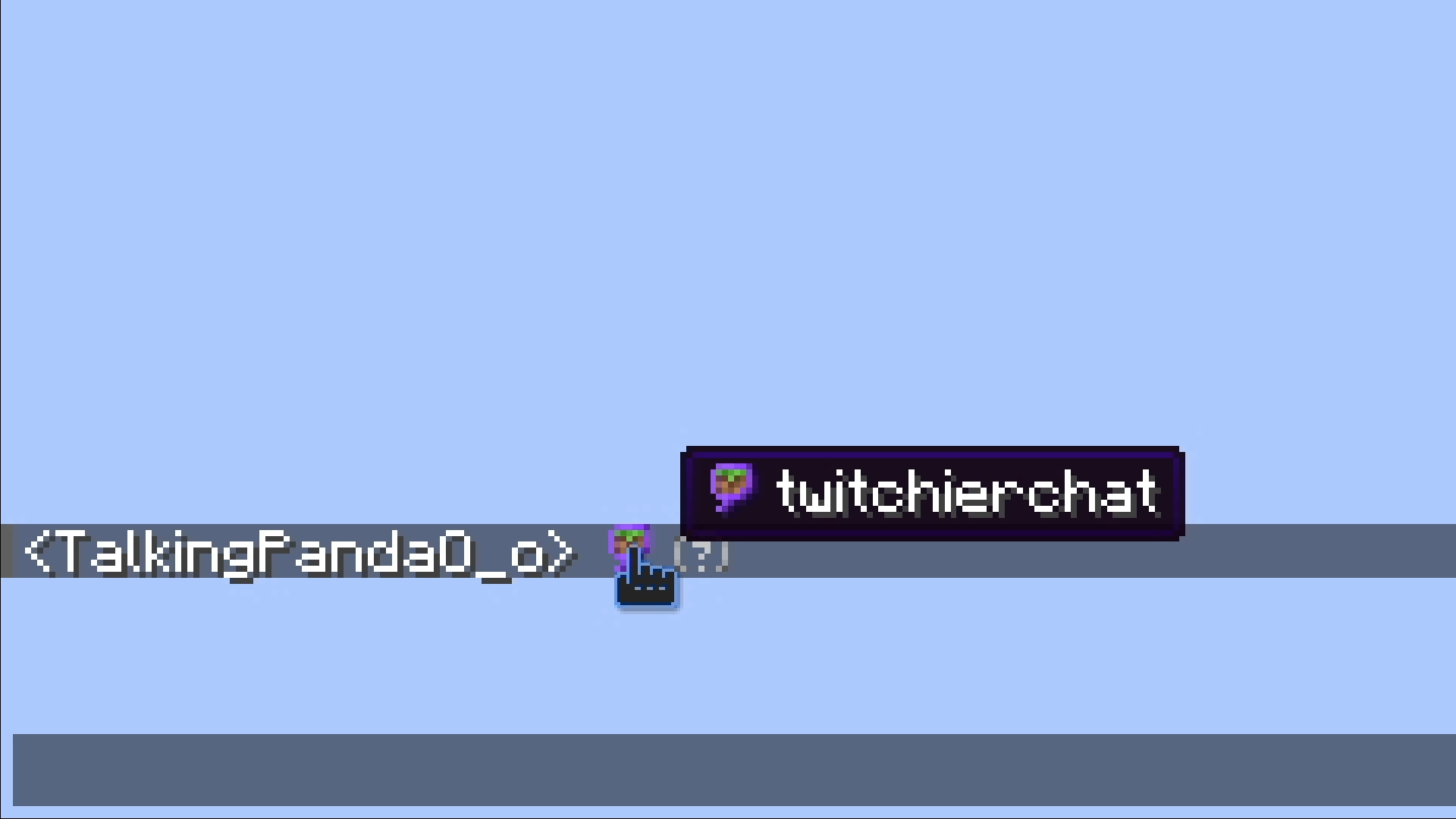
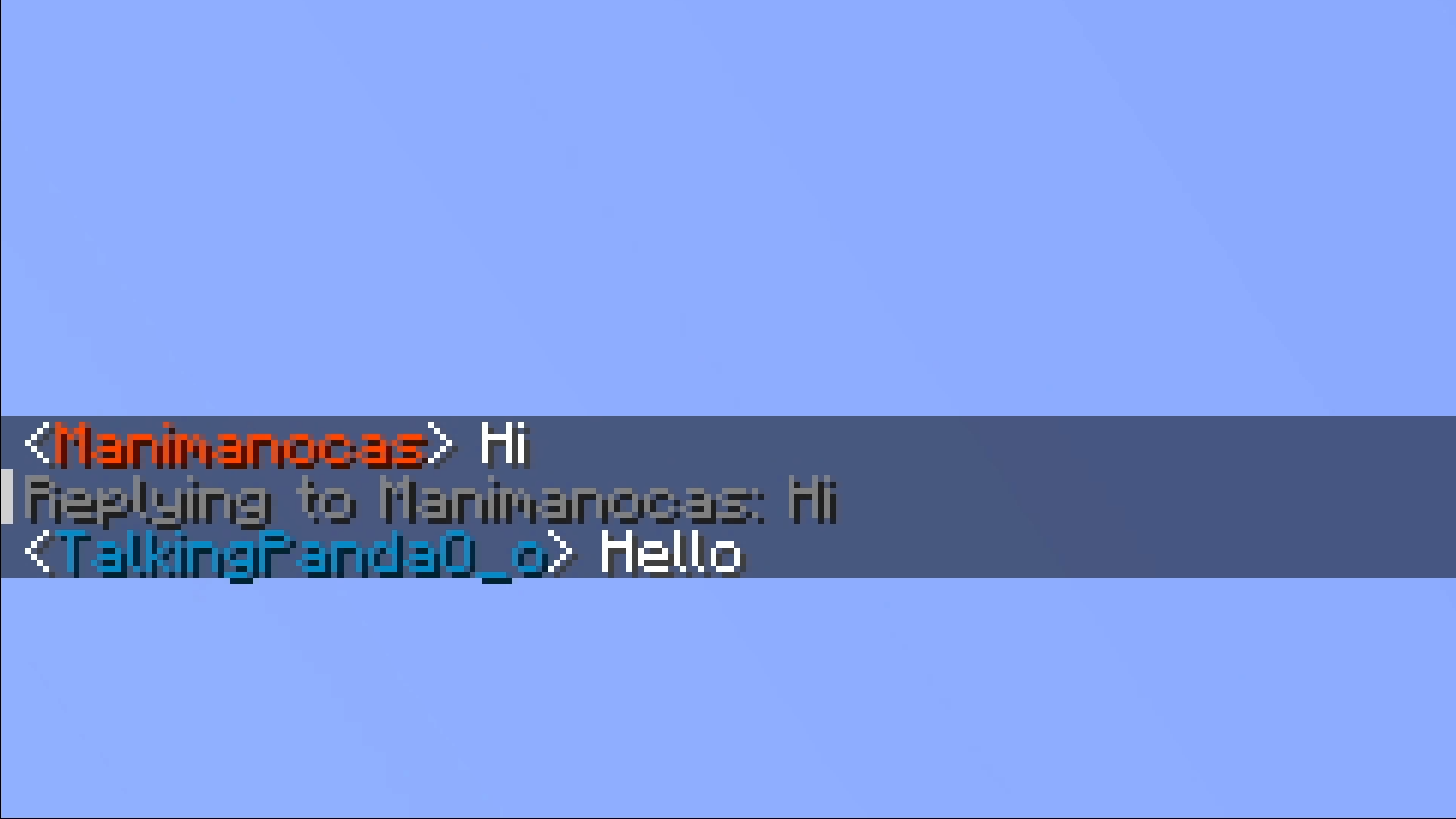
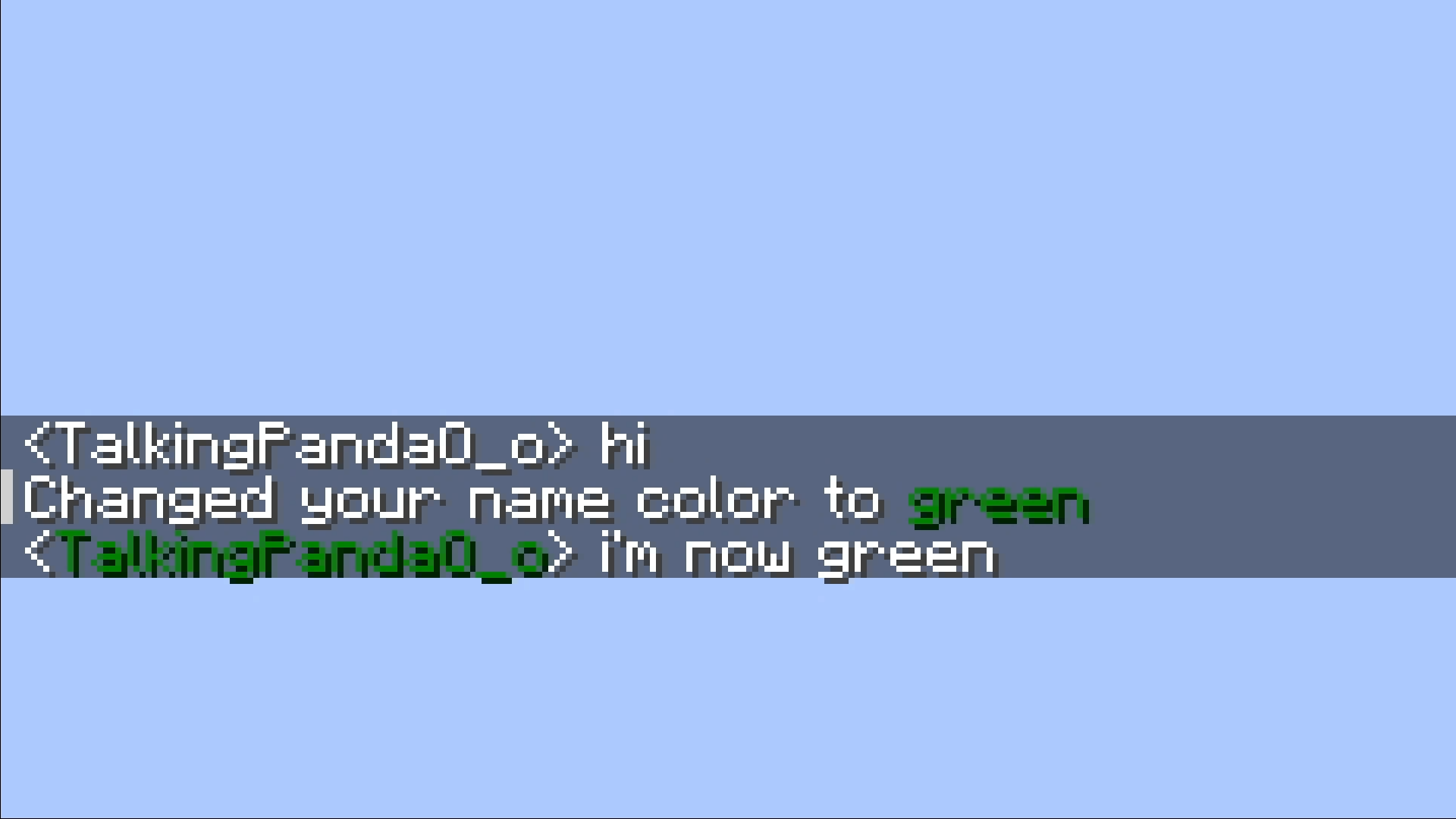
< >, they don't need to be on the server or even online.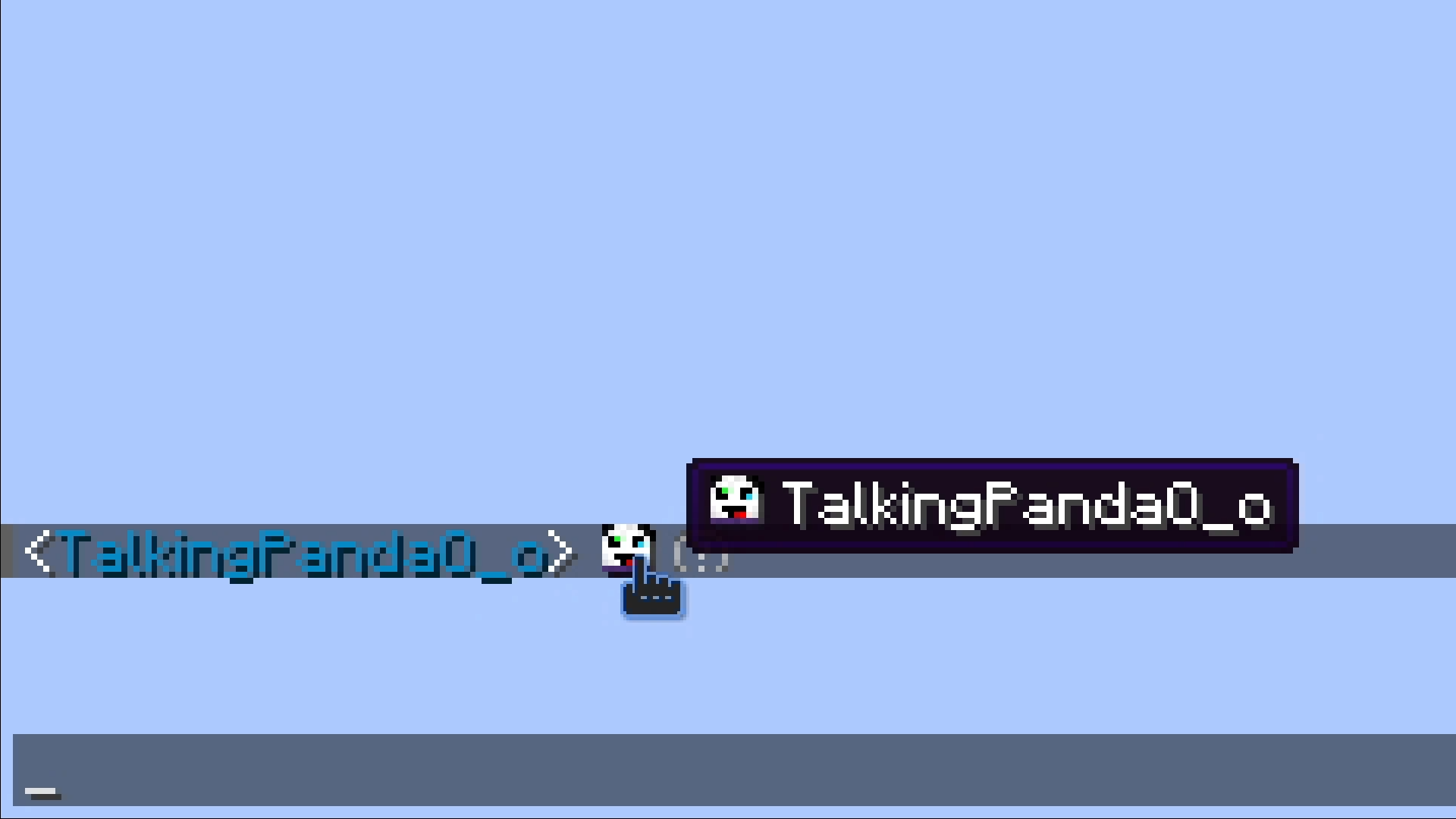
/twitchierchat server <address> <port>
Sets the server address used for the emote resource pack. Requires operator priviliges.
<address> needs to be the address players are using to join your server.
<port> will be set to the port you have in server.properties if empty.
/twitchierchat managers
Lists current managers.
/twitchierchat managers add <player>
Will make <player> a manager.
Managers can remove and add emotes they can't add or remove other managers. Requires operator priviliges.
/twitchierchat managers remove <player>
Will remove <player> from managers.
/emotes add <emote> <sourceUrl> <showLogs> <tileSize> <fps>
Adds emote with name <emote> from <sourceUrl> with size <tileSize> and framerate <fps>. Can be run by operators or managers.
<emote> can't be longer than 14 characters.
/emotes remove <emote>
Removes emote with name <emote>. Can be run by operators or managers.
/emotes reload
Reloads the emotes from the resource pack file.
/emotes update
Sends the resource pack to the person running it.
/emotes list
Shows a list of every emote.
/ping
Shows your current ping status.
ping on|off
Turns pings on or off.
/ping reply on|off
Turns pings on or off for replies.
/ping alias
Lists your current aliases.
/ping aliases add <alias>
Adds <alias> to your aliases.
/ping aliases remove <alias>
Removes <alias> from your aliases.
/ping sound
Will show and play your current ping sound.
/ping sound <sound>
Sets your ping sound <sound>.
/ping resetSound
Resets your ping sound.
/ping blocked
Shows the players you currently have blocked.
/ping block <player>
Prevents <player> from pinging you.
/ping unblock <player>
Allows <player> to ping you again.
Project description from Modrinth.
Pick your setup
Choose the version and loader you play, then open the matching release.
Check the dependencies, then try the file in a copied instance before changing a world you care about.
Recent files
TwitchierChat-1.4+26.3.jar
19 Sept 2026
Looking for an older file? The official Modrinth project page is in Resources.
 mod
A mod that displays the domain name which could be written by players when you enters an area
 mod
Allow users to link their Minecraft accounts to various services and automatically whitelist them based on specified conditions
 mod
a core mod