Minecraft version
Back to mods 
Modrinth · Minecraft mod
Copyer
Allow you to copy entities or blocks in the form of an item or book with a command to obtain
Choose a version Pick your version below, then grab the matching file.
Quick answer
Which Copyer release matches 1.20.3?
Best match for your filters 1.3
Game version 1.20.2, 1.20.3, 1.20.4
Loader Fabric, Forge, NeoForge
Copyer 1.3 targets 1.20.2, 1.20.3, 1.20.4 with Fabric, Forge, NeoForge. Installation on the client is optional. Installation on the dedicated server is optional. No extra mods listed for this file.
Where it goes
Is Copyer required on the client, server, or both?
Installation on the client is optional. Installation on the dedicated server is optional.
Client Optional
Dedicated server Optional
Loader for this release Fabric, Forge, NeoForge
Required install it here Optional supported, not mandatory Not supported do not install here Source doesn’t say do not assume
The source marks this as usable on both the client and server.
What else does Copyer 1.3 need?
1.3 on 1.20.3. Every mod below is checked against that same setup.
This file does not list any required mods. Do not add a library just because a different file uses it.
This file does not list any required or optional mods.
Before you install it
Add Copyer without breaking your instance.
Built for Copyer 1.3 on 1.20.3. Pick another file and the loader, install side or required mods may change.
- 01
Stick to this file
Use 1.3. It targets 1.20.2, 1.20.3, 1.20.4 with Fabric, Forge, NeoForge; another release may have different loader, side or dependency requirements.
- 02
Bring the mods it needs
This file does not list any required mods. Do not add a library just because a different file uses it.
- 03
Put it on the correct side
Installation on the client is optional. Installation on the dedicated server is optional.
- 04
Pick the file you checked
Use the “Get this file” button beside 1.3. It opens that exact file at the source.
About this project
What does Copyer add?
Description
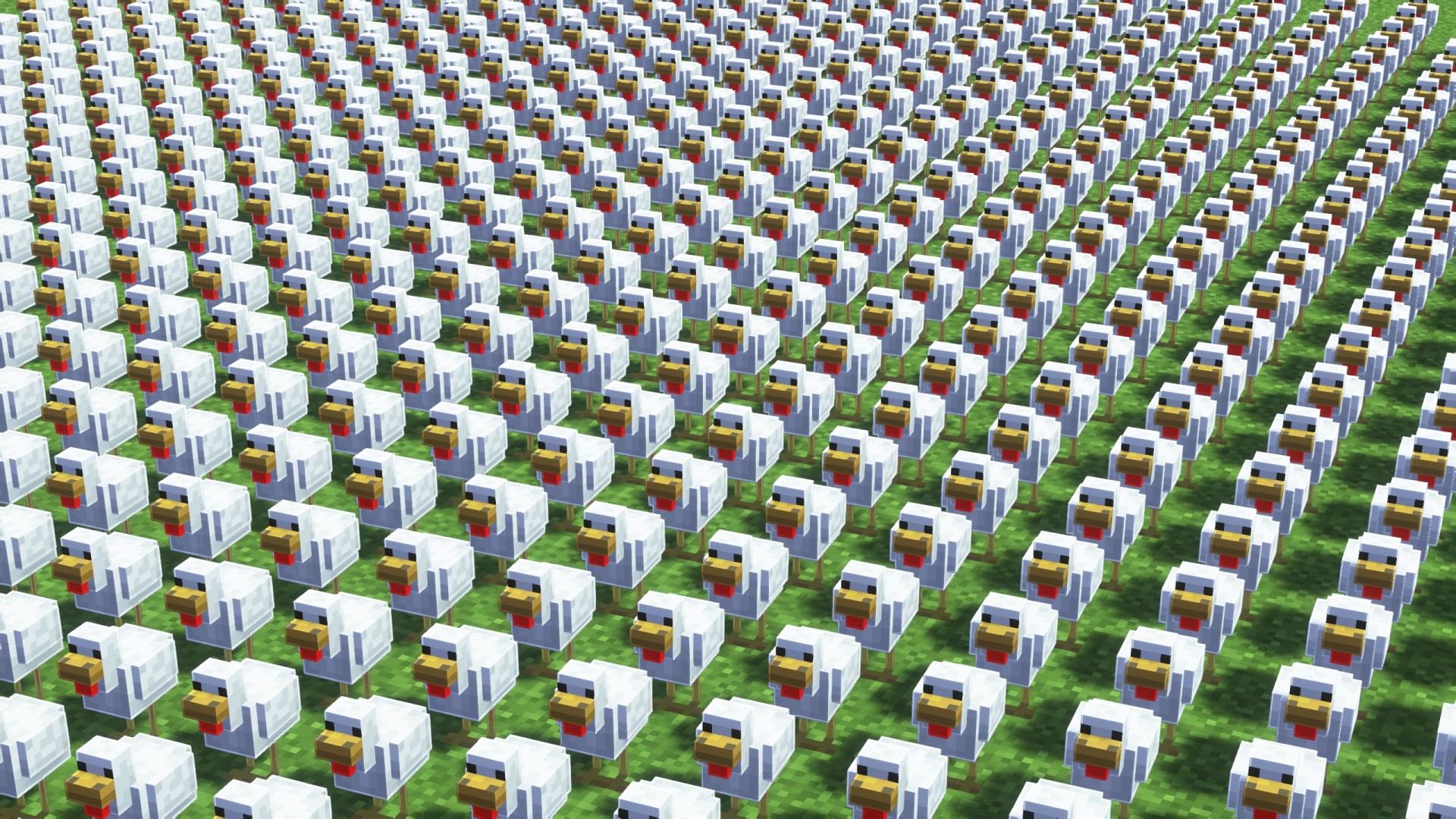
Mods/datapacks allow you to copy items, entities or blocks in the form of an item or book with a command to receive it. With its help, you can speed up your work, find out what command is required to get something, and you can also transfer blocks or entities to other worlds by simply copying a command from the book and pasting it where you need it. The mod/datapack is still being developed, but most of the functionality is present.
How to use
Blocks
To copy a block you need to stand on it and execute one of the commands below
To copy data about a block without properties (such as rotation or water filling) to the workbook, you need to use this command
/trigger block_book_np
To copy data about a block with properties to a book, you need to use this command
/trigger block_book_p
To copy a block to inventory without properties you need to use this command
/trigger block_item_np
To copy a block to inventory with properties you need to use this command
/trigger block_item_p
Entities
To copy an entity you need to go to it and execute one of the commands below
To copy an entity in the form of a book, you need to use this command
/trigger entity_book
To copy an entity in the form of a spawn egg you need to use this command
/trigger entity_egg
Items
To copy an item, you need to take it into your main hand and execute the command.
To copy an item as a book you need to use this command
/trigger item_book
Dependencies
- Fabric loader requires Fabric API
Project description from Modrinth.
Pick your setup
Copyer by Minecraft version and loader
Choose the version and loader you play, then open the matching release.
Minecraft version
1.20.3
5 loader buildsMinecraft version
1.20.2
5 loader buildsCheck the dependencies, then try the file in a copied instance before changing a world you care about.
Recent files
Copyer versions and loaders
1.3
copyer-1.3v.jar
6 Jan 2025
Client Optional Server Optional Dependencies No extras listed Listed on Release listing
Check the 1.20.3 · Fabric setup 1.20.21.20.31.20.4Fabric release
1.2
Copyer 1.2v.zip
3 Jan 2025
Client Optional Server Optional Dependencies No extras listed Listed on Release listing
Check the 1.20.3 · datapack setup 1.20.21.20.31.20.4datapack release
1.2
Copyer 1.2v.jar
14 Jul 2024
Client Optional Server Optional Dependencies No extras listed Listed on Release listing
Check the 1.20.3 · Quilt setup 1.20.21.20.31.20.4Quilt release
1.2
Copyer 1.2v.jar
14 Jul 2024
Client Optional Server Optional Dependencies No extras listed Listed on Release listing
Check the 1.20.3 · Forge setup 1.20.21.20.31.20.4Forge release
1.2
Copyer 1.2v.jar
14 Jul 2024
Client Optional Server Optional Dependencies 1 required · 1 unchecked Listed on Release listing
Check the 1.20.3 · Fabric setup 1.20.21.20.31.20.4Fabric release
1.1
Copyer 1.1v 20+.zip
14 Jul 2024
Client Optional Server Optional Dependencies No extras listed Listed on Release listing
Check the 1.20.3 · datapack setup 1.20.21.20.31.20.4datapack release
1.1
Copyer 1.1v.jar
30 Jun 2024
Client Optional Server Optional Dependencies No extras listed Listed on Release listing
Check the 1.20.3 · Quilt setup 1.20.21.20.31.20.4Quilt release
1.1
Copyer 1.1v.jar
30 Jun 2024
Client Optional Server Optional Dependencies No extras listed Listed on Release listing
Check the 1.20.3 · Forge setup 1.20.21.20.31.20.4Forge release
1.1
Copyer 1.1v.jar
30 Jun 2024
Client Optional Server Optional Dependencies 1 required · 1 unchecked Listed on Release listing
Check the 1.20.3 · Fabric setup 1.20.21.20.31.20.4Fabric release
1.0
Copyer 1.0v.jar
9 Jun 2024
Client Optional Server Optional Dependencies No extras listed Listed on Release listing
Check the 1.20.3 · Quilt setup 1.20.21.20.31.20.4Quilt release
1.0
Copyer 1.0v.jar
9 Jun 2024
Client Optional Server Optional Dependencies No extras listed Listed on Release listing
Check the 1.20.3 · Forge setup 1.20.21.20.31.20.4Forge release
1.0
Copyer 1.0v.jar
9 Jun 2024
Client Optional Server Optional Dependencies 1 required · 1 unchecked Listed on Release listing
Check the 1.20.3 · Fabric setup 1.20.21.20.31.20.4Fabric release
Looking for an older file? The official Modrinth project page is in Resources.
 mod
CurseForge + Modrinth · Minecraft
Immersive Panoramas
Replaces the static vanilla main menu with a panoramic view of your actual in-game locations.
 mod
CurseForge + Modrinth · Minecraft
Euphoria Patches
Euphoria Patches is an add-on for Complementary Shaders, extending it with more optional features and settings.
 mod
CurseForge + Modrinth · Minecraft
Particle Rain
replaces the default weather with particle effects