Kotlin for Forge Needed by Better Health Indicator 1.0.0+mc1.20.1
requiredMatching file found Matched file: 4.12.0

Modrinth · Minecraft mod
Say goodbye to boring health bars! Experience combat with a beautiful, dynamic, and smooth animated health indicator.
Quick answer
Better Health Indicator 1.0.0+mc1.20.1 targets 1.20.1 with Forge. It must be installed on the client. Do not install it on the dedicated server. All 1 required mods have matching files.
Where it goes
It must be installed on the client. Do not install it on the dedicated server.
This file is marked client-only.
1.0.0+mc1.20.1. Change the file and its required mods may change too.
Install Kotlin for Forge first. We found matching files for this game-version and loader setup.
We only count dependency files that match this setup. A file for another loader does not fill the gap.
Before you install it
Built for Better Health Indicator 1.0.0+mc1.20.1. Pick another file and the loader, install side or required mods may change.
Use 1.0.0+mc1.20.1. It targets 1.20.1 with Forge; another release may have different loader, side or dependency requirements.
Install Kotlin for Forge first. We found matching files for this game-version and loader setup.
It must be installed on the client. Do not install it on the dedicated server.
Use the “Get this file” button beside 1.0.0+mc1.20.1. It opens that exact file at the source.
About this project
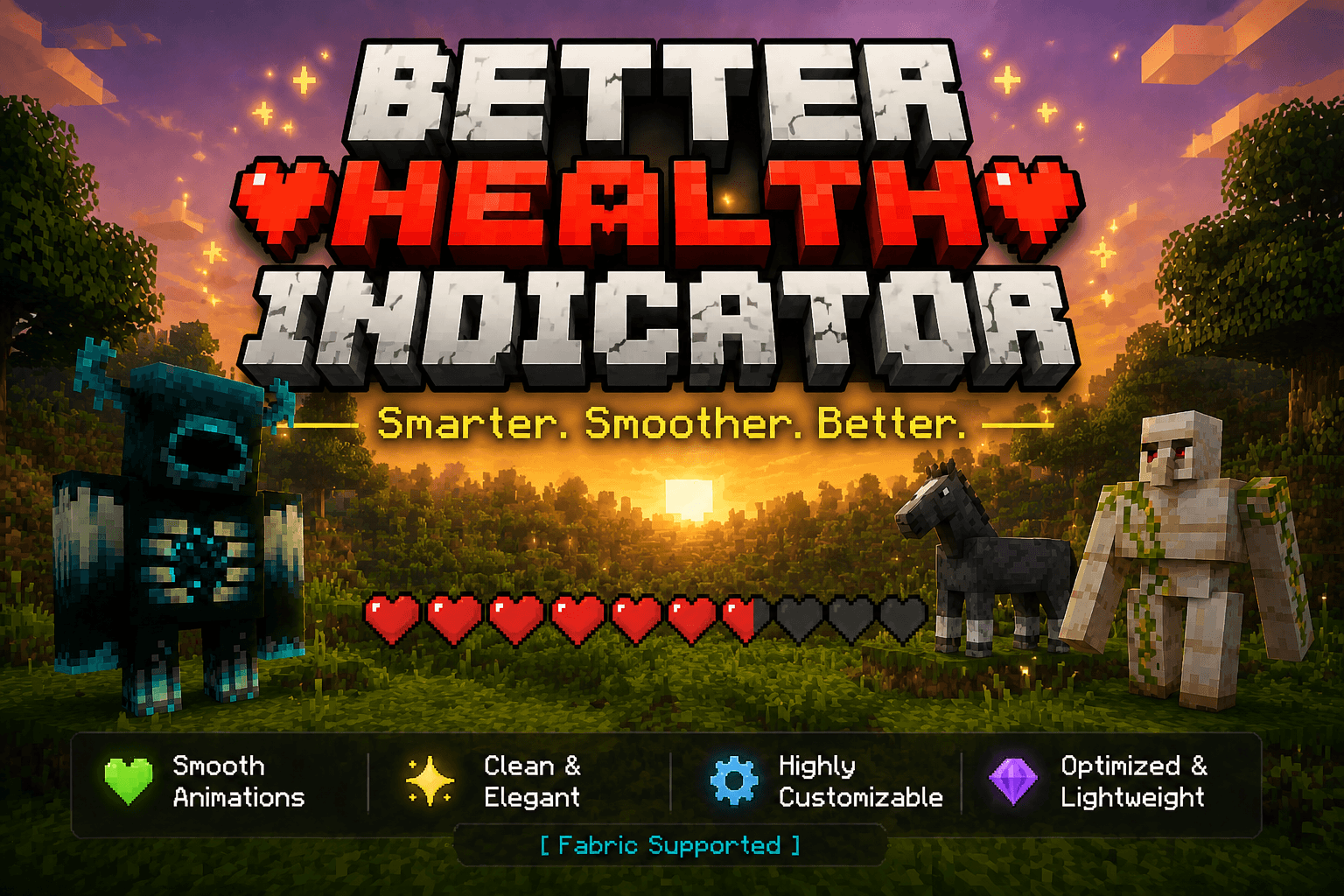
Say goodbye to boring health bars! Better Health Indicator is a client-side Fabric mod that replaces plain mob health display with a beautiful, dynamic, and smoothly animated indicator — both above entities and in a rich on-screen panel.
Client-side only. It does not need to be installed on the server, and works on most servers for normal mobs and players.
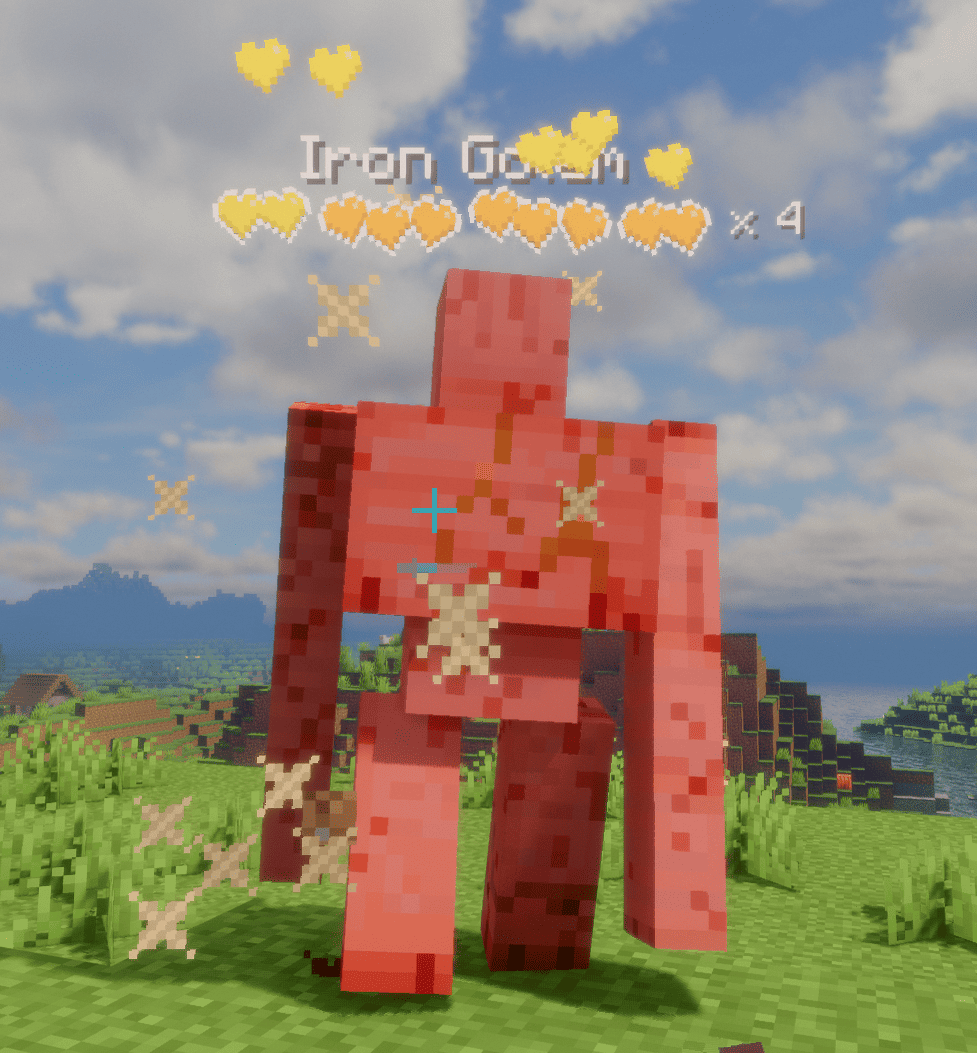
Fully configurable in-game via Mod Menu + Cloth Config (both optional). Without them, settings still load from config/better_health_indicator.json.
Project description from Modrinth.
Pick your setup
Choose the version and loader you play, then open the matching release.
Showing the newest 12 of 14 game versions. Older files are in the list below.
Check the dependencies, then try the file in a copied instance before changing a world you care about.
Recent files
better_health_indicator-neoforge-1.20.1-1.0.0+mc1.20.1.jar
16 Aug 2026
better_health_indicator-forge-1.20.1-1.0.0+mc1.20.1.jar
16 Aug 2026
better_health_indicator-fabric-1.20.1-1.0.0+mc1.20.1.jar
16 Aug 2026
better_health_indicator-forge-1.21.1-1.0.0+mc1.21.1.jar
21 Jul 2026
better_health_indicator-neoforge-26.1.2-1.0.0+mc26.1.2.jar
20 Jul 2026
better_health_indicator-neoforge-1.21.11-1.0.0+mc1.21.11.jar
20 Jul 2026
better_health_indicator-neoforge-1.21.1-1.0.0+mc1.21.1.jar
20 Jul 2026
better_health_indicator-fabric-1.14.4-1.0.0+mc1.14.4.jar
20 Jul 2026
better_health_indicator-fabric-1.16.5-1.0.0+mc1.16.5.jar
20 Jul 2026
better_health_indicator-fabric-1.20.4-1.0.0+mc1.20.4.jar
20 Jul 2026
better_health_indicator-fabric-1.21.11-1.0.0+mc1.21.11.jar
20 Jul 2026
better_health_indicator-fabric-26.2-1.0.0+mc26.2.jar
20 Jul 2026
Looking for an older file? The official Modrinth project page is in Resources.
 mod
modCobblemon Parts Refabricated adds various different pokeball lids and bases which replace all of the standard pokeball recipes from cobblemon. All recipes can be configured to your liking via datapacks.
 mod
modBackup mod that keeps your worlds safe with automatic and manual backups, with an easy in-game UI to create, manage, and restore them.
 mod
modMadoku Craft: Core modifies and adds gameplay systems to Minecraft.