YUNG's API Needed by YUNG's Cave Biomes 26.1.2-NeoForge-4.1.1
requiredMatching file found Matched file: 26.1.2-NeoForge-6.1.3

Modrinth · Minecraft mod
Adds new vanilla+ cave biomes and underground content!
Quick answer
YUNG's Cave Biomes 26.1.2-NeoForge-4.1.1 targets 26.1.1, 26.1.2 with NeoForge. Installation on the client is optional. Installation on the dedicated server is optional. All 1 required mods have matching files.
Where it goes
Installation on the client is optional. Installation on the dedicated server is optional.
The source marks this as usable on both the client and server.
26.1.2-NeoForge-4.1.1. Change the file and its required mods may change too.
Install YUNG's API first. We found matching files for this game-version and loader setup.
We only count dependency files that match this setup. A file for another loader does not fill the gap.
Before you install it
Built for YUNG's Cave Biomes 26.1.2-NeoForge-4.1.1. Pick another file and the loader, install side or required mods may change.
Use 26.1.2-NeoForge-4.1.1. It targets 26.1.1, 26.1.2 with NeoForge; another release may have different loader, side or dependency requirements.
Install YUNG's API first. We found matching files for this game-version and loader setup.
Installation on the client is optional. Installation on the dedicated server is optional.
Use the “Get this file” button beside 26.1.2-NeoForge-4.1.1. It opens that exact file at the source.
About this project
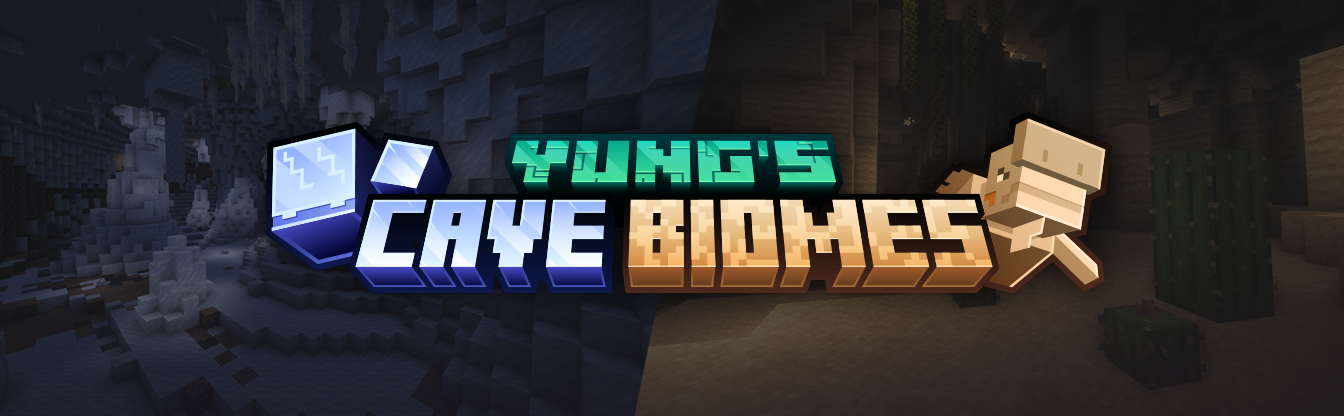

YUNG's Cave Biomes is a vanilla+ mod that adds two new cave biomes to the game, the Frosted Caves and the Lost Caves! Each biome features the addition of a new mob, new blocks, items, music, and more.

YUNG's Cave Biomes is intended to be fully compatible with every mod, including other worldgen mods. Any known incompatibility notes will be mentioned here. If you encounter any compatibility issues, please let us know in the Discord!


Project description from Modrinth.
Pick your setup
Choose the version and loader you play, then open the matching release.
Check the dependencies, then try the file in a copied instance before changing a world you care about.
Recent files
YungsCaveBiomes-26.1.2-NeoForge-4.1.1.jar
19 Aug 2026
YungsCaveBiomes-26.1.2-Fabric-4.1.1.jar
19 Aug 2026
YungsCaveBiomes-26.1.2-NeoForge-4.1.0.jar
24 Jun 2026
YungsCaveBiomes-26.1.2-Fabric-4.1.0.jar
24 Jun 2026
YungsCaveBiomes-1.21.1-Fabric-3.1.1.jar
21 Aug 2025
YungsCaveBiomes-1.21.1-NeoForge-3.1.1.jar
21 Aug 2025
YungsCaveBiomes-1.20.1-Fabric-2.0.5.jar
2 Jun 2025
YungsCaveBiomes-1.20.1-Forge-2.0.5.jar
2 Jun 2025
YungsCaveBiomes-1.20.1-Fabric-2.0.4.jar
14 Mar 2025
YungsCaveBiomes-1.20.1-Forge-2.0.4.jar
14 Mar 2025
YungsCaveBiomes-1.20.1-Fabric-2.0.3.jar
12 Mar 2025
YungsCaveBiomes-1.20.1-Forge-2.0.3.jar
12 Mar 2025
Looking for an older file? The official Modrinth project page is in Resources.
 mod
modOverhaul survival with many changes to existing mechanics. Weapon rebalance, enchanting rework, and much more
 mod
modAdds highly customizable text bubbles for any mob.
 mod
modFishtastic adds a fishing mini-game and over 50 new fish species to the game. Compete with your friends to catch the biggest fish, and show off your most prized catches in flashy fish tanks.