Mod Menu Optional for FSit Continued 4.0.0-alpha.1+mc26.2
optionalMatching file found Matched file: 20.0.3

Modrinth · Minecraft mod
Continuation of FSit. Sit, crawl, and ride other players on modern Minecraft versions.
Quick answer
FSit Continued 4.0.0-alpha.1+mc26.2 targets 26.2 with Fabric, Quilt. Installation on the client is optional. Installation on the dedicated server is optional. All 1 required mods have matching files.
Where it goes
Installation on the client is optional. Installation on the dedicated server is optional.
The source marks this as usable on both the client and server.
4.0.0-alpha.1+mc26.2. Change the file and its required mods may change too.
Install Fabric API first. We found matching files for this game-version and loader setup. 1 comes through another mod in the chain.
1 extra mod was pulled in by another dependency. Indented rows show who needs each one. We only count dependency files that match this setup. A file for another loader does not fill the gap.
Before you install it
Built for FSit Continued 4.0.0-alpha.1+mc26.2. Pick another file and the loader, install side or required mods may change.
Use 4.0.0-alpha.1+mc26.2. It targets 26.2 with Fabric, Quilt; another release may have different loader, side or dependency requirements.
Install Fabric API first. We found matching files for this game-version and loader setup. 1 comes through another mod in the chain.
Installation on the client is optional. Installation on the dedicated server is optional.
Use the “Get this file” button beside 4.0.0-alpha.1+mc26.2. It opens that exact file at the source.
About this project
[!IMPORTANT]
This is a community continuation of FSit by rvbsm, who has been unreachable for an extended period.
This project exists solely to keep the mod alive and updated for newer Minecraft versions.
It will be taken down immediately if the original author returns and contacts us.
All credit for the original mod goes to rvbsm. Licensed under MIT.
Customizable server-side mod that allows players to sit, crawl, and ride each other.
Client-side is supported too,
it allows players to improve their experience by using client configuration
and adding some client-side mod behaviour improvements.
[!NOTE]
Inspired by GSit Spigot plugin.
Having this mod installed on the server is enough, players are not forced to have it to be able to use it.
However, installation on the client will bring some QoL improvements for players using this mod.
Such as client configuration, better crawling, and key bindings.
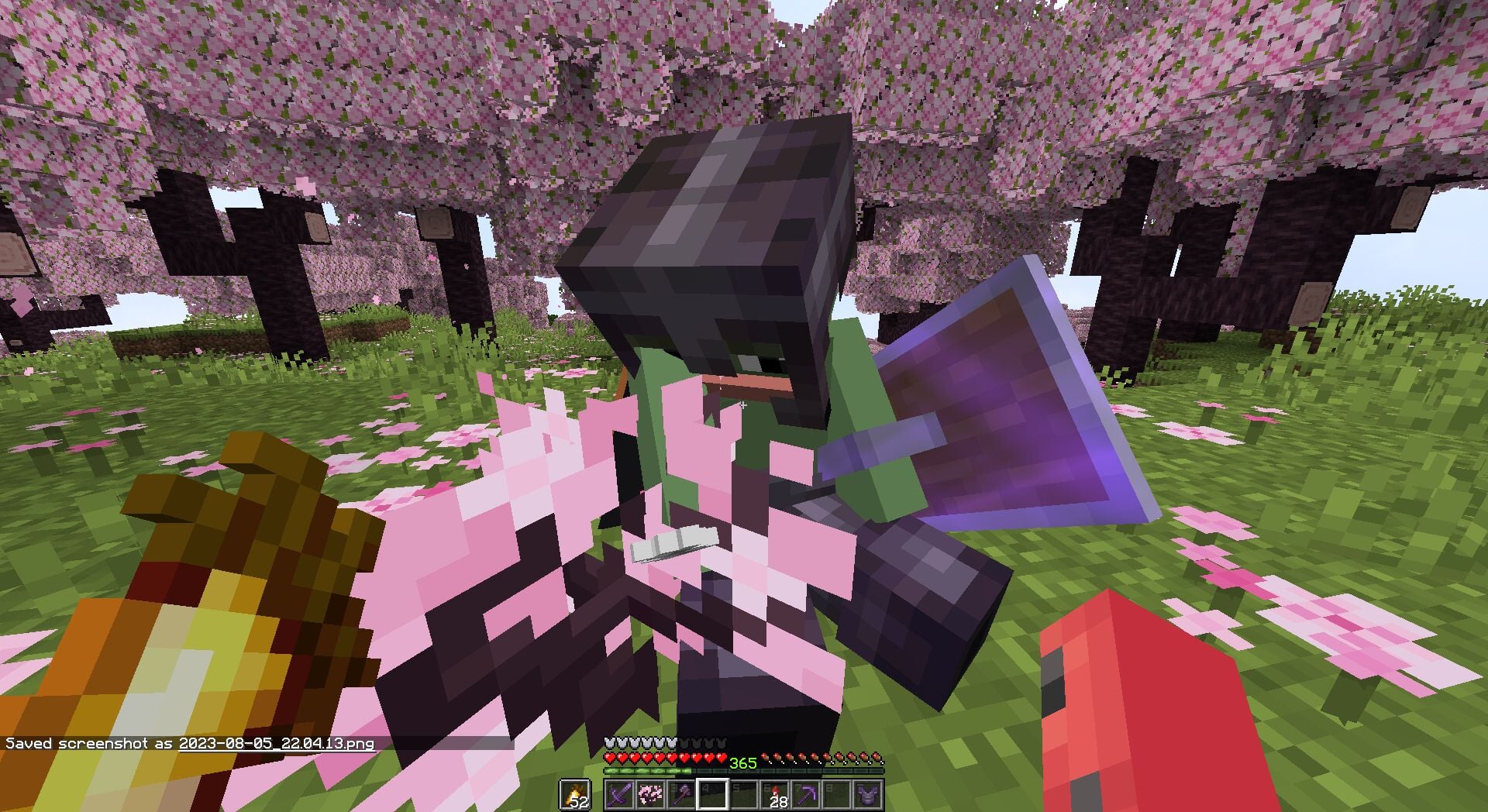
Interact with the topside of the block, that can be sat on, to start sitting on them.
Controlled with sitting.enabled.
Interact with any player to start riding them.
Clicking anyone in a riding stack will mount you on the topmost player.

Control angle difference with riding.max-yaw-difference.
Double sneak while looking down to sit right away.
Doing the same, but near the hole, will start crawling otherwise.
(sneak-activation.prefer-crawl-in-tight-space)
Minimal pitch and the sneak window can be configured withsneak-activation.min-pitch-down andsneak-activation.window-ticks accordingly.
Pose commands:
/sit — sit down where you stand/crawl — start crawling/lay — lay down (experimental)Mod commands under /fsit:
/fsit reload — re-read the configuration file (op only)/fsit mount-angle set <0..180> / /fsit mount-angle query — adjust riding.max-yaw-difference at runtime (op only)/fsit hands add <item|#tag> / remove / clear / reset / list — your own list of items that don't count as a "full" hand for the sit/mount checks./fsit teleport <vanilla|disabled|enhanced> / /fsit teleport query — what happens to anyone sitting on you when you teleport (op only, server-wide):vanilla — passengers ride along same-dimension, get left behind on cross-dimension teleportdisabled — passengers are dropped before the teleportenhanced — passengers follow you, including across dimensions (recommended)Use key bindings to start sitting (default: RCtrl) or crawling (default: RAlt).
Key bindings have three modes: Hold, Toggle, and Hybrid.
Hold and Toggle works the same as Vanilla.
Hybrid is an in-between mechanic, that works as Toggle on single-use and as Hold on holding.
The Hybrid window between Hold and Toggle can be configured from the Configuration Screen.
As was stated before, players can use their own configurations if they have this mod installed on the client.
Otherwise, server configuration will be used.
Configuration can be reloaded from the file with /fsit reload.
For clients, configuration can be modified with Mod Menu and YetAnotherConfigLib installed.
# FSit configuration. Do not edit `version` by hand.
# On a dedicated server: `/fsit reload` re-reads this file.
# On the client: reloading local config requires a game restart.
version: 2

use-server-config: false

# Sitting on blocks (e.g. slabs, stairs).
sitting:
  enabled: true
  behavior: moveable
  centered: false
  blocks:
    - '#minecraft:slabs'
    - '#minecraft:stairs'
    - '#minecraft:logs'
    - '#minecraft:fences'
    - '#minecraft:walls'

# Riding other players (interact with a player to sit on their head).
# teleport-mode is server-wide (ops only). Possible values:
#   vanilla   -> let teleports happen as-is (passengers ride along same-dim,
#                stay behind on cross-dim — and may crash without 'enhanced')
#   disabled  -> drop passengers before any teleport
#   enhanced  -> carry passengers along, including across dimensions (recommended)
riding:
  enabled: true
  max-yaw-difference: 180
  teleport-mode: vanilla

# Double-sneak shortcuts for entering sit/crawl poses.
sneak-activation:
  enabled: true
  window-ticks: 10
  min-pitch-down: 60
  prefer-crawl-in-tight-space: true

# Commands.
#   true       -> enabled with default name
#   false      -> command is not registered
#   "name"     -> enabled with a custom name (e.g. lay: sleep)
# A server restart is required for command changes to take effect.
commands:
  root: true
  sit: true
  crawl: true
  lay: true
use-server-configWhen set to true, forces all players (server) or player (client) to use server configuration.
Enabling this option will ignore client pose updates, leaving only server-to-client synchronization.
sitting.enabledAllows sitting by interacting with blocks.
sitting.behaviorControls sitting behaviour. Possible values: static, attached, moveable.
static – does nothing, ignores everything;attached – seats will be discarded if they do not have any supporting block underneath;moveable – seats can be pushed by fluids, pistons, etc. Will start falling without a supporting block.sitting.centeredPlace seats in the centre of the block.
sitting.blocksList of blocks and block tags that are available to interact with.
riding.enabledAllows riding by interacting with other players.
riding.max-yaw-differenceWhen 1..180, controls the difference between players' horizontal facing angle to allow riding by interaction.
0 disables riding interactions, 180 removes the restriction entirely.
Can also be changed at runtime with /fsit mount-angle set <0..180>.
riding.teleport-modeServer-wide behavior for passengers when a player teleports. Possible values: vanilla, disabled, enhanced.
vanilla – passengers ride along same-dimension, get left behind on cross-dimension teleport;disabled – passengers are dropped before the teleport;enhanced – passengers follow you, including across dimensions (recommended).Can also be changed at runtime with /fsit teleport <vanilla|disabled|enhanced> (ops only).
sneak-activation.enabledEnables double-sneak shortcuts for sitting and crawling.
sneak-activation.prefer-crawl-in-tight-spaceStarts crawling instead of sitting if there is a hole nearby.
sneak-activation.min-pitch-downMinimal required player pitch to start registering sneak actions.
Where 90 is straight down, and -90 ignores player pitch.
sneak-activation.window-ticksThe window in ticks between sneaks to be recognized as double sneak action.
Setting to 0 disables sneak actions.
commands.*Per-command toggle. Each command (root, sit, crawl, lay) accepts:
true – registered with the default name;false – not registered;"name" – registered with a custom name (e.g. lay: sleep).A server restart is required for command changes to take effect.
This project, like the original, is licensed under the MIT License.
Project description from Modrinth.
Pick your setup
Choose the version and loader you play, then open the matching release.
Check the dependencies, then try the file in a copied instance before changing a world you care about.
Recent files
fsit-4.0.0-alpha.1+mc26.2.jar
30 Sept 2026
fsit-4.0.0-alpha.1+mc26.3.jar
30 Sept 2026
fsit-4.0.0-alpha.1+mc26.1.jar
30 Sept 2026
fsit-3.0.1-beta.2+mc26.1.jar
20 Jun 2026
fsit-3.0.1-beta.2+mc26.2.jar
20 Jun 2026
fsit-3.0.1-beta.1+mc26.1.jar
24 May 2026
fsit-3.0.0-beta.1+mc26.1.jar
16 May 2026
Looking for an older file? The official Modrinth project page is in Resources.
 mod
A Fabric Minecraft mod for viewing container slot index's at the click of a button! Useful for development/configuration!
 mod
Adds fake player entities with auto-updating skins and item functionality.
 mod
This mod contains turrets, traps, cameras, NV/thermal vision goggles and a ton of Weapons/Items with abilities. Work with vic's point blank and tacz