Fabric API Needed by Hitbox+ 26.3-Updated
requiredMatching file found Matched file: 0.165.2+26.3

Modrinth · Minecraft mod
Hitbox+ is a clean client side mod for advanced hitbox customization and control.
Quick answer
Hitbox+ 26.3-Updated targets 26.3 with Fabric. It must be installed on the client. Do not install it on the dedicated server. All 4 required mods have matching files.
Where it goes
It must be installed on the client. Do not install it on the dedicated server.
This file is marked client-only.
26.3-Updated. Change the file and its required mods may change too.
Install Fabric API, Cloth Config API, Mod Menu, Text Placeholder API first. We found matching files for this game-version and loader setup. 1 comes through another mod in the chain.
1 extra mod was pulled in by another dependency. Indented rows show who needs each one. We only count dependency files that match this setup. A file for another loader does not fill the gap.
Before you install it
Built for Hitbox+ 26.3-Updated. Pick another file and the loader, install side or required mods may change.
Use 26.3-Updated. It targets 26.3 with Fabric; another release may have different loader, side or dependency requirements.
Install Fabric API, Cloth Config API, Mod Menu, Text Placeholder API first. We found matching files for this game-version and loader setup. 1 comes through another mod in the chain.
It must be installed on the client. Do not install it on the dedicated server.
Use the “Get this file” button beside 26.3-Updated. It opens that exact file at the source.
About this project
Hitbox+ is a lightweight client side Fabric mod that gives you full control on hitboxes, So you can change how they look and behave in game.
Source Code: https://github.com/ItzzWater/Hitbox-Plus
The goal is simple: Make hitboxes clearer, more useful for practice/combat, and easy to customize without hassle.
❤️ Like the project if it helped you and also make sure to join the Discord server!
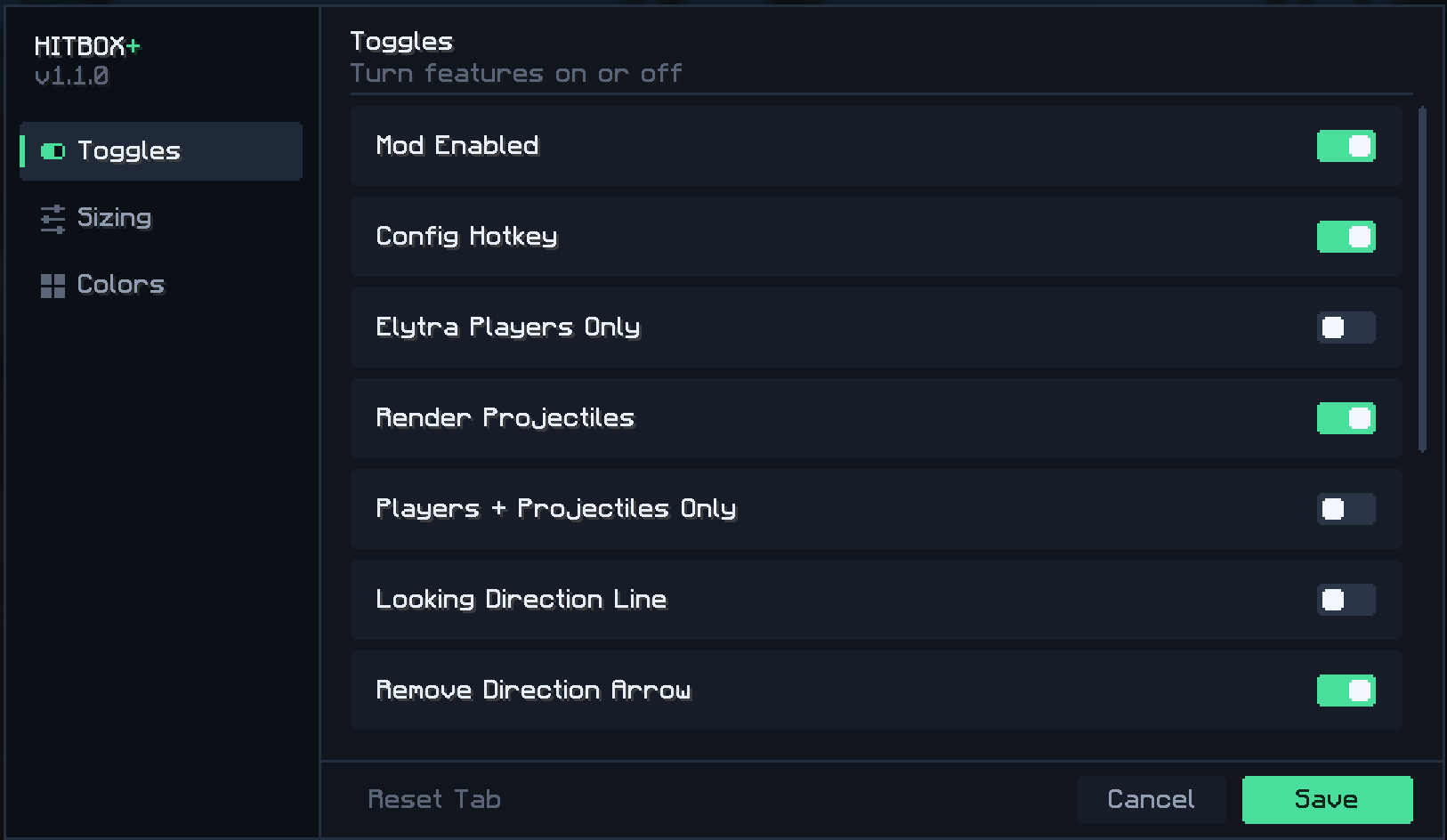
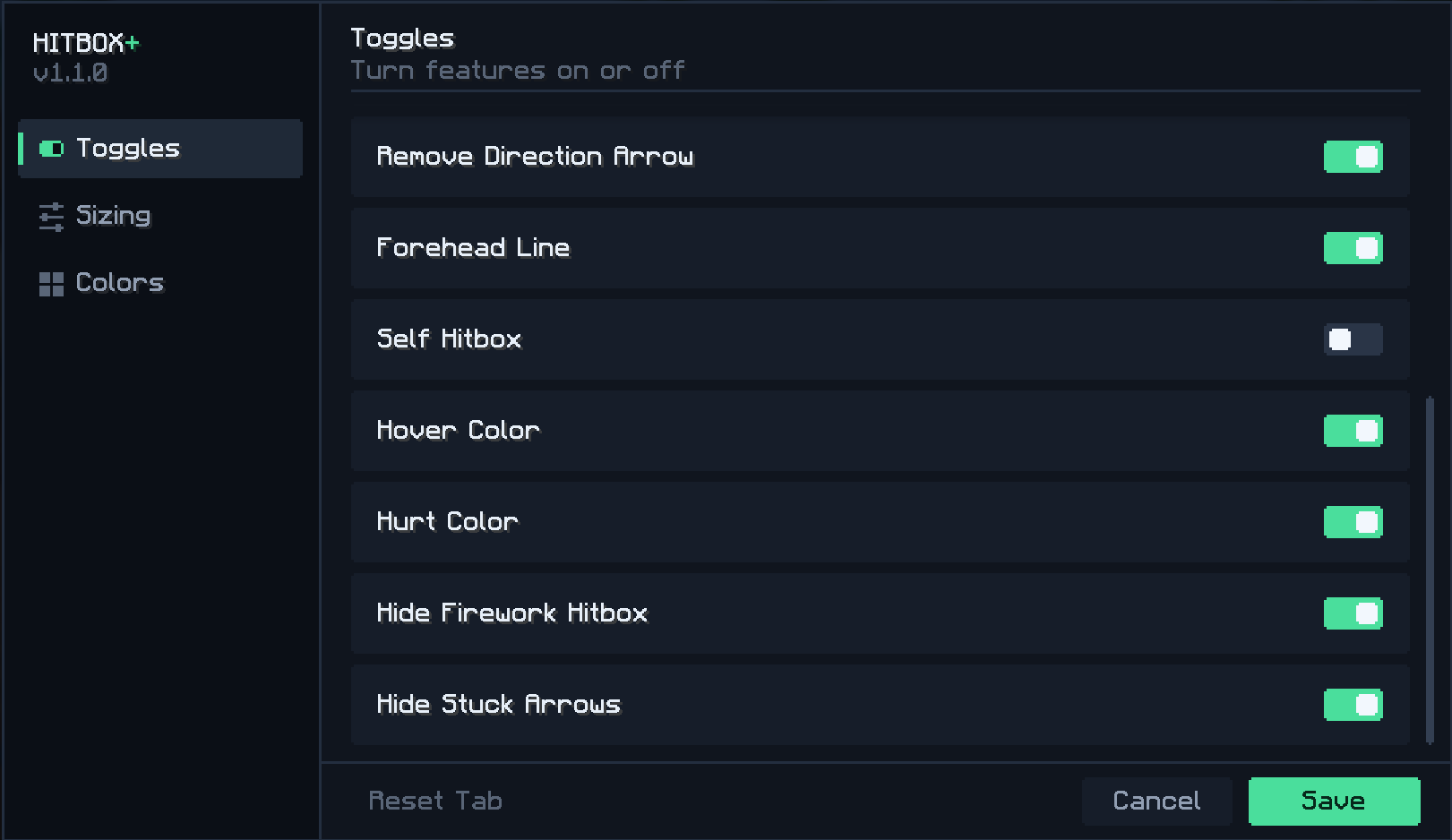
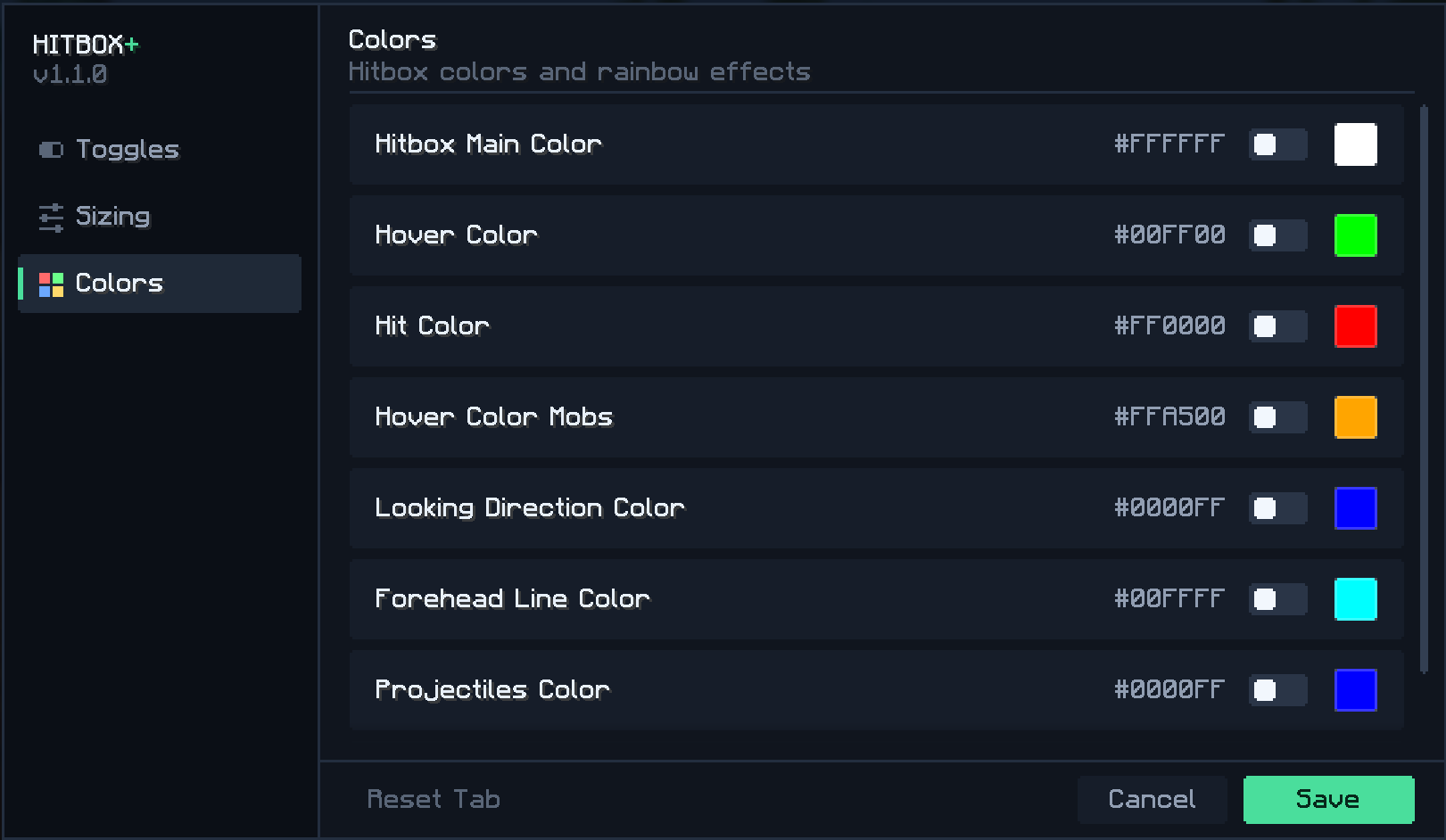
Vanilla hitboxes are useful, but limited.
Hitbox+ lets you tune width, color behavior, and what entities are rendered, so you can build a clean setup for PvP or anything as your likings!
Project description from Modrinth.
Pick your setup
Choose the version and loader you play, then open the matching release.
Check the dependencies, then try the file in a copied instance before changing a world you care about.
Recent files
Hitbox+ 1.2.0 - 26.3.jar
13 Oct 2026
Hitbox+ 1.2.0 - 26.2.jar
13 Oct 2026
Hitbox+ 1.2.0 - 26.1.X.jar
13 Oct 2026
Hitbox+ 1.2.0 - 1.21.11.jar
13 Oct 2026
Hitbox+ - 26.3 .jar
4 Oct 2026
Hitbox+ - 26.2.jar
22 Aug 2026
Hitbox+ - 26.1.x.jar
22 Aug 2026
Hitbox+ - 1.21.11.jar
22 Aug 2026
Hitbox+ - 26.2.jar
22 Jun 2026
Hitbox+ - 26.1.x.jar
12 Jun 2026
Hitbox+ - 1.21.11.jar
12 Jun 2026
Hitbox+ - 1.21.11.jar
24 Apr 2026
Looking for an older file? The official Modrinth project page is in Resources.
 mod
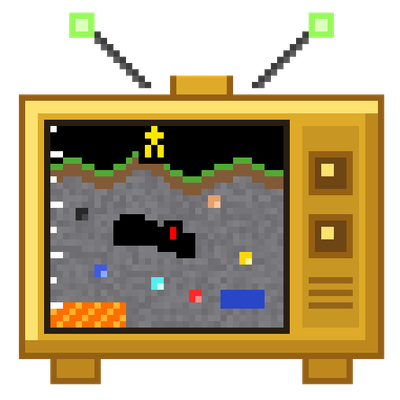
A coal-powered Rock Tomograph shows a vertical cross-section of the terrain in front of you: caves, ores and living things.
 mod
Technology progression with ores, rubber, oil refining, nuclear energy, vehicles, firearms, advanced furnaces and vertical building blocks for Fabric 26.3.
 mod
Ever wanted a way of moving your enchants onto a book? Time to get overpowered!