Minecraft version
Back to mods 
Modrinth · Minecraft mod
LambDynamicLights [Unofficial NeoForge]
A dynamic lights mod. Unofficial NeoForge port.
Choose a version Pick your version below, then grab the matching file.
Quick answer
Which LambDynamicLights [Unofficial NeoForge] release should I use?
Latest stable file 3.1.4-neo-0+1.21.1
Game version 1.21.1
Loader NeoForge
LambDynamicLights [Unofficial NeoForge] 3.1.4-neo-0+1.21.1 targets 1.21.1 with NeoForge. It must be installed on the client. Do not install it on the dedicated server. No extra mods listed for this file.
Where it goes
Is LambDynamicLights [Unofficial NeoForge] required on the client, server, or both?
It must be installed on the client. Do not install it on the dedicated server.
Client Required
Dedicated server Not supported
Loader for this release NeoForge
Required install it here Optional supported, not mandatory Not supported do not install here Source doesn’t say do not assume
This file is marked client-only.
What else does LambDynamicLights [Unofficial NeoForge] 3.1.4-neo-0+1.21.1 need?
3.1.4-neo-0+1.21.1. Change the file and its required mods may change too.
This file does not list any required mods. Do not add a library just because a different file uses it.
This file does not list any required or optional mods.
Before you install it
Add LambDynamicLights [Unofficial NeoForge] without breaking your instance.
Built for LambDynamicLights [Unofficial NeoForge] 3.1.4-neo-0+1.21.1. Pick another file and the loader, install side or required mods may change.
- 01
Stick to this file
Use 3.1.4-neo-0+1.21.1. It targets 1.21.1 with NeoForge; another release may have different loader, side or dependency requirements.
- 02
Bring the mods it needs
This file does not list any required mods. Do not add a library just because a different file uses it.
- 03
Put it on the correct side
It must be installed on the client. Do not install it on the dedicated server.
- 04
Pick the file you checked
Use the “Get this file” button beside 3.1.4-neo-0+1.21.1. It opens that exact file at the source.
About this project
What does LambDynamicLights [Unofficial NeoForge] add?
UNOFFICIAL, OUTDATED NEOFORGE PORT
This is old unofficial NeoForge port of LambDynamicLights mod by LambdAurora.
Do not report any issues to LambdAurora, their discord or github.
You can find official, updated version for fabric and neoforge here https://modrinth.com/mod/lambdynamiclights
Permission for NeoForge port release
LambDynamicLights
A dynamic lighting mod by LambdAurora.
📖 What's this mod?
It's dark outside, extremely dark...
You can't see a lot in the darkness, you wish you had a torch,
or a lantern to hold and see in the light...
And this is now possible with this mod as it adds dynamic lights to the game.
You can see in the darkness thanks to your torch now!
This mod adds dynamic lights to Minecraft. Dynamic lights are lights created by an entity holding an
item which makes light as a block, or created by an entity on fire, etc.
Searching other mods to replace OptiFine? Check out this list!
✅ Features:
- Dynamic lighting.
- Settings to select how smooth the dynamic lighting is.
- Works with some modded items.
- Any entity holding an item which emits light will emit light!
- Magma cubes emit light.
- Spectral arrows emit light.
- Burning entities emit light.
- Blazes emit light.
- Some items like torches, soul torches, etc. will not light up in water.
- Quick and simple API for developers and resource pack makers.
- And more!
Screenshots
Items emit light
Dropped items which already emit light as a block, will also dynamically emit light!
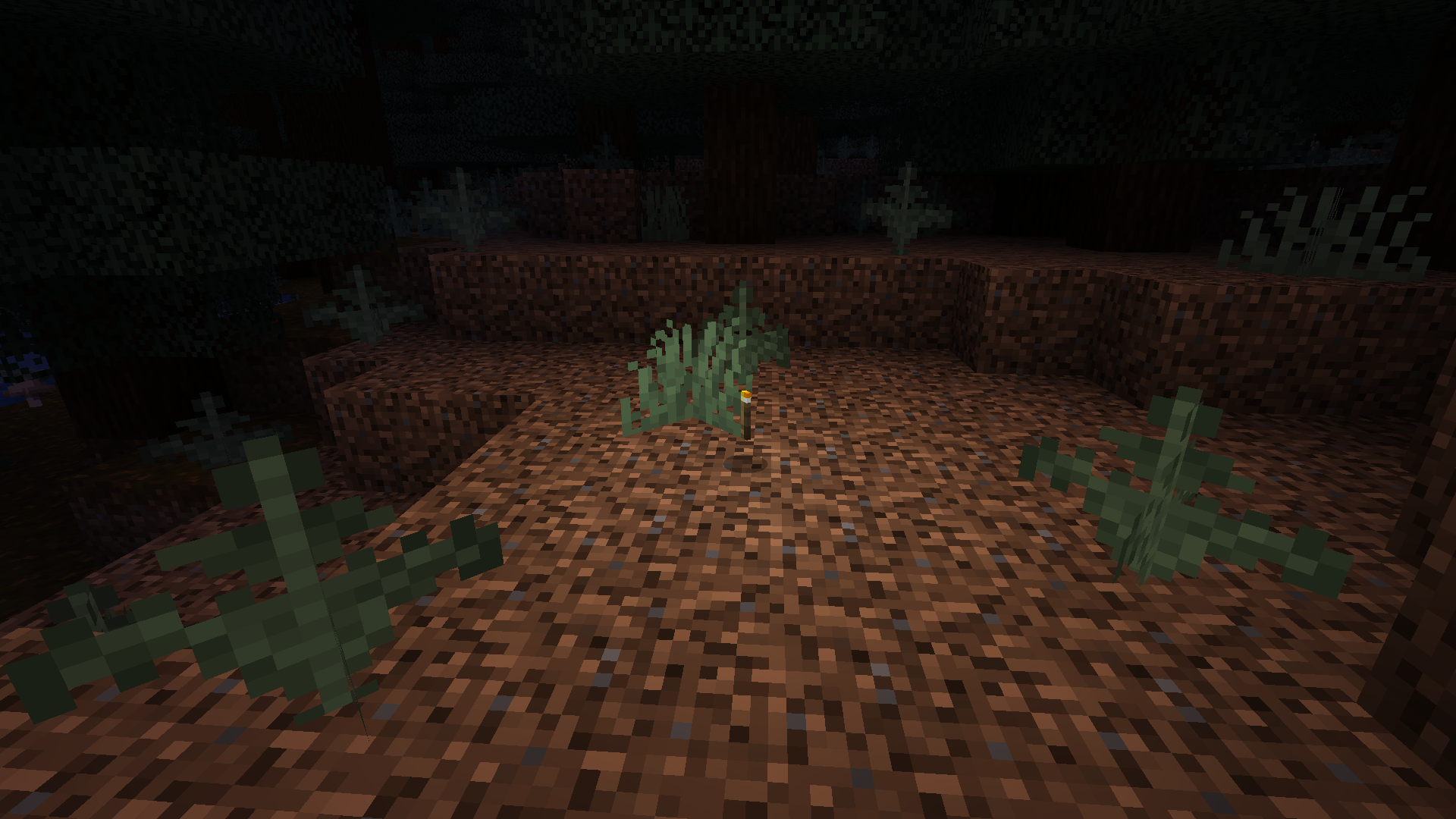
Held items emit light
Light is emitted when entities hold light emitting items.
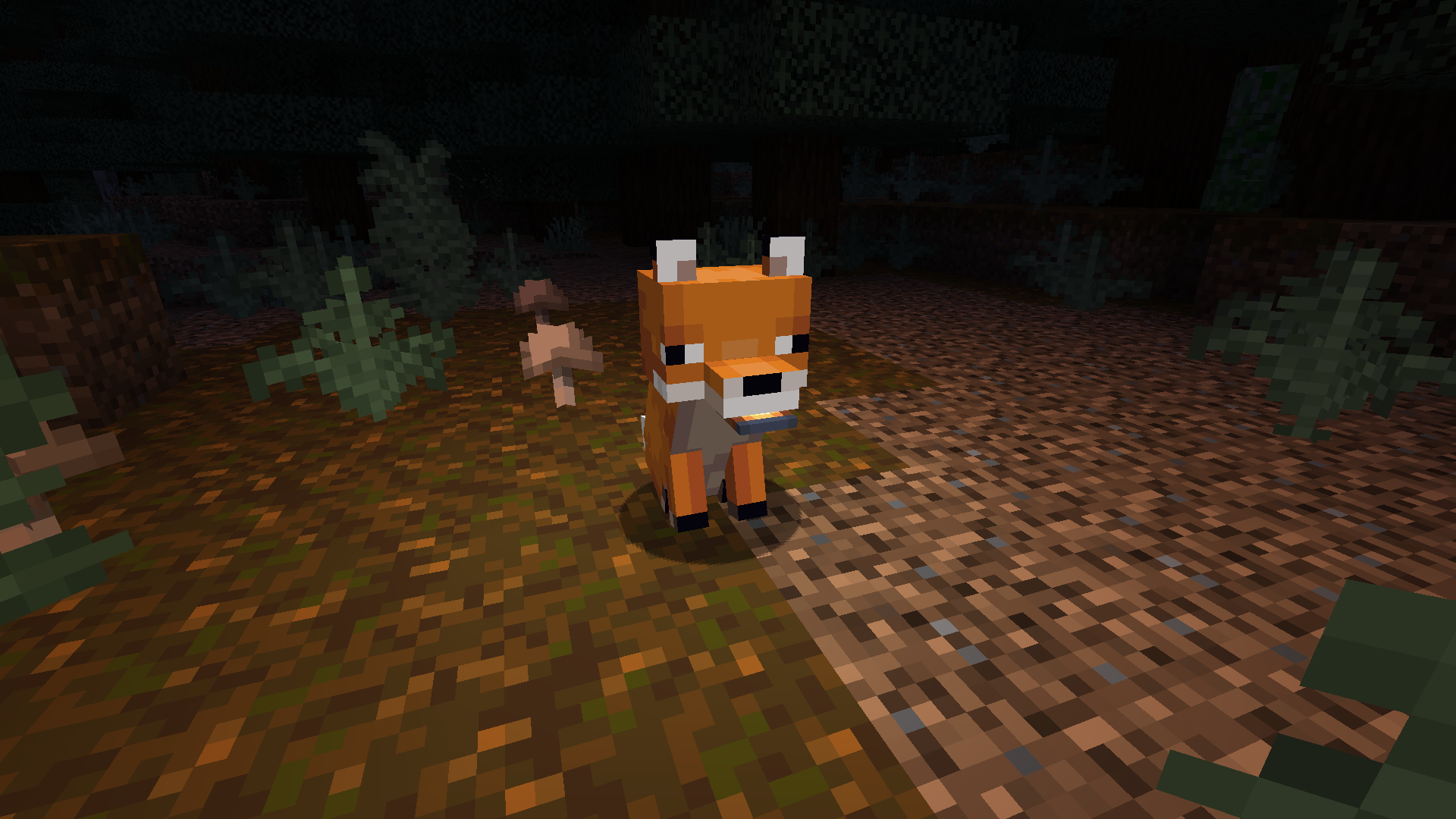
Fire! Fire! Fire!
Any entity on fire will emit light!
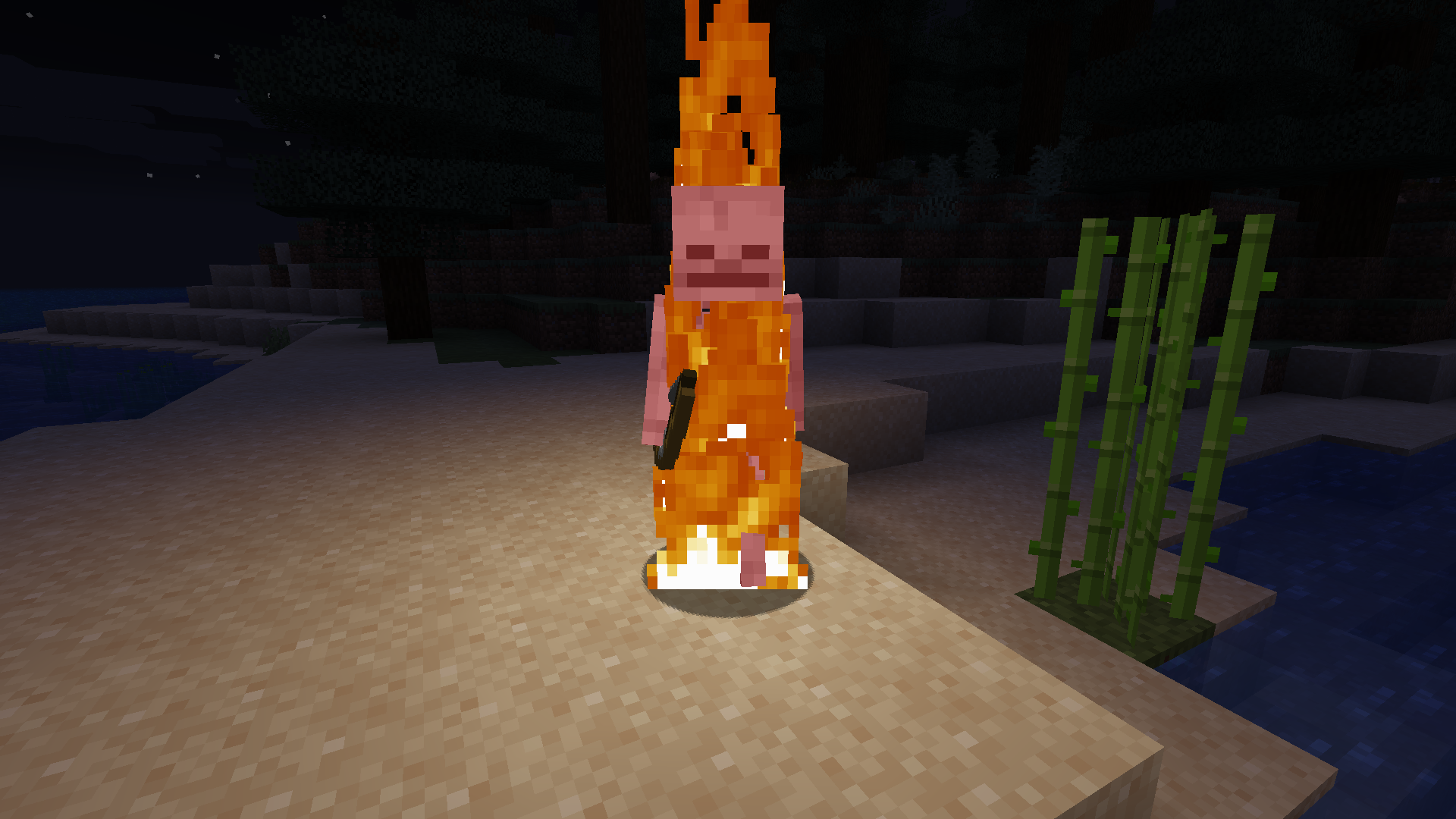
Spectral arrows
Spectral arrows will emit a very weak light!
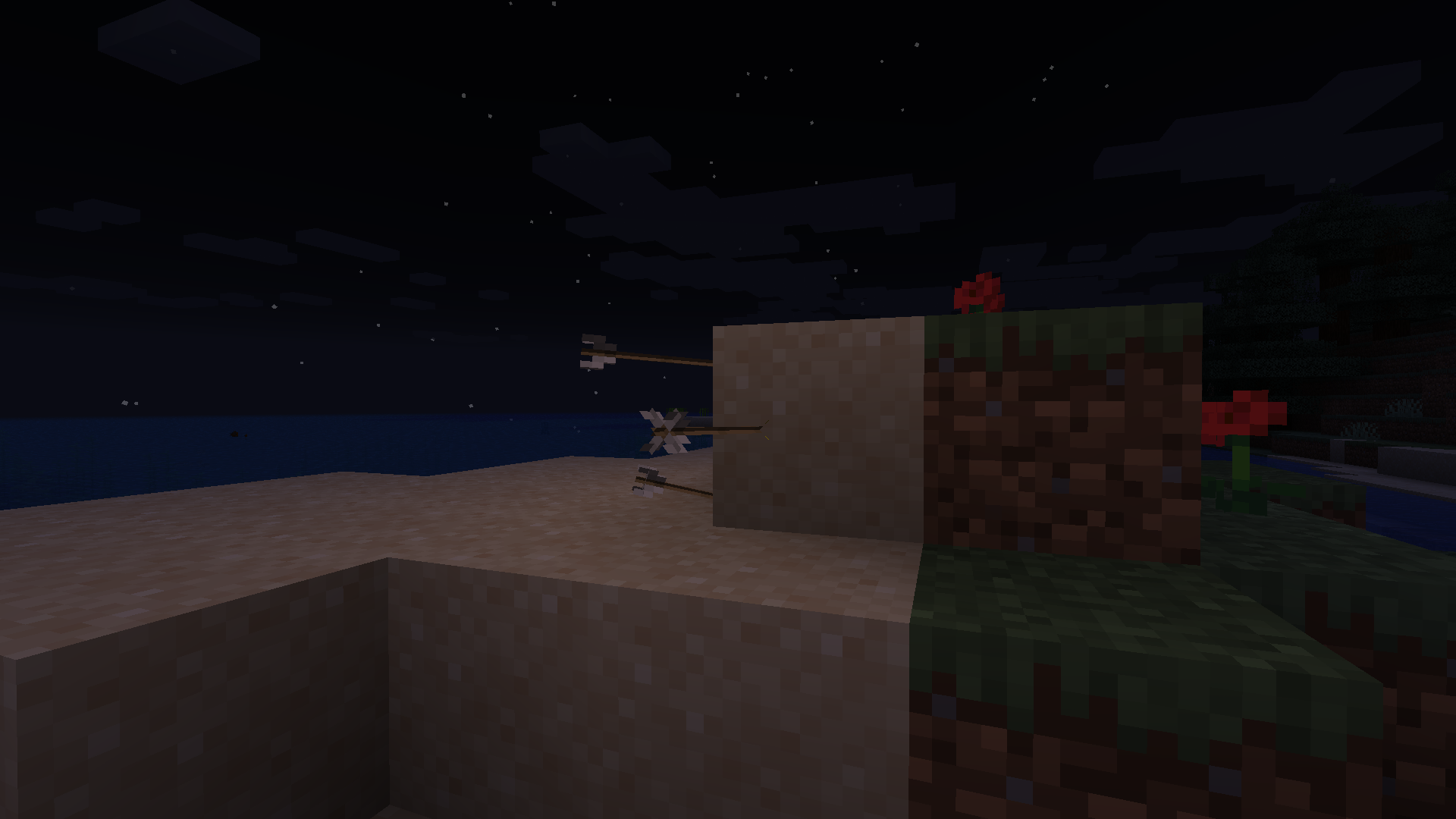
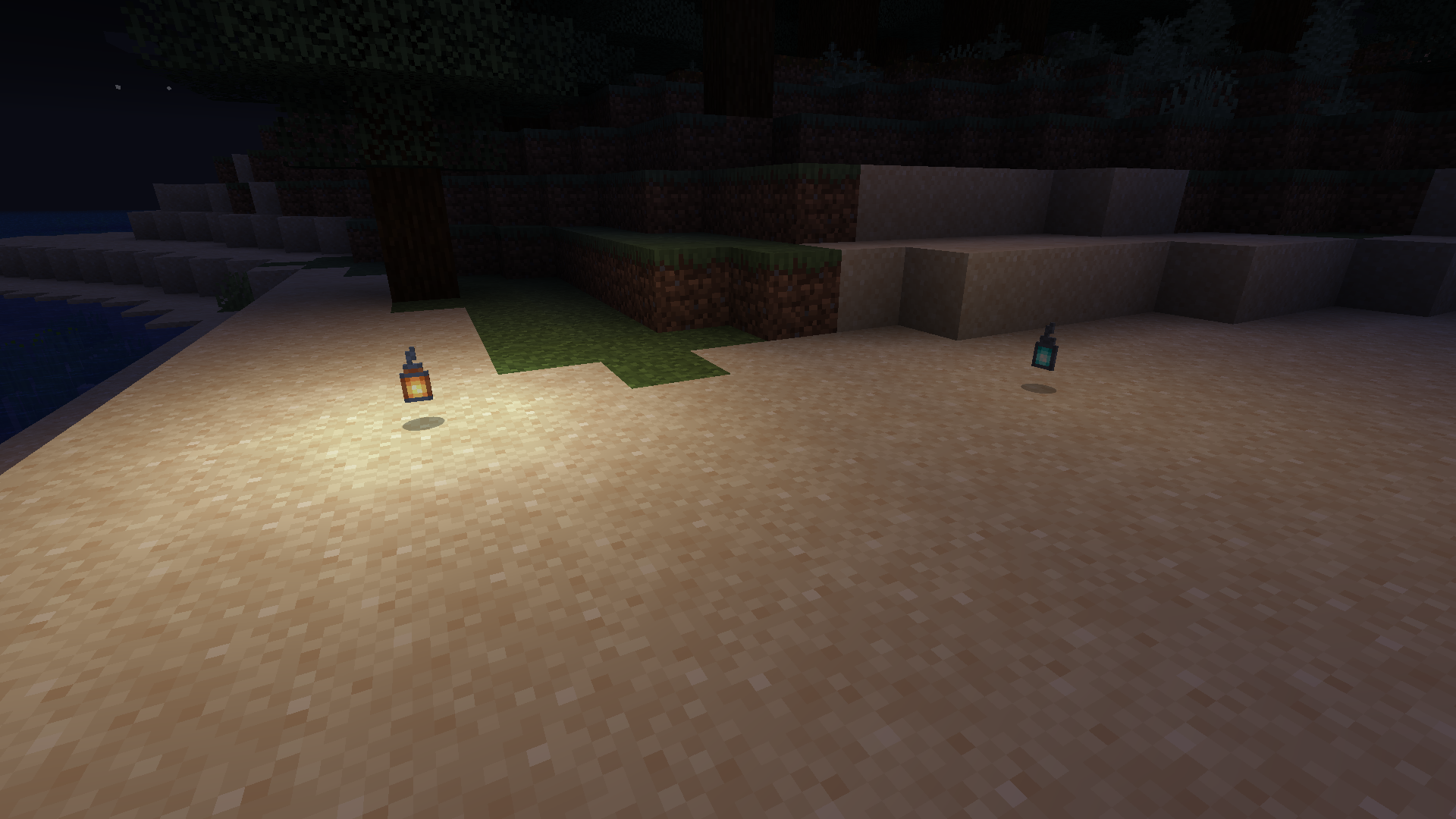
Different luminance!
Light emitted from items depend on the light emitted from their respective blocks!
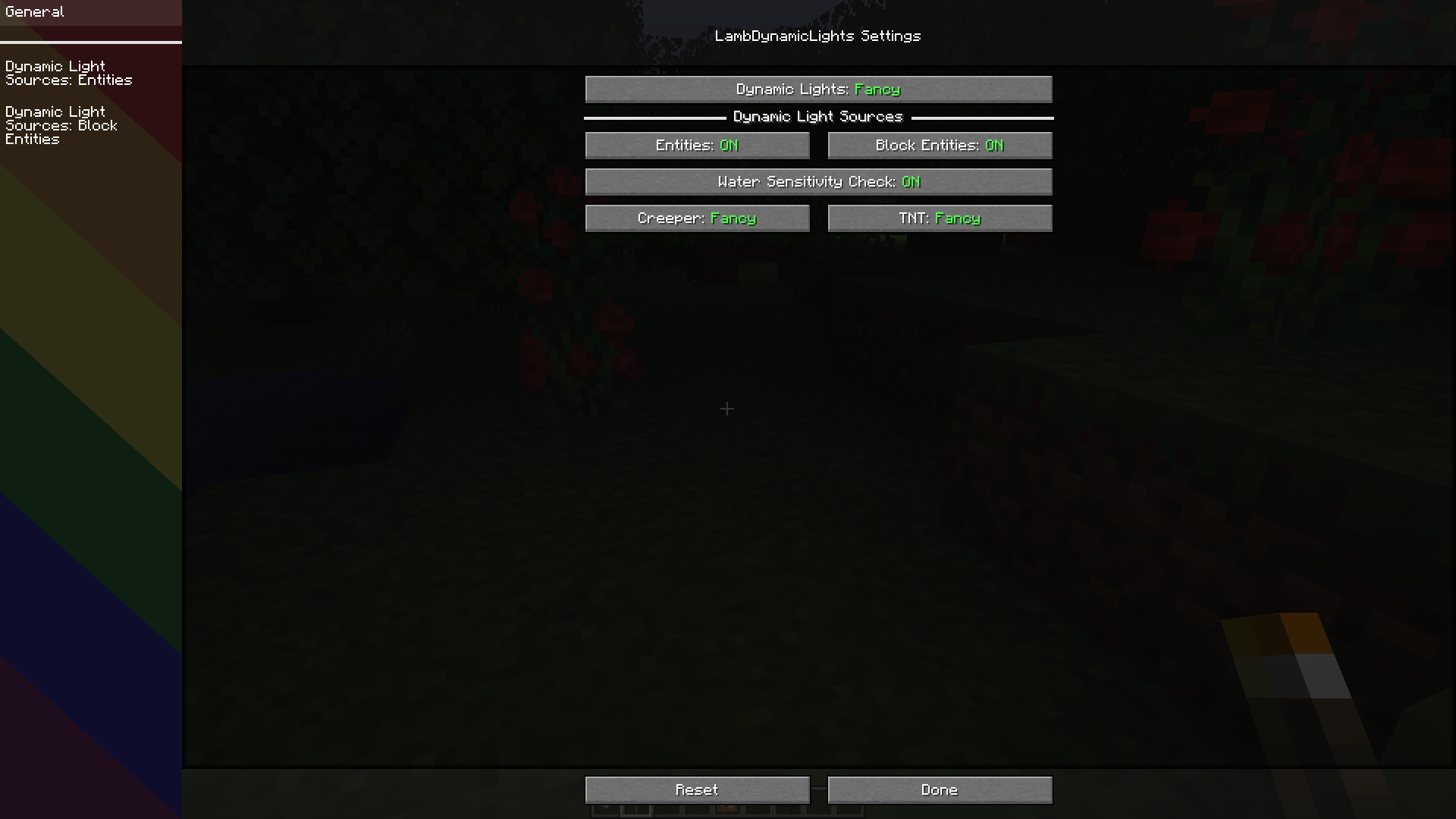
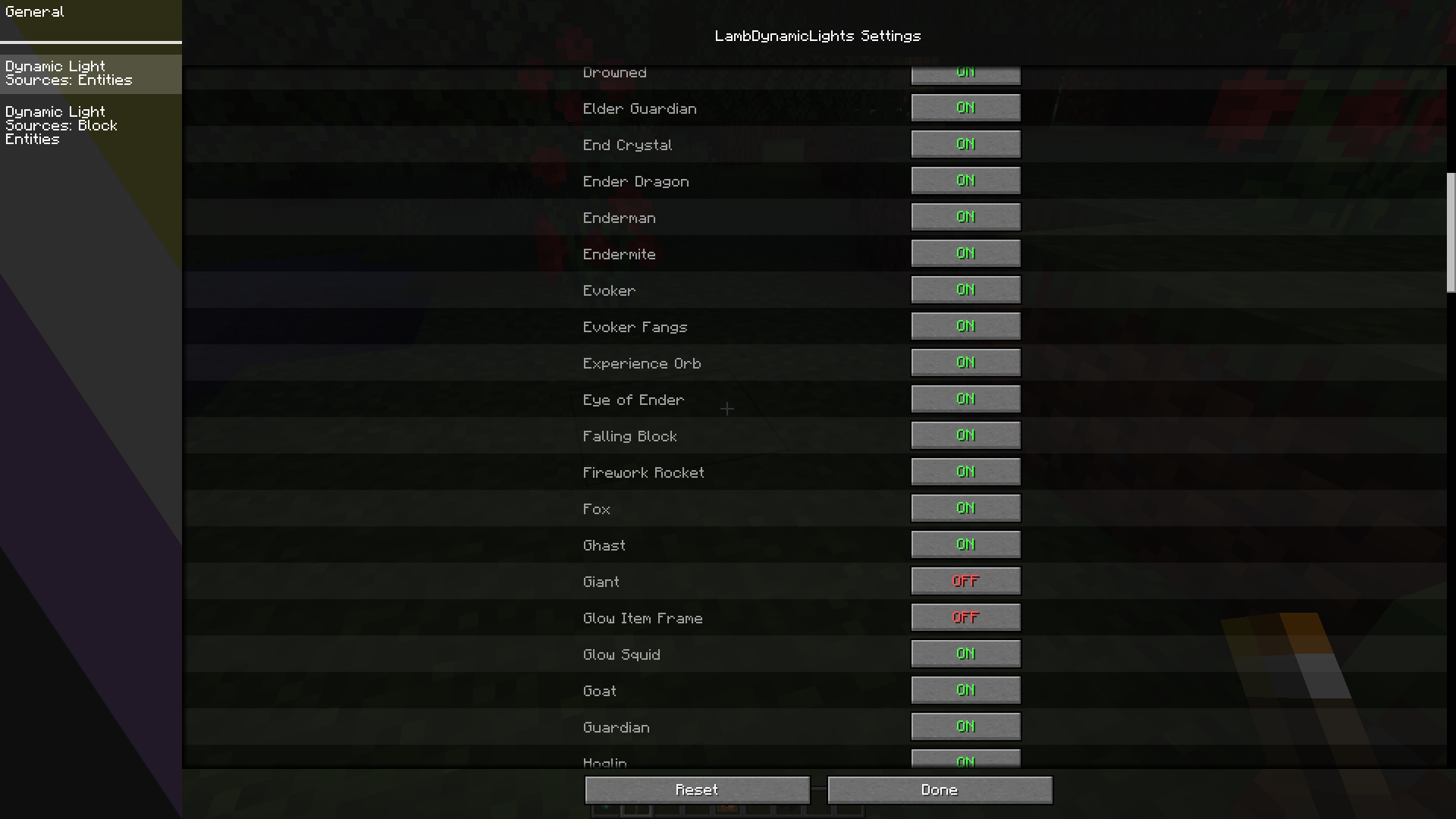
Configuration GUI
As of v2.1.0.
📖 Usage
Using this mod is very simple!
Install it in your mods folder (with Sodium if wanted for better performances).
You will notice nothing at first but if you go into the video options or into the settings screen of the mod via [ModMenu], you will notice an option called Dynamic Lights which is by default off, choose the wanted configuration and enjoy!
You can also configure the mod by editing the file in config/lambdynlights.toml.
📖 How does it work internally?
Check this documentation.
📖 Is there an API? How to use it as a developer?
Check this documentation.
📖 Compatibility
- Sodium is recommended for better performances.
- OptiFine is obviously incompatible.
Project description from Modrinth.
Pick your setup
LambDynamicLights [Unofficial NeoForge] by Minecraft version and loader
Choose the version and loader you play, then open the matching release.
Minecraft version
1.21
1 loader buildCheck the dependencies, then try the file in a copied instance before changing a world you care about.
Recent files
LambDynamicLights [Unofficial NeoForge] versions and loaders
3.1.4-neo-0+1.21.1
lambdynamiclights-3.1.4-neo-0+1.21.1.jar
10 Dec 2024
Client Required Server Not supported Dependencies No extras listed Listed on Release listing
Check the 1.21.1 · NeoForge setup 1.21.1NeoForge release
3.1.2-neo-0+1.21.1
lambdynamiclights-3.1.2-neo-0+1.21.1.jar
29 Oct 2024
Client Required Server Not supported Dependencies No extras listed Listed on Release listing
Check the 1.21.1 · NeoForge setup 1.211.21.1NeoForge release
Looking for an older file? The official Modrinth project page is in Resources.
 mod
Modrinth · Minecraft
CalcMod
A calculator in your chat with shortcuts designed for Minecraft
 mod
Modrinth · Minecraft
Fake Players
Adds fake player entities with auto-updating skins and item functionality.
 mod
Modrinth · Minecraft
Atay's Weapons/Traps
This mod contains turrets, traps, cameras, NV/thermal vision goggles and a ton of Weapons/Items with abilities. Work with vic's point blank and tacz