Minecraft version
Back to mods 
Modrinth · Minecraft mod
InstaLoad
Makes world swapping feel nearly instant.
Choose a version Pick your version below, then grab the matching file.
Quick answer
Which InstaLoad release should I use?
Latest stable file 1.2.2+26.1.2
Game version 26.1.2
Loader Fabric
InstaLoad 1.2.2+26.1.2 targets 26.1.2 with Fabric. It must be installed on the client. Do not install it on the dedicated server. No extra mods listed for this file.
Where it goes
Is InstaLoad required on the client, server, or both?
It must be installed on the client. Do not install it on the dedicated server.
Client Required
Dedicated server Not supported
Loader for this release Fabric
Required install it here Optional supported, not mandatory Not supported do not install here Source doesn’t say do not assume
This file is marked client-only.
What else does InstaLoad 1.2.2+26.1.2 need?
1.2.2+26.1.2. Change the file and its required mods may change too.
This file does not list any required mods. Do not add a library just because a different file uses it.
This file does not list any required or optional mods.
Before you install it
Add InstaLoad without breaking your instance.
Built for InstaLoad 1.2.2+26.1.2. Pick another file and the loader, install side or required mods may change.
- 01
Stick to this file
Use 1.2.2+26.1.2. It targets 26.1.2 with Fabric; another release may have different loader, side or dependency requirements.
- 02
Bring the mods it needs
This file does not list any required mods. Do not add a library just because a different file uses it.
- 03
Put it on the correct side
It must be installed on the client. Do not install it on the dedicated server.
- 04
Pick the file you checked
Use the “Get this file” button beside 1.2.2+26.1.2. It opens that exact file at the source.
About this project
What does InstaLoad add?
InstaLoad
InstaLoad is a Fabric mod that makes world transitions feel instant. Join a server, switch lobbies, respawn, or load a singleplayer world without staring at a loading screen.
Features
- Skips the loading screen on server joins, respawns, and world swaps. The world shows up as soon as it's ready.
- Starts singleplayer worlds without waiting for the spawn region to finish loading (441 chunks on 1.21.x, ticket-based on 26.x). Spawn chunks keep loading in the background.
- Network and world-loading logic keeps running normally. Only the blocking screen layer is replaced or removed.
- If a transfer hangs, a disconnect button appears after 30 seconds so you're never stuck.
Which file do I need?
- Minecraft 26.1.2: the
x.x.x+26.1.2builds. - Minecraft 1.21.x: the
x.x.x+1.21builds. Verified on 1.21.8+.
The builds are version-specific: a 26.1.2 build won't load on 1.21.x and the other way around.
Notes
- Does not touch the resource pack reload overlay. If your server sends a resource pack, that reload is vanilla behavior and this mod stays out of it. Pair it with a dedicated mod such as ResourcePackCached if you want to stop packs reloading on lobby switch.
- A normal client-side install gives you everything, including the singleplayer spawn shortcut. Nothing needs to be installed on servers.
- This project is an independent implementation inspired by the "Optimized World Swapping" of Patcher in 1.8.9 and Fastload in 1.18-1.20.
Project description from Modrinth.
Pick your setup
InstaLoad by Minecraft version and loader
Choose the version and loader you play, then open the matching release.
Minecraft version
1.21.11
1 loader buildMinecraft version
1.21.10
1 loader buildMinecraft version
1.21.9
1 loader buildMinecraft version
1.21.8
1 loader buildMinecraft version
1.21.7
1 loader buildMinecraft version
1.21.6
1 loader buildMinecraft version
1.21.5
1 loader buildMinecraft version
1.21.4
1 loader buildMinecraft version
1.21.3
1 loader buildMinecraft version
1.21.2
1 loader buildMinecraft version
1.21.1
1 loader buildShowing the newest 12 of 13 game versions. Older files are in the list below.
Check the dependencies, then try the file in a copied instance before changing a world you care about.
Recent files
InstaLoad versions and loaders
1.2.2+26.1.2
instaload-1.2.2+26.1.2.jar
16 Aug 2026
Client Required Server Not supported Dependencies No extras listed Listed on Release listing
Check the 26.1.2 · Fabric setup 26.1.2Fabric release
1.1.3+26.1.2
instaload-1.1.3+26.1.2.jar
19 Jul 2026
Client Required Server Not supported Dependencies No extras listed Listed on Release listing
Check the 26.1.2 · Fabric setup 26.1.2Fabric release
1.1.1+1.21
instaload-1.1.1+1.21.jar
13 Apr 2026
Client Required Server Not supported Dependencies No extras listed Listed on Release listing
Check the 1.21.11 · Fabric setup 1.211.21.11.21.21.21.3 release
1.1.0+1.21
instaload-1.1.0+1.21.jar
12 Apr 2026
Client Required Server Not supported Dependencies No extras listed Listed on Release listing
Check the 1.21.11 · Fabric setup 1.211.21.11.21.21.21.3 release
Looking for an older file? The official Modrinth project page is in Resources.
 mod
mod CurseForge + Modrinth · Minecraft
Mini Music Tweaks
A collection of configurable music/sound features!
 mod
mod CurseForge + Modrinth · Minecraft
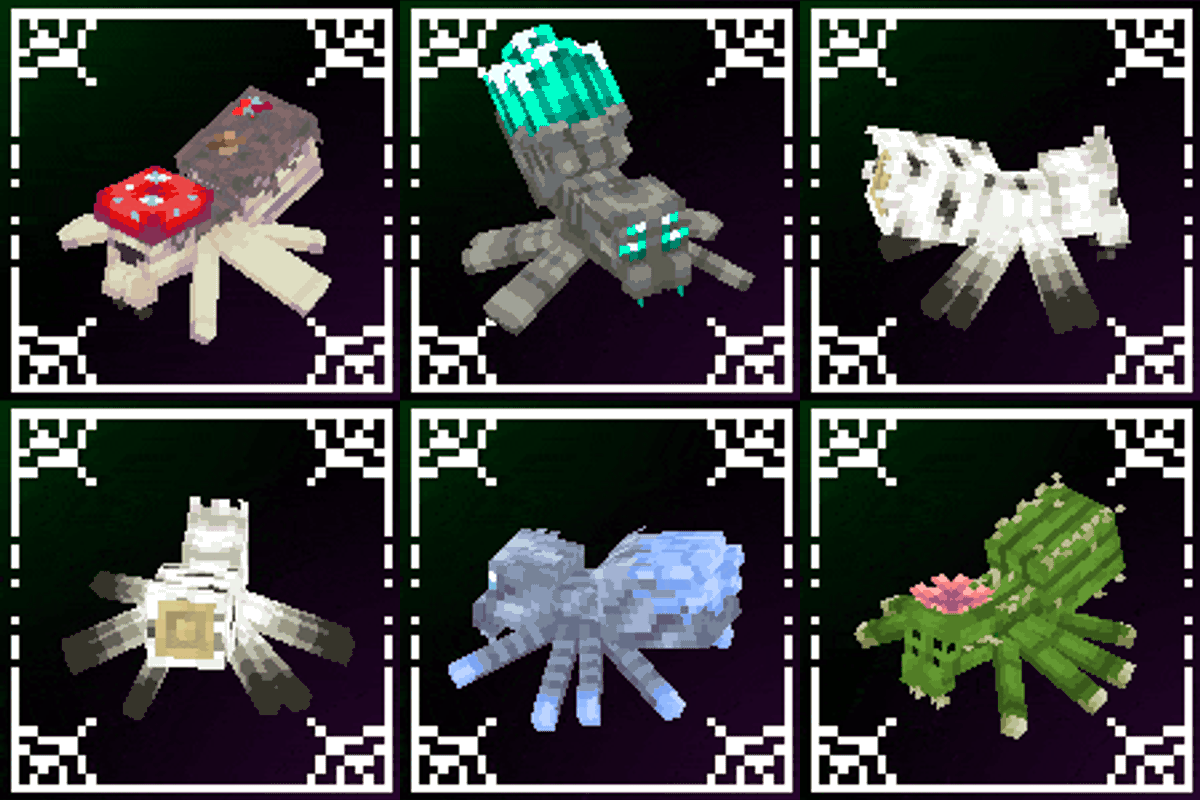
Spider Overhaul
A mod that improves Minecraft's spiders!
 mod
mod CurseForge + Modrinth · Minecraft
Manual Labour
A mod about bringing hands-on, hard work back to Minecraft!