McJtyLib Needed by XNet 1.20-6.1.7
requiredMatching file found Matched file: 1.20-8.0.10

Modrinth · Minecraft mod
A highly optimized networking cable system for items, energy, fluids, information, etc.
Quick answer
XNet 1.20-6.1.7 targets 1.20.1 with Forge. Installation on the client is optional. Installation on the dedicated server is optional. All 2 required mods have matching files.
Where it goes
Installation on the client is optional. Installation on the dedicated server is optional.
The source marks this as usable on both the client and server.
1.20-6.1.7. Change the file and its required mods may change too.
Install McJtyLib, RFTools Base first. We found matching files for this game-version and loader setup.
We only count dependency files that match this setup. A file for another loader does not fill the gap.
Before you install it
Built for XNet 1.20-6.1.7. Pick another file and the loader, install side or required mods may change.
Use 1.20-6.1.7. It targets 1.20.1 with Forge; another release may have different loader, side or dependency requirements.
Install McJtyLib, RFTools Base first. We found matching files for this game-version and loader setup.
Installation on the client is optional. Installation on the dedicated server is optional.
Use the “Get this file” button beside 1.20-6.1.7. It opens that exact file at the source.
About this project
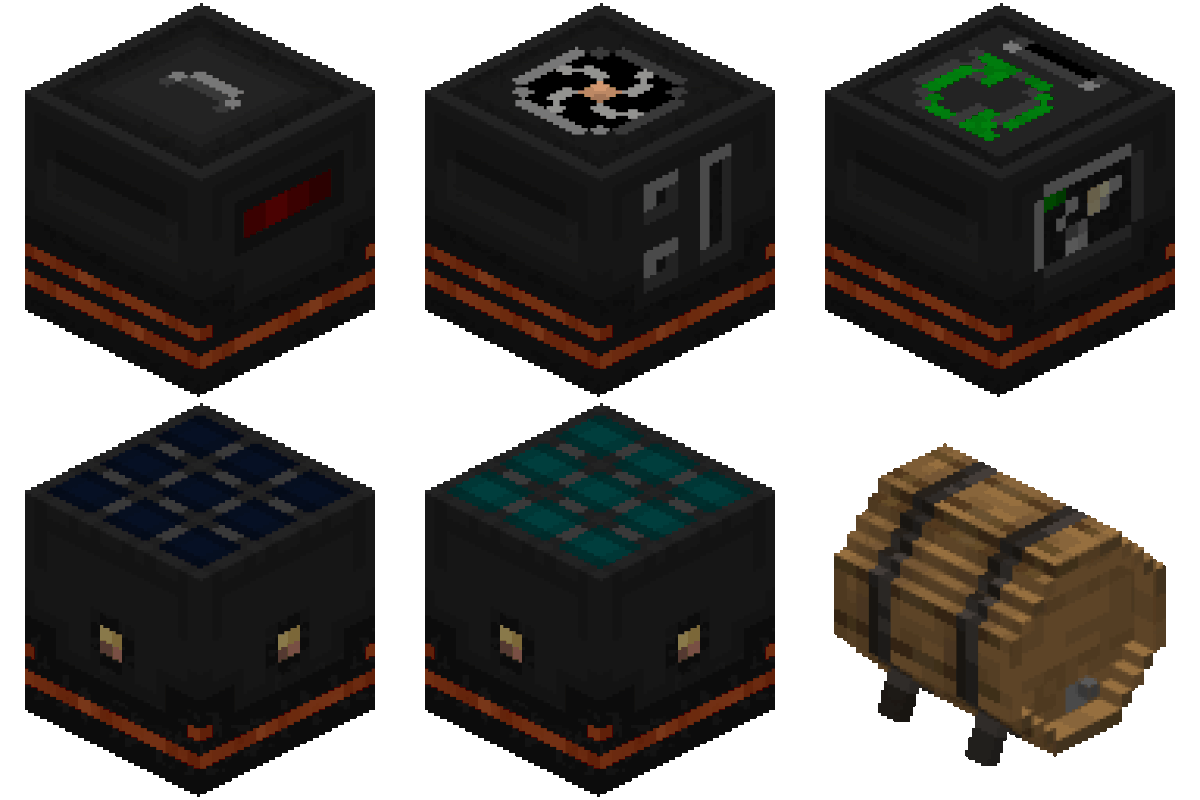
XNet is a mod which adds a single type of cable: a networking cable. Using networking cables you can instantly transport items, fluids, energy, and information. The main focus of this mod is efficiency and flexibility. Efficiency in that it is possible to make huge cable networks (tested with two chests separated by a cable of 12000 blocks long) with no lag. The cables themselves are not even tile entities. Flexibility in that the controller allows for really flexible configuration for distributing information.
Project description from Modrinth.
Pick your setup
Choose the version and loader you play, then open the matching release.
Showing the newest 12 of 19 game versions. Older files are in the list below.
Check the dependencies, then try the file in a copied instance before changing a world you care about.
Recent files
xnet-26.3-10.0.1.jar
29 Oct 2026
xnet-fabric-26.3-10.0.1-fabric.jar
29 Oct 2026
xnet-26.2-9.0.1.jar
29 Oct 2026
xnet-fabric-26.2-9.0.1-fabric.jar
29 Oct 2026
xnet-26.1.2-8.0.1.jar
29 Oct 2026
xnet-fabric-26.1.2-8.0.1-fabric.jar
29 Oct 2026
xnet-fabric-26.3-10.0.0-fabric.jar
26 Oct 2026
xnet-26.3-10.0.0.jar
26 Oct 2026
xnet-fabric-26.2-9.0.0-fabric.jar
25 Oct 2026
xnet-26.2-9.0.0.jar
25 Oct 2026
xnet-fabric-26.1.2-8.0.0-fabric.jar
25 Oct 2026
xnet-26.1.2-8.0.0.jar
25 Oct 2026
Looking for an older file? The official Modrinth project page is in Resources.
 mod
This mod makes it so the fishing rod teleport glitch becomes an actual game feature: it makes it way less buggy, makes it so you can have multiple setups, and makes it so they don't trigger when you rejoin your world.
 mod
A simple mod for upgaidable machines
 mod
A client-side mod that renders inventory & container screens as a 3D plane.