ValkyrieLib Needed by Environmental Tech Legacy 1.21.1-2.2.1
requiredMatching file found Matched file: 1.21.1-3.2.1

Modrinth · Minecraft mod
The classic Environmental Tech: multiblock void miners, solar arrays, lightning rods and nanobot beacons, as its own mod beside Environmental Tech.
Quick answer
Environmental Tech Legacy 1.21.1-2.2.1 targets 1.21.1 with NeoForge. Installation on the client is optional. Installation on the dedicated server is optional. All 1 required mods have matching files.
Where it goes
Installation on the client is optional. Installation on the dedicated server is optional.
The source marks this as usable on both the client and server.
1.21.1-2.2.1. Change the file and its required mods may change too.
Install ValkyrieLib first. We found matching files for this game-version and loader setup.
We only count dependency files that match this setup. A file for another loader does not fill the gap.
Before you install it
Built for Environmental Tech Legacy 1.21.1-2.2.1. Pick another file and the loader, install side or required mods may change.
Use 1.21.1-2.2.1. It targets 1.21.1 with NeoForge; another release may have different loader, side or dependency requirements.
Install ValkyrieLib first. We found matching files for this game-version and loader setup.
Installation on the client is optional. Installation on the dedicated server is optional.
Use the “Get this file” button beside 1.21.1-2.2.1. It opens that exact file at the source.
About this project
Environmental Tech Legacy is the classic Environmental Tech: a vast selection of very powerful multiblock machines, kept going as its own mod. It's separate from Environmental Tech, and the two can be installed together.
On Minecraft 1.15.2 and earlier this is the mod on the Environmental Tech page. This page has its releases from 1.16.5 on.
Each machine comes in six tiers, and an in-game guide covers how to build and use them.
Your worlds carry across: blocks, items and machines keep working, and formed multiblocks stay formed. Your settings don't, as config/environmentaltech isn't read, so they go back to their defaults.
CurseForge, Modrinth and FTB modpacks: go ahead. Packs on external sites: get my permission first, and link back to this project page.
Project description from Modrinth.
Pick your setup
Choose the version and loader you play, then open the matching release.
Check the dependencies, then try the file in a copied instance before changing a world you care about.
Recent files
envirotech_legacy-neoforge-1.21.1-2.2.1.jar
9 Nov 2026
envirotech_legacy-neoforge-1.20.1-2.2.1.jar
8 Nov 2026
envirotech_legacy-forge-1.20.1-2.2.0.jar
8 Nov 2026
envirotech_legacy-forge-1.19.4-2.1.2.0.jar
8 Nov 2026
envirotech_legacy-forge-1.18.2-2.1.1.0.jar
8 Nov 2026
envirotech_legacy-forge-1.17.1-2.1.1.0.jar
8 Nov 2026
envirotech_legacy-forge-1.16.5-2.1.1.0.jar
7 Nov 2026
envirotech_legacy-forge-1.16.5-2.1.0.2.jar
6 Nov 2026
envirotech-legacy-forge-1.16.5-2.1.0.1.jar
6 Nov 2026
Looking for an older file? The official Modrinth project page is in Resources.
 mod
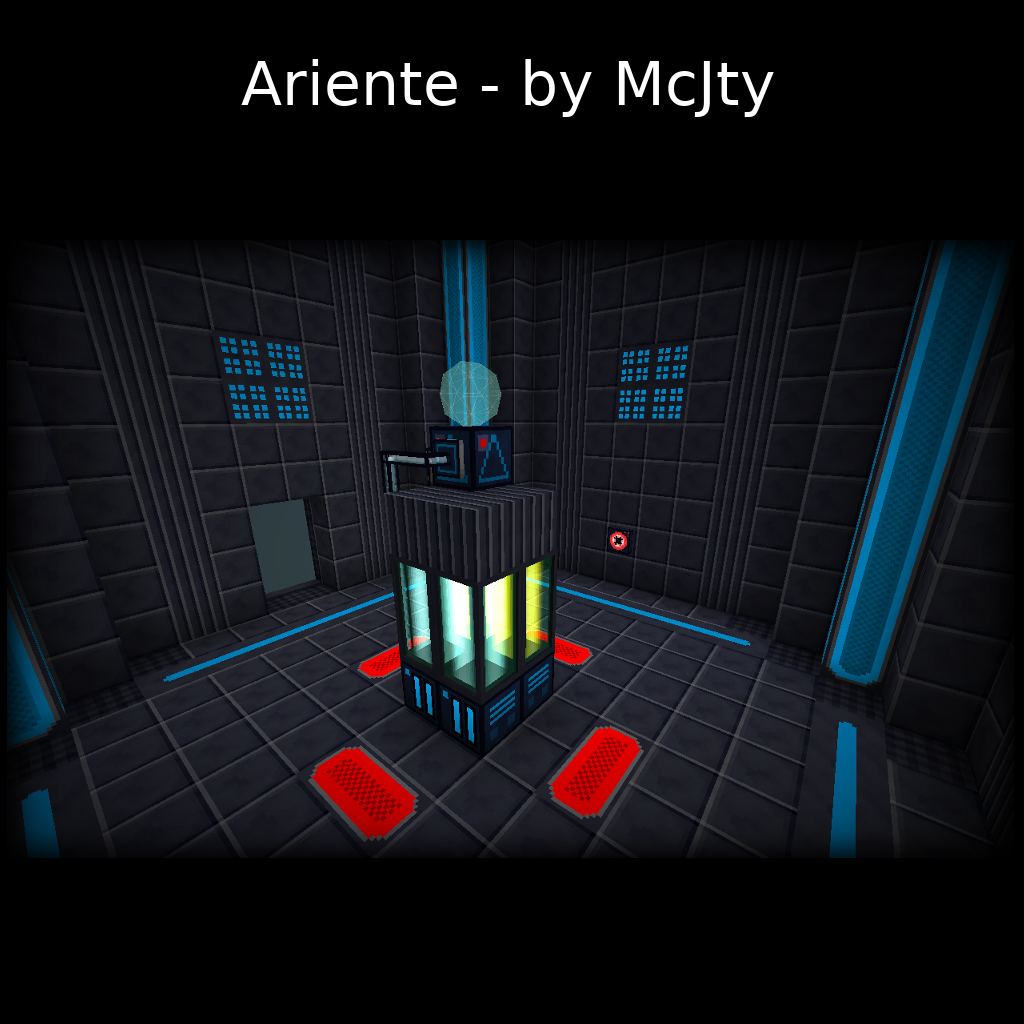
Ariente - a high-tech exploration and tech mod
 mod
A Minecraft Palladium addon Mod that adapts the infamous Webtoon, "UnOrdinary", into Minecraft.
 mod
Craft your Crown, build a shrine, and sacrifice your followers as a God. Power system is based heavily upon Lord of the Mysteries [LOTM].