Forge Config API Port Needed by Portable Hole v26.3.0-mc26.3.x+fabric
requiredMatching file found Matched file: [FABRIC] [26.3.x] v26.3.1

CurseForge · Minecraft mod
Where did the walls go?
Quick answer
Portable Hole v26.3.0-mc26.3.x+fabric targets 26.3 with Fabric. The project page does not say whether this file belongs on the client, dedicated server, or both. All 3 required mods have matching files.
Where it goes
The project page does not say whether this file belongs on the client, dedicated server, or both.
The source does not explicitly classify this release as client-only or server-only.
v26.3.0-mc26.3.x+fabric. Change the file and its required mods may change too.
Install Forge Config API Port, Puzzles Lib, Fabric API first. We found matching files for this game-version and loader setup. 4 come through another mod in the chain.
4 extra mods were pulled in by other dependencies. Indented rows show who needs each one. We only count dependency files that match this setup. A file for another loader does not fill the gap.
Before you install it
Built for Portable Hole v26.3.0-mc26.3.x+fabric. Pick another file and the loader, install side or required mods may change.
Use v26.3.0-mc26.3.x+fabric. It targets 26.3 with Fabric; another release may have different loader, side or dependency requirements.
Install Forge Config API Port, Puzzles Lib, Fabric API first. We found matching files for this game-version and loader setup. 4 come through another mod in the chain.
The project page does not say whether this file belongs on the client, dedicated server, or both.
Use the “Get this file” button beside v26.3.0-mc26.3.x+fabric. It opens that exact file at the source.
About this project





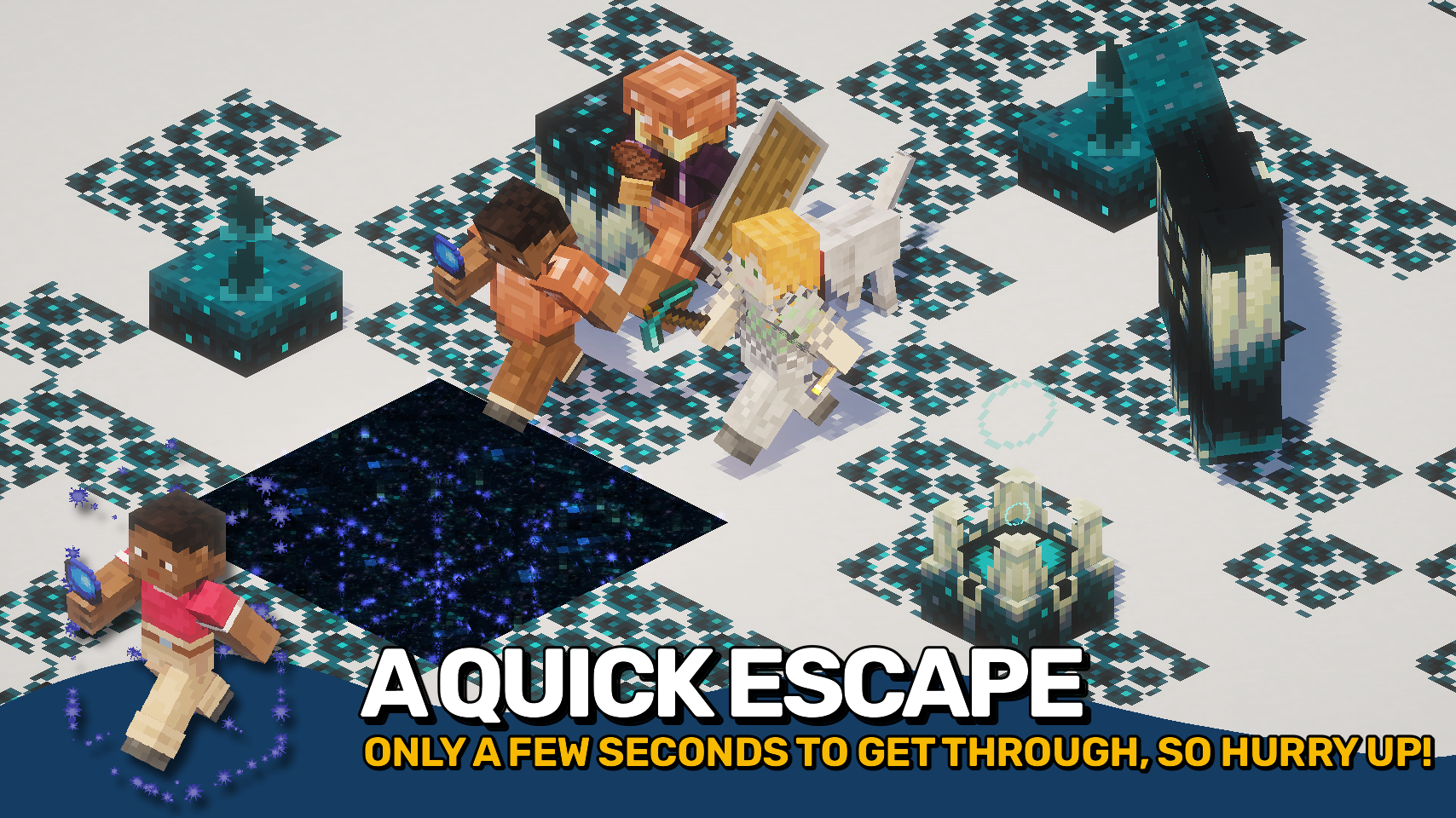
Portable Hole adds a simple magical tool that opens temporary passages through solid blocks. Click a surface to clear a short tunnel in that direction, letting you slip through walls, floors, ceilings, and tight spaces without permanently breaking anything. 🌀
After a brief moment, the removed blocks return on their own, making it useful for exploration, quick escapes, hidden entrances, and creative builds where you want movement without lasting damage. ✨
The mod keeps the effect readable with spark particles, a portal-style overlay, and reappearing block feedback, while offering configuration for hole depth, duration, cooldown, visuals, and which blocks can be affected. ⚙️



⏩ INSTALLATION REQUIRED ON CLIENT & REQUIRED ON SERVER
⏩ REQUIRES PUZZLES LIB TO BE INSTALLED (FABRIC & NEOFORGE)
⏩ REQUIRES FABRIC API TO BE INSTALLED (FABRIC)
⏩ REQUIRES FORGE CONFIG API PORT TO BE INSTALLED (FABRIC)

If available for a mod, configuration is possible directly from in-game using the mod menu (requires Mod Menu by Prospector to be installed on Fabric).
For manual configuration using an external text editor all files are found at .minecraft/config, named as MOD_ID-client.toml, MOD_ID-common.toml, or MOD_ID-server.toml, depending on the type of config. Not all types might exist for a mod, if any at all.

🌟 Huge thanks to Azanor for creating Thaumcraft 3, whose item by the same name inspired this mod from the very beginning.
🌟 Thanks to Vazkii for creating Botania, which inspired the magical spark particle effects used in this mod.
🌟 Thanks to Finalbossblues for creating the excellent icon set available on itch.io, parts of which are used in this mod.
 |
 |
|
|---|---|---|
 |
 |
|
 |
 |
|
 |
 |
|
 |
 |
|

© 2026 @heyitsfuzs. All rights reserved. This page was last edited on 11 September 2026, at 06:44 (UTC).
Project description from CurseForge.
Pick your setup
Choose the version and loader you play, then open the matching release.
Showing the newest 12 of 23 game versions. Older files are in the list below.
Check the dependencies, then try the file in a copied instance before changing a world you care about.
Recent files
portablehole-v26.3.0-mc26.3.x+fabric.jar
28 Sept 2026
portablehole-v26.3.0-mc26.3.x+neoforge.jar
28 Sept 2026
PortableHole-v26.2.0-mc26.2.x-Fabric.jar
19 Jun 2026
PortableHole-v26.2.0-mc26.2.x-NeoForge.jar
19 Jun 2026
PortableHole-v26.1.0-mc26.1.x-Fabric.jar
4 May 2026
PortableHole-v26.1.0-mc26.1.x-NeoForge.jar
4 May 2026
PortableHole-v21.11.0-mc1.21.11-Fabric.jar
16 Dec 2025
PortableHole-v21.11.0-mc1.21.11-NeoForge.jar
16 Dec 2025
PortableHole-v21.10.0+mc1.21.10-NeoForge.jar
8 Oct 2025
PortableHole-v21.10.0+mc1.21.10-Fabric.jar
8 Oct 2025
PortableHole-v21.9.0+mc1.21.9-NeoForge.jar
5 Oct 2025
PortableHole-v21.9.0+mc1.21.9-Fabric.jar
5 Oct 2025
Looking for an older file? The official CurseForge project page is in Resources.
 mod
Banners on Horses, Boats, Happy Ghasts, as Capes, Hats, more layers and more!
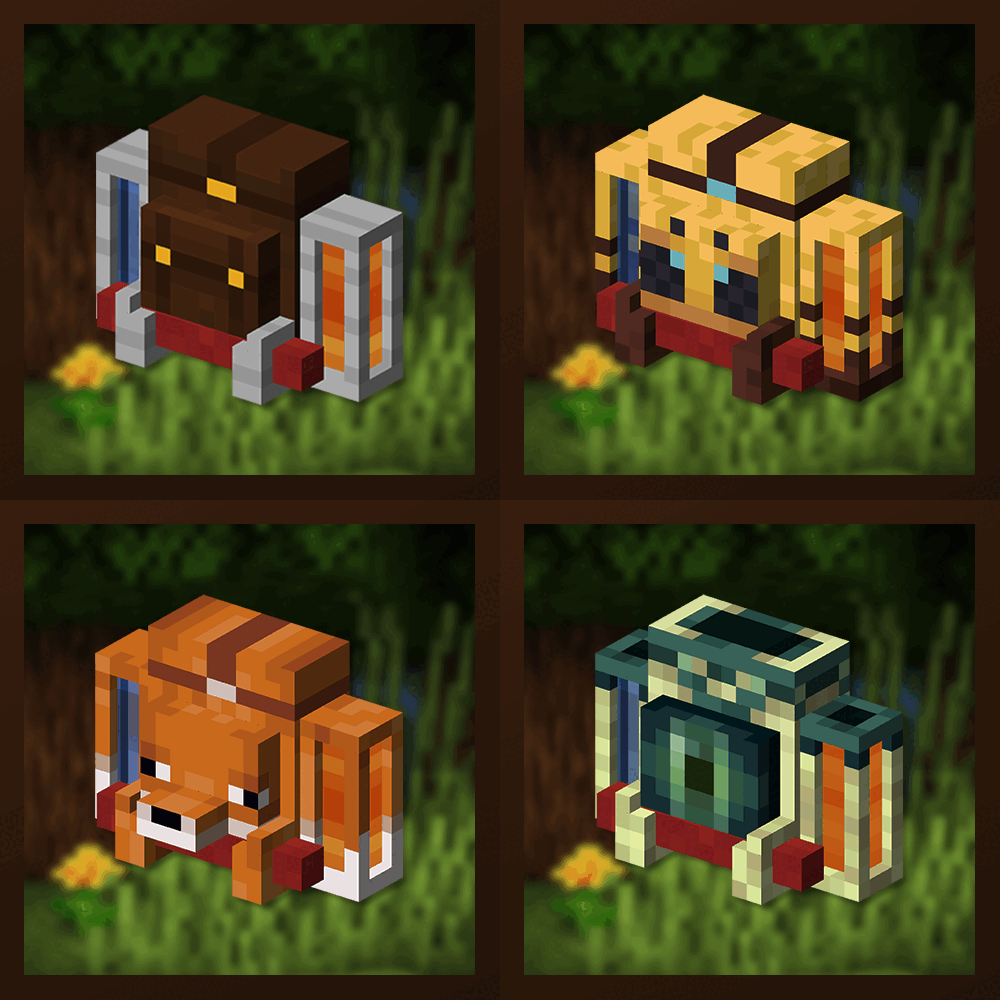 mod
Unique and upgradeable backpacks with customisation, Curios API/Trinkets integration and more!
 mod
A Fabric mod based on my ProvatarSMP plugin: legendary weapons, an Ore Combiner to forge alloy gear, a Ban Shulker that disconnects players without bans, a custom ultra-bright dimension, and server SMP rules managed via commands.
