Minecraft version
Back to mods 
Modrinth · Minecraft mod
Player Mobs
Adds hostile mobs that looks like players, works with remote list like Twitch subs
Choose a version Pick your version below, then grab the matching file.
Quick answer
Which Player Mobs release should I use?
Latest stable file 5.1.2.4
Game version 1.21, 1.21.1
Loader NeoForge
Player Mobs 5.1.2.4 targets 1.21, 1.21.1 with NeoForge. Installation on the client is optional. Installation on the dedicated server is optional. No extra mods listed for this file.
Where it goes
Is Player Mobs required on the client, server, or both?
Installation on the client is optional. Installation on the dedicated server is optional.
Client Optional
Dedicated server Optional
Loader for this release NeoForge
Required install it here Optional supported, not mandatory Not supported do not install here Source doesn’t say do not assume
The source marks this as usable on both the client and server.
What else does Player Mobs 5.1.2.4 need?
5.1.2.4. Change the file and its required mods may change too.
This file does not list any required mods. Do not add a library just because a different file uses it.
This file does not list any required or optional mods.
Before you install it
Add Player Mobs without breaking your instance.
Built for Player Mobs 5.1.2.4. Pick another file and the loader, install side or required mods may change.
- 01
Stick to this file
Use 5.1.2.4. It targets 1.21, 1.21.1 with NeoForge; another release may have different loader, side or dependency requirements.
- 02
Bring the mods it needs
This file does not list any required mods. Do not add a library just because a different file uses it.
- 03
Put it on the correct side
Installation on the client is optional. Installation on the dedicated server is optional.
- 04
Pick the file you checked
Use the “Get this file” button beside 5.1.2.4. It opens that exact file at the source.
About this project
What does Player Mobs add?
A mod that adds hostile player mobs to the game.
You can add names to the config for more more names in game.
You can also add links to pages returning a list of names divided by a newline.
You can use pages like this whitelist.gorymoon.se to get lists of twitch subs.
When used on a server you can add the whitelist the the available names for the mobs.
The mobs can be friendly to players with the same name as them.
The mobs can drop the heads of the skin they have.
Players can drop their head when killed based on a config option.
To manually reload the list of remote names the following commmand can be used:
/playermobs reload
To manually spawn a mob there is the following command:
/playermobs spawn <name> [pos] (where pos is optional)
This is an example on how to spawn a mod with the summon command:
/summon player_mobs:player_mob ~ ~ ~ {"Username":"Gory_Moon"}
Custom skin textures
More info about adding/overriding textures of the player mobs can be found here
TODO/Next
Adding datapack support for special spawns.
Bugs/Ideas/Requests?
Post bugs/ideas/requests on my Github issue tracker.
Modpacks?
You are free to use this mod in modpacks.)
Project description from Modrinth.
Pick your setup
Player Mobs by Minecraft version and loader
Choose the version and loader you play, then open the matching release.
Minecraft version
1.21
1 loader buildCheck the dependencies, then try the file in a copied instance before changing a world you care about.
Recent files
Player Mobs versions and loaders
5.1.2.4
PlayerMobs-1.21.1-5.1.2.4.jar
12 Jan 2025
Client Optional Server Optional Dependencies No extras listed Listed on Release listing
Check the 1.21.1 · NeoForge setup 1.211.21.1NeoForge release
5.1.1.3
PlayerMobs-1.21.1-5.1.1.3.jar
7 Oct 2024
Client Optional Server Optional Dependencies No extras listed Listed on Release listing
Check the 1.21.1 · NeoForge setup 1.211.21.1NeoForge release
5.1.0
PlayerMobs-1.21.1-5.1.0.2.jar
3 Oct 2024
Client Optional Server Optional Dependencies No extras listed Listed on Release listing
Check the 1.21.1 · NeoForge setup 1.21.1NeoForge release
Looking for an older file? The official Modrinth project page is in Resources.
 mod
mod CurseForge · Minecraft
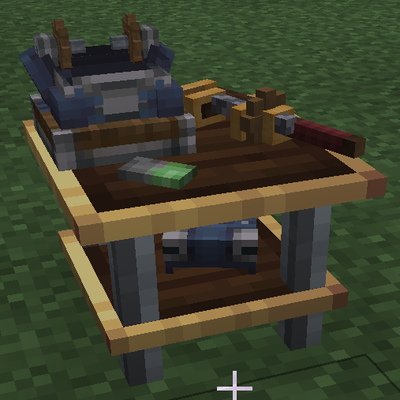
Flavourtown Villagers
Custom Villagers for Flavourtown
 mod
mod CurseForge · Minecraft
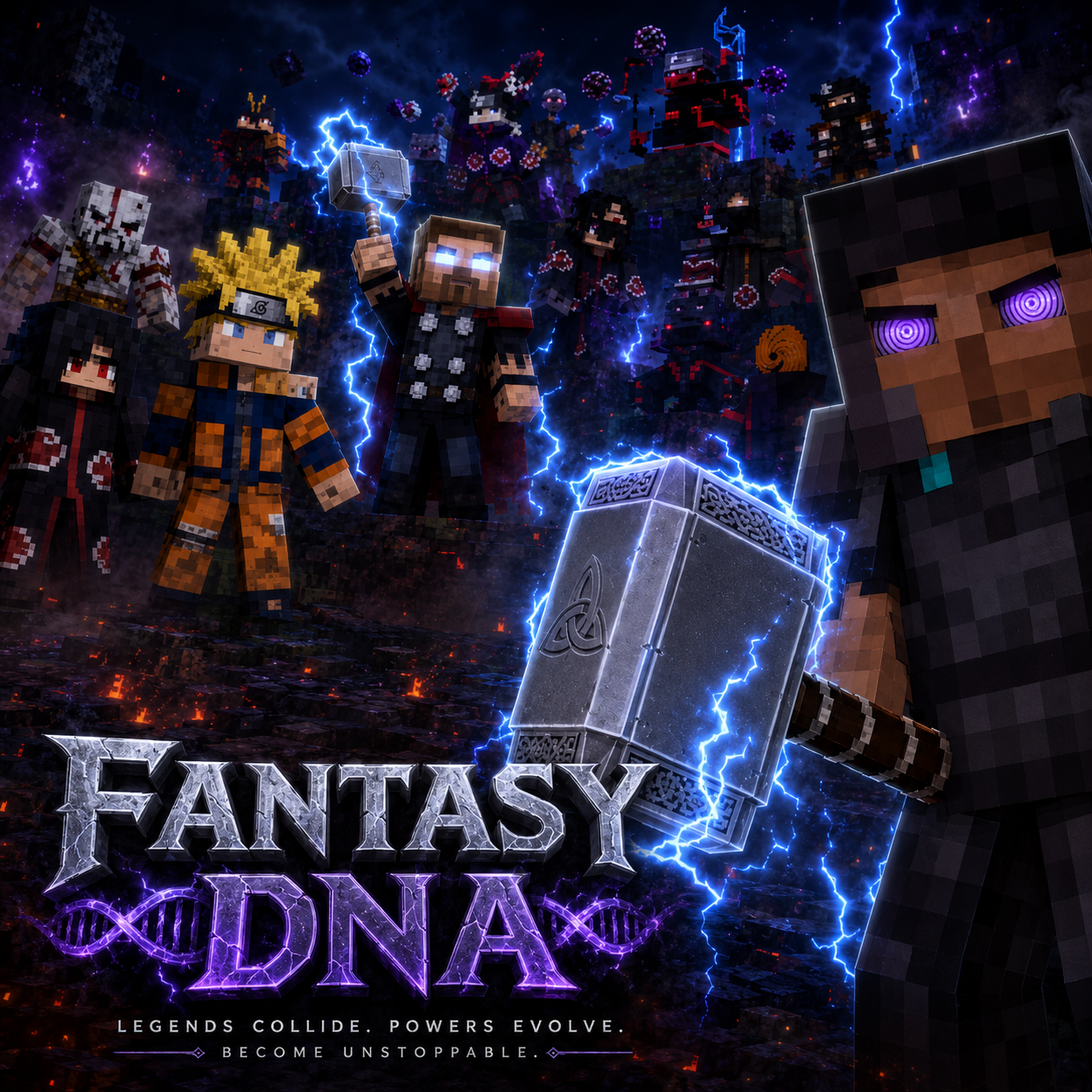
Fantasy DNA
Our mod is based off of the fantasy universe; Naruto, Marvel and God of War ETX
 mod
mod CurseForge · Minecraft
The Legend of the Wendigo [Horror]
this mod adds a Wendigo to your world