Minecraft version
Back to mods 
Modrinth · Minecraft mod
X Ray (no cheats)
Find ores in mines faster and easier.
Choose a version Pick your version below, then grab the matching file.
Quick answer
Which X Ray (no cheats) release should I use?
Latest stable file 1.1.1
Game version 1.16.2, 1.16.3, 1.16.4
Loader Fabric, Forge, NeoForge
X Ray (no cheats) 1.1.1 targets 1.16.2, 1.16.3, 1.16.4 with Fabric, Forge, NeoForge. Installation on the client is optional. Installation on the dedicated server is optional. No extra mods listed for this file.
Where it goes
Is X Ray (no cheats) required on the client, server, or both?
Installation on the client is optional. Installation on the dedicated server is optional.
Client Optional
Dedicated server Optional
Loader for this release Fabric, Forge, NeoForge
Required install it here Optional supported, not mandatory Not supported do not install here Source doesn’t say do not assume
The source marks this as usable on both the client and server.
What else does X Ray (no cheats) 1.1.1 need?
1.1.1. Change the file and its required mods may change too.
This file does not list any required mods. Do not add a library just because a different file uses it.
This file does not list any required or optional mods.
Before you install it
Add X Ray (no cheats) without breaking your instance.
Built for X Ray (no cheats) 1.1.1. Pick another file and the loader, install side or required mods may change.
- 01
Stick to this file
Use 1.1.1. It targets 1.16.2, 1.16.3, 1.16.4 with Fabric, Forge, NeoForge; another release may have different loader, side or dependency requirements.
- 02
Bring the mods it needs
This file does not list any required mods. Do not add a library just because a different file uses it.
- 03
Put it on the correct side
Installation on the client is optional. Installation on the dedicated server is optional.
- 04
Pick the file you checked
Use the “Get this file” button beside 1.1.1. It opens that exact file at the source.
About this project
What does X Ray (no cheats) add?
X Ray
Mod/Datapack that removes stone and other blocks to keep ores visible. Also works in the nether.
X-Ray is a powerful mod that radically changes the way you explore the world of Minecraft. It allows you to see through ordinary blocks, highlighting valuable resources, structures, and objects.
To use it, you need to take a filled map in any hand.
⚠️ WARNING: This project makes permanent, irreversible changes to your world.
Removing it will not restore anything. Back up your world or test in a new save before using.

Usage
The mod is activated automatically and requires no additional settings. However, if you want to temporarily disable the mod, use the command /trigger bizcub.x_ray.t. Information about the mod's current status will then appear in the chat.
Dependencies
- Fabric loader requires Fabric API
Project description from Modrinth.
Pick your setup
X Ray (no cheats) by Minecraft version and loader
Choose the version and loader you play, then open the matching release.
Minecraft version
26.3
5 loader buildsMinecraft version
26.2-snapshot-8
5 loader buildsMinecraft version
26.2-snapshot-7
5 loader buildsMinecraft version
26.2-snapshot-6
5 loader buildsMinecraft version
26.2-snapshot-5
5 loader buildsMinecraft version
26.2-snapshot-4
5 loader buildsMinecraft version
26.2-snapshot-3
5 loader buildsMinecraft version
26.2-snapshot-2
5 loader buildsMinecraft version
26.2-snapshot-1
5 loader buildsMinecraft version
26.2-rc-2
5 loader buildsMinecraft version
26.2-rc-1
5 loader buildsShowing the newest 12 of 348 game versions. Older files are in the list below.
Check the dependencies, then try the file in a copied instance before changing a world you care about.
Recent files
X Ray (no cheats) versions and loaders
1.1.1
x-ray-v1.1.1.jar
14 Aug 2026
Client Optional Server Optional Dependencies No extras listed Listed on Release listing
Check the 26w14a · Fabric setup 1.16.21.16.31.16.41.16.5 release
1.1.1
X-Ray-1.1.1.zip
14 Aug 2026
Client Optional Server Optional Dependencies No extras listed Listed on Release listing
Check the 26w14a · datapack setup 1.16.21.16.31.16.41.16.5 release
1.1
x-ray-v1.1.jar
11 Feb 2026
Client Optional Server Optional Dependencies No extras listed Listed on Release listing
Check the 26w14a · Fabric setup 1.16.21.16.31.16.41.16.5 release
1.1
X-Ray-1.1.zip
11 Feb 2026
Client Optional Server Optional Dependencies No extras listed Listed on Release listing
Check the 26w14a · datapack setup 1.16.21.16.31.16.41.16.5 release
1.0
x-ray-v1.0.jar
27 Dec 2025
Client Optional Server Optional Dependencies No extras listed Listed on Release listing
Check the 26w14a · Fabric setup 1.16.21.16.31.16.41.16.5 release
1.0
X-Ray-1.0.zip
27 Dec 2025
Client Optional Server Optional Dependencies No extras listed Listed on Release listing
Check the 26w14a · datapack setup 1.16.21.16.31.16.41.16.5 release
Looking for an older file? The official Modrinth project page is in Resources.
 mod
CurseForge + Modrinth · Minecraft
Resource Data Pack Loader
RDPL - Resource and Datapack loading to a new level. Run the same packs on any supported version of Minecraft. Restoring JOY back to Modpack building! The API that should have been. By MCT.
 mod
CurseForge + Modrinth · Minecraft
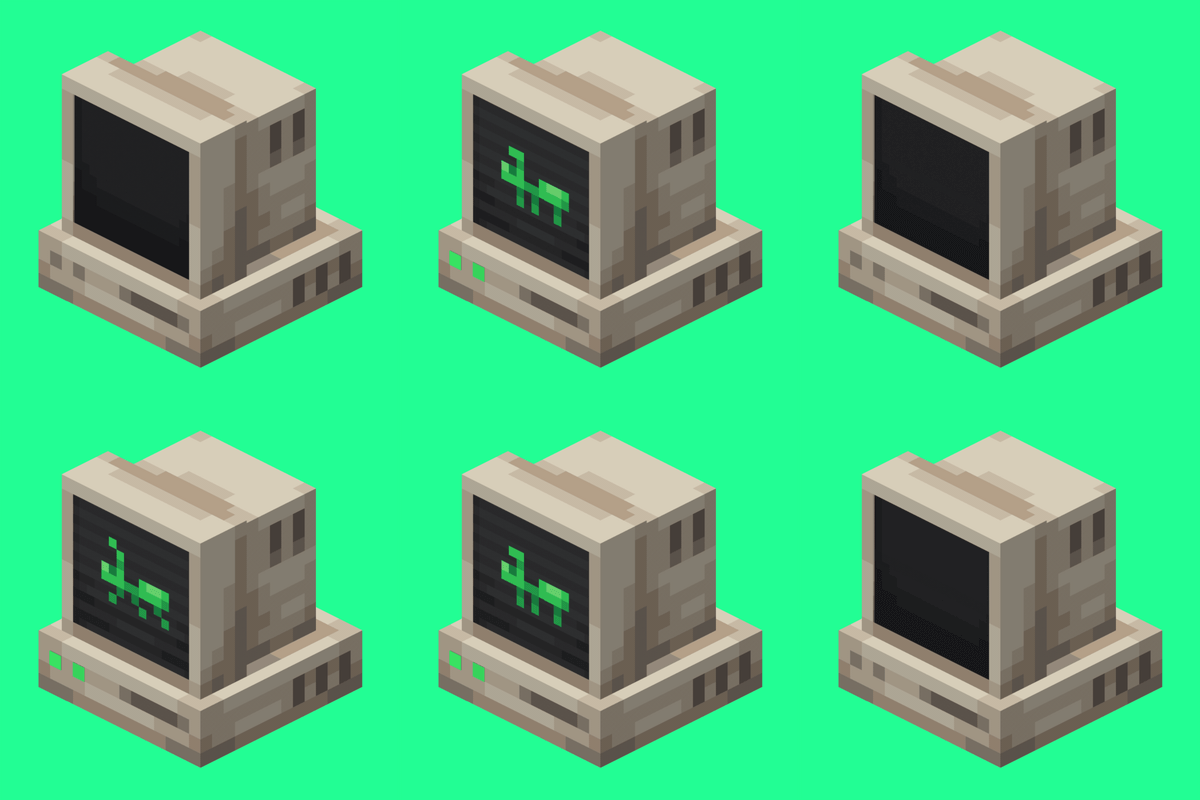
AntOS Computer | Quests + Guidebook
An immersive and fully functioning computer that provides an anternative to the stale and overused quest book and guide book
 mod
CurseForge + Modrinth · Minecraft
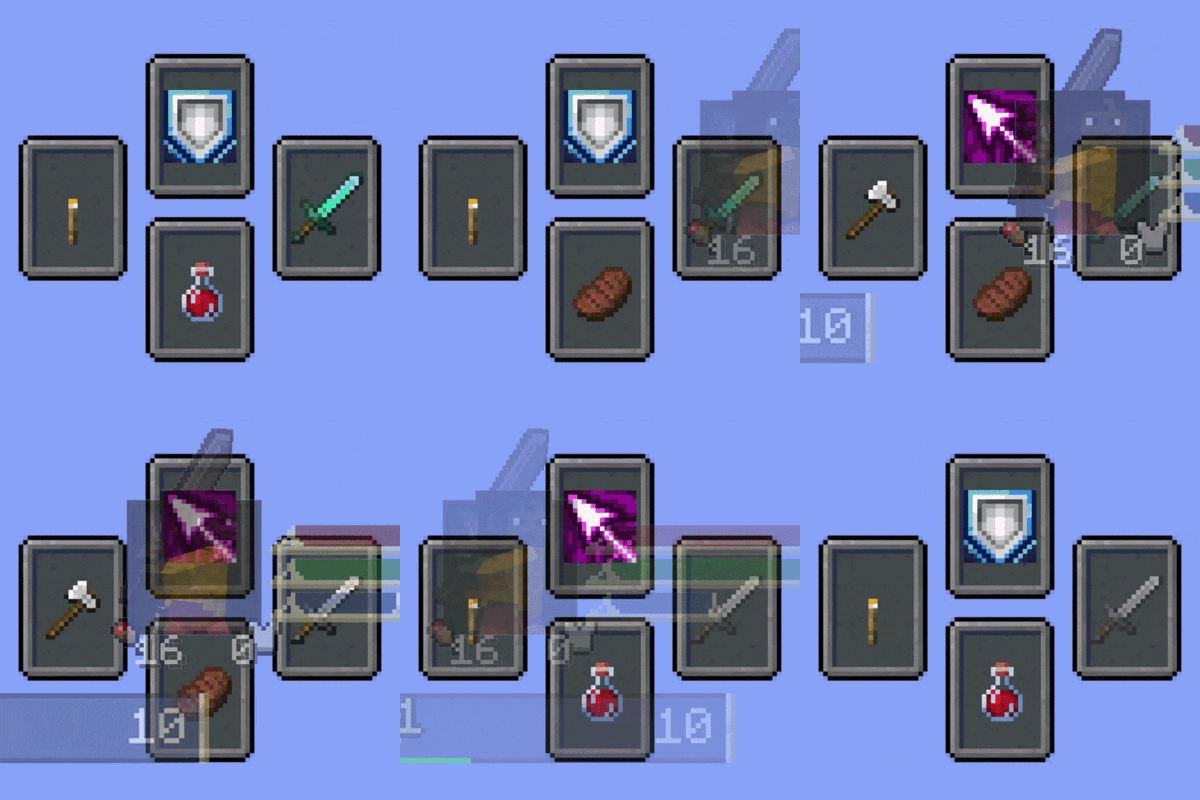
Souls Combat HUD
Adds a soulslike HUD featuring equipment slots, boss bar, status gauges and team display.