Quick answer
Which CreatureChat™ release should I use?
Latest stable file 3.0.0+1.21
Game version 1.21
Loader Fabric
CreatureChat™ 3.0.0+1.21 targets 1.21 with Fabric. Installation on the client is optional. Installation on the dedicated server is optional. All 1 required mods have matching files.
Where it goes
Is CreatureChat™ required on the client, server, or both?
Installation on the client is optional. Installation on the dedicated server is optional.
Client Optional
Dedicated server Optional
Loader for this release Fabric
Required install it here Optional supported, not mandatory Not supported do not install here Source doesn’t say do not assume
The source marks this as usable on both the client and server.
What else does CreatureChat™ 3.0.0+1.21 need?
3.0.0+1.21. Change the file and its required mods may change too.
Install Fabric API first. We found matching files for this game-version and loader setup.
Matching file found Matched file: [1.21] Fabric API 0.102.0+1.21
We only count dependency files that match this setup. A file for another loader does not fill the gap.
Before you install it
Add CreatureChat™ without breaking your instance.
Built for CreatureChat™ 3.0.0+1.21. Pick another file and the loader, install side or required mods may change.
- 01
Stick to this file
Use 3.0.0+1.21. It targets 1.21 with Fabric; another release may have different loader, side or dependency requirements.
- 02
Bring the mods it needs
Install Fabric API first. We found matching files for this game-version and loader setup.
- 03
Put it on the correct side
Installation on the client is optional. Installation on the dedicated server is optional.
- 04
Pick the file you checked
Use the “Get this file” button beside 3.0.0+1.21. It opens that exact file at the source.
About this project
What does CreatureChat™ add?
Chat with any mob in Minecraft! All creatures can talk & react using AI!

Features
- AI-Driven Chats: Using ChatGPT or open-source AI models, each conversation is unique and engaging!
- Behaviors: Creatures can make decisions on their own and Follow, Flee, Attack, Protect, and more!
- Reactions: Creatures automatically react to being damaged or receiving items from players.
- Friendship: Track your relationships from friends to foes.
- Multi-Player: Share the experience; conversations sync across server & players.
- Memory: Creatures remember your past interactions, making each chat more personal.
Create meaningful conversations and enduring friendships? A betrayal perhaps?
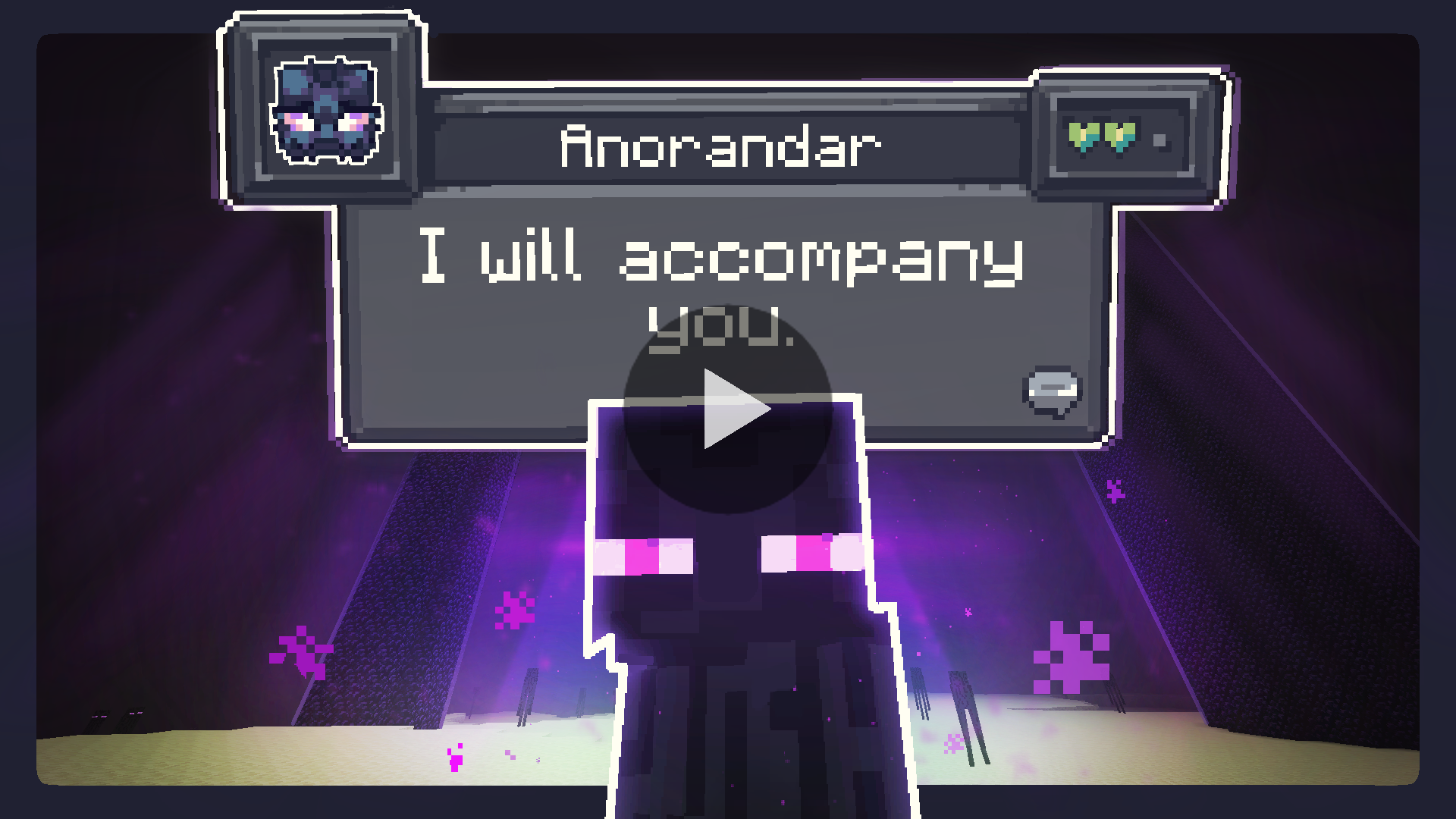
Installation Instructions
Fabric (Recommended)
Fabric Instructions
- Install Fabric Loader & API: Follow the instructions here.
- Install CreatureChat™ Mod: Download and copy
creaturechat-*.jar and fabric-api-*.jar into your .minecraft/mods folder.
- Launch Minecraft with the Fabric profile.
- Configure AI: A LLM (large language model) is required for generating text (AI options below)
Forge (with Sinytra Connector)
Forge Instructions
NOTE: Sintra Connector only supports Minecraft 1.20.1
- Install Forge: Download Forge Installer, run it, select "Install client".
- Install Forgified Fabric API: Download Forgified Fabric API and copy the
*.jar into your .minecraft/mods folder.
- Install Sinytra Connector: Download Sinytra Connector and copy the
*.jar into your .minecraft/mods folder.
- Install CreatureChat™ Mod: Download and copy
creaturechat-*.jar into your .minecraft/mods folder.
- Launch Minecraft with the Forge profile.
- Configure AI: A LLM (large language model) is required for generating text (AI options below)
AI Options
Choose AI Option
CreatureChat™ requires an AI / LLM (large language model) to generate text (characters and chat).
- Free & Local: Use open-source and free-to-use LLMs without any API fees. [Difficulty: Hard]
- Bring Your Own Key: Use your own API key from providers like OpenAI or Groq. [Difficulty: Medium]
- Token Shop: Supports CreatureChat™ by purchasing tokens from the developers. [Difficulty: Easy]
1. Free & Local
CreatureChat™ fully supports free and open-source LLMs. To get started:
- An HTTP endpoint compatible with the OpenAI Chat Completion JSON syntax is required. We highly recommend using:
- Ollama & LiteLLM as your HTTP proxy.
- LiteLLM Features:
- Supports over 100+ LLMs (e.g., Anthropic, VertexAI, HuggingFace, Google Gemini, and Ollama).
- Proxies them through a local HTTP endpoint compatible with CreatureChat™.
- Note: Running a local LLM on your computer requires a powerful GPU.
- Set the local HTTP endpoint in-game:
/creaturechat url set "http://ENTER-YOUR-HTTP-ENDPOINT-FROM-LITE-LLM"/creaturechat model set ENTER-MODEL-NAME/creaturechat timeout set 360
- Additional help can be found in the #locall-llm-info channel on our Discord.
2. Bring Your Own Key
For those already using a third-party API (e.g., OpenAI, Groq):
- Integrate your own API key for seamless connectivity.
- Costs depend on the provider’s usage-based pricing model.
- By default, CreatureChat uses the OpenAI endpoint and
gpt-3.5-turbo model, known for its balance of low cost and fast performance.
- Be aware that OpenAI’s developer API does not include free usage. Please review the OpenAI pricing for detailed information.
- To create an OpenAI API key, visit https://platform.openai.com/api-keys, and use the + Create new secret key button.
- Set the API key & model in-game:
/creaturechat key set <YOUR-SECRET-KEY-HERE>/creaturechat model set gpt-3.5-turbo
3. Token Shop
Supports CreatureChat by purchasing tokens from the developers:
- Easy setup with simple token packs, created for CreatureChat users.
- More info is available in the #token-shop channel on our Discord.
- Set the token-shop API key in-game:
/creaturechat key set <YOUR-SECRET-KEY-HERE>
In-game Commands
Configure CreatureChat
- REQUIRED:
/creaturechat key set <key>
- Sets the OpenAI API key. This is required for making requests to the LLM.
- OPTIONAL:
/creaturechat url set "<url>"
- Sets the URL of the API used to make LLM requests. Defaults to
"https://api.openai.com/v1/chat/completions".
- OPTIONAL:
/creaturechat model set <model>
- Sets the model used for generating responses in chats. Defaults to
gpt-3.5-turbo.
- OPTIONAL:
/creaturechat timeout set <seconds>
- Sets the timeout (in seconds) for API HTTP requests. Defaults to
10 seconds.
- OPTIONAL:
/creaturechat whitelist <entityType | all | clear> - Show chat bubbles
- Shows chat bubbles for the specified entity type or all entities, or clears the whitelist.
- OPTIONAL:
/creaturechat blacklist <entityType | all | clear> - Hide chat bubbles
- Hides chat bubbles for the specified entity type or all entities, or clears the blacklist.
- OPTIONAL:
/story set "<story-text>"
- Sets a custom story (included in character creation and chat prompts).
- OPTIONAL:
/story display | clear
- Display or clear the current story.
Configuration Scope:
- OPTIONAL: You can specify the configuration scope at the end of each command to determine where settings should be applied:
- Default Configuration (
--config default): Applies the configuration universally, unless overridden by a server-specific configuration.
- Server-Specific Configuration (
--config server): Applies the configuration only to the server where the command is executed.
- If the
--config option is not specified, the default configuration scope is assumed.
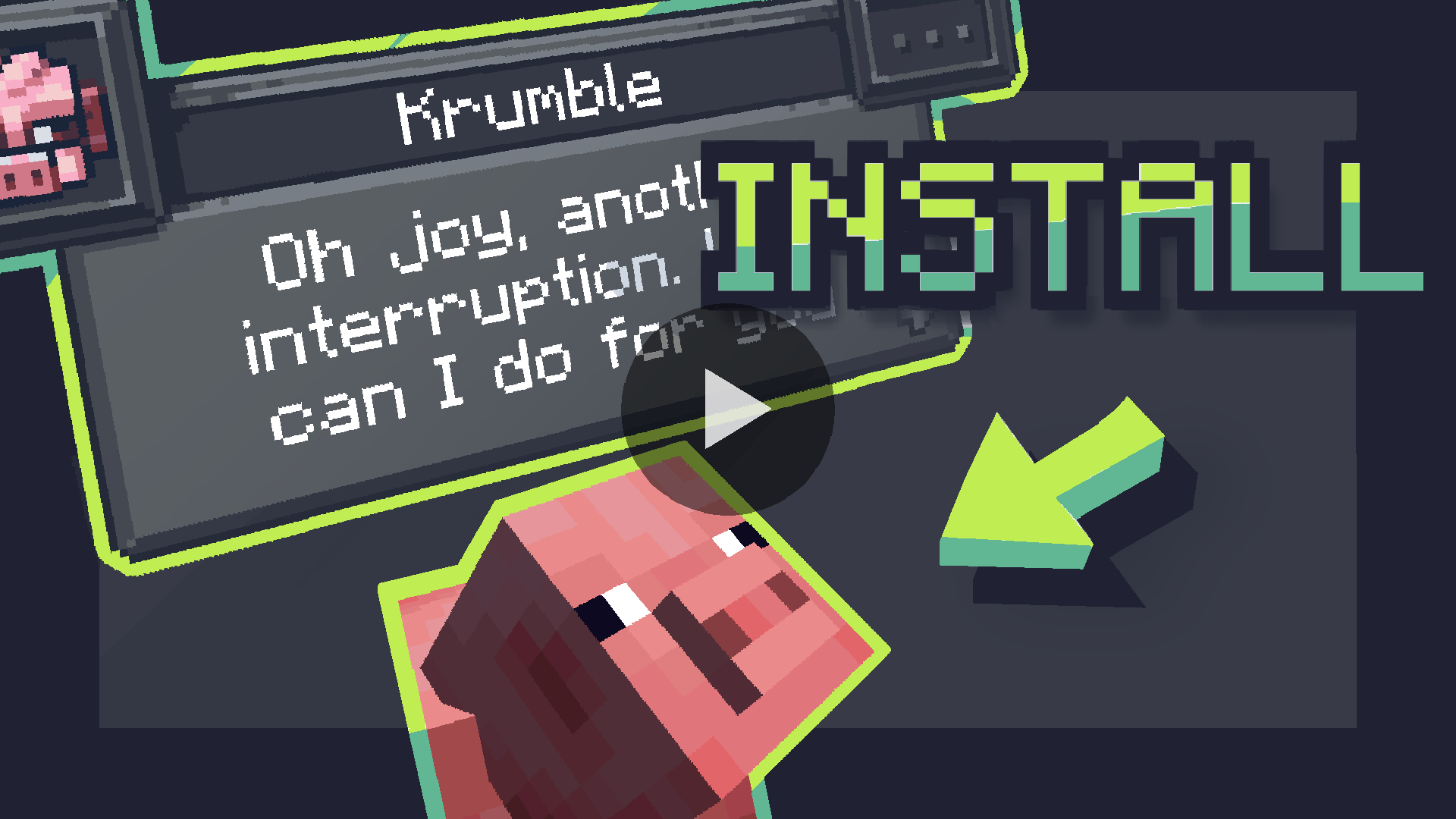
License
Legal Notices
- CreatureChat™ is an independent project and is not endorsed by Mojang AB, Microsoft Corp., or OpenAI. Minecraft® is a trademark of Mojang AB. ChatGPT® is a trademark of OpenAI OpCo, LLC. All trademarks appear here for identification only.
- CreatureChat™ is a trademark of owlmaddie LLC (registration pending). Factual nominative references such as “Fork of CreatureChat” that do not imply endorsement are allowed; all other uses of the name or logo require prior permission.
Contact & Resources
Project description from Modrinth.
Pick your setup
CreatureChat™ by Minecraft version and loader
Choose the version and loader you play, then open the matching release.
Minecraft version
1.21.7
1
loader build Minecraft version
1.21.6
1
loader build Minecraft version
1.21.5
1
loader build Minecraft version
1.21.4
1
loader build Minecraft version
1.21.3
1
loader build Minecraft version
1.21.2
1
loader build Minecraft version
1.21.1
2
loader builds Minecraft version
1.21
1
loader build Minecraft version
1.20.6
1
loader build Minecraft version
1.20.5
1
loader build Minecraft version
1.20.4
1
loader build Minecraft version
1.20.3
1
loader build Showing the newest 12 of 15 game versions.
Older files are in the list below.
Check the dependencies, then try the file in a copied instance before changing a world you care about.
Recent files
CreatureChat™ versions and loaders
creaturechat-3.0.0+1.21.jar
28 Aug 2025
Client Optional Server Optional Dependencies 1 required · matched Listed on Release listing
Check the 1.21 · Fabric setup → creaturechat-3.0.0+1.21.7.jar
28 Aug 2025
Client Optional Server Optional Dependencies 1 required · 1 unchecked Listed on Release listing
Check the 1.21.7 · Fabric setup → creaturechat-3.0.0+1.21.6.jar
28 Aug 2025
Client Optional Server Optional Dependencies 1 required · 1 unchecked Listed on Release listing
Check the 1.21.6 · Fabric setup → creaturechat-3.0.0+1.21.5.jar
28 Aug 2025
Client Optional Server Optional Dependencies 1 required · 1 unchecked Listed on Release listing
Check the 1.21.5 · Fabric setup → creaturechat-3.0.0+1.21.4.jar
28 Aug 2025
Client Optional Server Optional Dependencies 1 required · 1 unchecked Listed on Release listing
Check the 1.21.4 · Fabric setup → creaturechat-3.0.0+1.21.3.jar
28 Aug 2025
Client Optional Server Optional Dependencies 1 required · 1 unchecked Listed on Release listing
Check the 1.21.3 · Fabric setup → creaturechat-3.0.0+1.21.2.jar
28 Aug 2025
Client Optional Server Optional Dependencies 1 required · 1 unchecked Listed on Release listing
Check the 1.21.2 · Fabric setup → creaturechat-3.0.0+1.21.1-neoforge.jar
28 Aug 2025
Client Optional Server Optional Dependencies 2 required · 2 unchecked Listed on Release listing
Check the 1.21.1 · NeoForge setup → creaturechat-3.0.0+1.21.1.jar
28 Aug 2025
Client Optional Server Optional Dependencies 1 required · 1 unchecked Listed on Release listing
Check the 1.21.1 · Fabric setup → creaturechat-3.0.0+1.20.jar
28 Aug 2025
Client Optional Server Optional Dependencies 1 required · 1 unchecked Listed on Release listing
Check the 1.20 · Fabric setup → creaturechat-3.0.0+1.20.6.jar
28 Aug 2025
Client Optional Server Optional Dependencies 1 required · 1 unchecked Listed on Release listing
Check the 1.20.6 · Fabric setup → creaturechat-3.0.0+1.20.5.jar
28 Aug 2025
Client Optional Server Optional Dependencies 1 required · 1 unchecked Listed on Release listing
Check the 1.20.5 · Fabric setup → 

 mod
 mod
 mod