Minecraft version
Back to mods 
CurseForge · Minecraft mod
Figura
A client-side mod that allows for extensive customization of the player model.
Choose a version Pick your version below, then grab the matching file.
Quick answer
Which Figura release should I use?
Latest stable file 0.1.6+1.16.5
Game version 1.16.5
Loader Fabric
Figura 0.1.6+1.16.5 targets 1.16.5 with Fabric. It must be installed on the client. Do not install it on the dedicated server. No extra mods listed for this file.
Where it goes
Is Figura required on the client, server, or both?
It must be installed on the client. Do not install it on the dedicated server.
Client Required
Dedicated server Not supported
Loader for this release Fabric
Required install it here Optional supported, not mandatory Not supported do not install here Source doesn’t say do not assume
This file is marked client-only.
What else does Figura 0.1.6+1.16.5 need?
0.1.6+1.16.5. Change the file and its required mods may change too.
This file does not list any required mods. Do not add a library just because a different file uses it.
This file does not list any required or optional mods.
Before you install it
Add Figura without breaking your instance.
Built for Figura 0.1.6+1.16.5. Pick another file and the loader, install side or required mods may change.
- 01
Stick to this file
Use 0.1.6+1.16.5. It targets 1.16.5 with Fabric; another release may have different loader, side or dependency requirements.
- 02
Bring the mods it needs
This file does not list any required mods. Do not add a library just because a different file uses it.
- 03
Put it on the correct side
It must be installed on the client. Do not install it on the dedicated server.
- 04
Pick the file you checked
Use the “Get this file” button beside 0.1.6+1.16.5. It opens that exact file at the source.
About this project
What does Figura add?
Figura
A Minecraft Java client mod that allows you to extensively customize your player model and have other players see your Avatar without requiring any server mods!
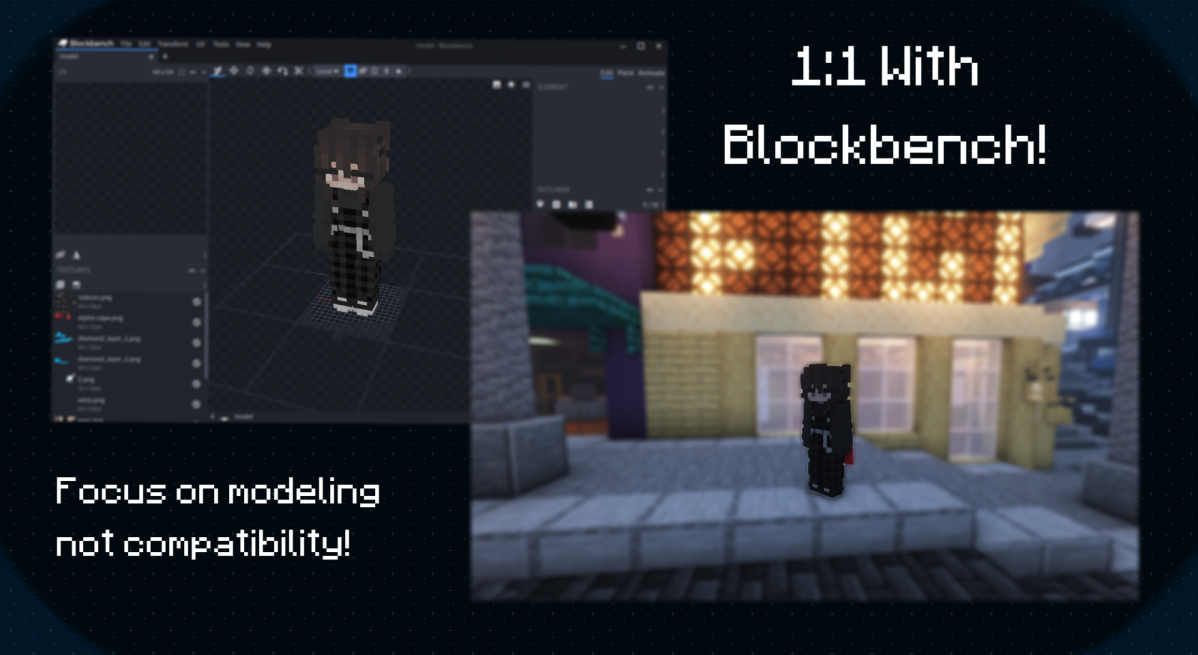
Utilizing the full potential of Blockbench.
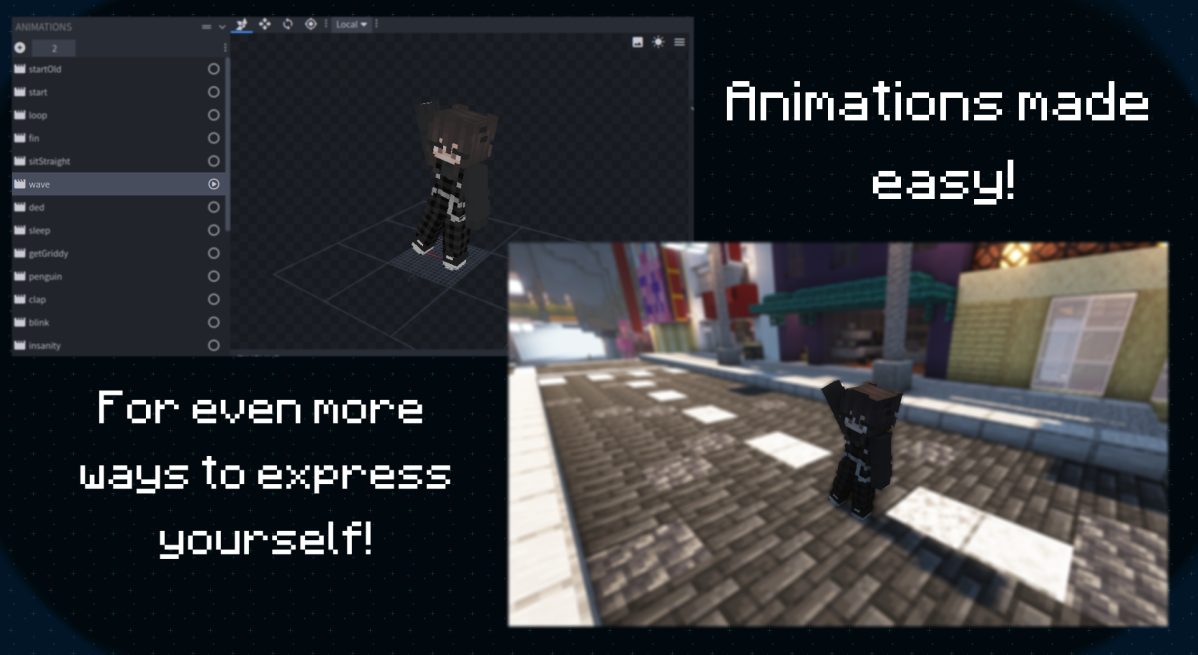
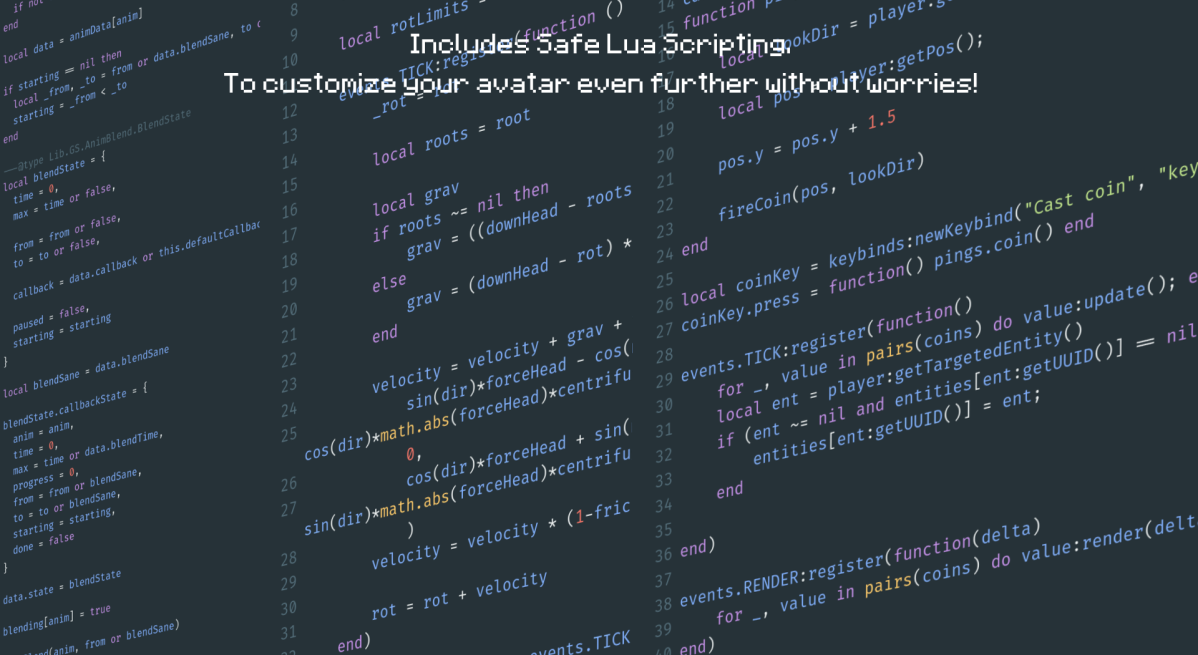
Not only can you customize your model but Figura also has an optional Lua API to make your own scripts!
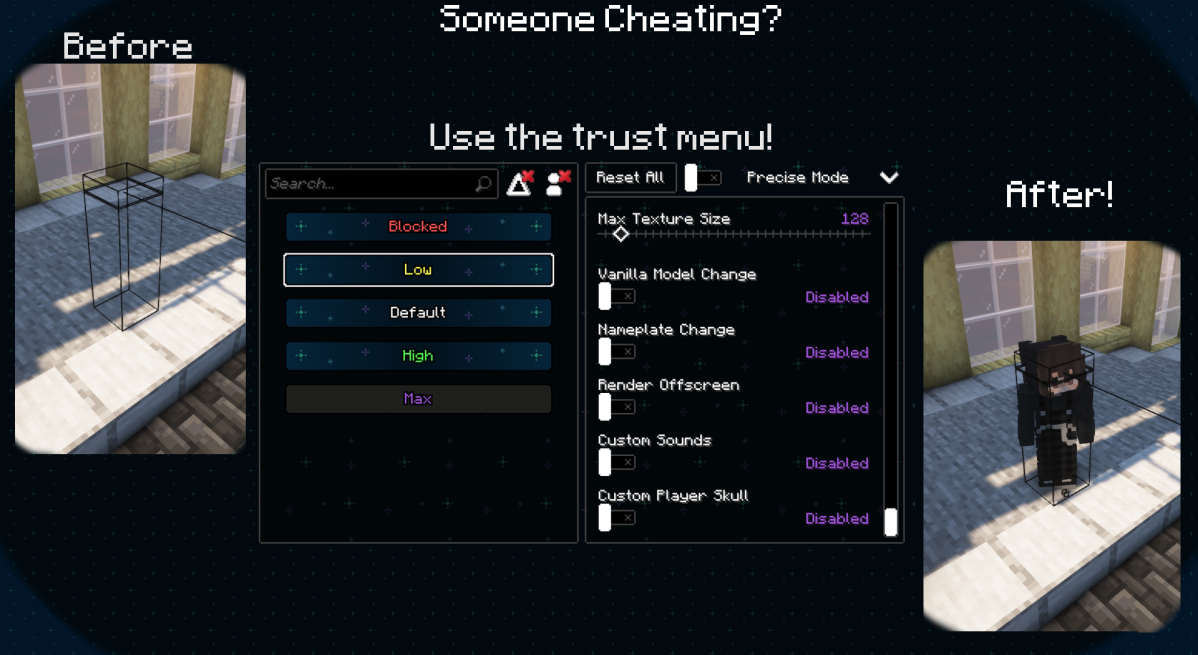
What if someone is invisible, or very small? Take advantage of Figura's robust permission system!
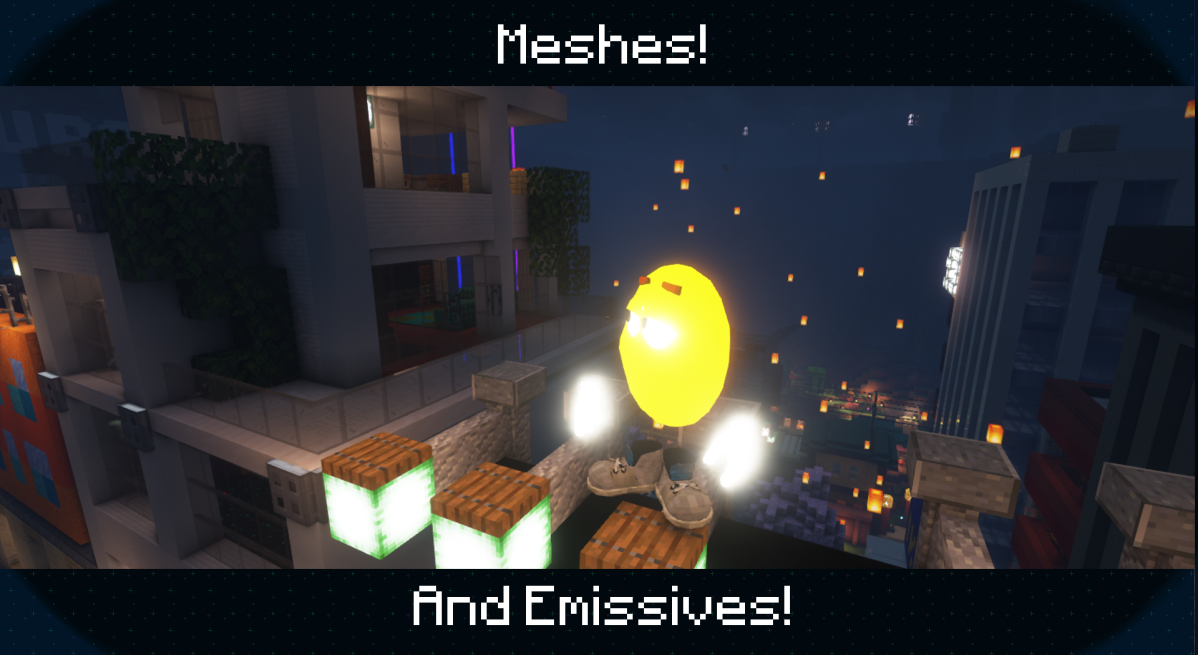
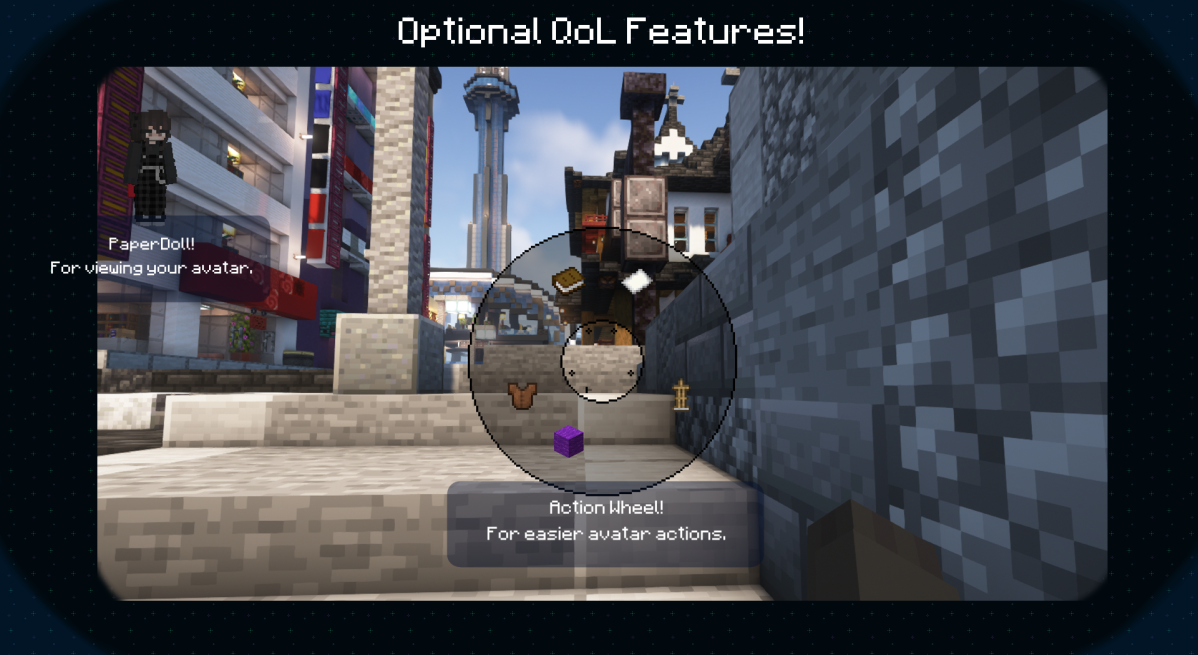
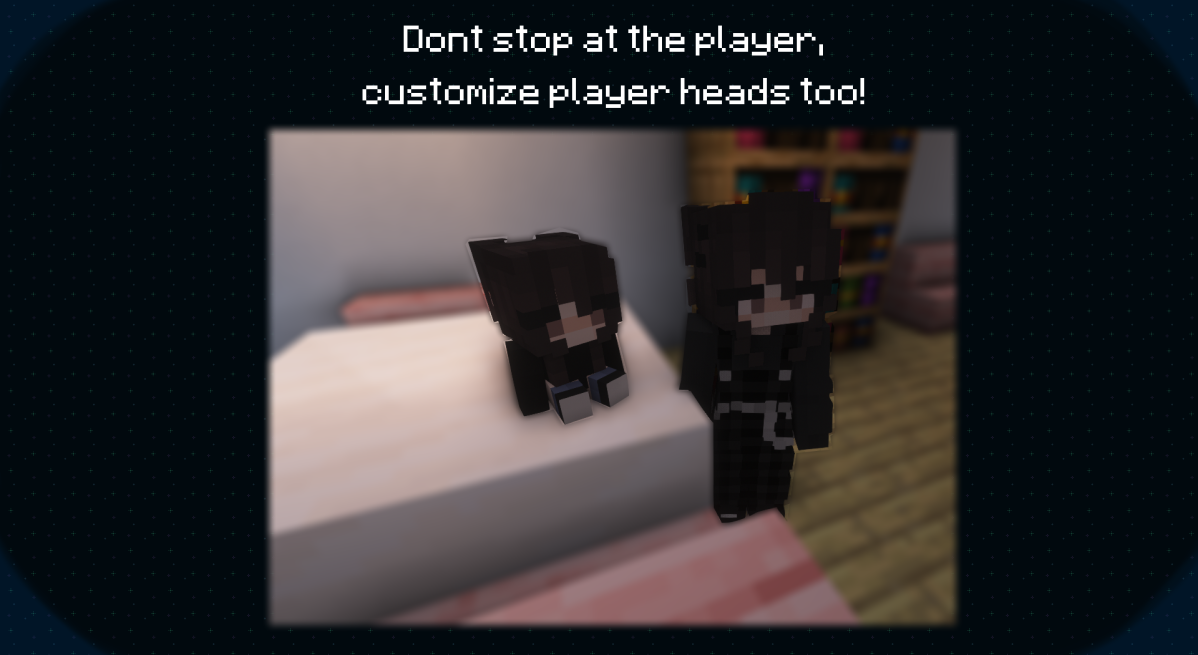
We also have some extras, like:
Meet us on the FiguraMC Discord Server for more info and help :)
Links
Social: 
Download: 

Donate: 

FAQ
• My avatars don't appear in the Figura list, even though they're in the correct folder?
> Check if your avatar has a file called "avatar.json" (don't forget to check file extensions) > > This file can be completely empty, it just needs to be present for Figura to recognise it as an avatar
• How do I hide the vanilla model?
> At the top of your script, put: > > • To hide literally everything (player, armor, elytra, held items):
vanilla_model.ALL:setVisible(false)
> > • To hide only the player:
vanilla_model.PLAYER:setVisible(false)
> > • To hide only armor:
vanilla_model.ARMOR:setVisible(false)
> > • To hide other, or specific parts, you can check the in-game docs
• How do I play a Blockbench Animation?
> Simply put this code in your script:
animations.modelName.animationName:play()
> Where: > > "animations" is the global table which contains all animations > > "modelName" is the name of the model you are accessing the animation from > > "animationName" is, as the name says, the animation name
• What are Pings and how do I use them?
> Pings are Lua functions that are executed for everyone running your avatar's script > > Pings are sent from the host player, and can be used to sync things like keypresses or action wheel actions > > To create a ping:
function pings.myPing(arg1, arg2)
  -- code to run once the ping is called
end
> And to execute the ping, it's as shrimple as calling a lua function:
pings.myPing("Hello", "World")
> Note that pings are limited in their content and size, and are rate-limited
• How can I add an emissive texture?
> Name the texture the same as the non-emissive counterpart, then add _e to the end > > And don't forget to set the places you don't want to glow to transparent black (#00000000), to also ensure compatibility with shader mods
• My emissives doesn't glow, nor have bloom with Iris/Optifine shaders?
> Since some shaders doesnt support emissives, a compatibility setting (default on) will change the render type of emissive textures to render them at it were fullbright, however that can lead to some unintended results > > You can force your avatar to use the correct emissive render type by using the render type EYES on your model
• How can I use Figura with OptiFine?
> Figura will work with Optifine but due it's closed source nature issues might arise, therefore we still recommend you try using Sodium+Iris (Fabric) or Rubidium+Oculus (Forge) instead > > Check out the full list of alternatives
• Where can I find Avatars to download?
> For now you can find Avatars in the showcase channel in the official Discord server (A Web Based and In-Game browser is in the works!)
• My Minecraft is cracked (non-premium/non-original) or I'm trying to join a cracked offline mode server, why can't I use Figura?
> Figura uses your account's UUID and your Mojang authentication as a way to prove you own that account, avoiding unwanted / malicious uploads > > Non-premium Minecraft accounts don't authenticate with Mojang, and Offline mode servers don't report working UUID's, as such can neither upload nor download Figura avatars
Project description from CurseForge.
Pick your setup
Figura by Minecraft version and loader
Choose the version and loader you play, then open the matching release.
Minecraft version
1.21.3
3 loader buildsMinecraft version
1.21.2
3 loader buildsMinecraft version
1.21.1
3 loader buildsMinecraft version
1.21
3 loader buildsMinecraft version
1.20.6
3 loader buildsMinecraft version
1.20.4
3 loader buildsMinecraft version
1.20.3
1 loader buildMinecraft version
1.20.2
3 loader buildsMinecraft version
1.20.1
3 loader buildsMinecraft version
1.19.4
3 loader buildsMinecraft version
1.19.3
3 loader buildsShowing the newest 12 of 15 game versions. Older files are in the list below.
Check the dependencies, then try the file in a copied instance before changing a world you care about.
Recent files
Figura versions and loaders
0.1.6+1.16.5
figura-0.1.6+1.16.5-fabric-mc.jar
19 Jun 2026
Client Required Server Not supported Dependencies No extras listed Listed on Release listing
Check the 1.16.5 · Fabric setup 1.16.5Fabric release
figura-0.1.6+1.21.4-neoforge-mc.jar
19 Jun 2026
Client Source doesn’t say Server Source doesn’t say Dependencies No extras listed Listed on Release listing
Check the 1.21.4 · NeoForge setup 1.21.4NeoForge release
figura-0.1.6+1.21.4-minecraftforge-mc.jar
19 Jun 2026
Client Source doesn’t say Server Source doesn’t say Dependencies No extras listed Listed on Release listing
Check the 1.21.4 · Forge setup 1.21.4Forge release
figura-0.1.6+1.21.4-fabric-mc.jar
19 Jun 2026
Client Source doesn’t say Server Source doesn’t say Dependencies No extras listed Listed on Release listing
Check the 1.21.4 · Fabric setup Fabric1.21.4 release
figura-0.1.6+1.21.3-neoforge-mc.jar
19 Jun 2026
Client Source doesn’t say Server Source doesn’t say Dependencies No extras listed Listed on Release listing
Check the 1.21.3 · NeoForge setup 1.21.3NeoForge1.21.2 release
figura-0.1.6+1.21.3-minecraftforge-mc.jar
19 Jun 2026
Client Source doesn’t say Server Source doesn’t say Dependencies No extras listed Listed on Release listing
Check the 1.21.3 · Forge setup Forge1.21.31.21.2 release
figura-0.1.6+1.21.3-fabric-mc.jar
19 Jun 2026
Client Source doesn’t say Server Source doesn’t say Dependencies No extras listed Listed on Release listing
Check the 1.21.3 · Fabric setup Fabric1.21.31.21.2 release
figura-0.1.6+1.21.1-neoforge-mc.jar
19 Jun 2026
Client Source doesn’t say Server Source doesn’t say Dependencies No extras listed Listed on Release listing
Check the 1.21.1 · NeoForge setup 1.21.1NeoForge1.21 release
figura-0.1.6+1.21.1-minecraftforge-mc.jar
19 Jun 2026
Client Source doesn’t say Server Source doesn’t say Dependencies No extras listed Listed on Release listing
Check the 1.21.1 · Forge setup Forge1.21.11.21 release
figura-0.1.6+1.21.1-fabric-mc.jar
19 Jun 2026
Client Source doesn’t say Server Source doesn’t say Dependencies No extras listed Listed on Release listing
Check the 1.21.1 · Fabric setup Fabric1.21.11.21 release
figura-0.1.6+1.20.6-neoforge-mc.jar
19 Jun 2026
Client Source doesn’t say Server Source doesn’t say Dependencies No extras listed Listed on Release listing
Check the 1.20.6 · NeoForge setup 1.20.6NeoForge release
figura-0.1.6+1.20.6-minecraftforge-mc.jar
19 Jun 2026
Client Source doesn’t say Server Source doesn’t say Dependencies No extras listed Listed on Release listing
Check the 1.20.6 · Forge setup Forge1.20.6 release
Looking for an older file? The official CurseForge project page is in Resources.
 mod
mod CurseForge + Modrinth · Minecraft
Create: Pocket Sized
An addon for Create: Aeronautics which lets you shrink/grow Simulated Contraptions, pick them up as items, transport through dimensions, and much more. Survival-friendly!
 mod
mod CurseForge + Modrinth · Minecraft
Better MC Screenshots
Enhance your screenshots with previews, sounds, uploader, and an in-game gallery!
 mod
mod CurseForge + Modrinth · Minecraft
SuperMartijn642's Core Lib
SuperMartijn642's Core Lib adds lots of basic implementations that allow for similar code between different Minecraft versions!