spark Optional for OpenTelemetry Instrumentation Extension 2.2.0
optionalMatching file found Matched file: 1.10.187-fabric

Modrinth · Minecraft mod
Instrumentation for the Java OpenTelemetry Agent to include additional game telemetry
Quick answer
OpenTelemetry Instrumentation Extension 2.2.0 targets 26.3 with Fabric. Do not install it on the client. It must be installed on the dedicated server. No extra mods listed for this file.
Where it goes
Do not install it on the client. It must be installed on the dedicated server.
This file is marked server-only.
2.2.0. Change the file and its required mods may change too.
This file does not list any required mods. Do not add a library just because a different file uses it.
We only count dependency files that match this setup. A file for another loader does not fill the gap.
Before you install it
Built for OpenTelemetry Instrumentation Extension 2.2.0. Pick another file and the loader, install side or required mods may change.
Use 2.2.0. It targets 26.3 with Fabric; another release may have different loader, side or dependency requirements.
This file does not list any required mods. Do not add a library just because a different file uses it.
Do not install it on the client. It must be installed on the dedicated server.
Use the “Get this file” button beside 2.2.0. It opens that exact file at the source.
About this project
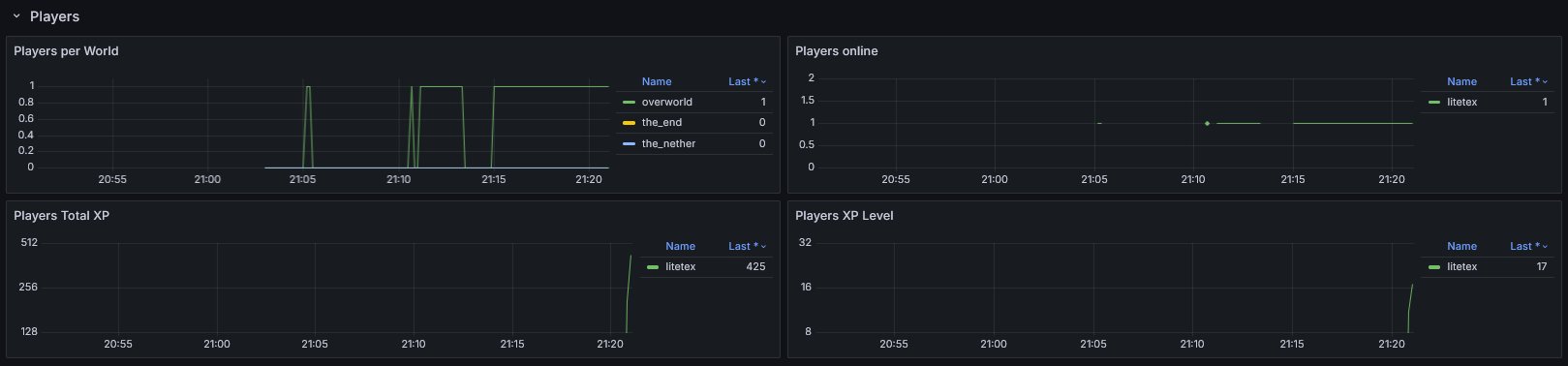
OpenTelemetry can be used to report various monitoring data (including metrics, logs and traces) and is a de-facto industry standard.
This mod provides additional instrumentation for the OpenTelemetry JavaAgent so that various game metrics can be reported. The overall functionality is similar to fabric-exporter.

You may also have a look at the corresponding development setup as it contains an locally running deployment of the full infrastructure.
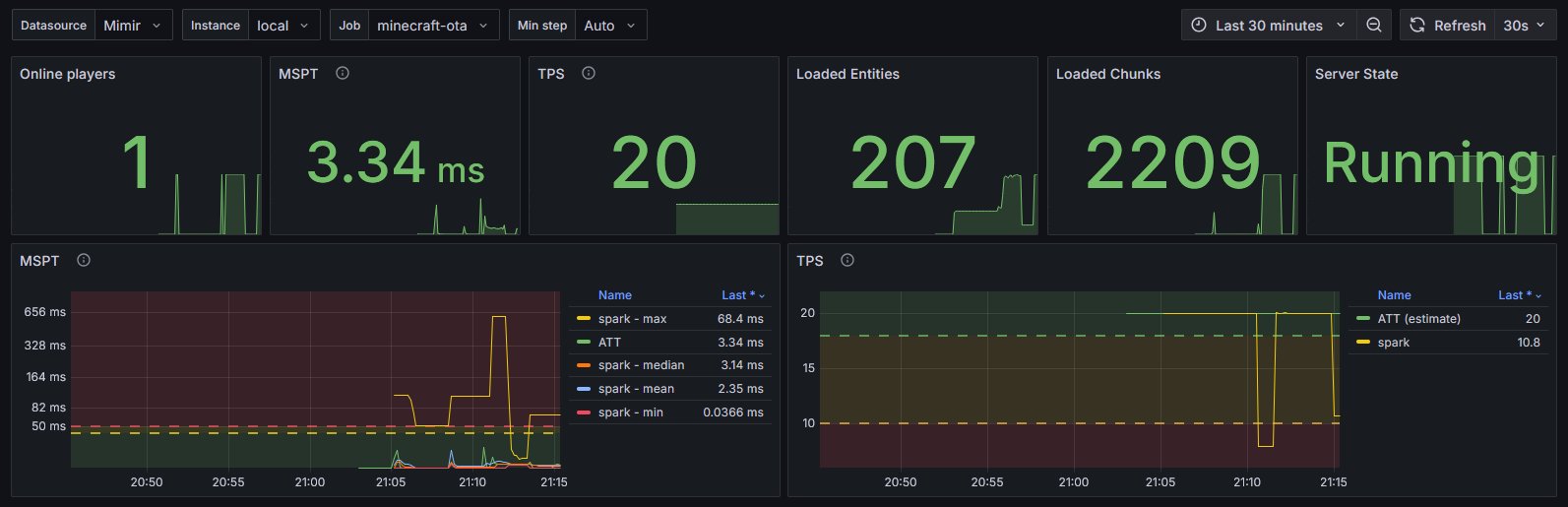
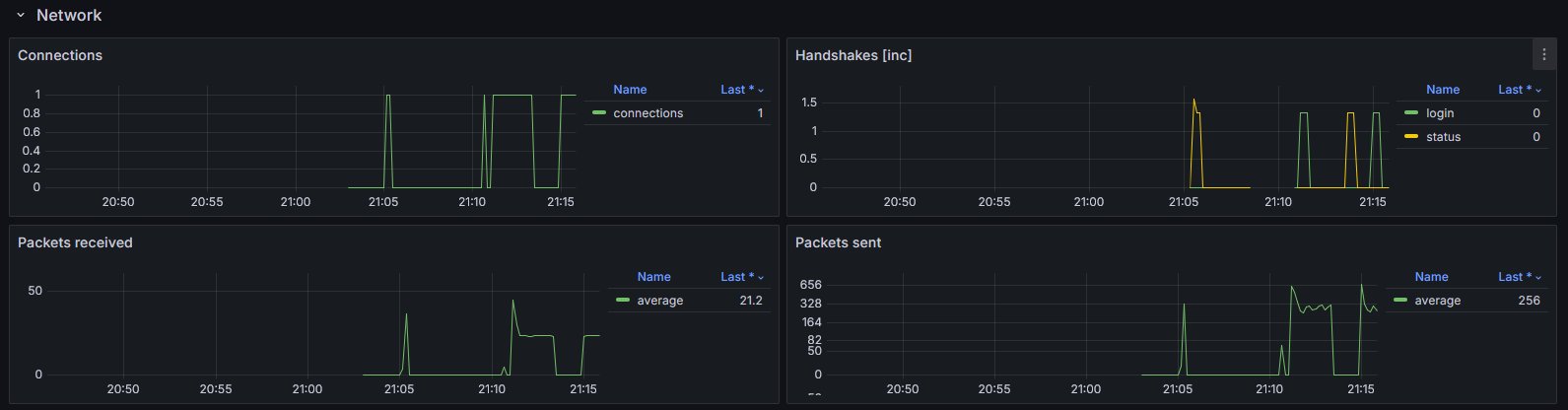
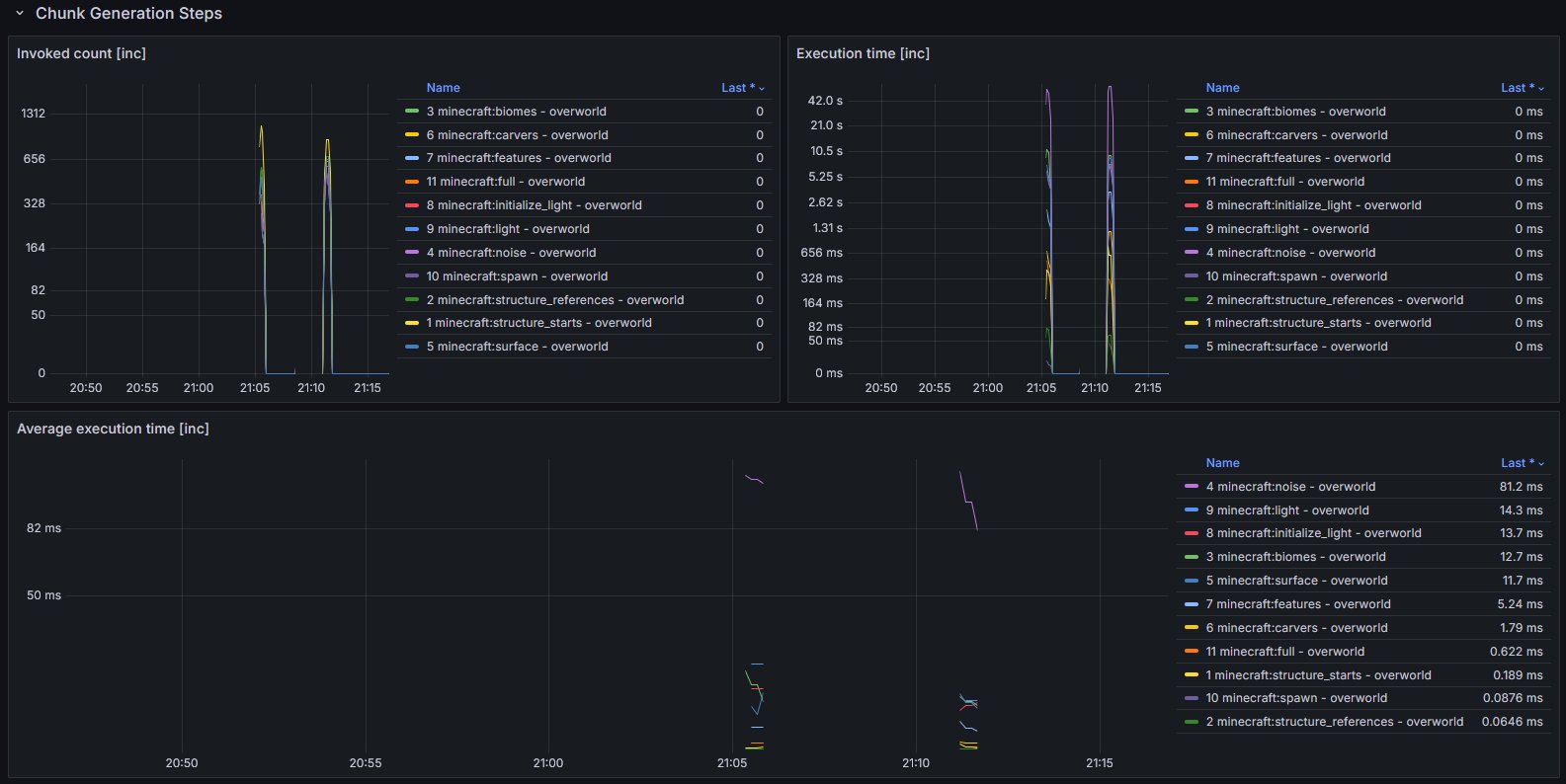
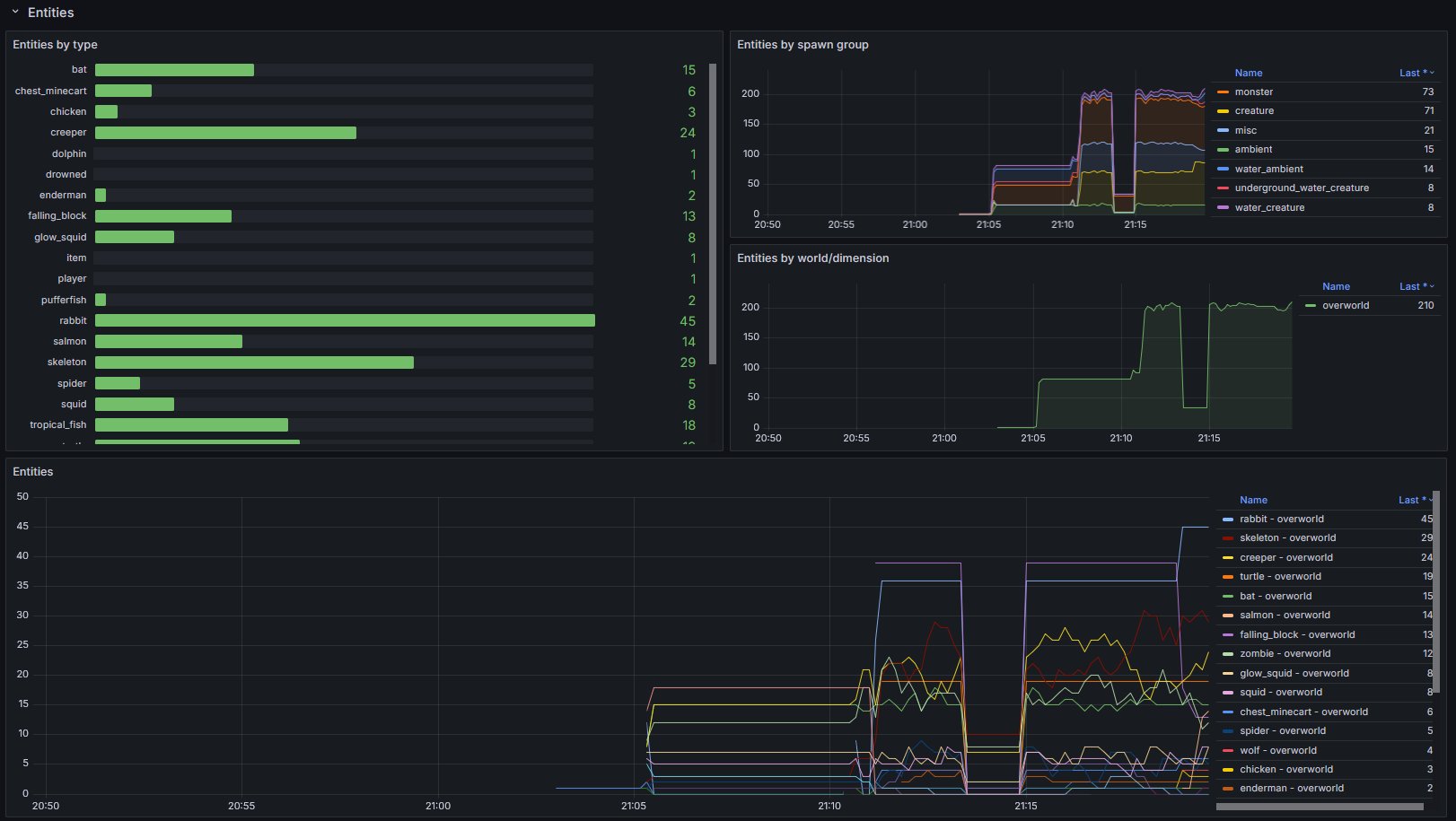
itzg/minecraft-server see hereOIE__ instead of . or -oie..config/oie.jsonPlease note that the preconfigured values usually work out of the box.
You should know exactly what you're doing when doing modifications.
| Property | Type | Default | Notes |
|---|---|---|---|
instrumentation-name |
String |
minecraft |
Used as instrumentationScopeName. A name uniquely identifying the instrumentation scope, such as the instrumentation library, package, or fully qualified class name. Must not be null. |
strip-identifier-namespaces |
bool |
true |
Removes namespaces from Identifier. Disabling this causes identifiers to look like this minecraft:overworld instead of overworld.Usually only required for heavily modded servers. |
| Property | Type | Default | Notes |
|---|---|---|---|
metrics.freeze-when-server-paused |
bool |
true |
Stop fetching certain metrics when the server is paused and uses previously cached values. This optimization usually improves the sampling speed for affected metrics by >10x. Outcomes vary and depend on the work required for fetching and how often the server enters idle mode. If the server is not using pauseWhenEmptySeconds (set to <= 0) this optimization will be ignored. |
metrics.prefix |
String |
minecraft_ |
Prefix for all metrics |
metrics.counter-suffix |
String |
_total |
Suffix for counters |
metrics.enabled-only |
List<String> |
- | Only enables the specified metrics. ALL OTHER METRICS WILL BE DISABLED! |
metrics.enabled-additionally |
List<String> |
- | Additionally enables the specified metrics. This is only relevant for metrics that are not enabled out of the box. |
metrics.disabled |
List<String> |
- | Disables the specified metrics |
metrics.enable-player-details-samplers |
bool |
true |
Determines if the PlayerDetailsSamplers (e.g. Online, TotalXP, XPLevel) are enabled |
Project description from Modrinth.
Pick your setup
Choose the version and loader you play, then open the matching release.
Showing the newest 12 of 14 game versions. Older files are in the list below.
Check the dependencies, then try the file in a copied instance before changing a world you care about.
Recent files
otel-instrumentation-extension-2.2.0.jar
17 Sept 2026
otel-instrumentation-extension-2.1.0.jar
17 Jun 2026
otel-instrumentation-extension-2.0.0.jar
27 Mar 2026
otel-instrumentation-extension-1.4.0.jar
24 Mar 2026
otel-instrumentation-extension-1.3.0.jar
9 Dec 2025
otel-instrumentation-extension-1.2.3.jar
6 Nov 2025
otel-instrumentation-extension-1.2.2.jar
10 Oct 2025
otel-instrumentation-extension-1.2.1.jar
30 Sept 2025
otel-instrumentation-extension-1.2.0.jar
12 Aug 2025
otel-instrumentation-extension-1.1.0.jar
12 Jun 2025
otel-instrumentation-extension-1.0.1.jar
20 May 2025
otel-instrumentation-extension-1.0.0.jar
4 May 2025
Looking for an older file? The official Modrinth project page is in Resources.
 mod
modWater-tech and farm automation: clustering tanks, smart pipes, sprinklers, hydroponic crop and tree beds, animal pens, and water power — a focused set of machines, not a whole tech tree. Fabric + NeoForge from one codebase.
 mod
modManipulation of chemical elements, inspired by Minechem
 mod
modKeep chunks loaded automatically with fake players! Features live HUDs, interactive chunk map, dual-mode operation (mob spawning or tickets only), and robust configuration. Perfect for maintaining farms and automated systems even when you're away.