Fabric API Needed by StorageBox for Fabric storagebox-1.4.9-26.3.jar
requiredMatching file found Matched file: [26.3] Fabric API 0.166.2+26.3

CurseForge · Minecraft mod
StorageBox for Fabric. Store a large number of one item.
Quick answer
StorageBox for Fabric storagebox-1.4.9-26.3.jar targets 26.3 with Fabric. The project page does not say whether this file belongs on the client, dedicated server, or both. All 1 required mods have matching files.
Where it goes
The project page does not say whether this file belongs on the client, dedicated server, or both.
The source does not explicitly classify this release as client-only or server-only.
storagebox-1.4.9-26.3.jar. Change the file and its required mods may change too.
Install Fabric API first. We found matching files for this game-version and loader setup.
We only count dependency files that match this setup. A file for another loader does not fill the gap.
Before you install it
Built for StorageBox for Fabric storagebox-1.4.9-26.3.jar. Pick another file and the loader, install side or required mods may change.
Use storagebox-1.4.9-26.3.jar. It targets 26.3 with Fabric; another release may have different loader, side or dependency requirements.
Install Fabric API first. We found matching files for this game-version and loader setup.
The project page does not say whether this file belongs on the client, dedicated server, or both.
Use the “Get this file” button beside storagebox-1.4.9-26.3.jar. It opens that exact file at the source.
About this project
Add an item that can hold an almost infinite number of items.
This is still incomplete and the reproducibility is low now.
Put in Storage Box or put in Storage Box from Container: Colon key(Default)
Put out from Storage Box or put out from Storage Box and put in Container: Colon key(Default) + Shift
Put out from Storage Box and drop: Colon key(Default) + Shift + Ctrl
Switch Auto Collect: Colon key(Default) + Ctrl
Check here for the recipe↓
(Unyuho様へ許可を得てFabric用へ改変してみたのですが、結局失敗し、参考にさせてもらいながらコードを1から書かせていただきました。リソースパックのみ使わせてもらっています。申し訳ないです。)
Project description from CurseForge.
Pick your setup
Choose the version and loader you play, then open the matching release.
Showing the newest 12 of 44 game versions. Older files are in the list below.
Check the dependencies, then try the file in a copied instance before changing a world you care about.
Recent files
24 Sept 2026
6 Apr 2026
storagebox-1.4.9-26.1.jar
24 Mar 2026
9 Feb 2026
9 Feb 2026
9 Feb 2026
9 Feb 2026
9 Feb 2026
9 Feb 2026
9 Feb 2026
9 Feb 2026
9 Feb 2026
Looking for an older file? The official CurseForge project page is in Resources.
 mod
Carry your own private island dimension in a suitcase, with a linked storage network you can access from anywhere on it.
 mod
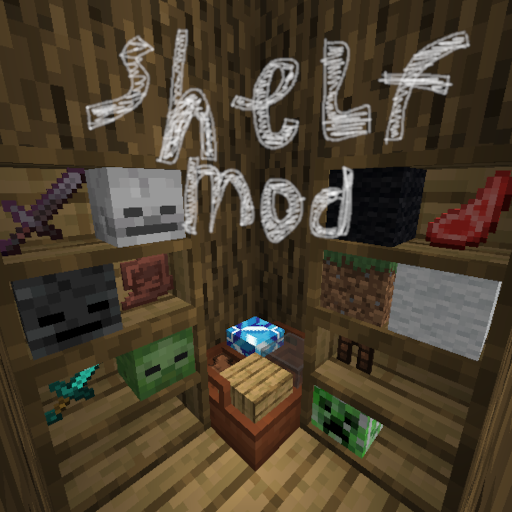
This mod lets you convieniently place items inside 2 types of shelves
 mod
Realistic building: blocks need support. Build foundations, span rooms and bridges with wooden and steel beams, or watch structures crack and collapse. Guide book included.