Minecraft version
Back to mods 
Modrinth · Minecraft mod
Sakeva Helper
Sakeva Helper is a specialized Fabric client mod for Sakeva Vanilla
Choose a version Pick your version below, then grab the matching file.
Quick answer
Which Sakeva Helper release should I use?
Latest stable file 1.4
Game version 26.1, 26.1.1, 26.1.2
Loader Fabric
Sakeva Helper 1.4 targets 26.1, 26.1.1, 26.1.2 with Fabric. It must be installed on the client. Do not install it on the dedicated server. No extra mods listed for this file.
Where it goes
Is Sakeva Helper required on the client, server, or both?
It must be installed on the client. Do not install it on the dedicated server.
Client Required
Dedicated server Not supported
Loader for this release Fabric
Required install it here Optional supported, not mandatory Not supported do not install here Source doesn’t say do not assume
This file is marked client-only.
What else does Sakeva Helper 1.4 need?
1.4. Change the file and its required mods may change too.
This file does not list any required mods. Do not add a library just because a different file uses it.
This file does not list any required or optional mods.
Before you install it
Add Sakeva Helper without breaking your instance.
Built for Sakeva Helper 1.4. Pick another file and the loader, install side or required mods may change.
- 01
Stick to this file
Use 1.4. It targets 26.1, 26.1.1, 26.1.2 with Fabric; another release may have different loader, side or dependency requirements.
- 02
Bring the mods it needs
This file does not list any required mods. Do not add a library just because a different file uses it.
- 03
Put it on the correct side
It must be installed on the client. Do not install it on the dedicated server.
- 04
Pick the file you checked
Use the “Get this file” button beside 1.4. It opens that exact file at the source.
About this project
What does Sakeva Helper add?
RU
🌸 Sakeva Helper
Sakeva Helper — это официальный вспомогательный клиентский мод для игроков сервера Sakeva Vanilla. Мод разработан с целью глубокой интеграции игрового клиента с инфраструктурой сервера, защиты игрового процесса от читеров и улучшения удобства игроков с помощью кастомных премиальных интерфейсов.
ℹ️ Обратите внимание: Модификация оптимизирована для версии Minecraft 1.21.11 (Fabric) и содержит встроенные функции адаптации интерфейса под любые настройки разрешения экрана (GUI Scale).
✨ Ключевые особенности
📖 Встроенная серверная Википедия (Sakeva Wiki)
Больше не нужно сворачивать игру, чтобы посмотреть правила или рецепты! Открывайте базу знаний прямо в клиенте нажатием клавиши Right Shift:
- Динамическая синхронизация: Мод автоматически затягивает актуальные статьи, команды, F.A.Q. и уникальные рецепты напитков напрямую с сайта
sakeva.net. - Удобная навигация: Левая интерактивная панель со сворачиваемыми категориями и возможностью полного скрытия для комфортного чтения.
- Полнотекстовый поиск: Быстрый поиск нужной информации по ключевым словам.
🗺️ Информационный оверлей локаций (Zone HUD)
Стильный индикатор положения на экране, оформленный в общей стилистике сервера:
- Отображает текущие координаты игрока и направление взгляда.
- Динамически определяет текущую игровую зону или биом спавна.
🛡️ Интеллектуальный античит (Защита от стороннего ПО)
Система автоматического контроля честности игры, защищающая сервер от нежелательных модификаций:
- Многоуровневый сканер: Детекция запрещенных модов (X-Ray, чит-клиенты Wurst/Meteor, автоматизации, запрещенные кликеры, обычный freecam) по их Mod ID и внутренним сигнатурам классов.
- SHA-256 хэширование: Если запрещенный мод запущен один раз, система сохраняет хэш его файла. Попытки переименовать файл (например, чит под видом оптимизации) будут мгновенно пресечены.
- Экран блокировки: При нахождении читов игра блокируется до удаления нежелательных файлов. Закрыть предупреждение нельзя — доступна только кнопка безопасного выхода из игры.
- Умные исключения: Разрешенные моды (такие как
legacy-freecamиlitematica_printer) внесены в белый список и работают корректно.
🎒 Интеграция с Inventory Profiles Next (IPN)
- Автоматически вносит тотем бессмертия (
minecraft:totem_of_undying) в черный список авто-заполнения слотов сортировщика инвентаря. - Аппаратно блокирует запрещенную правилами сервера функцию Auto-Totem, сохраняя игровой баланс в PvP.
📜 Интерактивное лицензионное соглашение
- При первом входе на серверы Sakeva выводит обязательный экран с правилами проекта.
- Блокирует управление до тех пор, пока игрок полностью не прокрутит текст правил и не подтвердит согласие с ними.
🛠️ Установка
- Установите загрузчик Fabric для версии игры 1.21.11.
- Скачайте актуальную версию Sakeva Helper и поместите её в папку
modsвашего игрового профиля. - Запустите игру.
📋 Системные требования
- Версия Minecraft:
1.21.11 - Загрузчик модов:
Fabric Loader >= 0.15.0 - Зависимости:
Fabric API
EN
🌸 Sakeva Helper
Sakeva Helper is the official companion client-side mod for players of the Sakeva Vanilla server. It is designed to provide deep integration between the game client and the server infrastructure, protect gameplay from cheaters, and enhance the player experience with custom premium interfaces.
ℹ️ Please note: This mod is optimized for Minecraft 1.21.11 (Fabric) and includes built-in UI scaling support for all screen resolutions and GUI Scale settings.
✨ Key Features
📖 Built-in Server Wiki (Sakeva Wiki)
No more minimizing the game to check the rules or crafting recipes! Open the knowledge base directly in-game by pressing Right Shift:
- Dynamic synchronization: The mod automatically fetches the latest articles, commands, F.A.Q., and unique drink recipes directly from
sakeva.net. - Convenient navigation: An interactive left sidebar with collapsible categories and the ability to hide it completely for a more comfortable reading experience.
- Full-text search: Instantly find the information you need using keywords.
🗺️ Location Information Overlay (Zone HUD)
A stylish on-screen location indicator designed to match the server's overall visual style:
- Displays the player's current coordinates and facing direction.
- Dynamically detects the player's current in-game zone or the spawn biome.
🛡️ Intelligent Anti-Cheat (Third-Party Software Protection)
An automated integrity verification system that protects the server from unauthorized modifications:
- Multi-layer scanner: Detects prohibited mods (X-Ray, Wurst/Meteor cheat clients, automation mods, prohibited auto-clickers, and standard freecam) using their Mod IDs and internal class signatures.
- SHA-256 hashing: Once a prohibited mod is detected, the system stores the SHA-256 hash of its file. Simply renaming the file (for example, disguising a cheat as an optimization mod) will not bypass detection.
- Lock screen: If prohibited software is found, the game is locked until the unwanted files are removed. The warning cannot be dismissed—the only available option is to safely exit the game.
- Smart whitelist: Approved mods (such as
legacy-freecamandlitematica_printer) are whitelisted and function normally.
🎒 Inventory Profiles Next (IPN) Integration
- Automatically adds the Totem of Undying (
minecraft:totem_of_undying) to the inventory sorter auto-fill blacklist. - Enforces a hardware-level restriction on the Auto-Totem feature prohibited by the server rules, preserving PvP balance.
📜 Interactive License Agreement
- Displays a mandatory project rules screen when joining Sakeva servers for the first time.
- Blocks all controls until the player scrolls through the entire rules document and explicitly accepts the agreement.
🛠️ Installation
- Install the Fabric loader for Minecraft 1.21.11.
- Download the latest version of Sakeva Helper and place it into the
modsfolder of your Minecraft installation. - Launch the game.
📋 System Requirements
- Minecraft Version:
1.21.11 - Mod Loader:
Fabric Loader >= 0.15.0 - Dependencies:
Fabric API
Project description from Modrinth.
Pick your setup
Sakeva Helper by Minecraft version and loader
Choose the version and loader you play, then open the matching release.
Minecraft version
26.1.2
1 loader buildMinecraft version
26.1.1
1 loader buildMinecraft version
26.1
1 loader buildMinecraft version
1.21.11
1 loader buildCheck the dependencies, then try the file in a copied instance before changing a world you care about.
Recent files
Sakeva Helper versions and loaders
1.4
sakeva-helper-1.4.jar
21 Oct 2026
Client Required Server Not supported Dependencies No extras listed Listed on Release listing
Check the 26.2 · Fabric setup 26.126.1.126.1.226.2 release
1.3
sakeva-helper-1.3.jar
18 Jul 2026
Client Required Server Not supported Dependencies No extras listed Listed on Release listing
Check the 26.2 · Fabric setup 26.126.1.126.1.226.2 release
1.3
sakeva-helper-1.3.jar
11 Jul 2026
Client Required Server Not supported Dependencies No extras listed Listed on Release listing
Check the 1.21.11 · Fabric setup 1.21.11Fabric release
1.2
sakeva-helper-1.2.jar
3 Jul 2026
Client Required Server Not supported Dependencies No extras listed Listed on Release listing
Check the 1.21.11 · Fabric setup 1.21.11Fabric release
1.1
sakeva-helper-1.1.jar
28 Jun 2026
Client Required Server Not supported Dependencies 2 required · 2 unchecked Listed on Release listing
Check the 1.21.11 · Fabric setup 1.21.11Fabric release
Looking for an older file? The official Modrinth project page is in Resources.
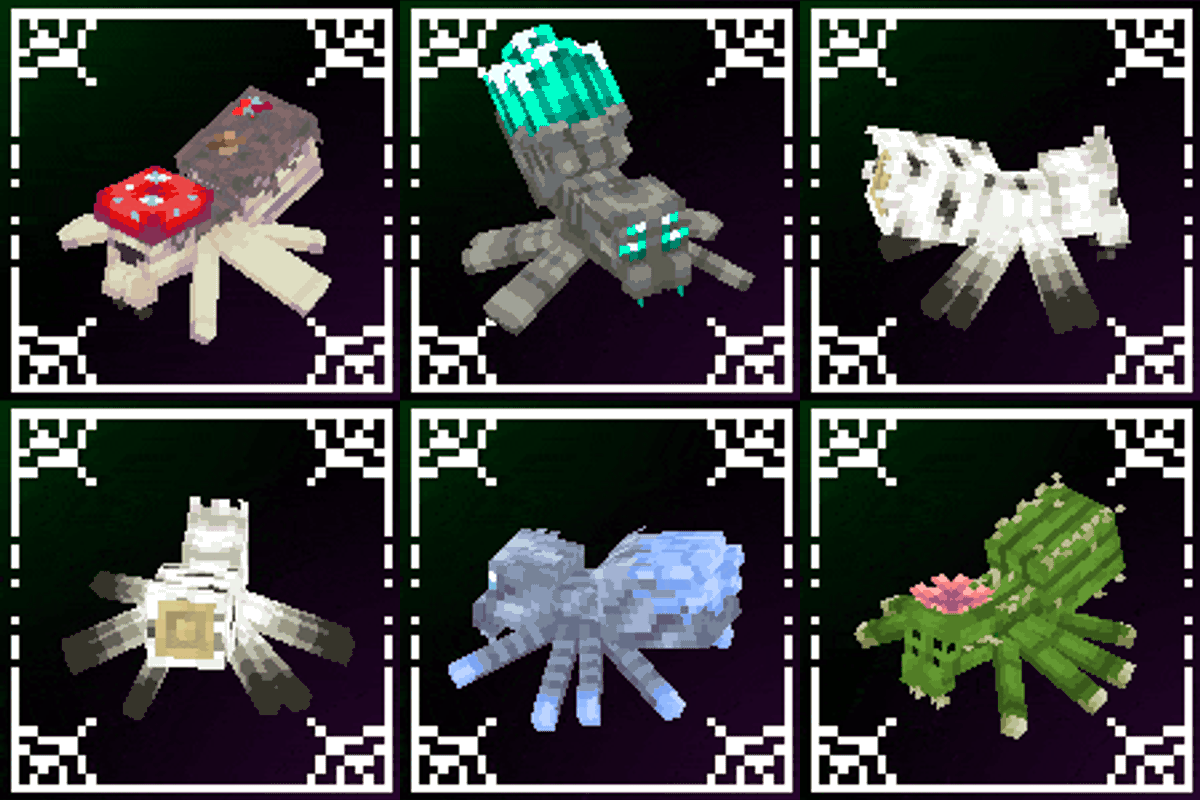 mod
mod CurseForge + Modrinth · Minecraft
Spider Overhaul
A mod that improves Minecraft's spiders!
 mod
mod Modrinth · Minecraft
Spotify Lyrics
A client-side Fabric mod that displays synchronized Spotify lyrics directly in Minecraft.
 mod
mod Modrinth · Minecraft
Goety & Invasion
Goety Invasion is a compatibility mod between Goety and Illager Invasion that allows you to harness the spells and abilities of the illagers from Illager Invasion — and even turn them into your loyal servants.