Curios API Needed by Distant Worlds 1.0.6
requiredMatching file found Matched file: 1.18.2-5.0.9.2

Modrinth · Minecraft mod
Adds dimension with its own biomes, materials, mobs and even new crafting method
Quick answer
Distant Worlds 1.0.6 targets 1.18.2 with Forge. Installation on the client is optional. Installation on the dedicated server is optional. All 3 required mods have matching files.
Where it goes
Installation on the client is optional. Installation on the dedicated server is optional.
The source marks this as usable on both the client and server.
1.0.6. Change the file and its required mods may change too.
Install Curios API, Patchouli, GeckoLib first. We found matching files for this game-version and loader setup.
We only count dependency files that match this setup. A file for another loader does not fill the gap.
Before you install it
Built for Distant Worlds 1.0.6. Pick another file and the loader, install side or required mods may change.
Use 1.0.6. It targets 1.18.2 with Forge; another release may have different loader, side or dependency requirements.
Install Curios API, Patchouli, GeckoLib first. We found matching files for this game-version and loader setup.
Installation on the client is optional. Installation on the dedicated server is optional.
Use the “Get this file” button beside 1.0.6. It opens that exact file at the source.
About this project

Created using MCreator
You can also download Distant Worlds: Emissive Pack
Check out the Mod Trailer and Wiki to learn more about
Description: Distant Worlds mod is full of new game elements in the style of techno magic. Let's explore new dimension with different biomes, fight and tame mobs, use many building or functional blocks and discover new crafting method! (More dimensions will be added later)
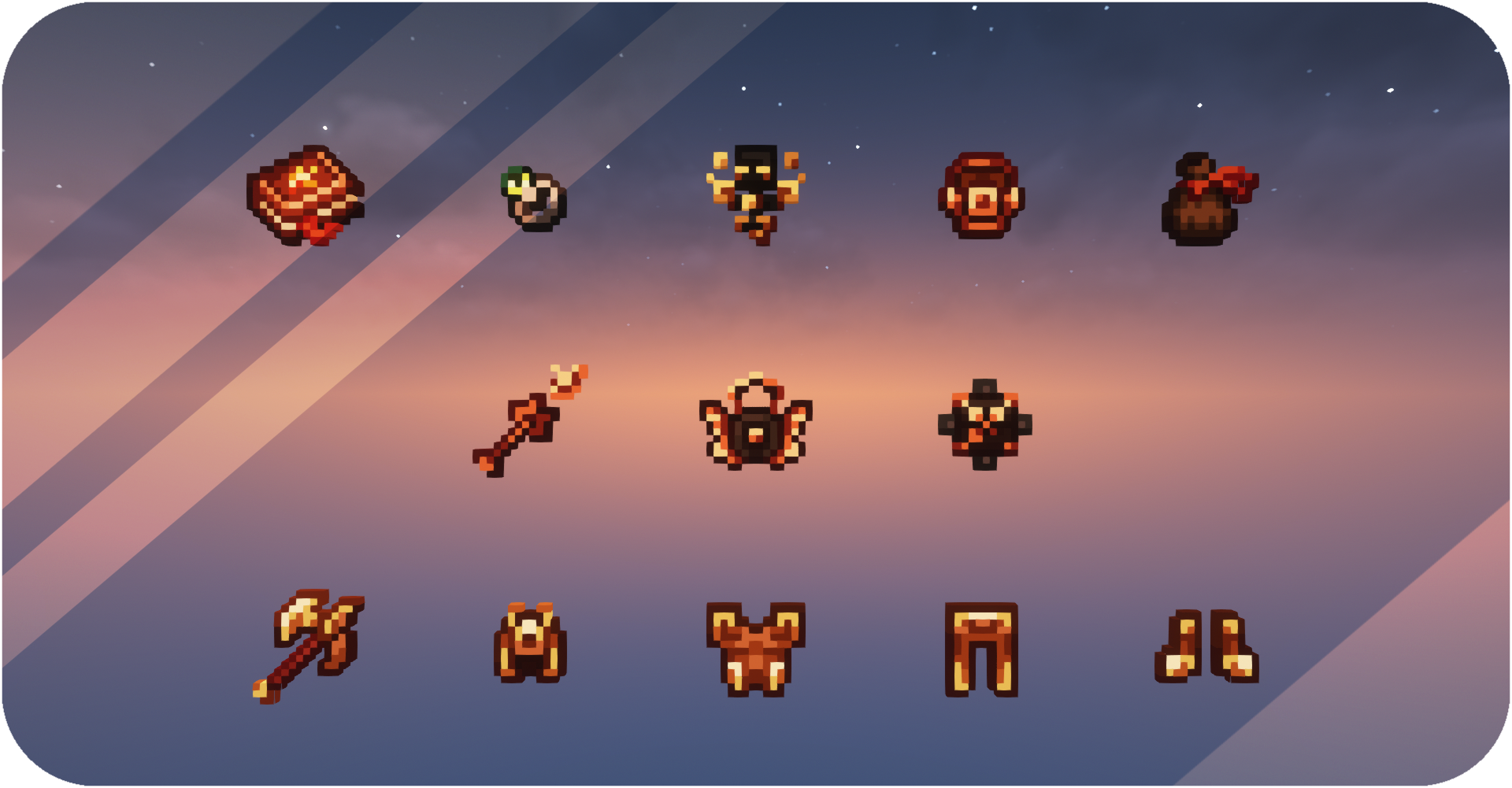
Biomes: Dimensions will be colorful and diverse with many new biomes! Each of them will have its own theme and interesting features. Here you will find many new blocks for your buildings.
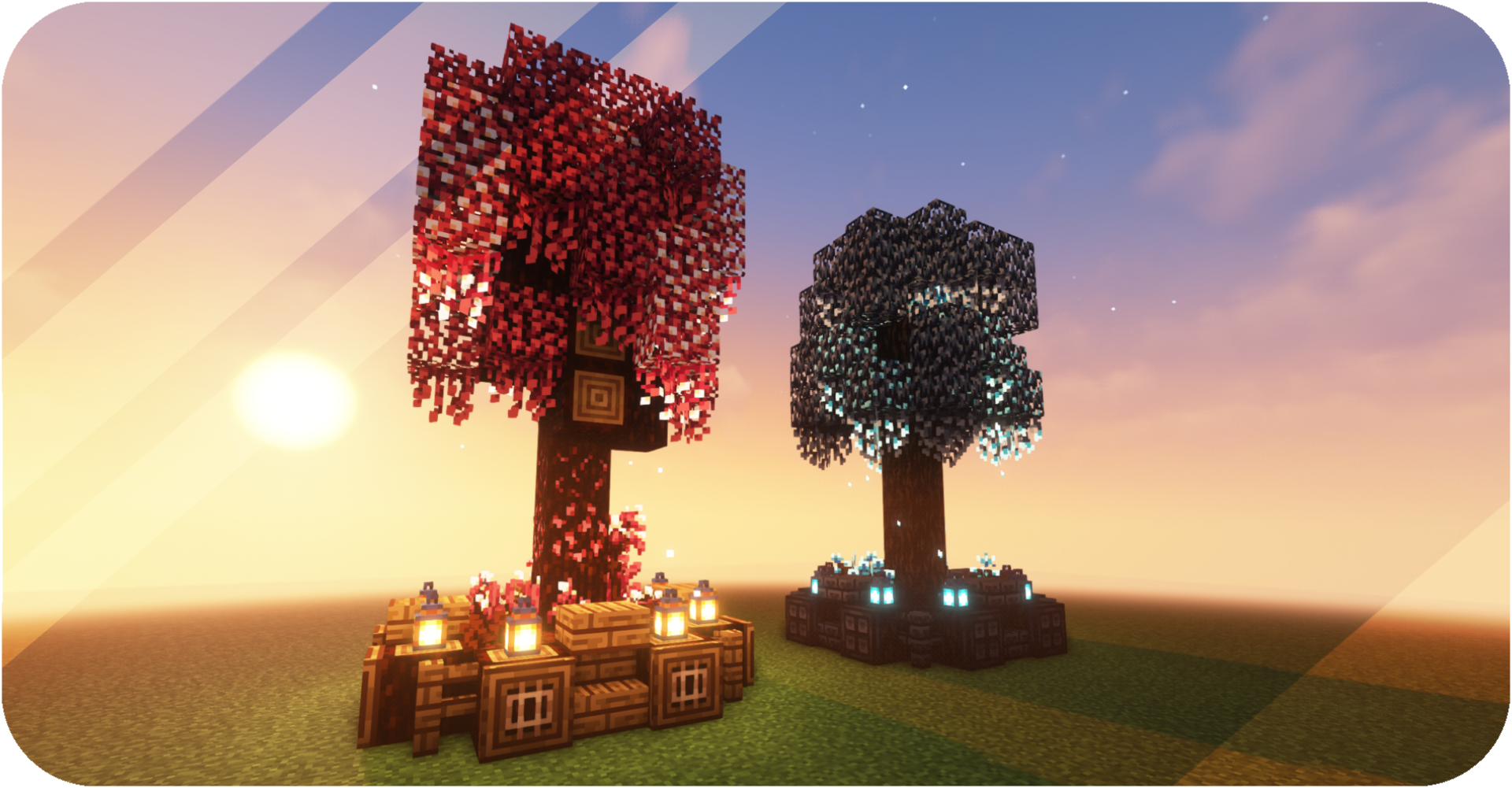
Mobs: Fight and tame! You can meet many new enemies and friends there. Loot will be really valuable, because you can create many useful things from it. Tamed animals will be able to protect you or help in a difficult battle.
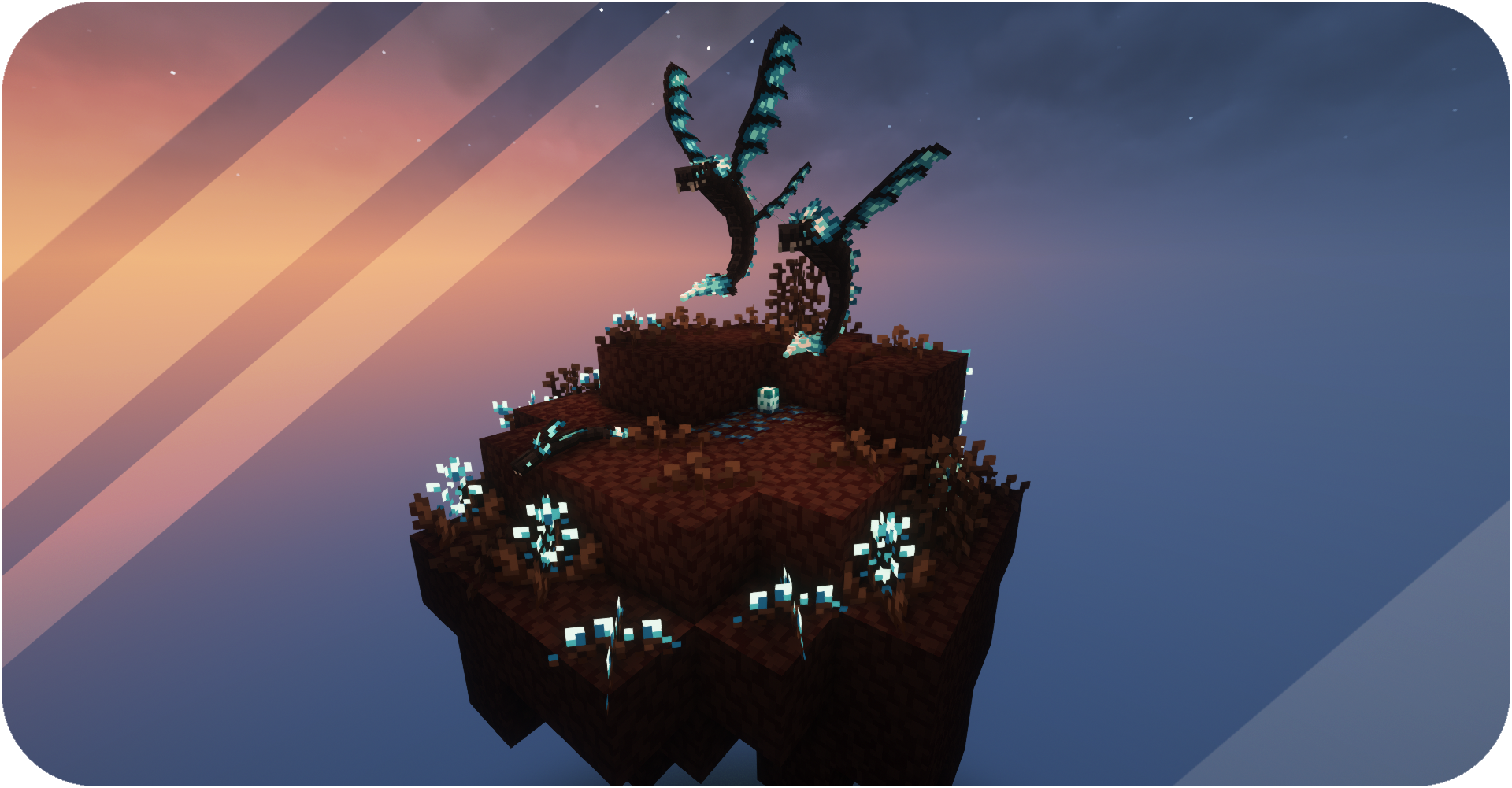
Researches: Mod will be easier to understand with the research system! Find abandoned libraries, look for ancient papers, and do your own researches to find out more about what you've come across. New entries will appear in your books. Check them out to learn more.

Rituals: Build structure for rituals to create stronger tools and armor using new materials. Special blocks with their functionality and various ways of receiving and moving energy are available to you. Craft and use enhancement modules to make rituals more comfortable for you!

Each player receives a Distant Worlds Book upon entering the world for the first time. Garhenna Book will receive new entries as you explore and travel. Use these books to learn all the information you need to start your journey.
Project description from Modrinth.
Pick your setup
Choose the version and loader you play, then open the matching release.
Check the dependencies, then try the file in a copied instance before changing a world you care about.
Recent files
DistantWorlds-Reborn-1.20.1-v1.1.0.1-Beta-Experimental.jar
17 Jan 2025
DistantWorlds-Reborn-1.20.1-v1.1.0-Beta.jar
30 Mar 2024
DistantWorlds-Reborn-1.18.2-v1.0.7-Beta.jar
30 Mar 2024
DistantWorlds-Reborn-1.18.2-v1.0.6-Release.jar
23 Feb 2024
DistantWorlds-Reborn-1.18.2-v1.0.5-Beta.jar
14 May 2023
DistantWorlds-Reborn-1.18.2-v1.0.4-Release.jar
26 Apr 2023
DistantWorlds-Reborn-1.18.2-1.0.3-Release.jar
26 Apr 2023
DistantWorlds-Reborn-1.18.2-1.0.2-Release.jar
26 Apr 2023
DistantWorlds-Reborn-1.18.2-1.0.1-Beta.jar
26 Apr 2023
DistantWorlds-Reborn-1.18.2-1.0.0-Beta.jar
26 Apr 2023
Looking for an older file? The official Modrinth project page is in Resources.
 mod
Lightweight and customizable support for elytra trims, patterns and dyes
 mod
New version of an addon for Cobblemon that makes pokemon run away or fight back when agitated and much more.
 mod
A Jojo's Bizarre Adventure mod that interprets the world and power system of the anime into the world of Minecraft. ( JJBA )