Vintage Story version
Back to mods 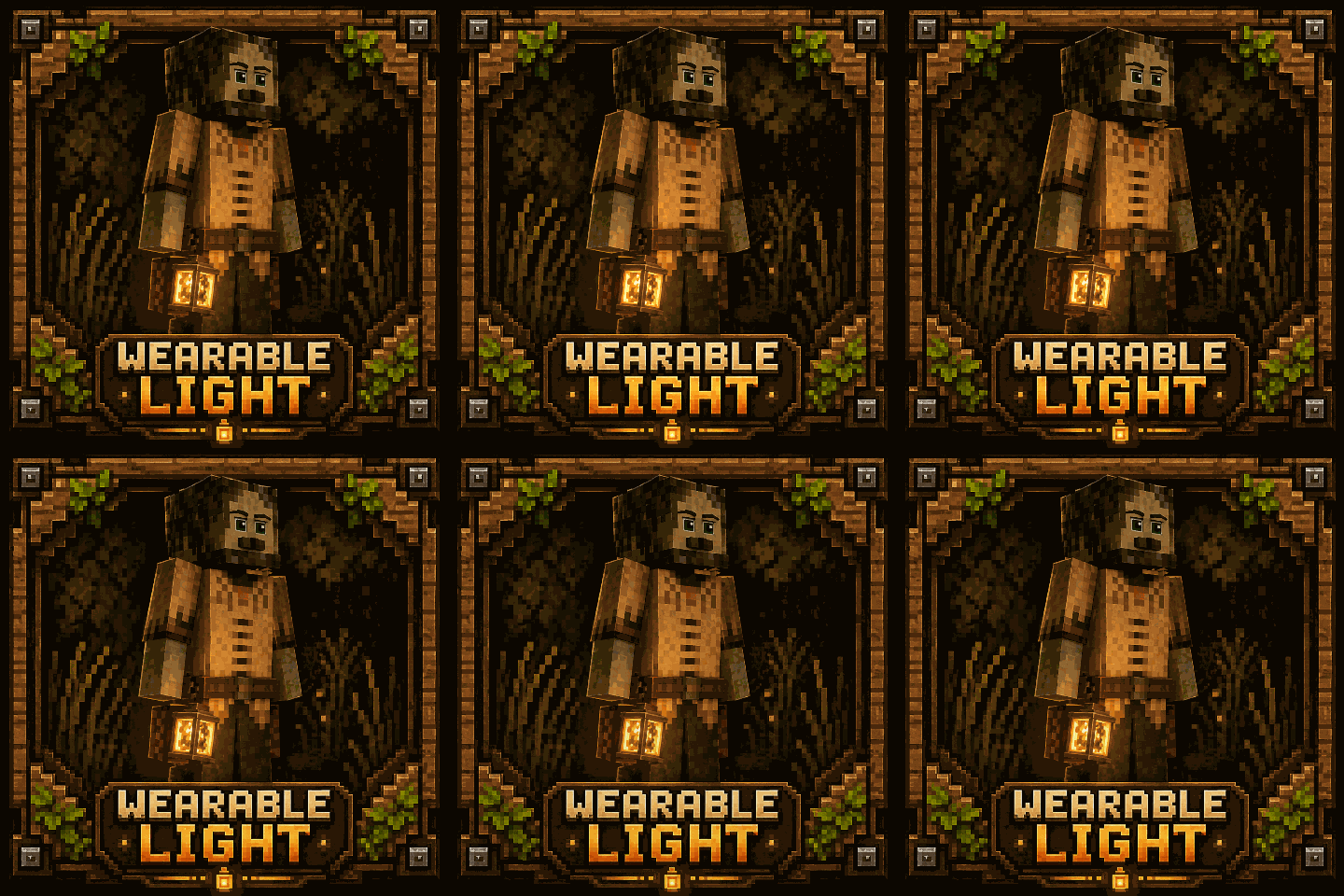
Vintage Story Mod DB · Vintage Story mod
A Wearable Light
💡 A Wearable Light Equipable light sources that provide both utility and style while exploring the world. Designed to integrate seamlessly with gear slots for a more immersive experience. Recommend Auto Config Lib — install it to customize mod settings. �
Choose a version Pick your version below, then grab the matching file.
Quick answer
Which A Wearable Light release should I use?
Latest stable file 1.2.3-pre.2
Game version 1.22.0, 1.22.1, 1.22.2
Loader Built-in Vintage Story mod system
A Wearable Light 1.2.3-pre.2 targets 1.22.0, 1.22.1, 1.22.2. It must be installed on the client. Installation on the dedicated server is optional. No extra mods listed for this file.
Where it goes
Is A Wearable Light required on the client, server, or both?
It must be installed on the client. Installation on the dedicated server is optional.
Client Required
Dedicated server Optional
Loader for this release Built-in Vintage Story mod system
Required install it here Optional supported, not mandatory Not supported do not install here Source doesn’t say do not assume
This release supports both sides, but the source does not require it on the server.
What else does A Wearable Light 1.2.3-pre.2 need?
1.2.3-pre.2. Change the file and its required mods may change too.
This file does not list any required mods. Do not add a library just because a different file uses it.
This file does not list any required or optional mods.
Before you install it
Add A Wearable Light without breaking your instance.
Built for A Wearable Light 1.2.3-pre.2. Pick another file and the loader, install side or required mods may change.
- 01
Stick to this file
Use 1.2.3-pre.2. It targets 1.22.0, 1.22.1, 1.22.2; another release may have different loader, side or dependency requirements.
- 02
Bring the mods it needs
This file does not list any required mods. Do not add a library just because a different file uses it.
- 03
Put it on the correct side
It must be installed on the client. Installation on the dedicated server is optional.
- 04
Pick the file you checked
Use the “Get this file” button beside 1.2.3-pre.2. It opens that exact file at the source.
About this project
What does A Wearable Light add?
💡 A Wearable Light
Equipable light sources that provide both utility and style while exploring the world.
Designed to integrate seamlessly with gear slots for a more immersive experience.
Recommend Auto Config Lib — install it to customize mod settings.
🧰 Available Equipment Slots
- Head
- Waist
- Backpack (currently disabled)
🪔 Current Item Types
Head
- Head Torch (doesn't need fuel)
- Head Oil Lamp
- Head Candle I
- Head Candle II
Waist
- Heavy Belt Brass Lantern
- Heavy Belt Copper Lantern
- Heavy Belt Iron Lantern
- Heavy Belt Tinbronze Lantern
- Heavy Belt Blackbronze Lantern
- Heavy Belt Bismuthbronze Lantern
- Heavy Belt Silver Lantern
- Heavy Belt Gold Lantern
Backpack
- Backpack Lantern (disabled for now)
✨ Key Features
🔦 Hotbar Light Control
Toggle your light on or off using a customizable keybind
Default: L
Works directly from the hotbar for quick access.
🎒 Gear Slot Light Control
Toggle equipped lights while hovering over them in your inventory
Default: Ctrl + L
⛽ Fuel System
Wearable lights now use a fuel system for more immersive gameplay.
- Lights must be refueled to operate
- Fuel is consumed over time while active
- Lights will automatically turn off when fuel is depleted
- When Crafted will automatically add fuel to the item.
🔥 Refueling (Quick Guide)
- Hold a valid fuel item (e.g. candle, fat)
- Left-click the light to refill
Refueling

⚙️ Configurable Options
EnableSound (Client Side)
Enable or disable wearable light sound effects.
Default: true
RainExtinguish
Allows a light to be extinguished by rain when exposed to the sky.
Default: false
InLiquid
Allows a light to be extinguished when submerged in water or other liquids.
Default: false
OnCraftedFueled
Automatically fills a newly crafted light with fuel.
Default: false
🛠️ Custom Fuel Types
Each light can define its own valid fuel sources via config:
FuelList = new()
{
    { "game:candle", 8f },
    { "game:fat-rendered", 9f }
}
FuelList Format
String
- Item code used as fuel.
- Supports wildcards (
*).
Double
- Amount of fuel provided in hours.
Fuel Capacity
Capacity = 24fMaximum amount of fuel the light can store.
Light HSV
LightHsv = [1, 2, 3]
Controls the colour and brightness of the light emitted by the wearable light.
Format:
[Hue, Saturation, Value]
Example:
LightHsv = [0, 7, 16]
Notes:
- Hue controls the light colour.
- Saturation controls colour intensity.
- Value controls brightness.
See also Vintage Story Light Wheel
📄Mods
- ✅ Can jewelry is now compatible and work. Fixed by Author
- ✅ Overhaul & Player Inventory, Custom Player Models, Player Model is working fine, Please make sure you are using up-to-date version.
- ❎ Careers not Classes
set value of LightHsv to null.I have posted on there page.
⚠️ Know issues
-
Please make sure your Dynamic light setting isn't too low before reporting that you can't see the light.
🔮 Planned Additions
- More wearable light types
- Adjustable brightness / shutters
- Solar-powered lights
- Particle effects and visual improvements
- Backpack slot rework
Project description from Vintage Story Mod DB.
Pick your setup
A Wearable Light releases for each Vintage Story version.
Choose the version and loader you play, then open the matching release.
Vintage Story version
1.22.2
1 loader buildVintage Story version
1.22.1
1 loader buildVintage Story version
1.22.0
1 loader buildVintage Story version
1.21.1
1 loader buildVintage Story version
1.20.3
1 loader buildVintage Story version
1.20.2
1 loader buildVintage Story version
1.20.1
1 loader buildVintage Story version
1.20.0-rc.8
1 loader buildVintage Story version
1.20.0-rc.7
1 loader buildVintage Story version
1.20.0-rc.6
1 loader buildVintage Story version
1.20.0-rc.5
1 loader buildShowing the newest 12 of 28 game versions. Older files are in the list below.
Check the dependencies, then try the file in a copied instance before changing a world you care about.
Recent files
A Wearable Light versions and loaders
1.2.3-pre.2
awearablelight-v1.2.3-pre.2.zip
13 Jun 2026
Client Required Server Optional Dependencies No extras listed Listed on Release listing
Check the 1.22.3 setup 1.22.01.22.11.22.21.22.3 release
1.2.3-pre.1
awearablelight-v1.2.3-pre.1.zip
11 Jun 2026
Client Source doesn’t say Server Source doesn’t say Dependencies No extras listed Listed on Release listing
Check the 1.22.3 setup 1.22.01.22.11.22.21.22.3 release
1.2.2
awearablelight-v1.2.2.zip
3 Jun 2026
Client Source doesn’t say Server Source doesn’t say Dependencies No extras listed Listed on Release listing
Check the 1.22.3 setup 1.22.01.22.11.22.21.22.3 release
1.2.1
awearablelight-v1.2.1.zip
1 Jun 2026
Client Source doesn’t say Server Source doesn’t say Dependencies No extras listed Listed on Release listing
Check the 1.22.3 setup 1.22.01.22.11.22.21.22.3 release
1.2.0
awearablelight-v1.2.0.zip
31 May 2026
Client Source doesn’t say Server Source doesn’t say Dependencies No extras listed Listed on Release listing
Check the 1.22.3 setup 1.22.01.22.11.22.21.22.3 release
1.1.9
awearablelight-v1.1.9.zip
4 May 2026
Client Source doesn’t say Server Source doesn’t say Dependencies No extras listed Listed on Release listing
Check the 1.22.2 setup 1.22.01.22.11.22.2 release
1.1.8
AWearableLight-v1.1.8.zip
3 May 2026
Client Source doesn’t say Server Source doesn’t say Dependencies No extras listed Listed on Release listing
Check the 1.22.1 setup 1.22.01.22.1 release
1.1.7
AWearableLight-v1.1.7.zip
1 May 2026
Client Source doesn’t say Server Source doesn’t say Dependencies No extras listed Listed on Release listing
Check the 1.22.1 setup 1.22.01.22.1 release
1.1.6
AWearableLight-v1.1.6.zip
26 Apr 2026
Client Source doesn’t say Server Source doesn’t say Dependencies No extras listed Listed on Release listing
Check the 1.22.0 setup 1.22.0 release
1.1.5
AWearableLight-v1.1.5.zip
24 Apr 2026
Client Source doesn’t say Server Source doesn’t say Dependencies No extras listed Listed on Release listing
Check the 1.22.0 setup 1.22.0 release
1.1.4
AWearbleLight.zip
10 Sept 2025
Client Source doesn’t say Server Source doesn’t say Dependencies No extras listed Listed on Release listing
Check the 1.21.1 setup 1.21.1 release
1.1.3
AWearableLight-v1.1.3.zip
28 Jan 2025
Client Source doesn’t say Server Source doesn’t say Dependencies No extras listed Listed on Release listing
Check the 1.20.3 setup 1.20.01.20.11.20.21.20.3 release
Looking for an older file? The official Vintage Story Mod DB project page is in Resources.
 mod
mod Vintage Story
Ritual Apotheosis
Build ancient rites from fragments. The world is your altar. Dig deep. Seek truth. Light the fires.
 mod
mod Vintage Story
Eternal Seraph: Patch
Патч для серверу Вічний Серафим. Patch for the server Eternal Seraph.
 mod
mod Vintage Story
Vintage Recipes
This Vintage Story mod tweaks some crafting recipes to be more realistic.