Vintage Story version
Back to mods 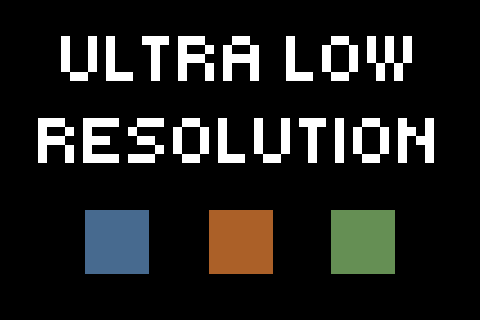
Vintage Story Mod DB · Vintage Story mod
Ultra Low Resolution X1
Ultra Low Textures Are you sick of having too many pixels in your game? Then this is THE texture pack for you! I handwrote a Go program, which in turn manually resized all base game images to the size they were always meant to be, 1x1! A truly artisanal te
Choose a version Pick your version below, then grab the matching file.
Quick answer
Which Ultra Low Resolution X1 release should I use?
Latest stable file 1.0.0
Game version 1.22.0, 1.22.1, 1.22.2
Loader Built-in Vintage Story mod system
Ultra Low Resolution X1 1.0.0 targets 1.22.0, 1.22.1, 1.22.2. It must be installed on the client. Do not install it on the dedicated server. No extra mods listed for this file.
Where it goes
Is Ultra Low Resolution X1 required on the client, server, or both?
It must be installed on the client. Do not install it on the dedicated server.
Client Required
Dedicated server Not supported
Loader for this release Built-in Vintage Story mod system
Required install it here Optional supported, not mandatory Not supported do not install here Source doesn’t say do not assume
This Vintage Story file is marked client-only.
What else does Ultra Low Resolution X1 1.0.0 need?
1.0.0. Change the file and its required mods may change too.
This file does not list any required mods. Do not add a library just because a different file uses it.
This file does not list any required or optional mods.
Before you install it
Add Ultra Low Resolution X1 without breaking your instance.
Built for Ultra Low Resolution X1 1.0.0. Pick another file and the loader, install side or required mods may change.
- 01
Stick to this file
Use 1.0.0. It targets 1.22.0, 1.22.1, 1.22.2; another release may have different loader, side or dependency requirements.
- 02
Bring the mods it needs
This file does not list any required mods. Do not add a library just because a different file uses it.
- 03
Put it on the correct side
It must be installed on the client. Do not install it on the dedicated server.
- 04
Pick the file you checked
Use the “Get this file” button beside 1.0.0. It opens that exact file at the source.
About this project
What does Ultra Low Resolution X1 add?
Ultra Low Textures
Are you sick of having too many pixels in your game?
Then this is THE texture pack for you!
I handwrote a Go program, which in turn manually resized all base game images to the size they were always meant to be, 1x1!
A truly artisanal texture pack.
Issues?
Let me know if you've encountered any issues, or if there's anything you think can be better, and I will personally see to it that it can possibly improve one day somewhere in the future!
Mod Request?
Do you have a cool mod you like to play with, but the author foolishly didn't include 1x1 textures for your taste?
Let me know, and I'll see if I can add support for it.
Project description from Vintage Story Mod DB.
Pick your setup
Ultra Low Resolution X1 releases for each Vintage Story version.
Choose the version and loader you play, then open the matching release.
Vintage Story version
1.22.4
1 loader buildVintage Story version
1.22.3
1 loader buildVintage Story version
1.22.2
1 loader buildVintage Story version
1.22.1
1 loader buildVintage Story version
1.22.0
1 loader buildCheck the dependencies, then try the file in a copied instance before changing a world you care about.
Recent files
Ultra Low Resolution X1 versions and loaders
1.0.0
ultralowresx1_1.0.0.zip
26 Jul 2026
Client Required Server Not supported Dependencies No extras listed Listed on Release listing
Check the 1.22.5 setup 1.22.01.22.11.22.21.22.3 release
Looking for an older file? The official Vintage Story Mod DB project page is in Resources.
 mod
mod Vintage Story
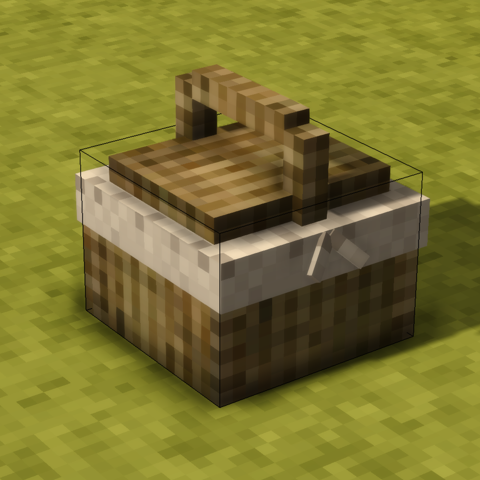
Lunchbox
Adds storage containers which automatically feeds the player when hungry
 mod
mod Vintage Story
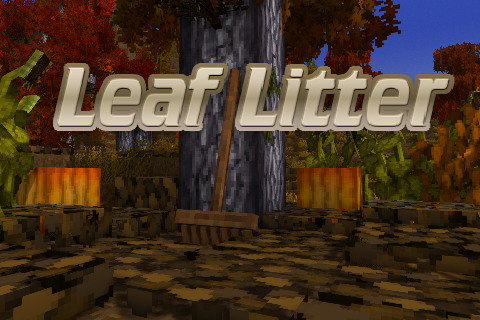
Leaf Litter
Adds dynamic leaf litter that can be raked, composted, and used as mulch.
 mod
mod Vintage Story
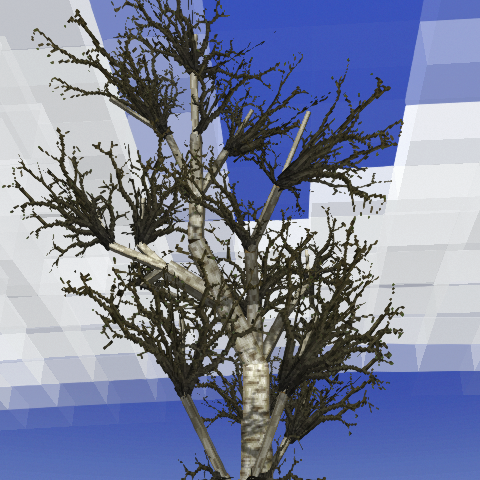
Deciduous Trees
Trees slowly shed their leaves based on temperature. Vanilla or Eco Machina compatible.