Rivers Needed by River Flow Control (Server) 1.0.0
requiredMatching file found Matched file: 5.0.3
Vintage Story Mod DB · Vintage Story mod
A companion mod for Rivers. Requires Rivers to be installed. Server-side only — players install nothing and there is no version for them to match. The problem Setting disableFlow: true in Rivers' config does not stop boats drifting. It looks like it wo
Quick answer
River Flow Control (Server) 1.0.0 targets 1.22.3, 1.22.4, 1.22.5. It must be installed on the client. Installation on the dedicated server is optional. All 1 required mods have matching files.
Where it goes
It must be installed on the client. Installation on the dedicated server is optional.
This release supports both sides, but the source does not require it on the server.
1.0.0. Change the file and its required mods may change too.
Install Rivers first. We found matching files for this game-version and loader setup.
We only count dependency files that match this setup. A file for another loader does not fill the gap.
Before you install it
Built for River Flow Control (Server) 1.0.0. Pick another file and the loader, install side or required mods may change.
Use 1.0.0. It targets 1.22.3, 1.22.4, 1.22.5; another release may have different loader, side or dependency requirements.
Install Rivers first. We found matching files for this game-version and loader setup.
It must be installed on the client. Installation on the dedicated server is optional.
Use the “Get this file” button beside 1.0.0. It opens that exact file at the source.
About this project
A companion mod for Rivers. Requires Rivers to be installed. Server-side only — players install nothing and there is no version for them to match.
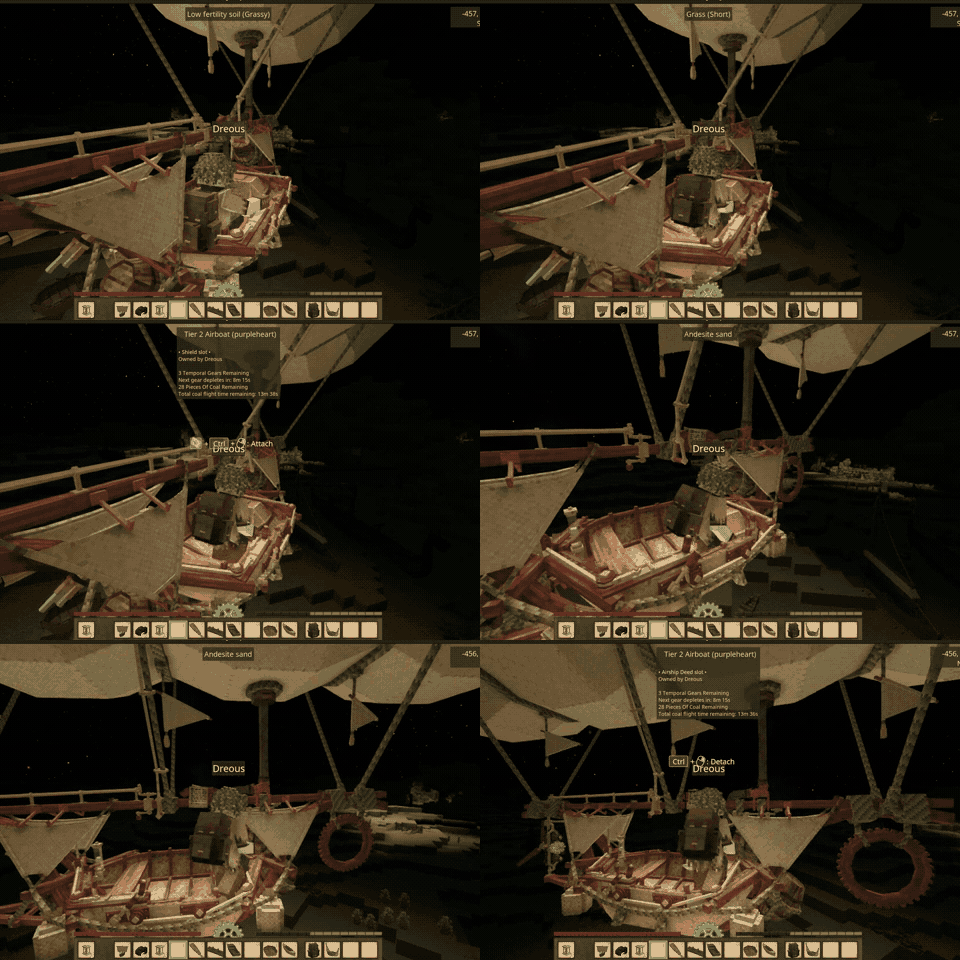
Setting disableFlow: true in Rivers' config does not stop boats drifting. It looks like it works for whoever is driving, and then someone watches an unattended boat sail off downriver.
Rivers applies its current as a Harmony patch category called "flow", and Patch() runs on both sides. That category is not only rendering — it also patches EntityBoat and PModuleInLiquid, which is the physics that actually pushes things downstream.
The only thing that ever switches it off is RePatchFlow(), which unpatches the category when the static ClientFlowDisabled is true. But that flag is assigned in exactly one place: OnSpeedMessage, a client packet handler. Server-side it stays false forever, so RePatchFlow() is a no-op there.
So disableFlow only ever produces a packet asking clients to unpatch themselves. The server keeps its own flow patches and keeps pushing entities, no matter what the config says. Whether a boat drifts then depends on which side is simulating it, which is why it looks intermittent.
Sets the flag on the server and calls Rivers' own RePatchFlow(), so the flow patches come off the server too.
ModConfig/rivers.json — there is no second setting to keep in sync. Set disableFlow there and it is enforced. Leave it false and this mod stays out of the way.Patch() on several paths.It logs plainly what it did:
[RiverFlowServer] server river flow forced OFF (was False) - EntityBoat and PModuleInLiquid unpatched
Usually not. Rivers already broadcasts the setting to each player on join and their client unpatches itself. This fixes the half that nothing was fixing. My separate River Flow Control forces the client side as well, if you want belt and braces.
Project description from Vintage Story Mod DB.
Pick your setup
Choose the version and loader you play, then open the matching release.
Check the dependencies, then try the file in a copied instance before changing a world you care about.
Recent files
VSRiverFlowServer_v1.0.0.zip
21 Aug 2026
Looking for an older file? The official Vintage Story Mod DB project page is in Resources.