Vintage Story version
Back to mods 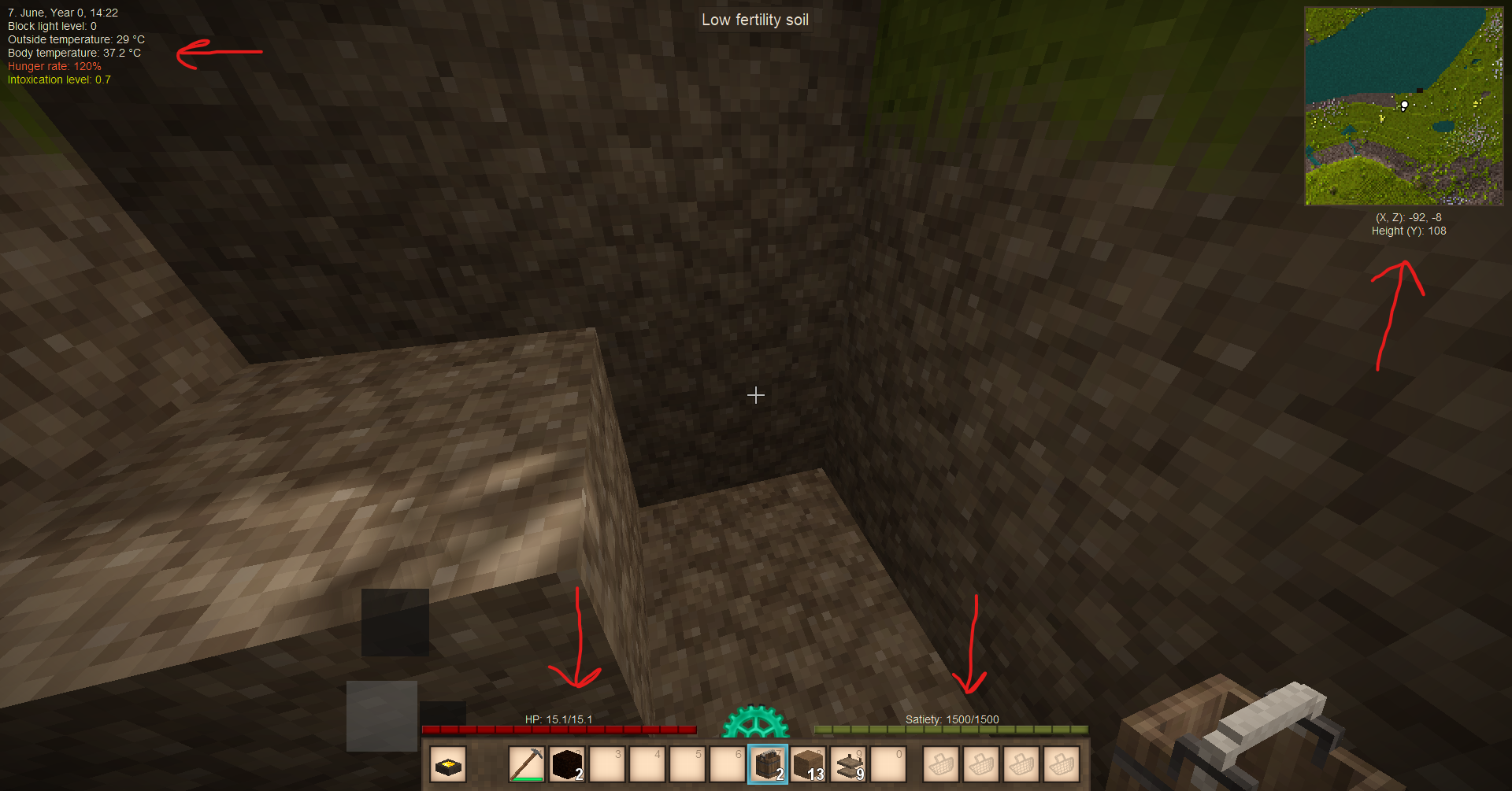
Vintage Story Mod DB · Vintage Story mod
Extended HUD info
Adds important info to the top left corner without any backgrounds. Adds coordinates under the map (again, without a background), if the world has coordinates hud enabled, so your screen space does not get obstructed by the default one. Adds HP and hunger nu
Choose a version Pick your version below, then grab the matching file.
Quick answer
Which Extended HUD info release matches 1.18.13?
Best match for your filters 1.1.0
Game version 1.18.13
Loader Built-in Vintage Story mod system
Extended HUD info 1.1.0 targets 1.18.13. It must be installed on the client. Do not install it on the dedicated server. No extra mods listed for this file.
Where it goes
Is Extended HUD info required on the client, server, or both?
It must be installed on the client. Do not install it on the dedicated server.
Client Required
Dedicated server Not supported
Loader for this release Built-in Vintage Story mod system
Required install it here Optional supported, not mandatory Not supported do not install here Source doesn’t say do not assume
This Vintage Story file is marked client-only.
What else does Extended HUD info 1.1.0 need?
1.1.0 on 1.18.13. Every mod below is checked against that same setup.
This file does not list any required mods. Do not add a library just because a different file uses it.
This file does not list any required or optional mods.
Before you install it
Add Extended HUD info without breaking your instance.
Built for Extended HUD info 1.1.0 on 1.18.13. Pick another file and the loader, install side or required mods may change.
- 01
Stick to this file
Use 1.1.0. It targets 1.18.13; another release may have different loader, side or dependency requirements.
- 02
Bring the mods it needs
This file does not list any required mods. Do not add a library just because a different file uses it.
- 03
Put it on the correct side
It must be installed on the client. Do not install it on the dedicated server.
- 04
Pick the file you checked
Use the “Get this file” button beside 1.1.0. It opens that exact file at the source.
About this project
What does Extended HUD info add?
Adds important info to the top left corner without any backgrounds.
Adds coordinates under the map (again, without a background), if the world has coordinates hud enabled, so your screen space does not get obstructed by the default one.
Adds HP and hunger numbers above the bars.
Since 1.0.5: "Shift + P" to open options menu
P.S.: Clarification to avoid confusion - temporal storm timer is in ingame hours and minutes (not real life minutes, as one may probably think), so it shows how many ingame hours (and minutes) is left until the storm.
--------
Latest changelog:
v1.1.0
- Added "Current rift activity" to the main info
- Added "Wind speed" to the main info
v1.0.6
- Added "Intoxication level" stat to the main info (shown only if your intoxication level is above 0)
v1.0.5
- Added settings menu (accessible with "Shift+P" by default)
- Added option to turn off/on coordinates display
- Added option to turn off/on HP/Satiety texts
- Added option to turn off/on main info panel
- Added option to see temperature in fahrenheit
v1.0.4
- removed text icons as a fix to the weird asset loading bug, will replace icons with something else in future versions
v1.0.3
- Changed mod load order as well as introduced a couple of checks in order to potentially fix Ryuu's crash (which I can not reproduce myself)
v1.0.2
- fixed polish translation
v1.0.1
- Changed some colors to be more neutral
- Changed temporal storm warning text to be written in lower case
- Added russian and polish translations
- Internal code cleanups
Project description from Vintage Story Mod DB.
Pick your setup
Extended HUD info releases for each Vintage Story version.
Choose the version and loader you play, then open the matching release.
Vintage Story version
1.18.12
1 loader buildVintage Story version
1.18.10
1 loader buildCheck the dependencies, then try the file in a copied instance before changing a world you care about.
Recent files
Extended HUD info versions and loaders
1.1.0
extendedhudinfo_1.1.0.zip
30 Sept 2023
Client Required Server Not supported Dependencies No extras listed Listed on Release listing
Check the 1.18.13 setup 1.18.13 release
1.0.6
extendedhudinfo_1.0.6.zip
25 Sept 2023
Client Source doesn’t say Server Source doesn’t say Dependencies No extras listed Listed on Release listing
Check the 1.18.13 setup 1.18.13 release
1.0.5
extendedhudinfo_1.0.5.zip
23 Sept 2023
Client Source doesn’t say Server Source doesn’t say Dependencies No extras listed Listed on Release listing
Check the 1.18.13 setup 1.18.13 release
1.0.4
extendedhudinfo_1.0.4.zip
21 Sept 2023
Client Source doesn’t say Server Source doesn’t say Dependencies No extras listed Listed on Release listing
Check the 1.18.13 setup 1.18.13 release
Looking for an older file? The official Vintage Story Mod DB project page is in Resources.
 mod
mod Vintage Story
Eternal Seraph: Patch
Патч для серверу Вічний Серафим. Patch for the server Eternal Seraph.
 mod
mod Vintage Story
RespawnInfo
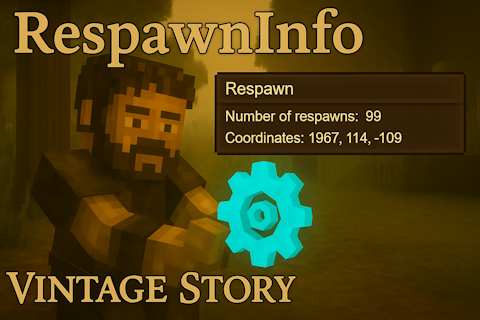
Adds a command and a small GUI to check your respawn count and coordinates.
 mod
mod Vintage Story
CFY Simple Hotbar Refill
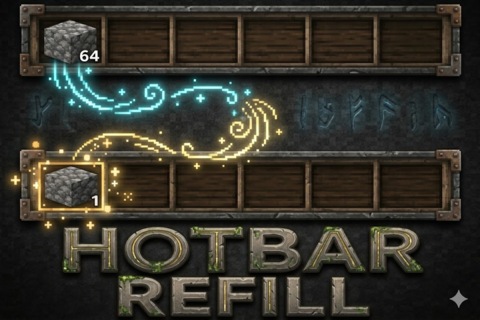
Automatically refills tools, blocks, and items in the hotbar.