Vintage Story version
Back to mods
Vintage Story Mod DB · Vintage Story mod
IMBlocker
输入法屏蔽 自动根据当前输入上下文调整输入法状态,适配ImGui 目前支持Windows与Linux系统 模组配置:ModConfig/IMBlocker.json { "AutoSwitchIME": true, // 是否自动开启/关闭输入法,意义不明,可以直接不使用本模组 "EnableDebugLog": false, // 开启调试日志,会在日志中记录更多信息 "WindowsPreferredEnglish": false // 仅限Windows,开始游戏时将输入法语言切换为英语,
Choose a version Pick your version below, then grab the matching file.
Quick answer
Which IMBlocker release should I use?
Latest stable file 1.0.1
Game version 1.22.2
Loader Built-in Vintage Story mod system
IMBlocker 1.0.1 targets 1.22.2. It must be installed on the client. Do not install it on the dedicated server. No extra mods listed for this file.
Where it goes
Is IMBlocker required on the client, server, or both?
It must be installed on the client. Do not install it on the dedicated server.
Client Required
Dedicated server Not supported
Loader for this release Built-in Vintage Story mod system
Required install it here Optional supported, not mandatory Not supported do not install here Source doesn’t say do not assume
This Vintage Story file is marked client-only.
What else does IMBlocker 1.0.1 need?
1.0.1. Change the file and its required mods may change too.
This file does not list any required mods. Do not add a library just because a different file uses it.
This file does not list any required or optional mods.
Before you install it
Add IMBlocker without breaking your instance.
Built for IMBlocker 1.0.1. Pick another file and the loader, install side or required mods may change.
- 01
Stick to this file
Use 1.0.1. It targets 1.22.2; another release may have different loader, side or dependency requirements.
- 02
Bring the mods it needs
This file does not list any required mods. Do not add a library just because a different file uses it.
- 03
Put it on the correct side
It must be installed on the client. Do not install it on the dedicated server.
- 04
Pick the file you checked
Use the “Get this file” button beside 1.0.1. It opens that exact file at the source.
About this project
What does IMBlocker add?
自动根据当前输入上下文调整输入法状态,适配ImGui
目前支持Windows与Linux系统
模组配置:ModConfig/IMBlocker.json
{
  "AutoSwitchIME": true, // 是否自动开启/关闭输入法,意义不明,可以直接不使用本模组
  "EnableDebugLog": false, // 开启调试日志,会在日志中记录更多信息
  "WindowsPreferredEnglish": false // 仅限Windows,开始游戏时将输入法语言切换为英语,语言状态会在开关输入法时保留
}
Automatically adjust the input method state based on the current input context, compatible with ImGui
Currently supports Windows and Linux systems.
Module configuration: ModConfig/IMBlocker.json
{
  "AutoSwitchIME": true, // Whether to automatically enable/disable the input method, the purpose is unclear; you can simply choose not to use this module
  "EnableDebugLog": false, // Enable debug logging to record more information in the logs
  "WindowsPreferredEnglish": false // Windows only, switches the input method language to English when starting the game, the language state will be retained when toggling the input method
}
Project description from Vintage Story Mod DB.
Pick your setup
IMBlocker releases for each Vintage Story version.
Choose the version and loader you play, then open the matching release.
Check the dependencies, then try the file in a copied instance before changing a world you care about.
Recent files
IMBlocker versions and loaders
1.0.1
imblocker_1.0.1.zip
11 May 2026
Client Required Server Not supported Dependencies No extras listed Listed on Release listing
Check the 1.22.2 setup 1.22.2 release
1.0.0
imblocker_1.0.0.zip
10 May 2026
Client Source doesn’t say Server Source doesn’t say Dependencies No extras listed Listed on Release listing
Check the 1.22.2 setup 1.22.2 release
Looking for an older file? The official Vintage Story Mod DB project page is in Resources.
 mod
mod Vintage Story
Boric Alchemy
Boric Alchemy adds chemical routes to create and refine resources, and create alchemical marvels!
 mod
mod Vintage Story
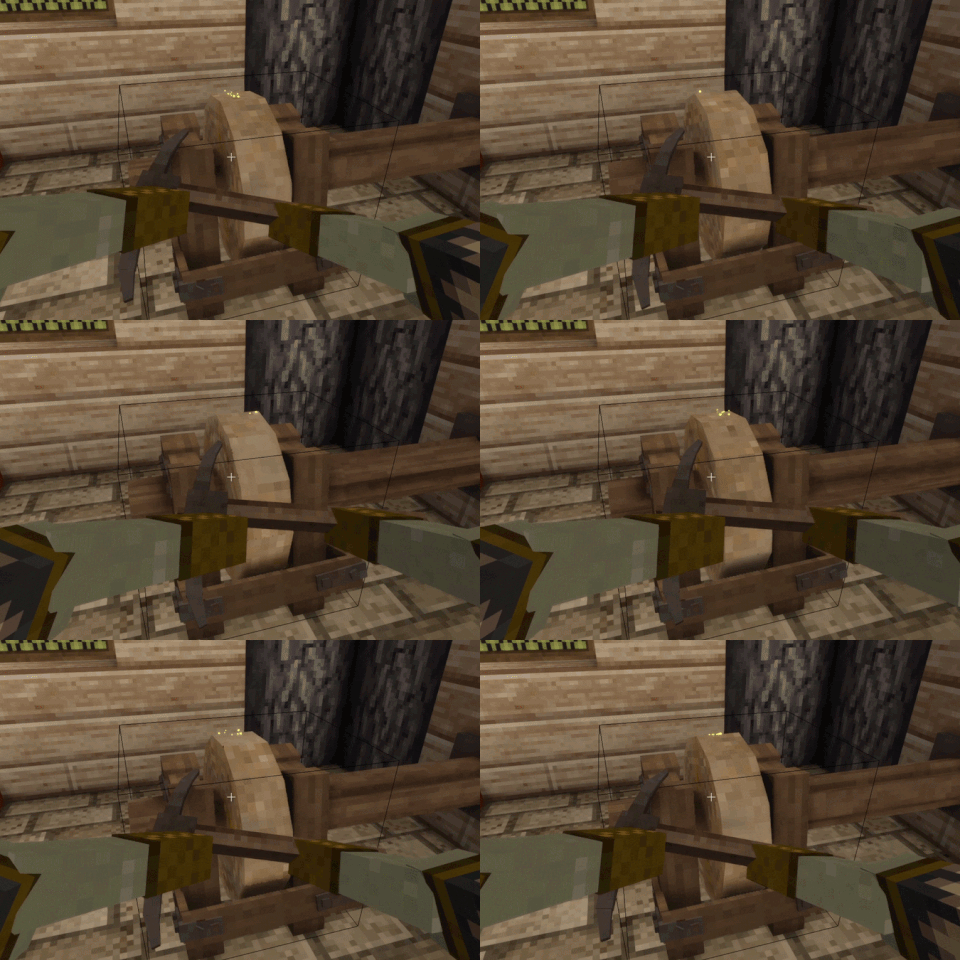
Grinding Wheel Rework
Expands grinding wheel to support more tools and turns sharpening into a lightweight repair system
 mod
mod Vintage Story
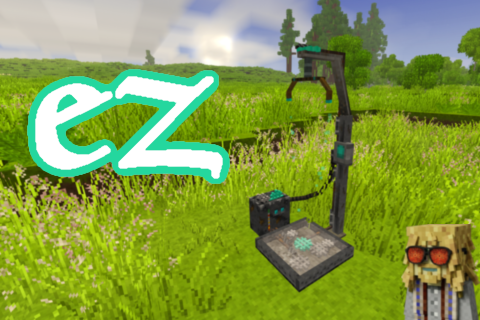
EZ Translocators
Break repaired translocators, place them wherever you want and use your map to teleport.