Vintage Story version
Back to mods 
Vintage Story Mod DB · Vintage Story mod
Nerdscurvy's Fixes
Nerdscurvy's Fixes Summary Fix labeled chest font size and other compatibility issues - mainly labels About Nerdscurvy's Fixes is a focused bug-fix and compatibility mod for Vintage Story 1.22. It applies small, targeted fixes for labeled containers and la
Choose a version Pick your version below, then grab the matching file.
Quick answer
Which Nerdscurvy's Fixes release should I use?
Latest stable file 1.0.0
Game version 1.22.2, 1.22.3
Loader Built-in Vintage Story mod system
Nerdscurvy's Fixes 1.0.0 targets 1.22.2, 1.22.3. It must be installed on the client. Installation on the dedicated server is optional. No extra mods listed for this file.
Where it goes
Is Nerdscurvy's Fixes required on the client, server, or both?
It must be installed on the client. Installation on the dedicated server is optional.
Client Required
Dedicated server Optional
Loader for this release Built-in Vintage Story mod system
Required install it here Optional supported, not mandatory Not supported do not install here Source doesn’t say do not assume
This release supports both sides, but the source does not require it on the server.
What else does Nerdscurvy's Fixes 1.0.0 need?
1.0.0. Change the file and its required mods may change too.
This file does not list any required mods. Do not add a library just because a different file uses it.
This file does not list any required or optional mods.
Before you install it
Add Nerdscurvy's Fixes without breaking your instance.
Built for Nerdscurvy's Fixes 1.0.0. Pick another file and the loader, install side or required mods may change.
- 01
Stick to this file
Use 1.0.0. It targets 1.22.2, 1.22.3; another release may have different loader, side or dependency requirements.
- 02
Bring the mods it needs
This file does not list any required mods. Do not add a library just because a different file uses it.
- 03
Put it on the correct side
It must be installed on the client. Installation on the dedicated server is optional.
- 04
Pick the file you checked
Use the “Get this file” button beside 1.0.0. It opens that exact file at the source.
About this project
What does Nerdscurvy's Fixes add?
Nerdscurvy's Fixes
Summary
Fix labeled chest font size and other compatibility issues - mainly labels
About
Nerdscurvy's Fixes is a focused bug-fix and compatibility mod for Vintage Story 1.22.
It applies small, targeted fixes for labeled containers and labeled trunk behavior, with per-fix config flags so you can enable only what you need.
Implemented Fixes
Labeled chest font size reload fix
Prevents labeled chest text from falling back to default size after chunk/world reload.
LabeledContainers small chest label position fix
Corrects floating/misaligned text on small labeled containers (reed/bark baskets) by adjusting text Y and Z placement.
LabeledTrunk label alignment fix
Applies trunk-specific X offset correction so trunk labels render in the correct horizontal position.
LabeledTrunk compatibility safeguard
Removes an outdated global renderer prefix from older labeledtrunk releases that can break labels on unrelated containers.
Compatibility
Game version: 1.22.2+
Optional target mods: Labeled Containers, Labeled Containers Updated, Labeled Trunk
Fixes only activate when enabled in config and when the relevant target mod is present
Configuration
Config file: NerdscurvyFixesConfig.json
You can enable/disable each fix independently:
{
  "ConfigVersion": 1,
  "EnableLabeledChestFontSizeReloadFix": true,
  "EnableLabeledContainersSmallChestLabelPositionFix": true,
  "EnableLabeledTrunkLabelPositionFix": true,
  "EnableLabeledTrunkBrokenPrefixCompatibilityFix": true
}
Installation
- Drop the mod zip into your Mods folder
- Start the game once to generate NerdscurvyFixesConfig.json
- Adjust config flags as needed
- Restart the game after config changes
Notes
This mod does not replace target mods; it applies compatibility fixes at runtime.
If a target mod is not installed, related fixes are skipped automatically.
Project description from Vintage Story Mod DB.
Pick your setup
Nerdscurvy's Fixes releases for each Vintage Story version.
Choose the version and loader you play, then open the matching release.
Vintage Story version
1.22.2
1 loader buildCheck the dependencies, then try the file in a copied instance before changing a world you care about.
Recent files
Nerdscurvy's Fixes versions and loaders
1.0.0
NerdscurvyFixes-1.22.2_v1.0.0.zip
30 May 2026
Client Required Server Optional Dependencies No extras listed Listed on Release listing
Check the 1.22.3 setup 1.22.21.22.3 release
Looking for an older file? The official Vintage Story Mod DB project page is in Resources.
 mod
mod Vintage Story
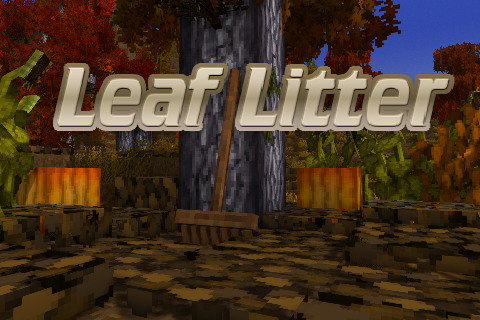
Leaf Litter
Adds dynamic leaf litter that can be raked, composted, and used as mulch.
 mod
mod Vintage Story
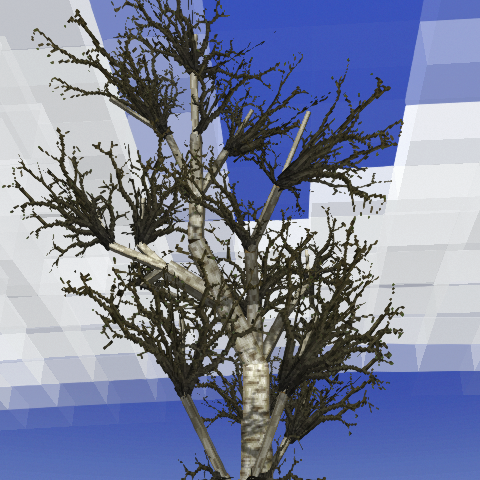
Deciduous Trees
Trees slowly shed their leaves based on temperature. Vanilla or Eco Machina compatible.
 mod
mod Vintage Story
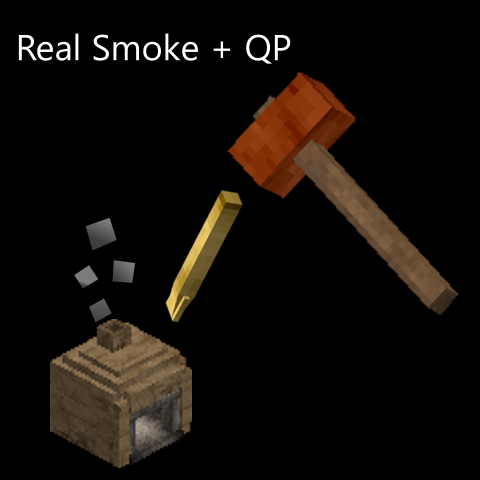
Real Smoke & QP's Chisel Tools Compatibility Patch 1.22
Adds compatibility between Real Smoke and QP Chisel Tools decorative blocks.