AreaDeposit-Immersive(v1.1.3)
18 Jan 2026
Client Not supported Server Required Dependencies No extras listed Listed on Project page
Check the setup 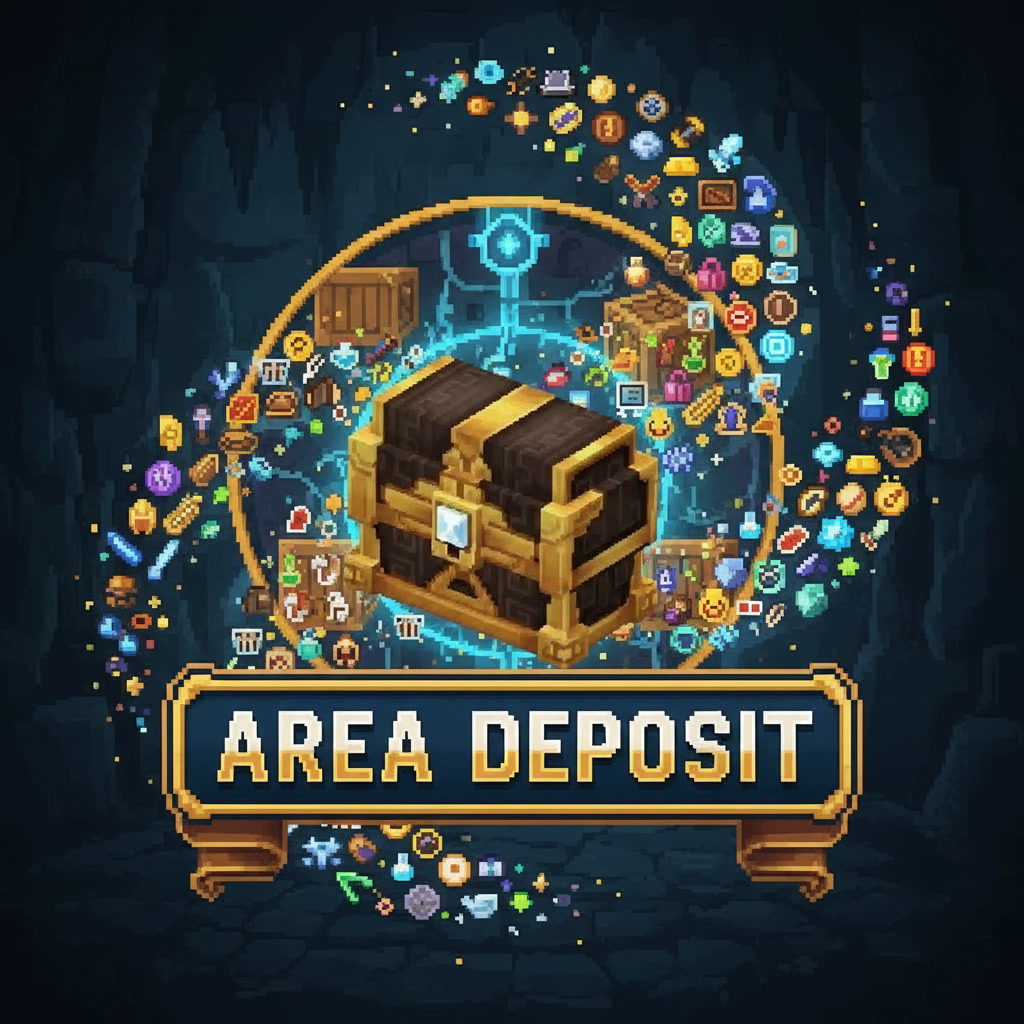
CurseForge · Hytale mod
Interactive block allows you to Quick Stack your inventory into nearby chests. Also contains a chat-command to do the same.
Quick answer
AreaDeposit-Immersive(v1.1.3) targets Hytale. Do not install it as a separate client mod. Enable it on the world host—the local server in singleplayer or the dedicated server in multiplayer. No required dependencies listed for this file.
Where it goes
Do not install it as a separate client mod. Enable it on the world host—the local server in singleplayer or the dedicated server in multiplayer.
Put Hytale mods on the world host or dedicated server. Singleplayer runs a local server too; Hytale does not use separate client mods.
AreaDeposit-Immersive(v1.1.3). Change the file and its required mods may change too.
This file does not list any required mods. Do not add a library just because a different file uses it.
This file does not list any required or optional project dependencies. Check the creator notes before changing an existing world.
Before you install it
Built for AreaDeposit-Immersive(v1.1.3). Pick another file and the loader, install side or required mods may change.
Use AreaDeposit-Immersive(v1.1.3). It targets Hytale; another release may target a different game build or dependency set.
This file does not list any required mods. Do not add a library just because a different file uses it.
Do not install it as a separate client mod. Enable it on the world host—the local server in singleplayer or the dedicated server in multiplayer.
Use the “Get this file” button beside AreaDeposit-Immersive(v1.1.3). It opens that exact file at the source.
About this project
Did you just get home from a long journey with a bag full of goodies? Tired of going up to each chest individually and clicking Quick Stack?
The Area Depositor is here to save the day!

Crafted at a Workbench, this simple block can be placed anywhere a normal block can, such as the ground or on a table. Interact with it, and it will call the Quick Stack ability on all nearby chests, saving you the headache of finding where you left your chest full of grass.
Also included is a chat command to do the same thing, if you prefer to break your immersion somewhat.
Typing /ad into the chat window will deposit your items into nearby chests, using the in-game QuickStack logic.
OPTIONAL Arguments:
--radius=[BlockDistance]
e.g. /ad --radius=10.0

Default is 8 block radius.
Available Files:
AreaDeposit-Immersive(1.1): Contains both the chat command and the in-game craftable block
AreaDeposit-1.0: The chat command ONLY
Install:
Place the jar in the mods folder, as you would any other Hytale mod.
TODO:
Config file to allow for editing radius
Different tiers for higher radius
Add minor particles (maybe).
Project description from CurseForge.
Recent files
18 Jan 2026
16 Jan 2026
15 Jan 2026
14 Jan 2026
Looking for an older file? The official CurseForge project page is in Resources.
 mod
modA working mobile phone for every player: messages, group chats, voice calls and a social feed, on a smartphone or a classic keypad handset.
 mod
modWield the Arcane Focus in your off hand and power Fire and Ice Staves with Mana! Save precious essence and inventory space, with seamless essence fallback when Mana runs dry.
 mod
modThe Skeleton Praetorian is now a real danger.