MiniKit-2.0.0.jar
29 Jan 2026
Client Not supported Server Required Dependencies No extras listed Listed on Project page
Check the setup 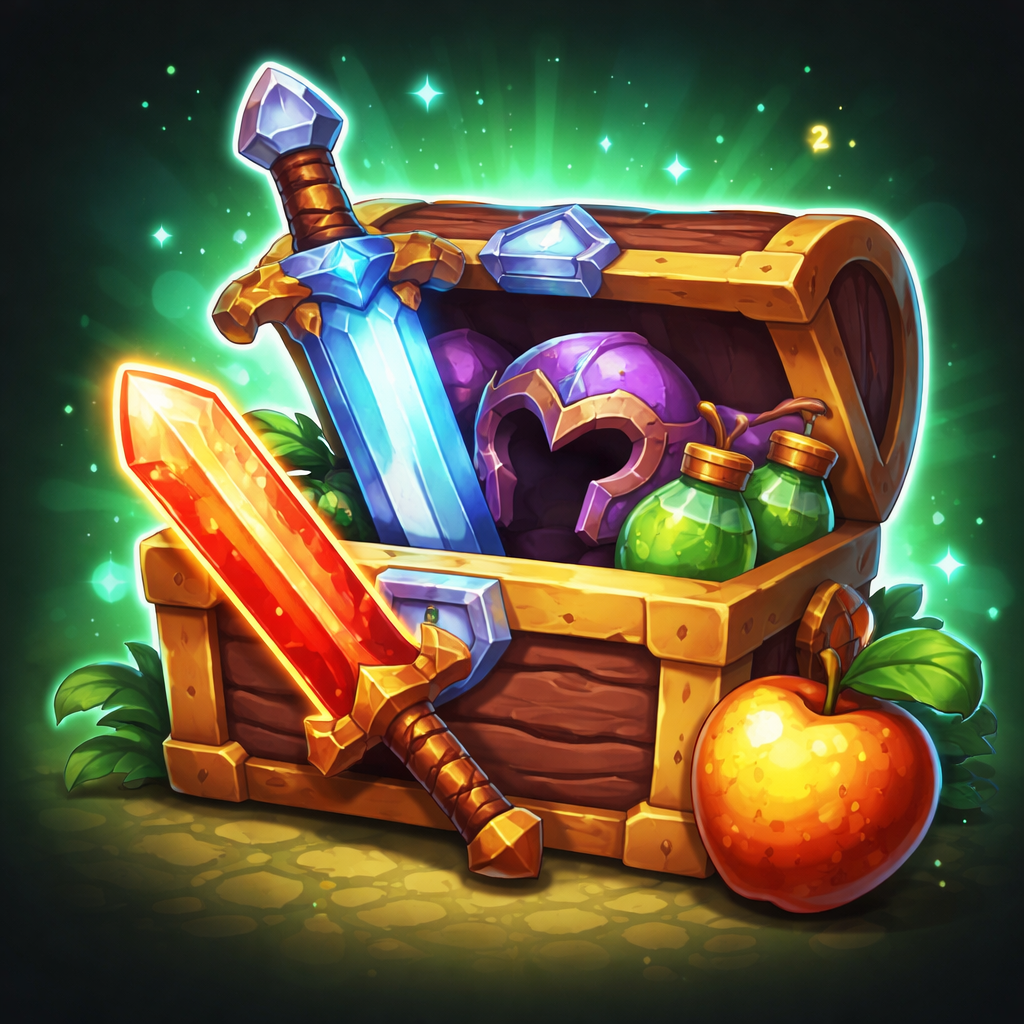
CurseForge · Hytale mod
Advanced kit management mod designed to power a Hytale Kit PvP (kitpvp) style server with an intuitive kit selector. Now with per-world kits, new GUIs, developers API and much more!
Quick answer
MiniKit-2.0.0.jar targets Hytale. Do not install it as a separate client mod. Enable it on the world host—the local server in singleplayer or the dedicated server in multiplayer. No required dependencies listed for this file.
Where it goes
Do not install it as a separate client mod. Enable it on the world host—the local server in singleplayer or the dedicated server in multiplayer.
Put Hytale mods on the world host or dedicated server. Singleplayer runs a local server too; Hytale does not use separate client mods.
MiniKit-2.0.0.jar. Change the file and its required mods may change too.
This file does not list any required mods. Do not add a library just because a different file uses it.
This file does not list any required or optional project dependencies. Check the creator notes before changing an existing world.
Before you install it
Built for MiniKit-2.0.0.jar. Pick another file and the loader, install side or required mods may change.
Use MiniKit-2.0.0.jar. It targets Hytale; another release may target a different game build or dependency set.
This file does not list any required mods. Do not add a library just because a different file uses it.
Do not install it as a separate client mod. Enable it on the world host—the local server in singleplayer or the dedicated server in multiplayer.
Use the “Get this file” button beside MiniKit-2.0.0.jar. It opens that exact file at the source.
About this project
Advanced kit management mod designed to power Hytale servers with intuitive GUIS
Creating a Kit:
/minikit create
Opens MiniKit's Kit Creation GUI.
Select a kit
/minikit (or /kit, /kits)
Opens MiniKit's Kit Selection GUI.
Editing a Kit:
/minikit edit <kitId>
Opens MiniKit's Kit Editor GUI.
| Command | Permission Node | Description |
|---|---|---|
/minikit (or /kit, /kits, /minikits) |
minikit.use |
Allows opening the MiniKit GUI menu to view and select kits |
| GUI - Select Kit (Any) | minikit.select-kit.* |
Allows selecting any kit from the GUI menu |
| GUI - Select Kit (Specific) | minikit.select-kit.<kitId> |
Allows selecting a specific kit by ID (e.g., minikit.select-kit.1) |
| Cooldown Bypass | minikit.admin.bypass-cooldown |
Bypasses the kit selection cooldown timer |
| Full Admin Mode | minikit.admin.* |
Enables all admin commads |
/minikit create [name] [sortWeight] |
minikit.admin.create-kit |
Allows creating a new kit from current inventory |
/minikit edit <kitId> |
minikit.admin.edit-kit |
Allows editing an existing kit through the edit GUI |
/minikit update <kitId> |
minikit.admin.update-kit |
Allows updating an existing kit's inventory with current inventory |
/minikit delete <kitId> |
minikit.admin.delete-kit |
Allows deleting an existing kit by its ID |
/minikit toggle <kitId> |
minikit.admin.toggle-kit |
Allows enabling or disabling a kit by its ID |
/minikit list |
minikit.admin.list-kits |
Allows listing all available kits with their IDs and status |
Give players access to use kits:
/perm group add Adventure minikit.use
/perm group add Adventure minikit.select-kit.*
Allow a player to only use specific kits (e.g., kit IDs 1 and 3).
NOTE: This requires omitting the wildcard (.*) permission above.
/perm group add Adventure minikit.use
/perm group add Adventure minikit.select-kit.1
/perm group add Adventure minikit.select-kit.3
Give full administrative control:
/perm group add Adventure minikit.use
/perm group add Adventure minikit.select-kit.*
/perm group add Adventure minikit.admin.*
MiniKit automatically creates a configuration file on first run. You can find it in your server's mods/com.jecsham_MiniKit/Config.json file.
| Setting | Default | Description |
|---|---|---|
SelectKitCooldownSecs |
5 |
Number of seconds players must wait between selecting kits |
HideKitIfNoPermission |
false |
If true, kits will be hidden from players who don't have permission to use them. If false, kits are shown but cannot be selected. |
CheckInventoryConflicts |
false |
If true, checks if the player's inventory slots are available before applying a kit. This option is ignored if ClearInventory is set to true. |
ClearInventory |
false |
If true, clears the player's inventory before applying a kit. If false, kit items are added to existing inventory. |
MiniKit provides a comprehensive API for developers who want to integrate kit functionality into their own plugins.
In your manifest.json
// ...
{
  "Dependencies": {
      "com.jecsham:MiniKit": "*"
  }
   // or
   "OptionalDependencies": {
         "com.jecsham:MiniKit": "*"
   }
}
// ...
Gradle:
dependencies {
    compileOnly files('libs/MiniKit-<version>.jar')
}
// in your Main class:
private MiniKitAPI miniKitAPI = null;

// inside your setup() method:
try {
   miniKitAPI = MiniKit.getAPI();
   if (miniKitAPI != null) {
      // MiniKit integration enabled
      LOGGER.atInfo().log("Total kits from MiniKit: " + miniKitAPI.getKitCount());
      }
   } catch (NoClassDefFoundError | Exception e) {
      // MiniKit not available, continuing without it
      // or exit the program if your plugins depends on MiniKit
   }
| Method | Returns | Description |
|---|---|---|
getKitById(int id) |
Optional<Kit> |
Retrieves a kit by its unique ID |
getKit(String name) |
Optional<Kit> |
Retrieves a kit by its name |
hasKit(int id) |
boolean |
Checks if a kit exists with the specified ID |
hasKit(String name) |
boolean |
Checks if a kit exists with the specified name |
getAllKits() |
Map<Integer, Kit> |
Returns all kits mapped by their IDs |
getKitCount() |
int |
Returns the total number of kits |
Please comment bugs or suggestions!
Project description from CurseForge.
Recent files
29 Jan 2026
23 Jan 2026
21 Jan 2026
Looking for an older file? The official CurseForge project page is in Resources.
 mod
modAdds a brand-new Labyrinth Dimension featuring a vast desert surface and an endless maze stretching deep below. Discover unique locations and face a variety of dangerous new enemies as you explore its depths!
 mod
modA lightweight target health HUD mod for Hytale. Shows a colored bar with the target's health, name, distance and attitude towards the player.
 mod
modAdded interaction in asset editor to execute commands