MediaRadio-1.4.1.jar
18 Feb 2026
Client Not supported Server Required Dependencies No extras listed Listed on Project page
Check the setup 
CurseForge · Hytale mod
Play music from Youtube in Hytale.
Quick answer
MediaRadio-1.4.1.jar targets Hytale. Do not install it as a separate client mod. Enable it on the world host—the local server in singleplayer or the dedicated server in multiplayer. No required dependencies listed for this file.
Where it goes
Do not install it as a separate client mod. Enable it on the world host—the local server in singleplayer or the dedicated server in multiplayer.
Put Hytale mods on the world host or dedicated server. Singleplayer runs a local server too; Hytale does not use separate client mods.
MediaRadio-1.4.1.jar. Change the file and its required mods may change too.
This file does not list any required mods. Do not add a library just because a different file uses it.
This file does not list any required or optional project dependencies. Check the creator notes before changing an existing world.
Before you install it
Built for MediaRadio-1.4.1.jar. Pick another file and the loader, install side or required mods may change.
Use MediaRadio-1.4.1.jar. It targets Hytale; another release may target a different game build or dependency set.
This file does not list any required mods. Do not add a library just because a different file uses it.
Do not install it as a separate client mod. Enable it on the world host—the local server in singleplayer or the dedicated server in multiplayer.
Use the “Get this file” button beside MediaRadio-1.4.1.jar. It opens that exact file at the source.
About this project
This mod requires Media-Tools, which provides the embedded yt-dlp and ffmpeg binaries. Download it here: https://www.curseforge.com/hytale/mods/media-tools
This mod also requires HyUI for v1.4 & Up, Download it here: https://www.curseforge.com/hytale/mods/hyui
Install both the MediaRadio mod, Media-Tools & HyUI into your mods folder.
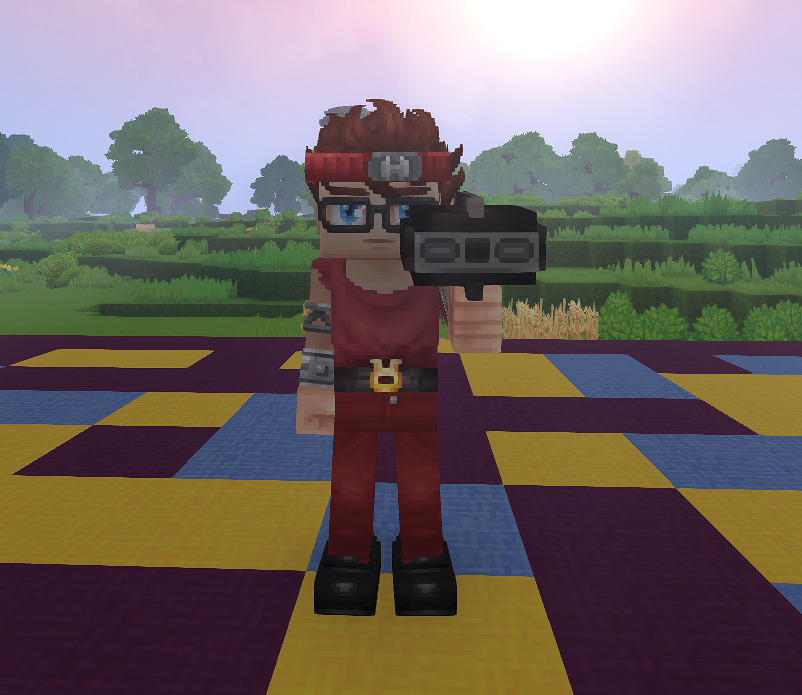
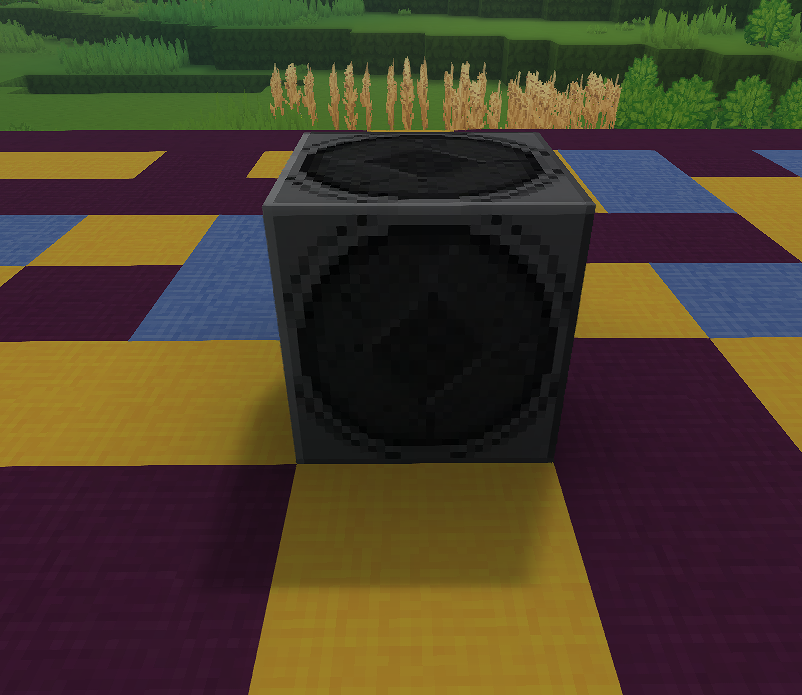
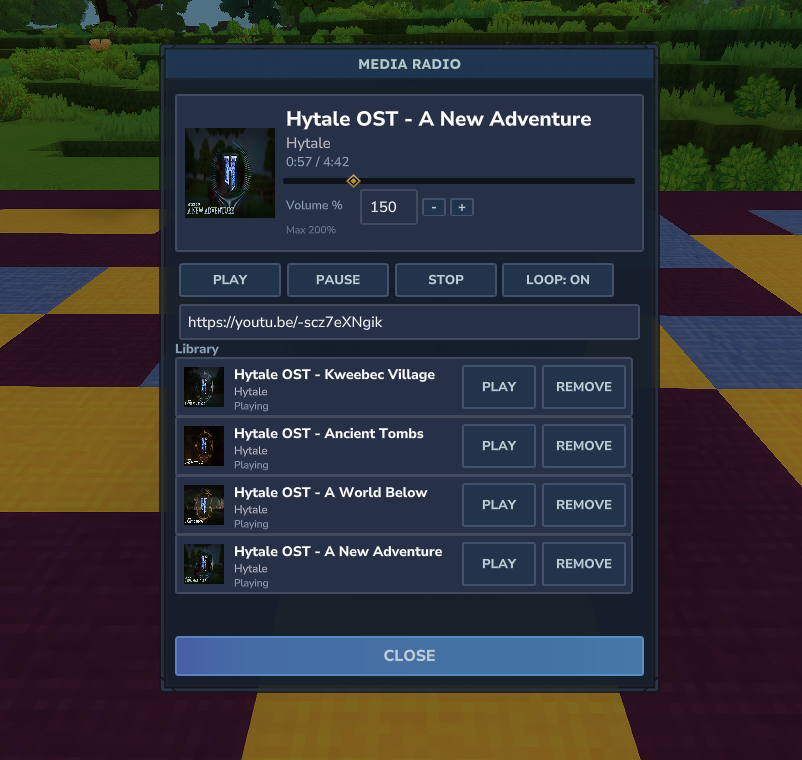
MediaRadio is a Hytale mod that lets players stream web audio through a Portable Radio (handheld) or a placeable Boombox. Music only plays while the Portable Radio is held (main hand or offhand), or while a Boombox is placed, and the UI provides a media-player style interface with play/pause/stop, seek, looping, and a per-player library.
Older versions older then 1.2 are not supported please update before reporting any issues. MediaRadio now requires a library called media-tools which makes install easy for newer versions.
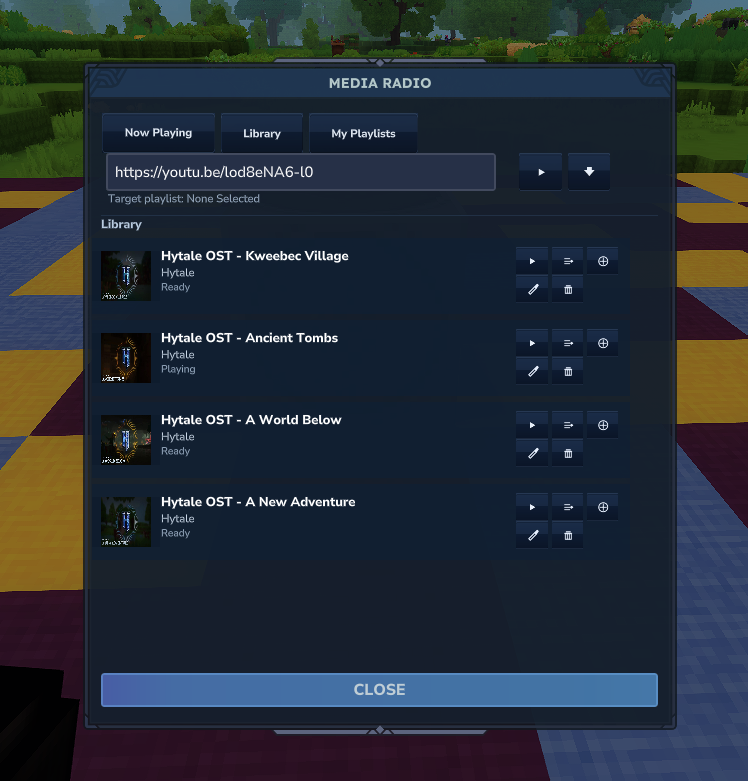
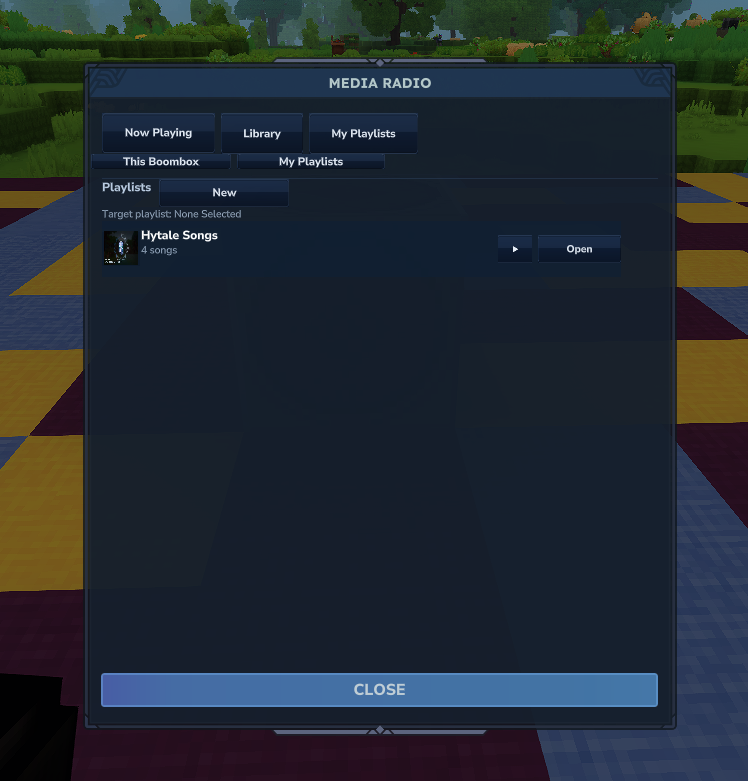
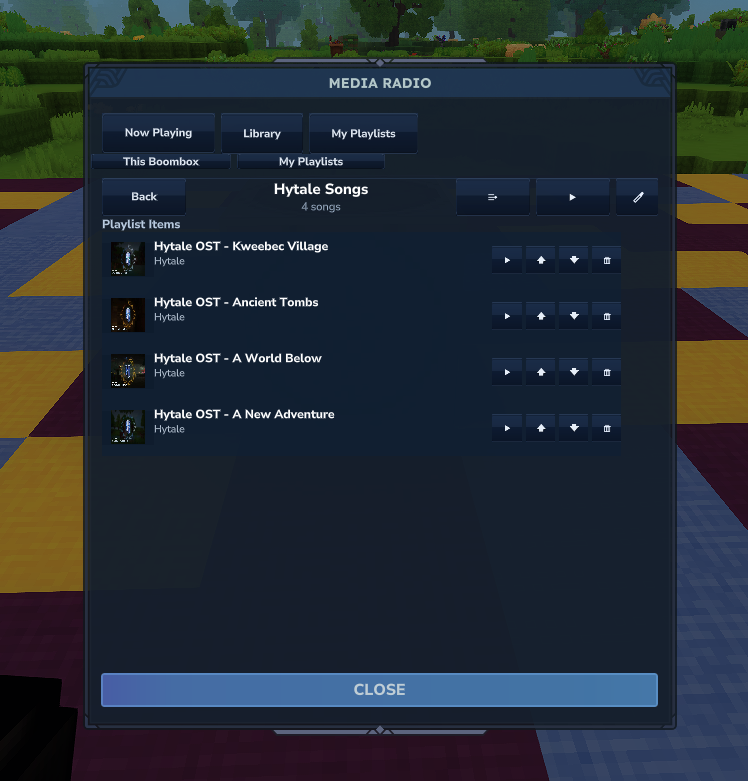
Playback is session-based and chunk-scheduled:
MediaPlaybackManager manages active playback sessions for handheld radios (per-player) and boomboxes (per-block position).SoundEvent assets, and an audio-marker NPC is used to keep the audio source positioned correctly in-world.mods folder.mods folder./media_radio_assets.Project description from CurseForge.
Recent files
18 Feb 2026
8 Feb 2026
5 Feb 2026
31 Jan 2026
30 Jan 2026
29 Jan 2026
25 Jan 2026
25 Jan 2026
23 Jan 2026
23 Jan 2026
22 Jan 2026
22 Jan 2026
Looking for an older file? The official CurseForge project page is in Resources.
 mod
modBring the models you make with Myrlin Forge into your Hytale world with one code.
 mod
modA Wikipedia for all Items in the game. Shows which Prefabs, Crafting, Loot drops, and Chest Loot they can be obtained from.
 mod
mod💥Smithing Stones 💥Socket Reforge💥Visual weapon enhancement effects for Socket Reforge upgrades, making powerful weapons stand out with unique glows and auras.