CrystalsToGem 1.0.1
31 Jan 2026
Client Not supported Server Required Dependencies No extras listed Listed on Project page
Check the setup 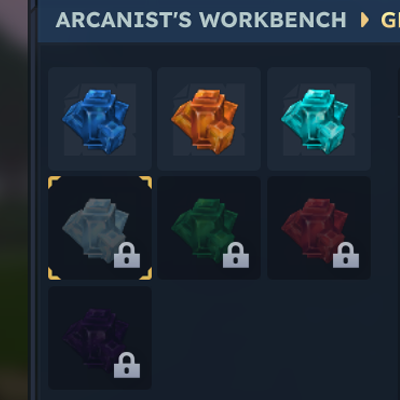
CurseForge · Hytale mod
Craft every gem using crystal shards!
Quick answer
Crystals to Gem CrystalsToGem 1.0.1 targets Hytale. Do not install it as a separate client mod. Enable it on the world host—the local server in singleplayer or the dedicated server in multiplayer. No required dependencies listed for this file.
Where it goes
Do not install it as a separate client mod. Enable it on the world host—the local server in singleplayer or the dedicated server in multiplayer.
Put Hytale mods on the world host or dedicated server. Singleplayer runs a local server too; Hytale does not use separate client mods.
CrystalsToGem 1.0.1. Change the file and its required mods may change too.
This file does not list any required mods. Do not add a library just because a different file uses it.
This file does not list any required or optional project dependencies. Check the creator notes before changing an existing world.
Before you install it
Built for Crystals to Gem CrystalsToGem 1.0.1. Pick another file and the loader, install side or required mods may change.
Use CrystalsToGem 1.0.1. It targets Hytale; another release may target a different game build or dependency set.
This file does not list any required mods. Do not add a library just because a different file uses it.
Do not install it as a separate client mod. Enable it on the world host—the local server in singleplayer or the dedicated server in multiplayer.
Use the “Get this file” button beside CrystalsToGem 1.0.1. It opens that exact file at the source.
About this project
I made this quick QoL mod to address:
All you need is in the Arcanist's Workbench, under the new tab "Gems"
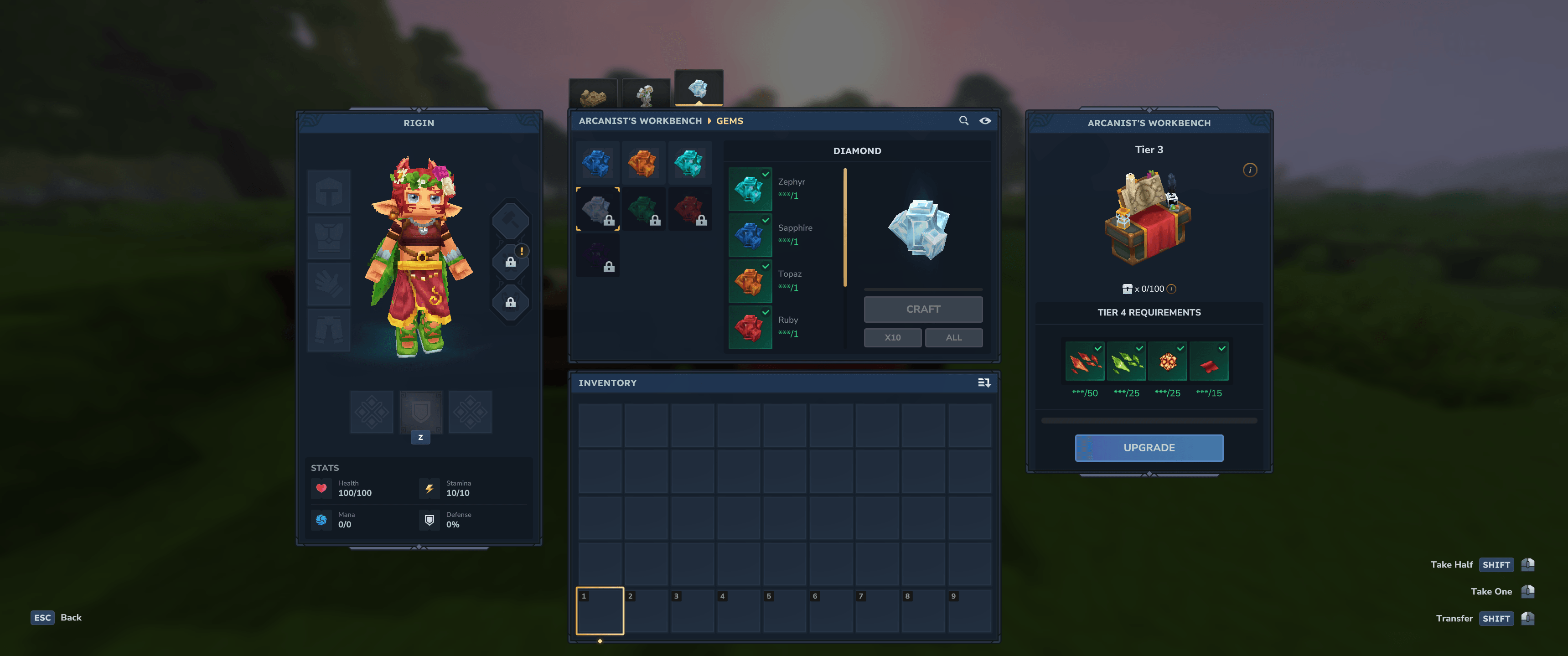 Each Gem is locked under new tiers:
This is done for players who aren't sure where to find each type of crystal shard, the ingredients for each tier give a hint! It also follows the natural progression of exploration mode.
Project description from CurseForge.
Recent files
31 Jan 2026
30 Jan 2026
Looking for an older file? The official CurseForge project page is in Resources.
 mod
modFarmWater brings Minecraft-style automatic crop watering to Hytale. Place water within 4 blocks of your farmland and it stays watered automatically. Works with source blocks and flowing water. No configuration needed – just install and farm!
 mod
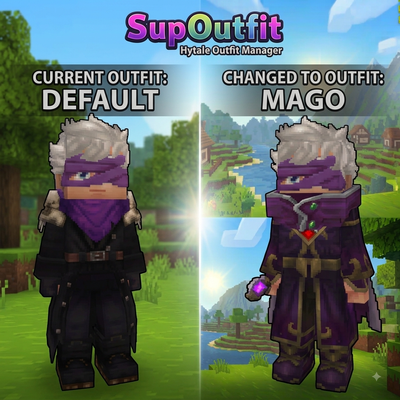
modServer-side outfit management system with commands and custom UI support.
 mod
modRecruit, command, equip, and level up companions that fight for you against enemies and rival player teams, farm, mine, loot, and haul items for you in Hytale.