GAMQ Signs 0.1.5
31 Jul 2026
Client Not supported Server Required Dependencies No extras listed Listed on Project page
Check the setup 
CurseForge · Hytale mod
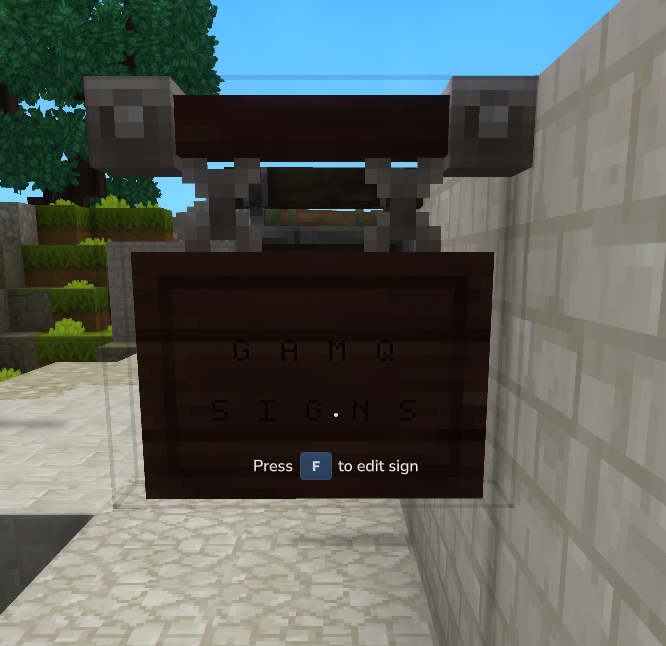
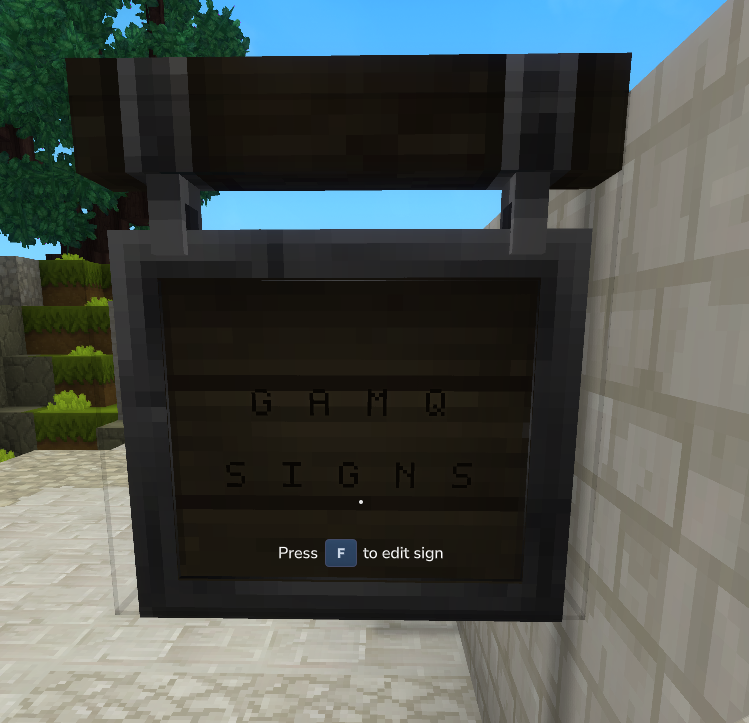
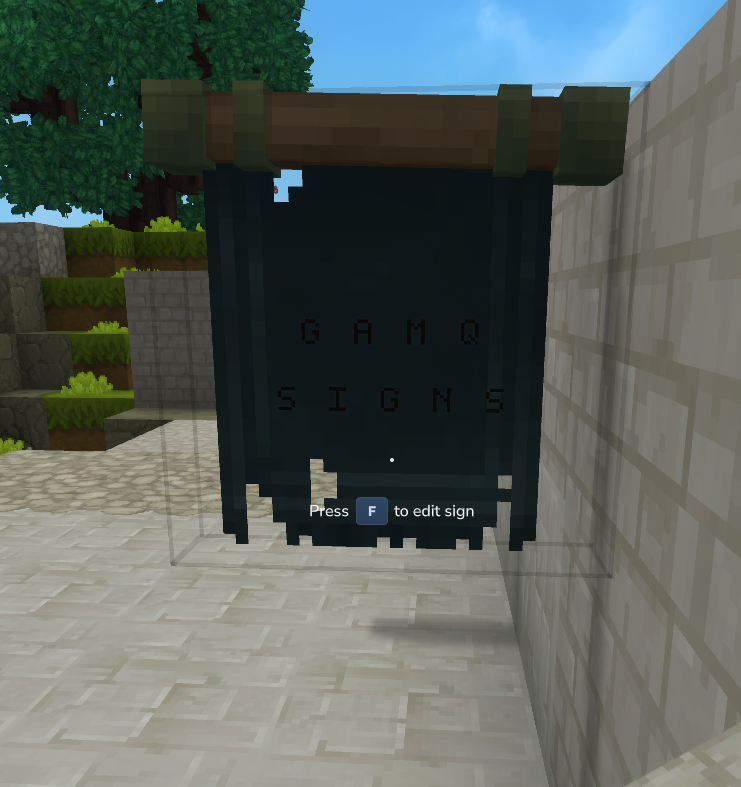
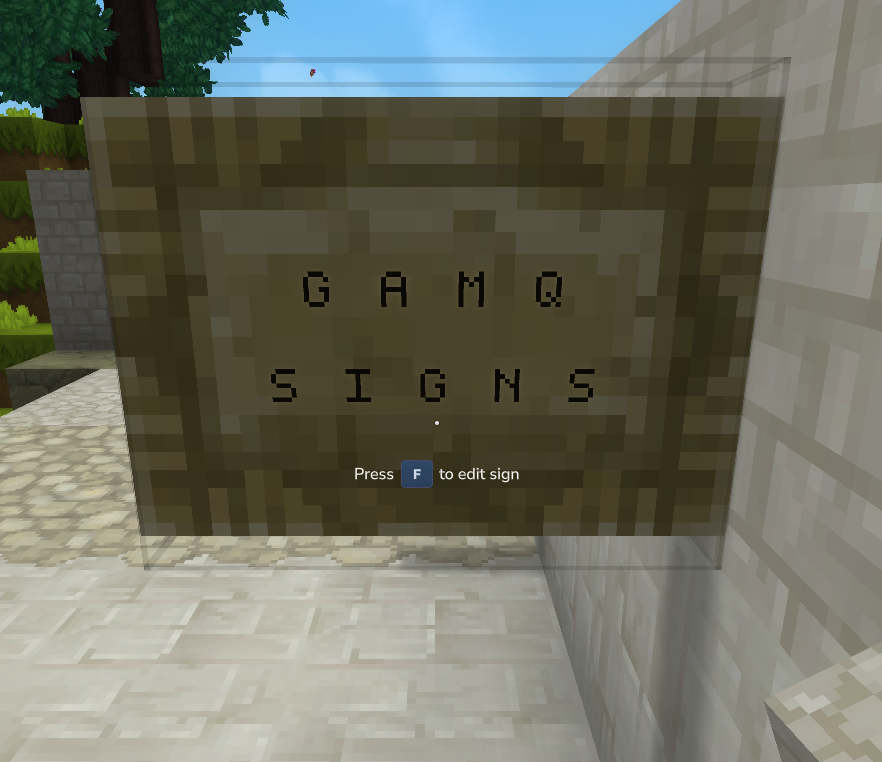
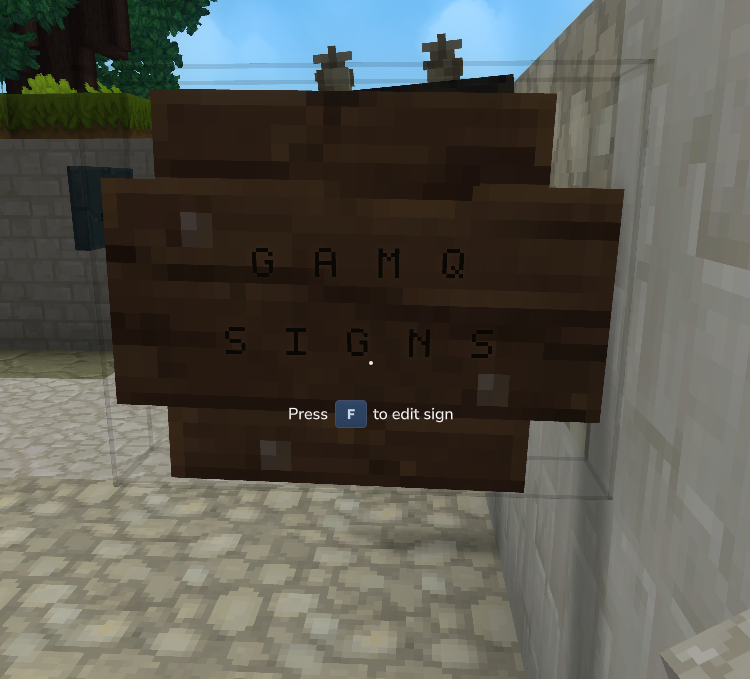
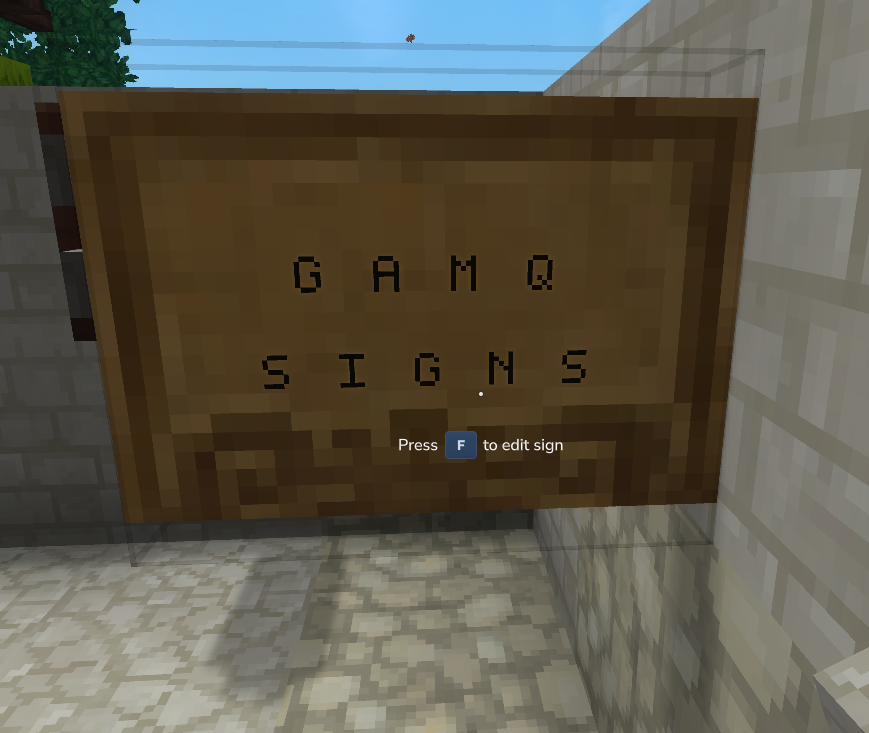
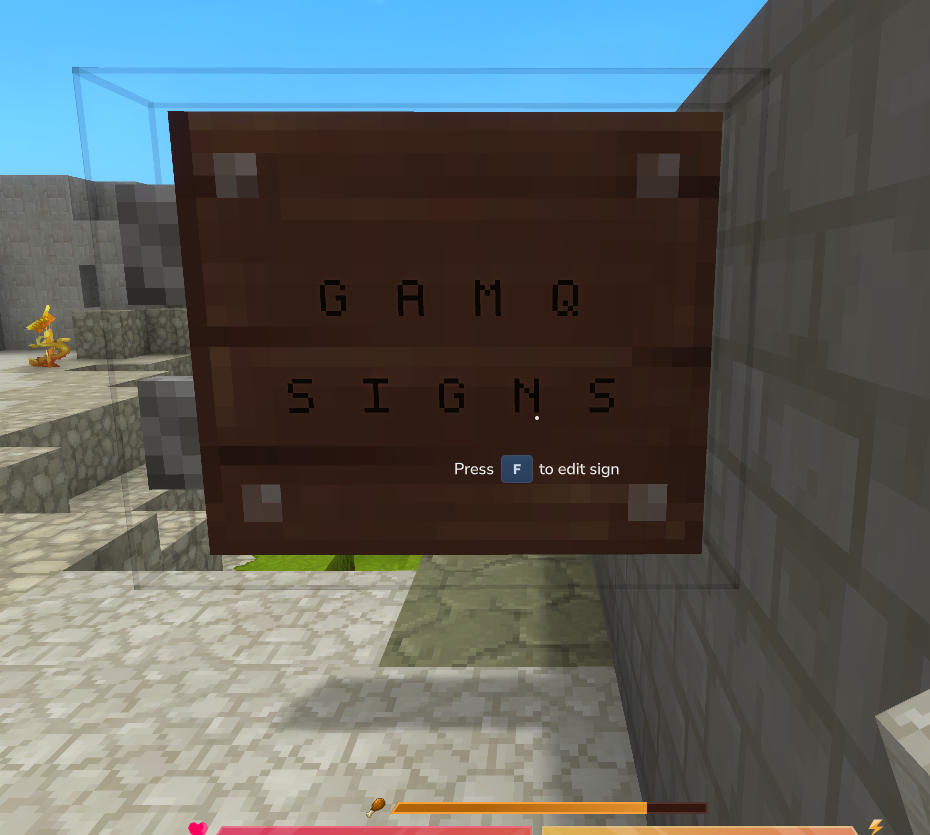
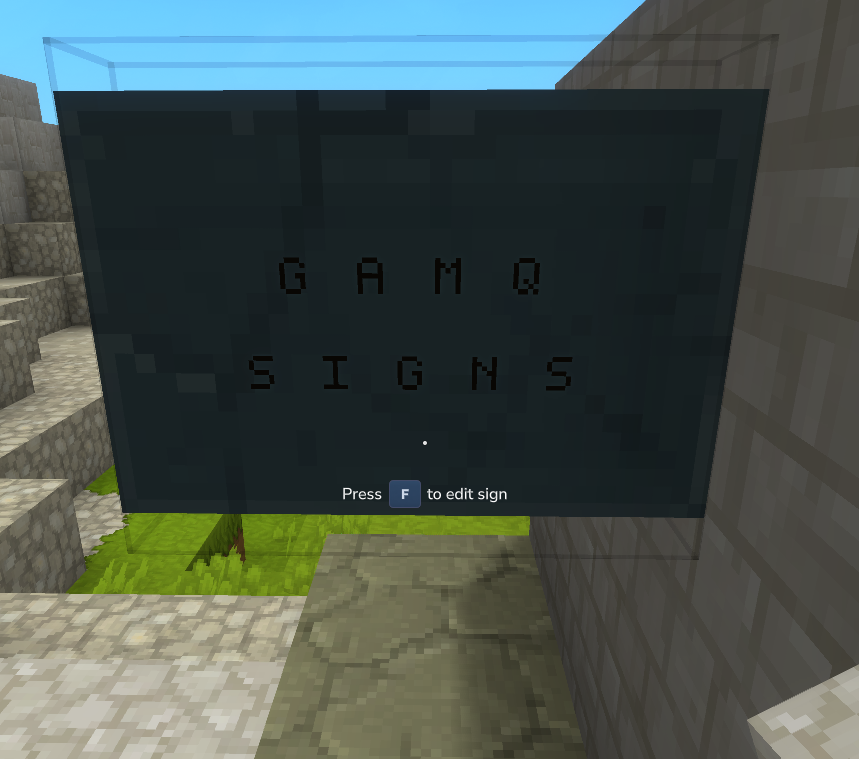
GAMQ Signs adds craftable, editable signs with persistent in-world text to Hytale servers.
Quick answer
GAMQ Signs 0.1.5 targets Hytale. Do not install it as a separate client mod. Enable it on the world host—the local server in singleplayer or the dedicated server in multiplayer. No required dependencies listed for this file.
Where it goes
Do not install it as a separate client mod. Enable it on the world host—the local server in singleplayer or the dedicated server in multiplayer.
Put Hytale mods on the world host or dedicated server. Singleplayer runs a local server too; Hytale does not use separate client mods.
GAMQ Signs 0.1.5. Change the file and its required mods may change too.
This file does not list any required mods. Do not add a library just because a different file uses it.
This file does not list any required or optional project dependencies. Check the creator notes before changing an existing world.
Before you install it
Built for GAMQ Signs 0.1.5. Pick another file and the loader, install side or required mods may change.
Use GAMQ Signs 0.1.5. It targets Hytale; another release may target a different game build or dependency set.
This file does not list any required mods. Do not add a library just because a different file uses it.
Do not install it as a separate client mod. Enable it on the world host—the local server in singleplayer or the dedicated server in multiplayer.
Use the “Get this file” button beside GAMQ Signs 0.1.5. It opens that exact file at the source.
About this project
GAMQ Signs adds craftable, editable signs with persistent in-world text to Hytale servers.
Create town signs, shop labels, road markers, rules boards, faction recruitment notices, event announcements, dungeon warnings, and other player-created information.
0.5.xGAMQ Core is no longer a mandatory dependency. This makes GAMQ Signs more accessible: you can install and use the mod immediately without installing the wider GAMQ suite.
GAMQ Core remains fully supported as an optional dependency. If you install Core later, GAMQ Signs automatically reconciles its existing sign data with Core's shared storage.
GAMQ-Signs.mods directory.You may also install GAMQ-Core to integrate Signs with the wider GAMQ suite. It can be installed either before or after GAMQ Signs.
If Core is added later, existing sign data is automatically reconciled—no manual migration is required.
SC_Sign_Post SC_Wall_Sign SC_Sign_Ancient SC_Sign_Crude SC_Sign_Desert SC_Sign_Human_Ruins SC_Sign_Tavern SC_Sign_Temple_Dark SC_Sign_Temple_Emerald SC_Sign_Temple_Wind
Project description from CurseForge.
Recent files
31 Jul 2026
31 Jul 2026
Looking for an older file? The official CurseForge project page is in Resources.
 mod
modAuthentic Japanese props and items for Creative and Exploration mode
 mod
modweaponised femboy body pillows (dakimakura), cozy cushion blocks, plushie characters, silly fumo, futon bed, lain onesie mage robes (kigurumi), pillow hexstaff + hexbook + glyph guide for hexcode magic via patchly! anime ref: astolfo, ferris, rimuru, lain!
 mod
modA Plugin that adds all Mob Heads as Blocks.