Hytale version
Back to mods 
CurseForge · Hytale mod
Japanese Things
Authentic Japanese props and items for Creative and Exploration mode
Choose a version Pick your version below, then grab the matching file.
Quick answer
Which Japanese Things release should I use?
Latest stable file Japanese Things v103
Game version 0.5
Mod system Built-in Hytale mod system
Japanese Things v103 targets 0.5. Do not install it as a separate client mod. Enable it on the world host—the local server in singleplayer or the dedicated server in multiplayer. No required dependencies listed for this file.
Where it goes
Where should Japanese Things be installed in Hytale?
Do not install it as a separate client mod. Enable it on the world host—the local server in singleplayer or the dedicated server in multiplayer.
Separate client mod Not supported
World host / dedicated server Required
Mod system for this release Built-in Hytale mod system
Required install it here Optional supported, not mandatory Not supported do not install here Source doesn’t say do not assume
Put Hytale mods on the world host or dedicated server. Singleplayer runs a local server too; Hytale does not use separate client mods.
What else does Japanese Things v103 need?
Japanese Things v103. Change the file and its required mods may change too.
This file does not list any required mods. Do not add a library just because a different file uses it.
This file does not list any required or optional project dependencies. Check the creator notes before changing an existing world.
Before you install it
Add Japanese Things without breaking your instance.
Built for Japanese Things v103. Pick another file and the loader, install side or required mods may change.
- 01
Stick to this file
Use Japanese Things v103. It targets 0.5; another release may target a different game build or dependency set.
- 02
Bring the mods it needs
This file does not list any required mods. Do not add a library just because a different file uses it.
- 03
Enable it on the world host
Do not install it as a separate client mod. Enable it on the world host—the local server in singleplayer or the dedicated server in multiplayer.
- 04
Pick the file you checked
Use the “Get this file” button beside Japanese Things v103. It opens that exact file at the source.
About this project
What does Japanese Things add?
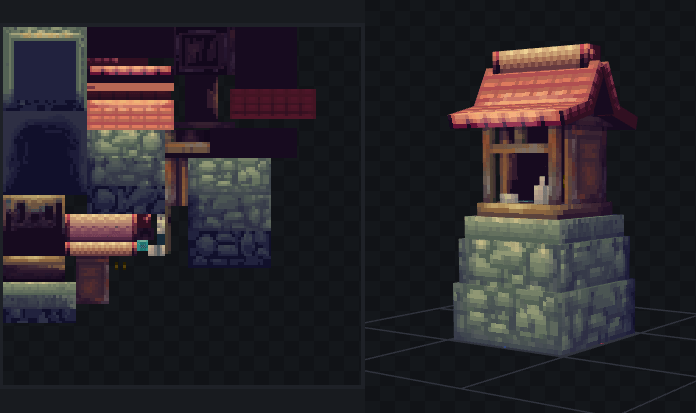
Build your own authentic Japan in creative or exploration mode.
Guide
Creative
In Creative mode select the dedicated Japanese Things tab to browse the items and sub menus.
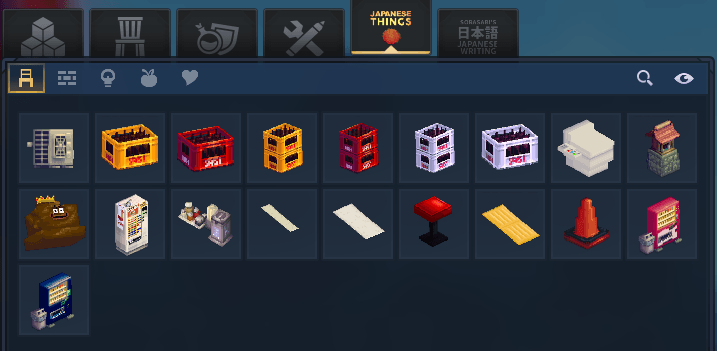
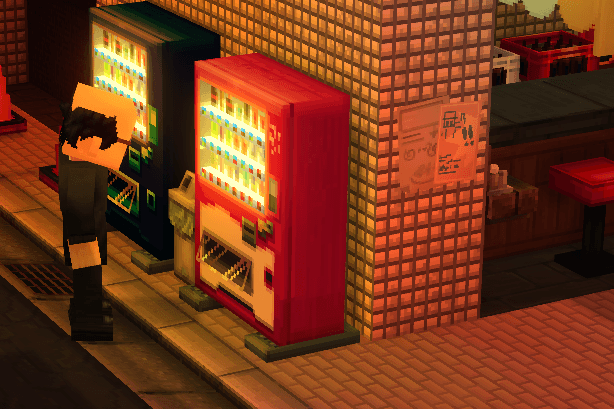
**Exploration Mode.**Build the Red Vending Machine from the regular Workbench, from the Vending Machines you'll be able to craft most items
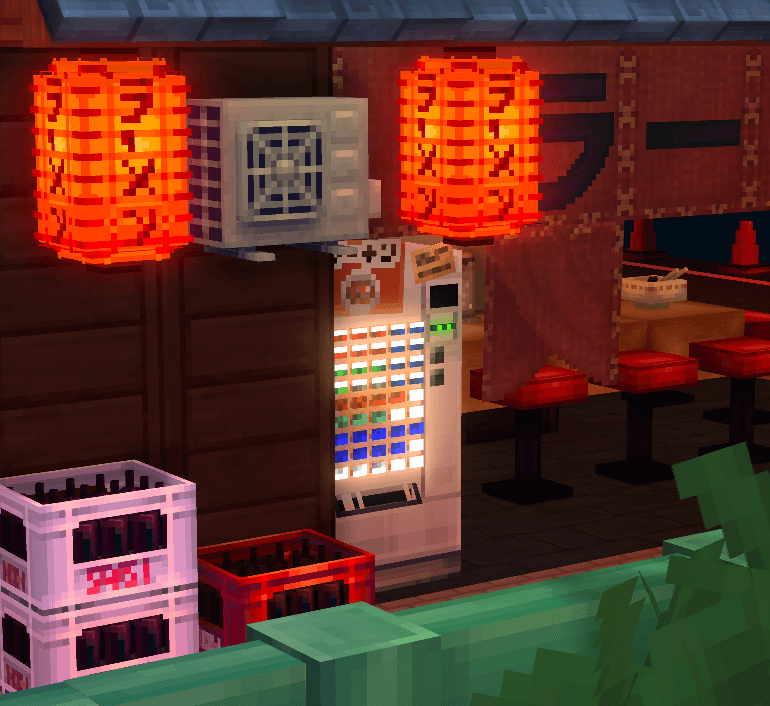
RamenCraft a Ramen Ticket Machine to make consumable Ramen.
Updates
This mod is a work in progress and I'll be adding new content over time, please join my discord to provide feedback, report bugs and suggest ideas for new content.
Send me your Japan builds bytagging me on X or Instagram
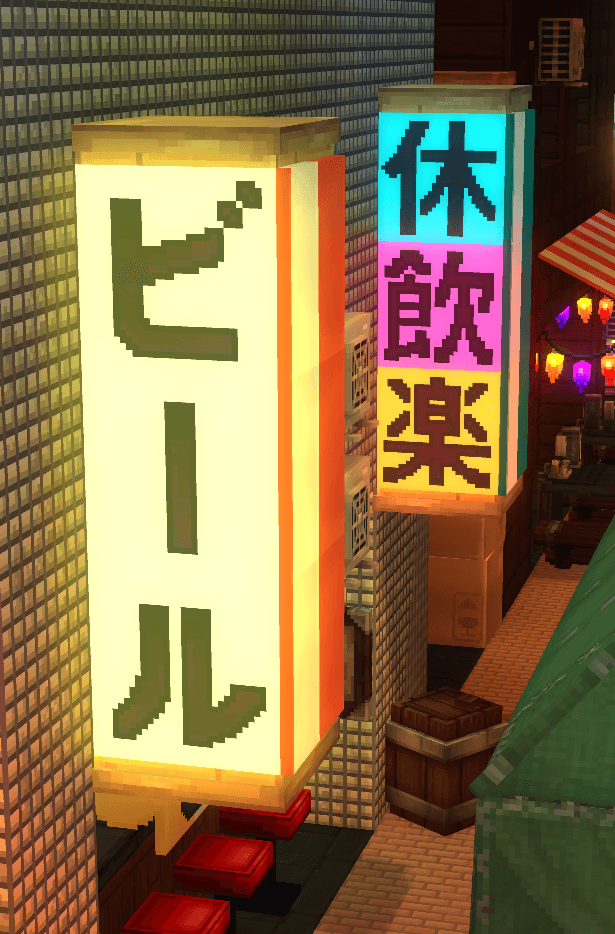
Optional ExtraI reccomend you also get my Japanese Writing Mod to make authentic Japanese signs in your world, the mod can also teach you the meaning of Japanese in English.
Notes
If you have my Japanese Toilet Mod installed you should remove it as the toilet's item ID and its future updates will now happen inside this mod and this mod should work with your existing world and toilet placements.
All the models, textures and art for my mod are hand made with no generative AI.
Project description from CurseForge.
Pick your setup
Japanese Things releases for each Hytale build.
Choose the version and loader you play, then open the matching release.
Check the dependencies, then try the file in a copied instance before changing a world you care about.
Recent files
Japanese Things releases and Hytale builds
Japanese Things v103
4 Aug 2026
Client Not supported Server Required Dependencies No extras listed Listed on Project page
Check the 0.5 setup 0.5 release
Looking for an older file? The official CurseForge project page is in Resources.
 mod
mod CurseForge · Hytale
Japanese Writing
Craft Hiragana, Katakana and Kanji to place on blocks in your world, use them to name things and places helping with immersive Japanese language learning.
 mod
mod CurseForge · Hytale
Collection Master
Turn gathered resources into permanent progression through configurable item collections, milestones, rewards, and prestige.
 mod
mod CurseForge · Hytale
Zeto Gambling
Zeto Gambling adds fully functional fantasy casino machines to Hytale, including slot machines and claw machines with configurable rewards.