Konfig Needed by liteminer-neoforge-4.1.4+26.2
requiredMatching file found Matched file: konfig-neoforge-0.7.2+26.2

CurseForge · Minecraft mod
Mine an entire vein of ore, chop an entire tree or break any group of blocks by holding a hotkey.
Quick answer
liteminer-neoforge-4.1.4+26.2 targets 26.2 with NeoForge. The project page does not say whether this file belongs on the client, dedicated server, or both. All 3 required mods have matching files.
Where it goes
The project page does not say whether this file belongs on the client, dedicated server, or both.
The source does not explicitly classify this release as client-only or server-only.
liteminer-neoforge-4.1.4+26.2. Change the file and its required mods may change too.
Install Konfig, Amber Lib, Amber first. We found matching files for this game-version and loader setup.
We only count dependency files that match this setup. A file for another loader does not fill the gap.
Before you install it
Built for liteminer-neoforge-4.1.4+26.2. Pick another file and the loader, install side or required mods may change.
Use liteminer-neoforge-4.1.4+26.2. It targets 26.2 with NeoForge; another release may have different loader, side or dependency requirements.
Install Konfig, Amber Lib, Amber first. We found matching files for this game-version and loader setup.
The project page does not say whether this file belongs on the client, dedicated server, or both.
Use the “Get this file” button beside liteminer-neoforge-4.1.4+26.2. It opens that exact file at the source.
About this project


Mine an entire vein of ore, chop an entire tree or break any group of blocks by holding a hotkey. A veinmining mod for Fabric, NeoForge, Forge and Quilt.
Requires Forge Config API Port.
Versions before Minecraft 1.21.9 (1.21.8 and below) require Architectury API.

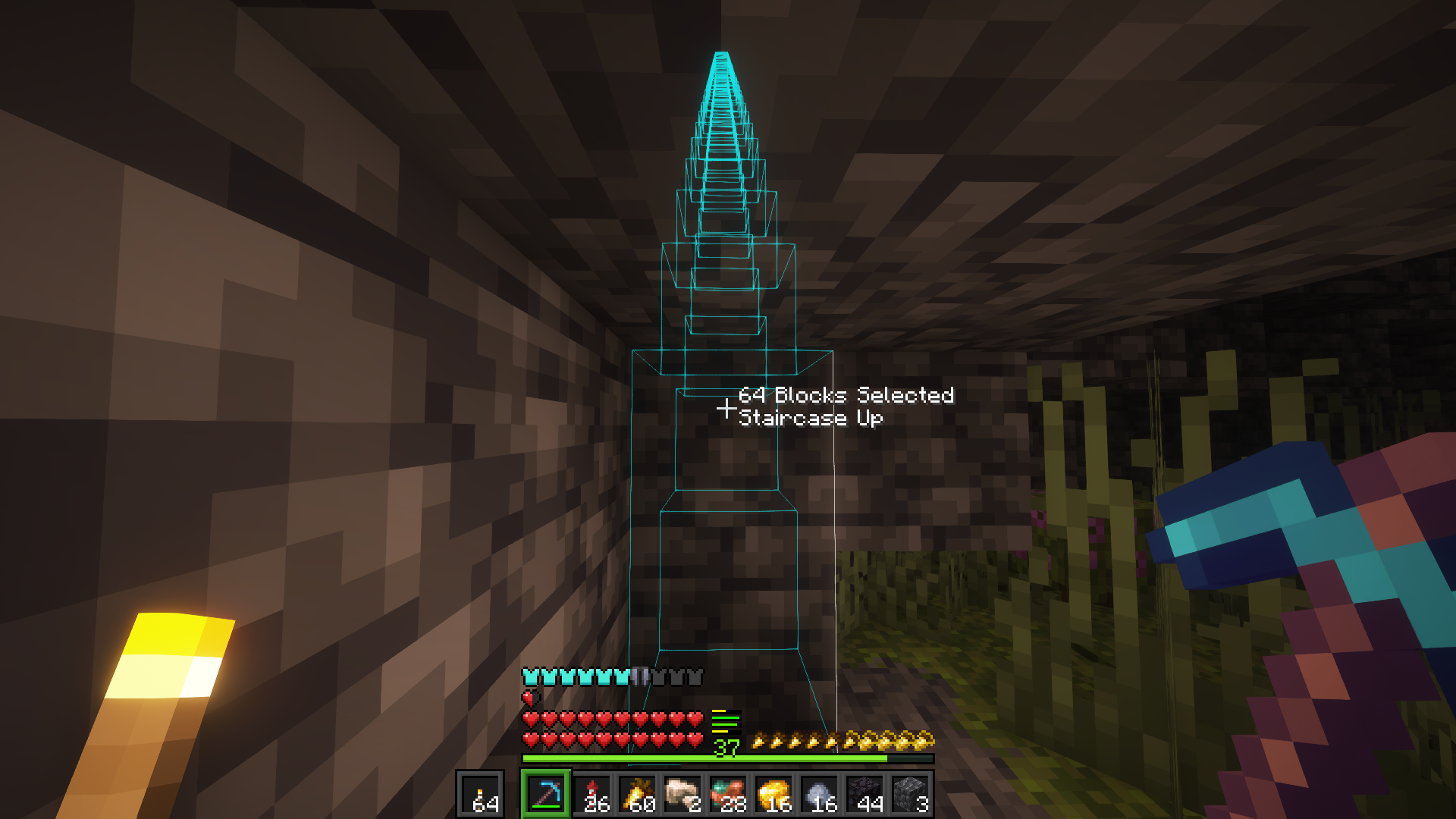
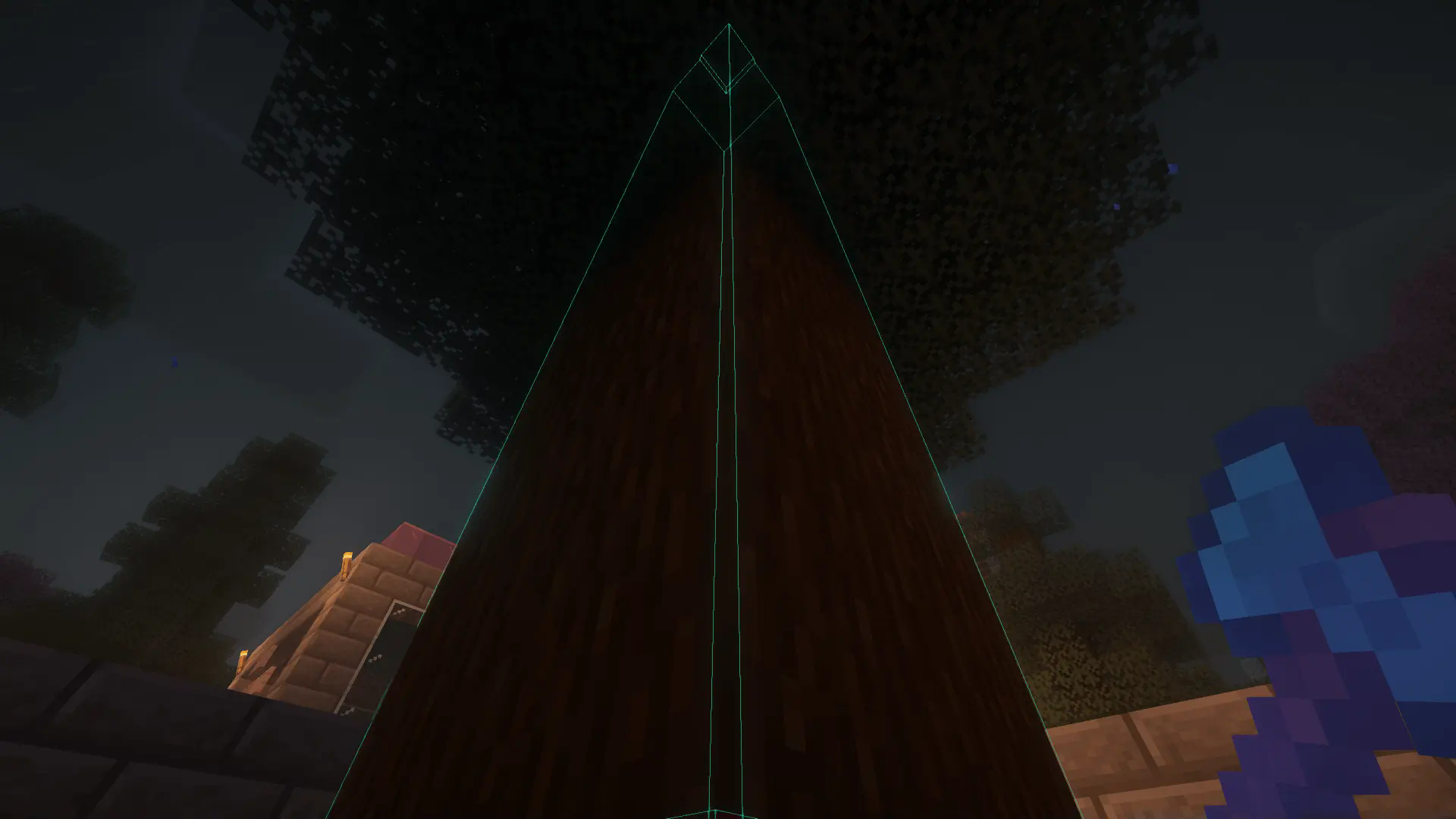
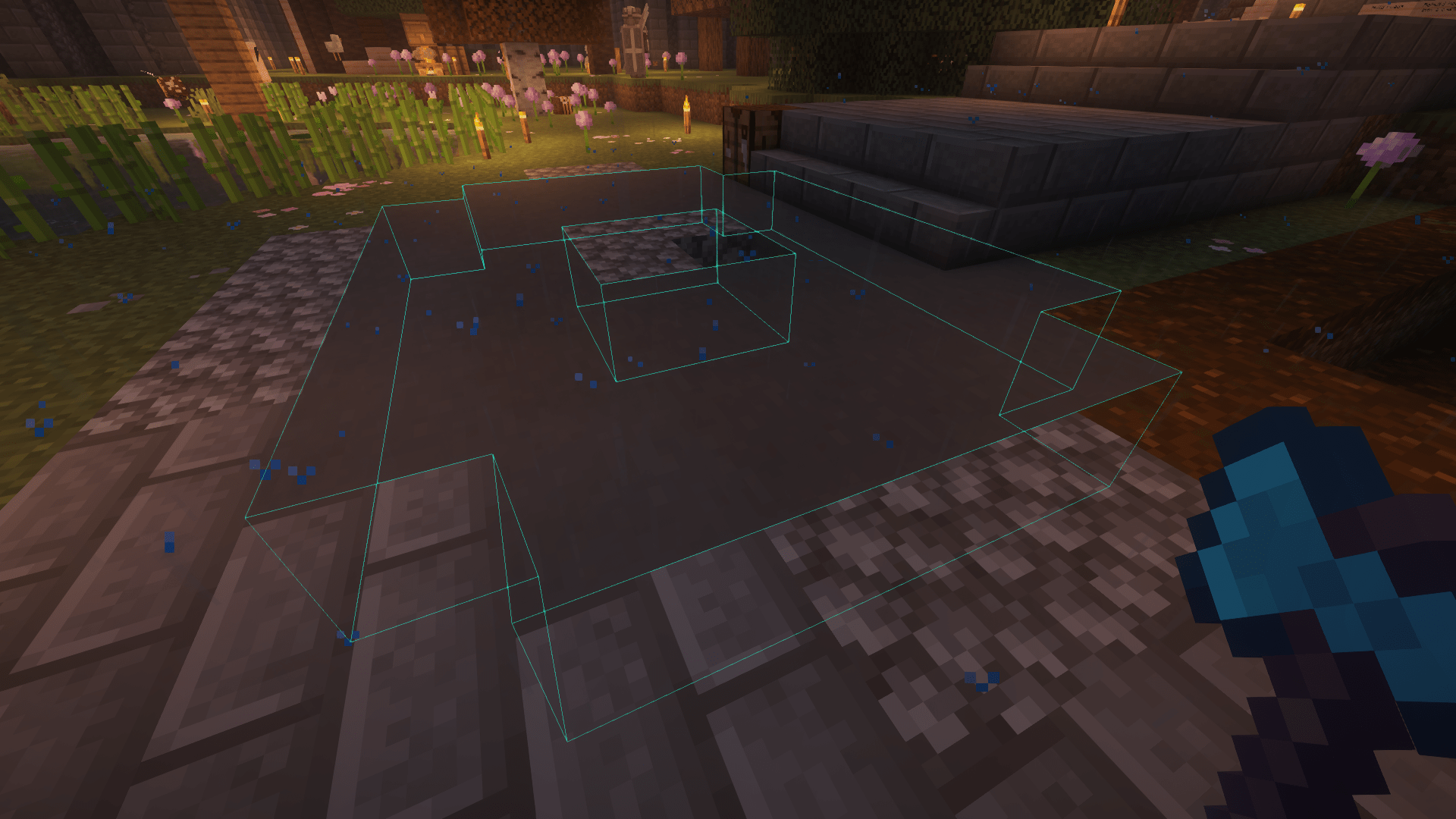
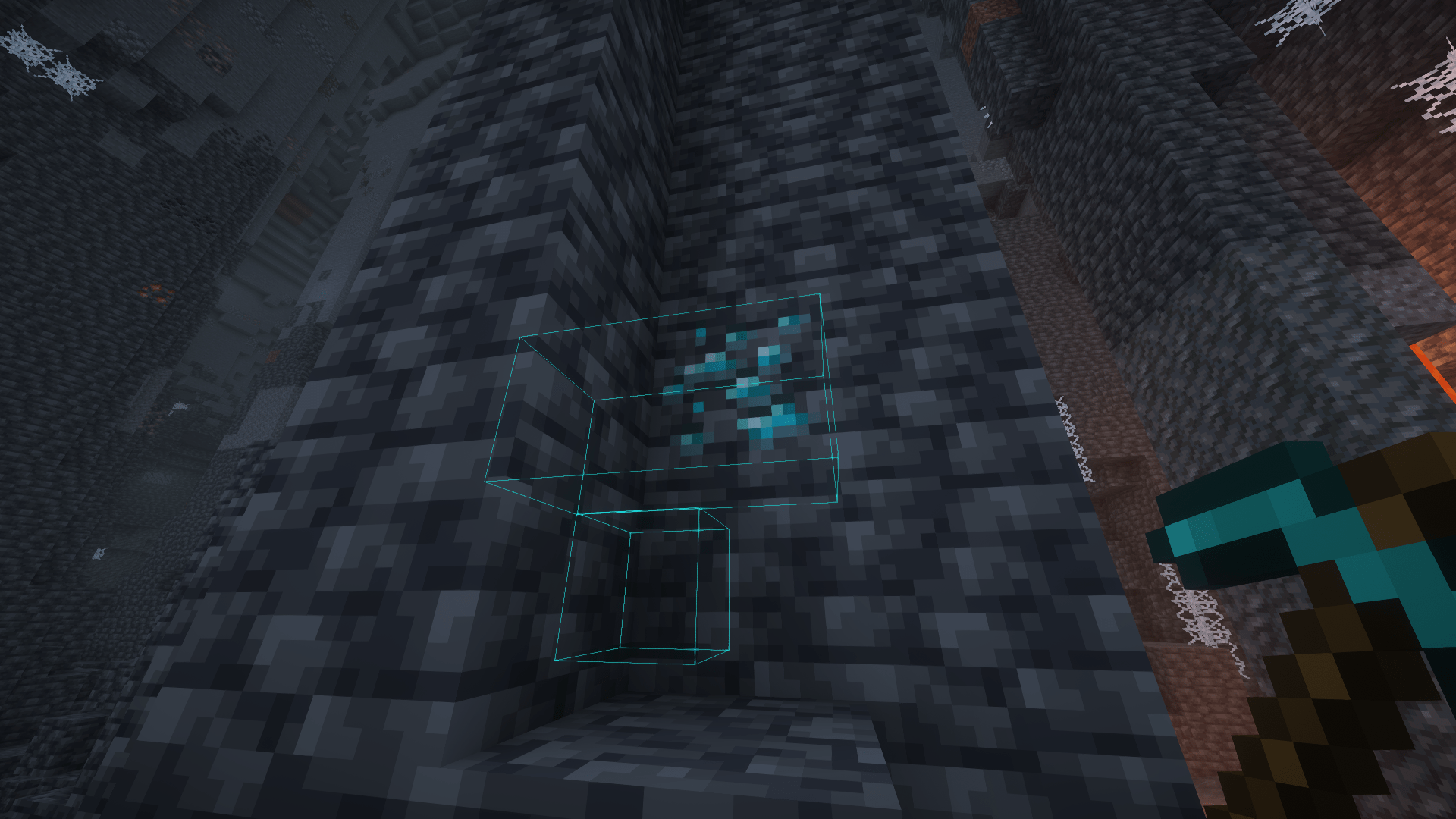
Hold the Tilde/Grave key, look at a block, and mine it. The outlines should show what you're about to mine.
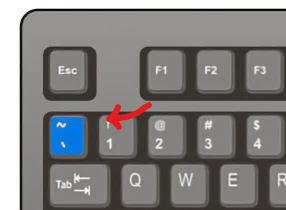
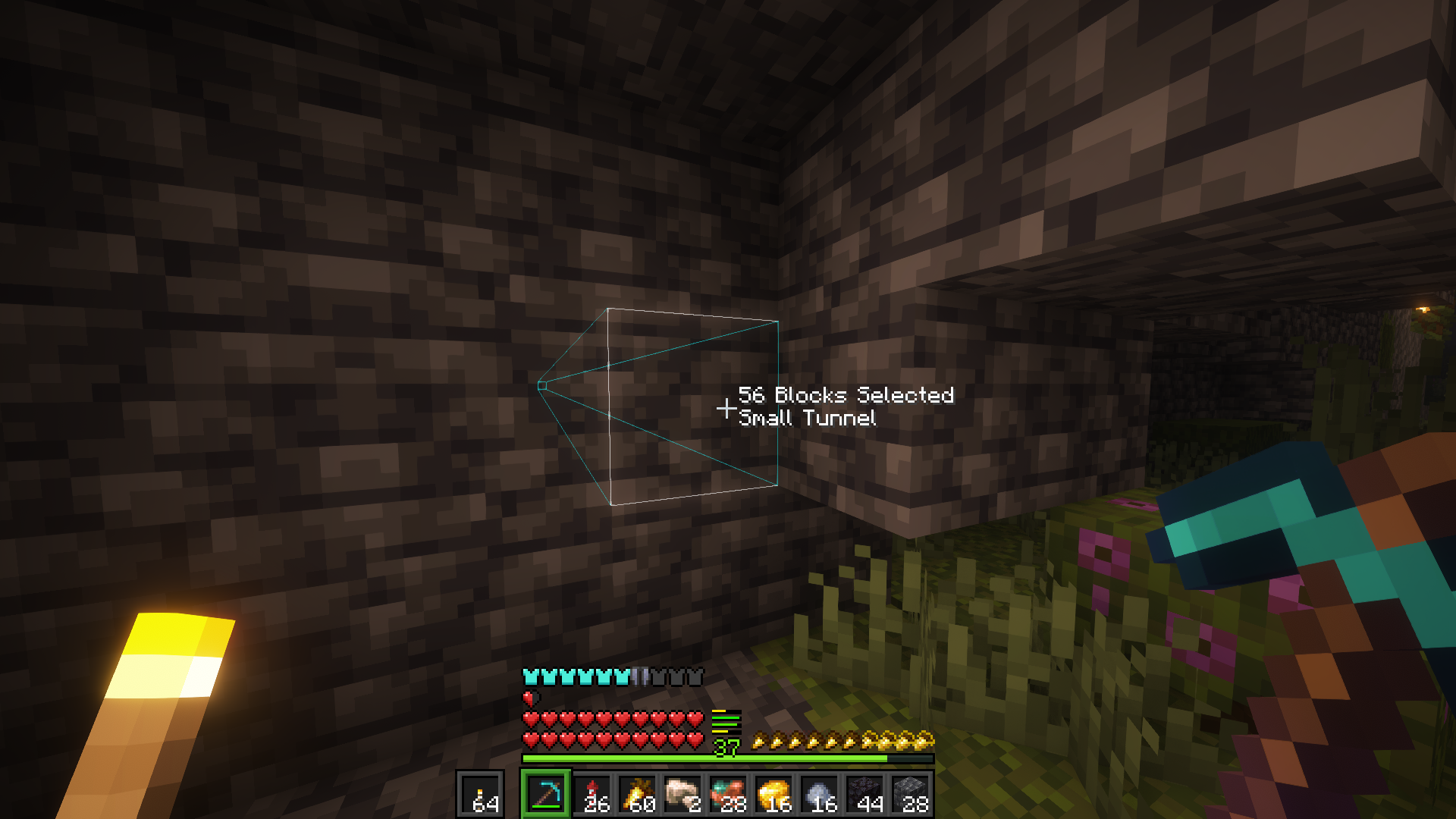
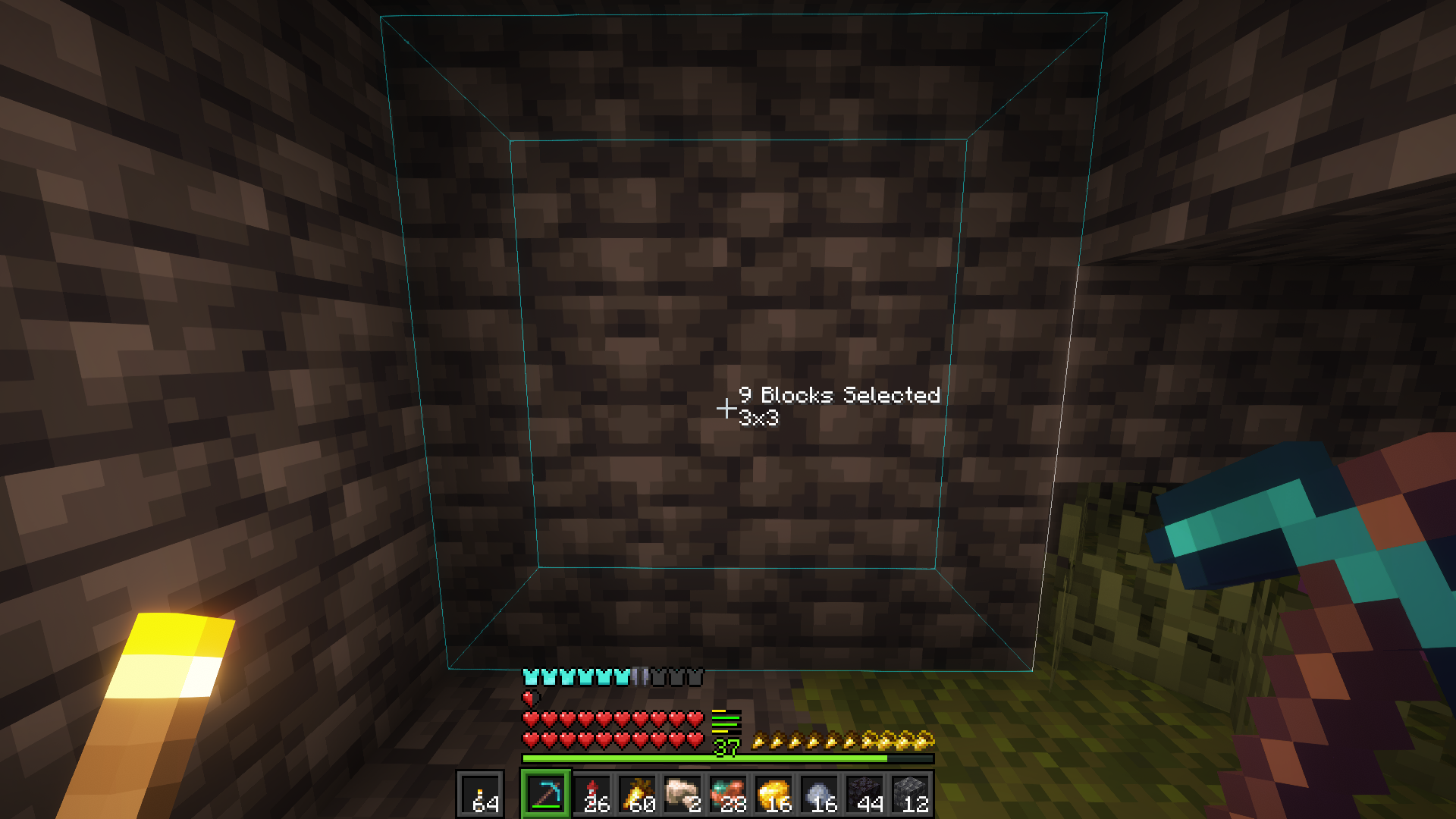
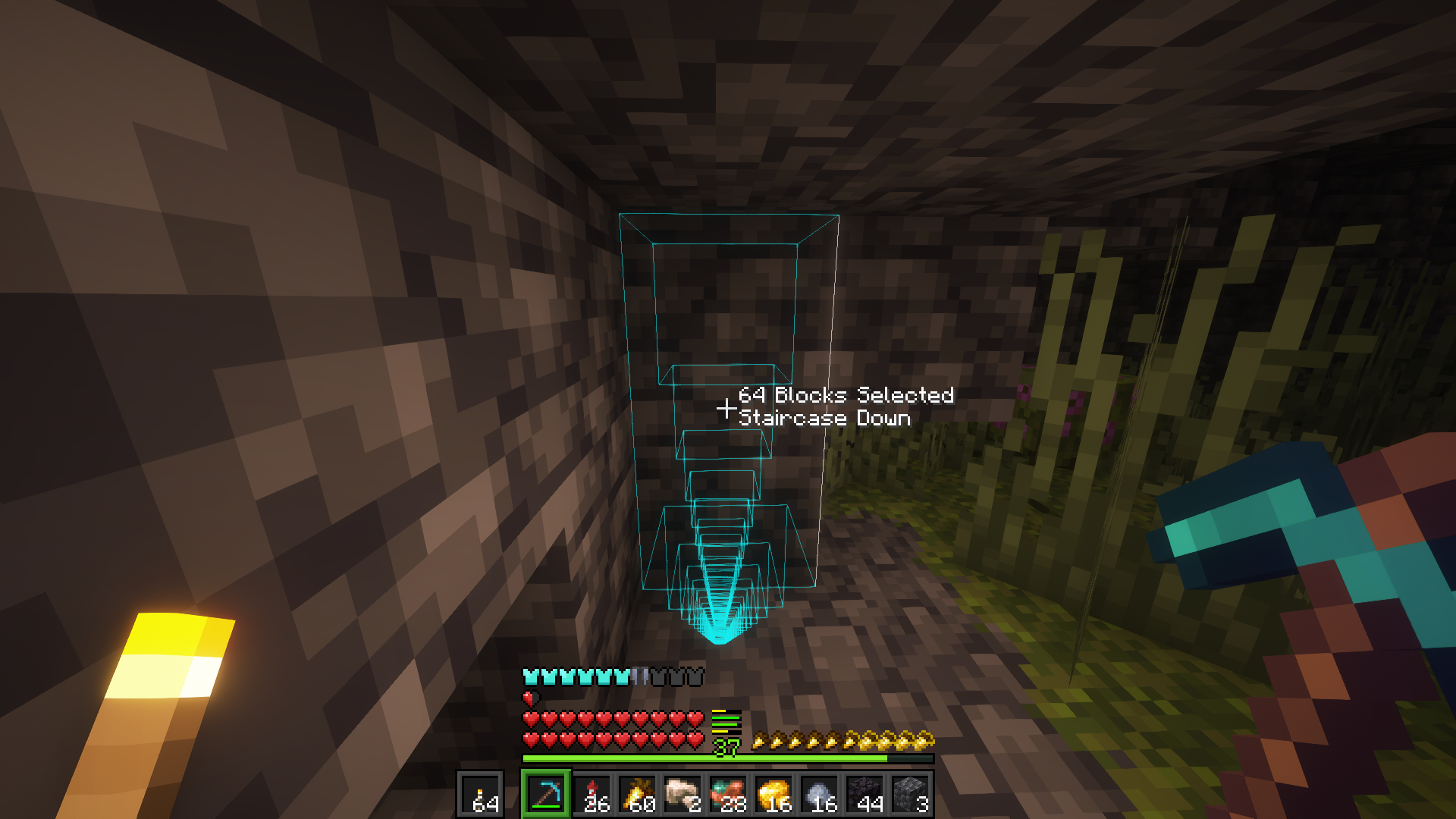
There are a few shapes you can mine with and to switch between them hold the Liteminer key and scroll your mouse wheel.
The available shapes are: Shapeless (mines connected blocks), 3x3, Small Tunnel, Staircase Up and Staircase Down.
I've completed all the features I wanted to add to the mod when I started the project, and I'm happy with how it turned out. The next steps are fixing bugs that might come up and adding new features that I think of or that are requested by the community.
Thank you for the support!
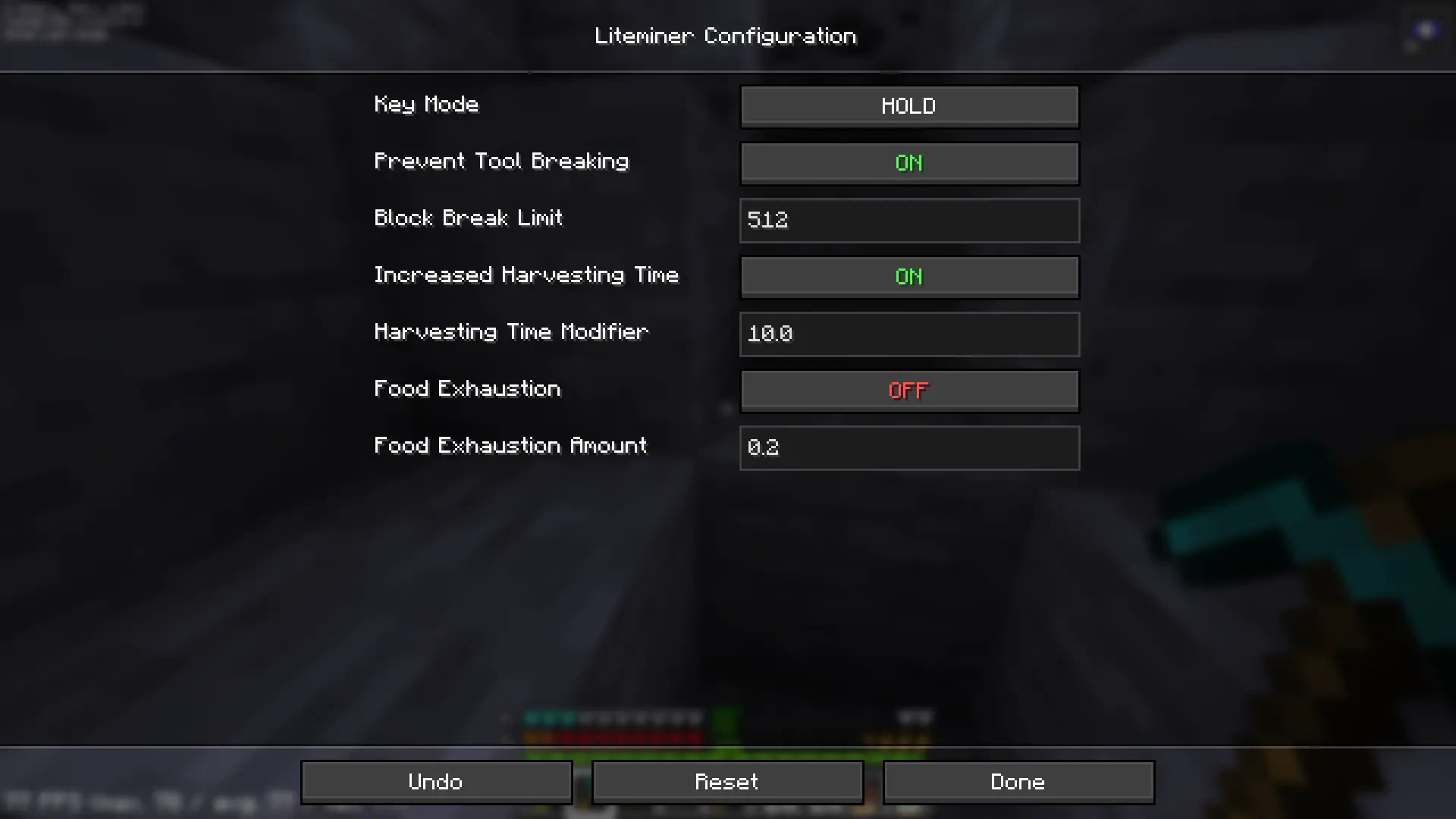
liteminer:excluded_tools - items in this tag can't be used for litemining (applies to main hand slot)liteminer:included_tools - if require_tool is true in server config, by default only "tool" items can be used (tiered items with durability); this can be used to allow extra itemsliteminer:excluded_blocks - blocks in this tag may never be liteminedliteminer:block_whitelist - if this tag is non-empty, then only blocks in this tag may be liteminedNote: these tags are compatible with the FTB Ultimine tags, so you can use the same tags for both mods if you already have a setup you like.
Want to help translate this mod into your language? Join the community translation project:
🇺🇸 🇪🇸 🇧🇷 🇫🇷 🇩🇪 🇷🇺 🇹🇷 🇯🇵 🇰🇷 🇨🇳
Q: Where can I ask something that is not listed here?
A: Make an issue here or join the Discord and shoot me a message.
Q: Can you port it to [MC version/Mod loader]?
A: If enough people request it I'll give it some time, but this really is a 1-man team so it might take a while.
Q: Can I include it in my modpack?
A: Yes, no need to give credit or ask.
 Bonded |
 Gentle Hurt Cam |
 Mochila |
 Torch Toss |
|---|
Let me know if you find any issues.
Project description from CurseForge.
Pick your setup
Choose the version and loader you play, then open the matching release.
Check the dependencies, then try the file in a copied instance before changing a world you care about.
Recent files
liteminer-neoforge-4.2.1+26.3.jar
18 Sept 2026
liteminer-fabric-4.2.1+26.3.jar
18 Sept 2026
liteminer-neoforge-4.2.0+26.3.jar
17 Sept 2026
liteminer-fabric-4.2.0+26.3.jar
17 Sept 2026
liteminer-neoforge-4.1.4+26.2.jar
30 Aug 2026
liteminer-forge-4.1.4+26.2.jar
30 Aug 2026
liteminer-fabric-4.1.4+26.2.jar
30 Aug 2026
liteminer-neoforge-3.1.5+26.1.2.jar
30 Aug 2026
liteminer-forge-3.1.5+26.1.2.jar
30 Aug 2026
liteminer-fabric-3.1.5+26.1.2.jar
30 Aug 2026
liteminer-neoforge-3.1.5+26.1.1.jar
30 Aug 2026
liteminer-forge-3.1.5+26.1.1.jar
30 Aug 2026
Looking for an older file? The official CurseForge project page is in Resources.
 mod
modComplete the Master Sword and Become the Hero of Legend!
 mod
modClient-side Minecraft translation for chat, tooltips, books, signs, HUD, mod GUIs, and Wynncraft.
 mod
modDuring battle, use the Pixelmon battle items stored in your backpack (Sophisticated and Curios).
