Fabric API Needed by pathtracker-2.0.1-1.21-0-1.jar
requiredMatching file found Matched file: 0.116.18+1.21.1
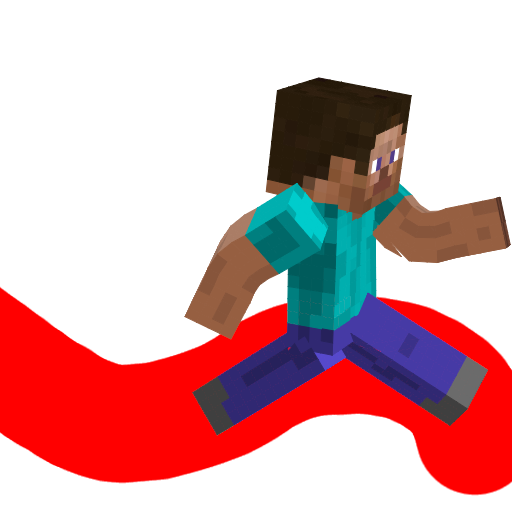
CurseForge · Minecraft mod
PathTracker is a Minecraft Fabric mod that enhances your exploration experience by visually tracking your movements across different dimensions.
Quick answer
pathtracker-2.0.1-1.21-0-1.jar targets 1.21, 1.21.1 with Fabric. The project page does not say whether this file belongs on the client, dedicated server, or both. All 1 required mods have matching files.
Where it goes
The project page does not say whether this file belongs on the client, dedicated server, or both.
The source does not explicitly classify this release as client-only or server-only.
pathtracker-2.0.1-1.21-0-1.jar. Change the file and its required mods may change too.
Install Fabric API first. We found matching files for this game-version and loader setup.
We only count dependency files that match this setup. A file for another loader does not fill the gap.
Before you install it
Built for pathtracker-2.0.1-1.21-0-1.jar. Pick another file and the loader, install side or required mods may change.
Use pathtracker-2.0.1-1.21-0-1.jar. It targets 1.21, 1.21.1 with Fabric; another release may have different loader, side or dependency requirements.
Install Fabric API first. We found matching files for this game-version and loader setup.
The project page does not say whether this file belongs on the client, dedicated server, or both.
Use the “Get this file” button beside pathtracker-2.0.1-1.21-0-1.jar. It opens that exact file at the source.
About this project
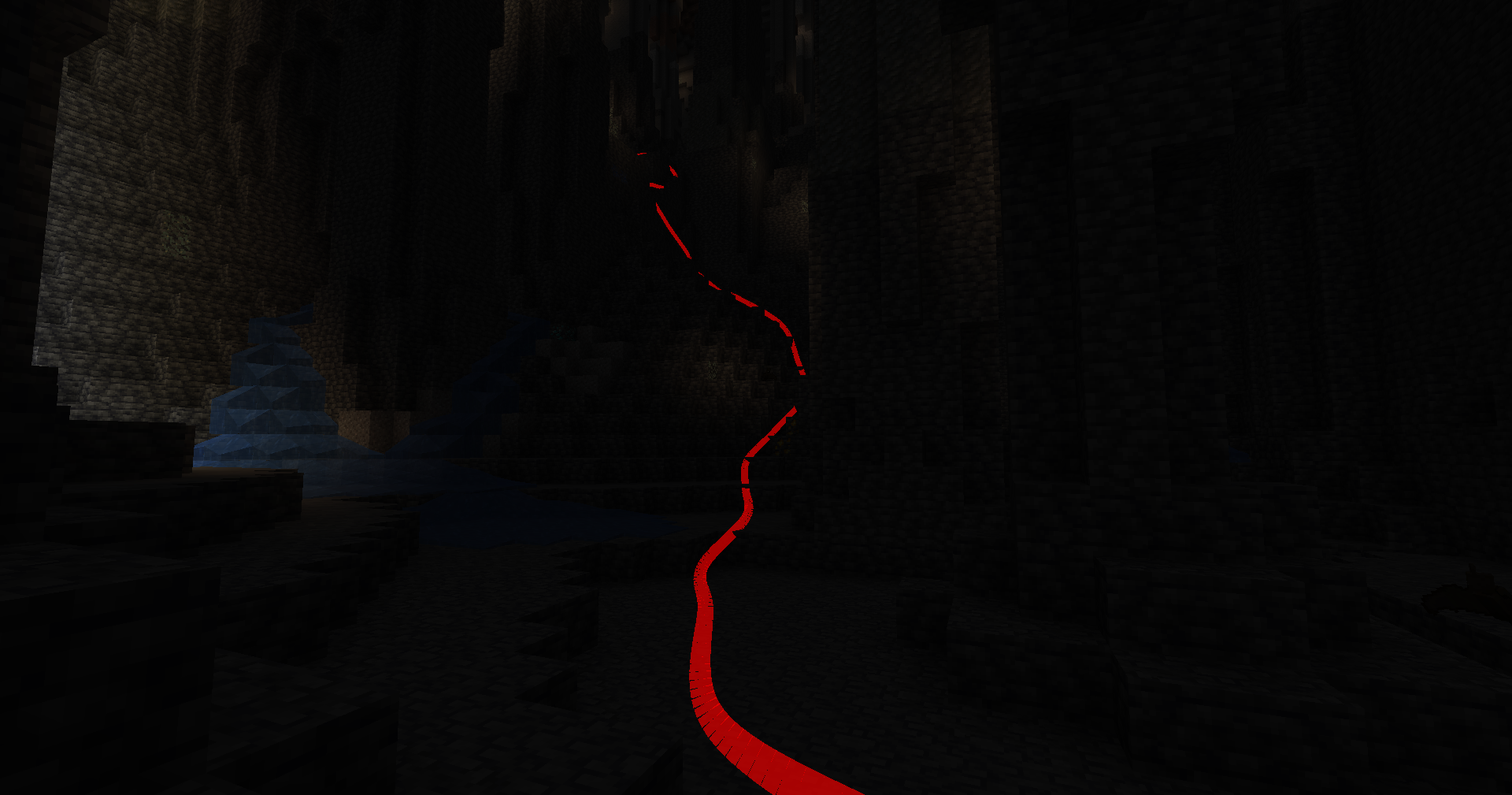
PathTracker is a Minecraft Fabric mod that enhances your exploration experience by visually tracking your movements across different dimensions. It overlays translucent colored lines behind your player, allowing you to see the paths you've taken. Whether you're navigating the Overworld, exploring the Nether, or venturing into the End, PathTracker ensures you never lose your way.
Toggle Tracking
KToggle Rendering
LTracking Control
/pathtracker track on/pathtracker track offRendering Control
/pathtracker render on/pathtracker render offLine Customization
/pathtracker color <hex>/pathtracker color 00FF00 (Sets lines to green)Save Path Data
/pathtracker saveSession Management
/pathtracker session current/pathtracker session list/pathtracker session create <name>/pathtracker session create Exploration1/pathtracker session switch <name>/pathtracker session switch Exploration1Depth Override Control
/pathtracker depth on/pathtracker depth offTransparency
/pathtracker transparency <value>/pathtracker transparency 1000 (Sets transparency to 10%)Line Mode
/pathtracker mode <value>/pathtracker mode default (Sets mode to default)Line Thickness
/pathtracker thickness <value>/pathtracker thickness 10 (Sets thickness to 10%)Render Distance
/pathtracker renderdistance <value>/pathtracker renderdistance 256 (Sets render distance to 256 blocks)/pathtracker subdivisions <value>/pathtracker subdivisions 256 (Sets subdivisions to 256 per block)Project description from CurseForge.
Pick your setup
Choose the version and loader you play, then open the matching release.
Check the dependencies, then try the file in a copied instance before changing a world you care about.
Recent files
10 Feb 2025
6 Feb 2025
pathtracker-2.0.1-1.21.x.jar
6 Feb 2025
pathtracker-2.0.0.jar
4 Feb 2025
pathtracker-2.0.0.jar
3 Feb 2025
pathtracker-1.0.0.jar
26 Jan 2025
Looking for an older file? The official CurseForge project page is in Resources.
 mod
War, taxes, factions and spies for MineColonies. Realms of players tax their colonies, fund wars, raid and spy on each other.
 mod
Better User Experience, health bar, hunger bar, no more fire all over the screen, customize the HUD how ever you like and more.
 mod
Advancement now give permanent player buffs. Health, Damage, Reach, Step Assist, Pick up radius and much more.