Fabric API Needed by Instrumental - 1.0.5
requiredMatching file found Matched file: [26.2] Fabric API 0.161.0+26.2
CurseForge · Minecraft mod
Introduces several instrument items/blocks to add music to your world
Quick answer
Instrumental - 1.0.5 targets 26.1, 26.1.1, 26.1.2 with Fabric. The project page does not say whether this file belongs on the client, dedicated server, or both. All 1 required mods have matching files.
Where it goes
The project page does not say whether this file belongs on the client, dedicated server, or both.
The source does not explicitly classify this release as client-only or server-only.
Instrumental - 1.0.5. Change the file and its required mods may change too.
Install Fabric API first. We found matching files for this game-version and loader setup.
We only count dependency files that match this setup. A file for another loader does not fill the gap.
Before you install it
Built for Instrumental - 1.0.5. Pick another file and the loader, install side or required mods may change.
Use Instrumental - 1.0.5. It targets 26.1, 26.1.1, 26.1.2 with Fabric; another release may have different loader, side or dependency requirements.
Install Fabric API first. We found matching files for this game-version and loader setup.
The project page does not say whether this file belongs on the client, dedicated server, or both.
Use the “Get this file” button beside Instrumental - 1.0.5. It opens that exact file at the source.
About this project
Introduces several instrument items/blocks to add music to your world
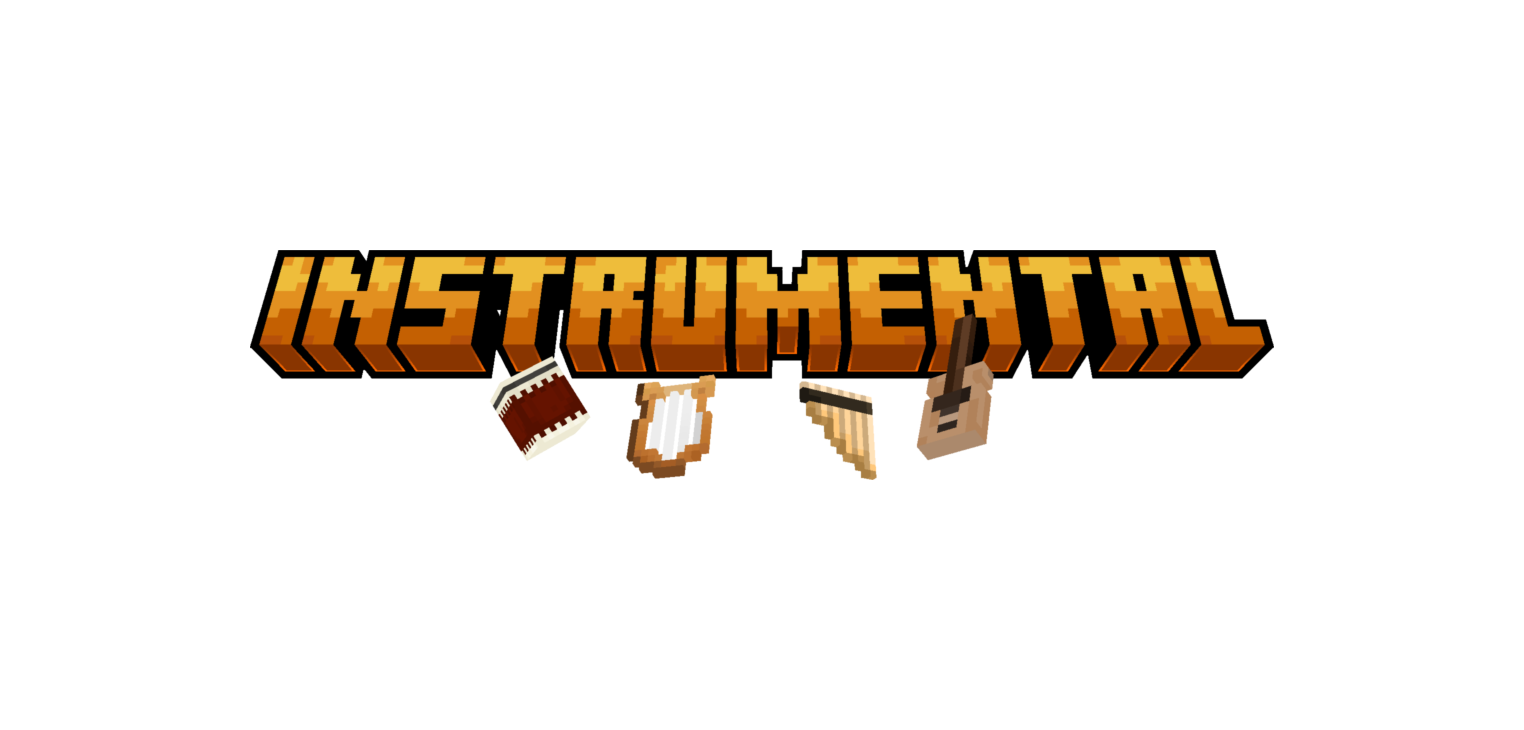
There are a total of 3 items (Guitar, Pan Flute, and Harp) and 1 block (Drum)

Play instrument items by looking at the note you want to play, and right click.

You can even play two at the same time! (don't question how it works)

You can also interact with the drum to hit it, crouching will hit the side. If you want to only hit the side, just put it over glazed terracotta

Project description from CurseForge.
Pick your setup
Choose the version and loader you play, then open the matching release.
Check the dependencies, then try the file in a copied instance before changing a world you care about.
Recent files
instrumental-1.0.5.jar
26 Aug 2026
instrumental-1.0.4.jar
15 Aug 2026
instrumental-1.0.3.jar
21 Jul 2026
instrumental-1.0.2.jar
17 Jul 2025
instrumental-1.0.1.jar
16 Jul 2025
instrumental-1.0.0.jar
30 Mar 2025
Looking for an older file? The official CurseForge project page is in Resources.
 mod
This mod adds a variety of items, weapons, mobs, and more inspired by the video game The Last of Us.
 mod
The ultimate in-game architect studio for Minecraft builders featuring Ponder-style 3D wall dioramas, WorldEdit command studio with custom ratios, multi-mod filtering, color harmony algorithms, block gradients, 3D CAD Studio, and builder preset libraries.
 mod
Storage network and autocrafting that uses your existing chests and the recipes already in your pack.