Quick answer
Which SCC - Super Cool Calculator release should I use?
beta file SCC 1.6.1 for MC 26.1.2 – Fuel-only ports, tank refill switch, bucket handling & priority fix
Game version 26.1.2
Loader NeoForge
SCC - Super Cool Calculator SCC 1.6.1 for MC 26.1.2 – Fuel-only ports, tank refill switch, bucket handling & priority fix targets 26.1.2 with NeoForge. The project page does not say whether this file belongs on the client, dedicated server, or both. No extra mods listed for this file.
Where it goes
Is SCC - Super Cool Calculator required on the client, server, or both?
The project page does not say whether this file belongs on the client, dedicated server, or both.
Client Source doesn’t say
Dedicated server Source doesn’t say
Loader for this release NeoForge
Required install it here Optional supported, not mandatory Not supported do not install here Source doesn’t say do not assume
The source does not explicitly classify this release as client-only or server-only.
What else does SCC - Super Cool Calculator SCC 1.6.1 for MC 26.1.2 – Fuel-only ports, tank refill switch, bucket handling & priority fix need?
SCC 1.6.1 for MC 26.1.2 – Fuel-only ports, tank refill switch, bucket handling & priority fix. Change the file and its required mods may change too.
This file does not list any required mods. Do not add a library just because a different file uses it.
14 listed on this file 10 pulled in by those mods
FTB Quests (NeoForge) Optional for SCC - Super Cool Calculator SCC 1.6.1 for MC 26.1.2 – Fuel-only ports, tank refill switch, bucket handling & priority fix optionalMatching file found Matched file: FTB Quests Neoforge 26.1.2.9
Applied Energistics 2 Optional for SCC - Super Cool Calculator SCC 1.6.1 for MC 26.1.2 – Fuel-only ports, tank refill switch, bucket handling & priority fix optionalMatching file found Matched file: AE2 26.1.13-beta [NEOFORGE]
Refined Storage Optional for SCC - Super Cool Calculator SCC 1.6.1 for MC 26.1.2 – Fuel-only ports, tank refill switch, bucket handling & priority fix optionalMatching file found Matched file: v3.2.1
Ender IO Optional for SCC - Super Cool Calculator SCC 1.6.1 for MC 26.1.2 – Fuel-only ports, tank refill switch, bucket handling & priority fix optionalMatching file found Matched file: Ender IO - v9.0.6-alpha
Curios API Optional for SCC - Super Cool Calculator SCC 1.6.1 for MC 26.1.2 – Fuel-only ports, tank refill switch, bucket handling & priority fix optionalMatching file found Matched file: curios-neoforge-15.0.0+26.1.2.jar
Sophisticated Storage Optional for SCC - Super Cool Calculator SCC 1.6.1 for MC 26.1.2 – Fuel-only ports, tank refill switch, bucket handling & priority fix optionalMatching file found Matched file: sophisticatedstorage-26.1.2-1.5.129.2218.jar
Construction Sticks Optional for SCC - Super Cool Calculator SCC 1.6.1 for MC 26.1.2 – Fuel-only ports, tank refill switch, bucket handling & priority fix optionalMatching file found Matched file: ConstructionSticks-26.1.2-3.2.0.jar
Just Enough Items (JEI) Optional for SCC - Super Cool Calculator SCC 1.6.1 for MC 26.1.2 – Fuel-only ports, tank refill switch, bucket handling & priority fix optionalMatching file found Matched file: 29.53.0.115 for NeoForge 26.1.2
Easy Villagers Optional for SCC - Super Cool Calculator SCC 1.6.1 for MC 26.1.2 – Fuel-only ports, tank refill switch, bucket handling & priority fix optionalMatching file found Matched file: [NEOFORGE][26.1.2] Easy Villagers 1.1.42+26.1.2
Jade 🔍 Optional for SCC - Super Cool Calculator SCC 1.6.1 for MC 26.1.2 – Fuel-only ports, tank refill switch, bucket handling & priority fix optionalMatching file found Matched file: [NeoForge 26.1.X] 26.1.12
FTB Teams (NeoForge) Optional for SCC - Super Cool Calculator SCC 1.6.1 for MC 26.1.2 – Fuel-only ports, tank refill switch, bucket handling & priority fix optionalMatching file found Matched file: FTB Teams Neoforge 26.1.2.5
Effortless Building Optional for SCC - Super Cool Calculator SCC 1.6.1 for MC 26.1.2 – Fuel-only ports, tank refill switch, bucket handling & priority fix optionalMatching file found Matched file: Effortless Building 4.3 (26.1.2) NeoForge
KubeJS Optional for SCC - Super Cool Calculator SCC 1.6.1 for MC 26.1.2 – Fuel-only ports, tank refill switch, bucket handling & priority fix optionalMatching file found Matched file: KubeJS-NeoForge-26.1.2-8.0.8
Just Dire Things Optional for SCC - Super Cool Calculator SCC 1.6.1 for MC 26.1.2 – Fuel-only ports, tank refill switch, bucket handling & priority fix optionalMatching file found Matched file: JustDireThings-1.6.11
Matching file found Matched file: FTB Library Neoforge 26.1.2.11
Matching file found Matched file: FTB Ranks Neoforge 26.1.2.4
Matching file found Matched file: [NeoForge 26.1.2] v26.1.819
Matching file found Matched file: TheOneProbe - 26.1.2_neo-14.0.0
EMI Needed by Applied Energistics 2 pulled inNo matching file
GuideME Needed by Applied Energistics 2 pulled inMatching file found Matched file: GuideME 26.1.17-beta
WTHIT Needed by Applied Energistics 2 pulled inNo matching file
No matching file
No matching file
Matching file found Matched file: [NeoForge] Athena 4.7.3
10
extra mods were pulled in by other dependencies.
Indented rows show who needs each one. We only count dependency files that match this setup. A file for another loader does not fill the gap.
Before you install it
Add SCC - Super Cool Calculator without breaking your instance.
Built for SCC - Super Cool Calculator SCC 1.6.1 for MC 26.1.2 – Fuel-only ports, tank refill switch, bucket handling & priority fix. Pick another file and the loader, install side or required mods may change.
- 01
Stick to this file
Use SCC 1.6.1 for MC 26.1.2 – Fuel-only ports, tank refill switch, bucket handling & priority fix. It targets 26.1.2 with NeoForge; another release may have different loader, side or dependency requirements.
- 02
Bring the mods it needs
This file does not list any required mods. Do not add a library just because a different file uses it.
- 03
Put it on the correct side
The project page does not say whether this file belongs on the client, dedicated server, or both.
- 04
Pick the file you checked
Use the “Get this file” button beside SCC 1.6.1 for MC 26.1.2 – Fuel-only ports, tank refill switch, bucket handling & priority fix. It opens that exact file at the source.
About this project
What does SCC - Super Cool Calculator add?
Super Cool Calculator (SCC) is a storage and autocrafting mod with a space theme.
Connect the chests, barrels and tanks you already have into one network. Order an item and SCC works out the whole recipe tree from the recipes your pack already has (JEI/EMI) and runs your machines for you. No patterns to encode: put a Processing Calculator in front of a machine and that's it.
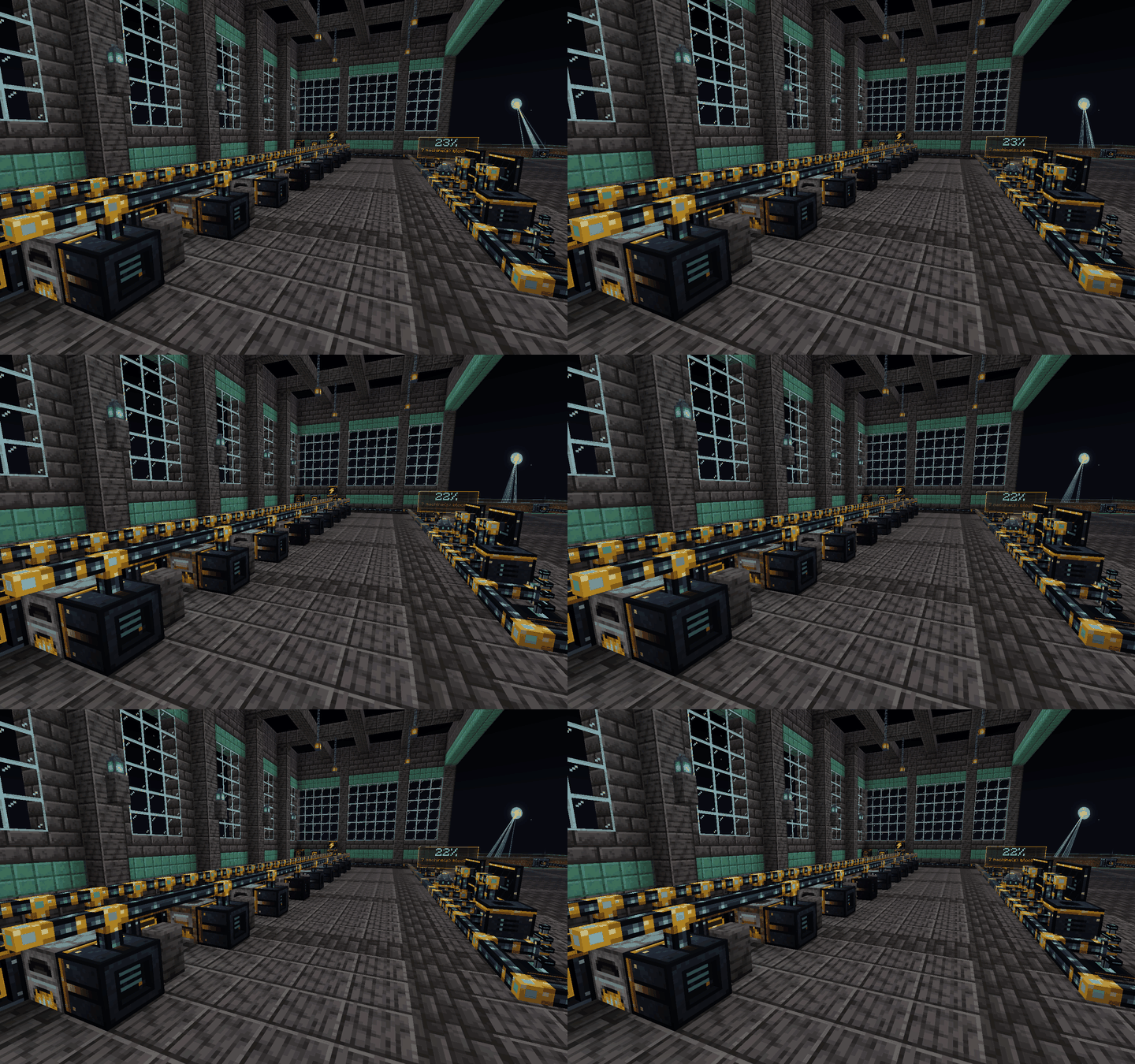
Features
- Storage and autocrafting with any container and almost any modded machine
- Wireless terminal, monitors, requesters and a crafting tree before you order
- Star tiers from Basic to Singularity, with matter harvested from the night sky
- Star Quarry, Stellar tools and armor, meteors and more
- 27 designs (F7), in-game manual, 5 languages
- Integrations with AE2, Mekanism, Create, Ender IO, Ars Nouveau and 25+ other mods (all optional)
See it in action

Add-ons
Links
NeoForge · Minecraft 1.21.1 and 26.1.2 · JEI or EMI recommended · Free to use in modpacks
Project description from CurseForge.
Pick your setup
SCC - Super Cool Calculator by Minecraft version and loader
Choose the version and loader you play, then open the matching release.
Minecraft version
26.1.2
1
loader build Minecraft version
1.21.1
1
loader build Check the dependencies, then try the file in a copied instance before changing a world you care about.
Recent files
SCC - Super Cool Calculator versions and loaders