Puzzles Lib Needed by Ytones [Archived] [NEOFORGE] [1.21.10] Ytones v21.10.0
requiredNo matching file
![Ytones [Archived] project artwork](https://media.forgecdn.net/avatars/1260/350/638820632434303580.png)
CurseForge · Minecraft mod
Many modern, futuristic and fantasy-styled decorative building blocks to enjoy. A continuation of Z/Xtones.
Quick answer
Ytones [Archived] [NEOFORGE] [1.21.10] Ytones v21.10.0 targets 1.21.10 with NeoForge. The project page does not say whether this file belongs on the client, dedicated server, or both. 1 required mod needs a matching file.
Where it goes
The project page does not say whether this file belongs on the client, dedicated server, or both.
The source does not explicitly classify this release as client-only or server-only.
[NEOFORGE] [1.21.10] Ytones v21.10.0. Change the file and its required mods may change too.
Install Puzzles Lib first, but 1 required mod has no matching file for this setup. Do not mix loader builds to force a match.
We only count dependency files that match this setup. A file for another loader does not fill the gap.
Before you install it
Built for Ytones [Archived] [NEOFORGE] [1.21.10] Ytones v21.10.0. Pick another file and the loader, install side or required mods may change.
Use [NEOFORGE] [1.21.10] Ytones v21.10.0. It targets 1.21.10 with NeoForge; another release may have different loader, side or dependency requirements.
Install Puzzles Lib first, but 1 required mod has no matching file for this setup. Do not mix loader builds to force a match.
The project page does not say whether this file belongs on the client, dedicated server, or both.
Use the “Get this file” button beside [NEOFORGE] [1.21.10] Ytones v21.10.0. It opens that exact file at the source.
About this project
Ytones is discontinued as of 2026-03-31.
Check out BetterBlockZ by the original creator riciJak instead.
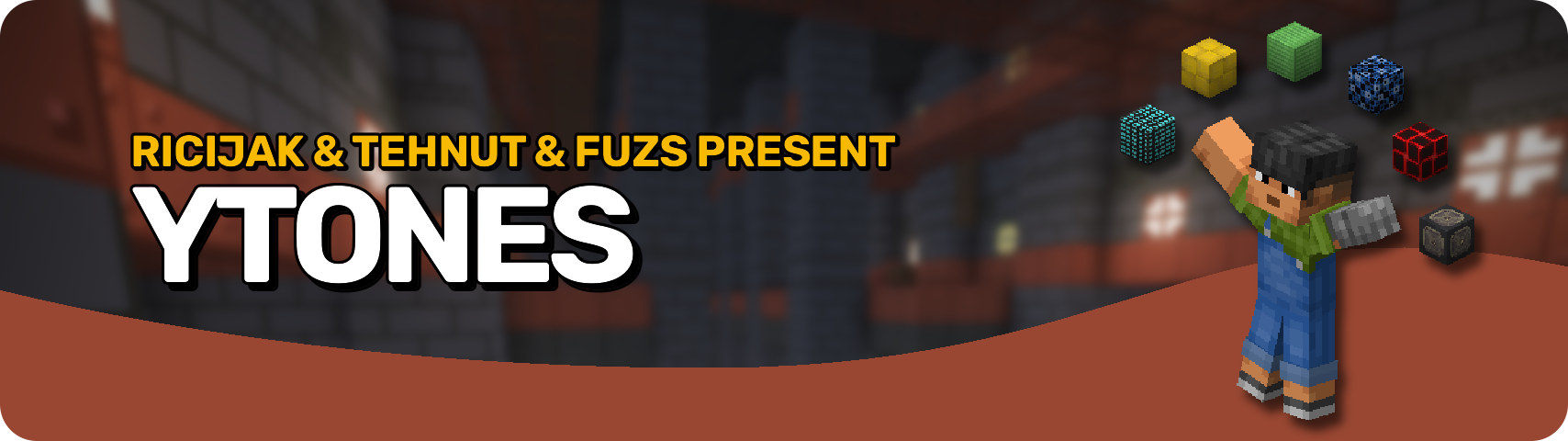







Ytones is the ultimate toolkit for builders who like their blocks sleek, futuristic, and endlessly versatile. 🧱 With dozens of stone-like block sets — each featuring 16 stylish variations — you'll never run out of ways to spice up your builds. Whether you're designing a sci-fi lab, a modern metropolis, or just want something cooler than cobblestone, this mod has you covered. 💡
Craft the base blocks using a key ingredient, then use the stonecutter to access all variations — or even better, cycle them on the fly right in your hotbar! 🔄 Just use two keys (G and H by default) to cycle through styles, hold Alt and scroll (fully configurable), or tap the hotbar key again (1–9) to swap instantly. No menus, no mess — just building flow. 🛠️
Perfect for survival bases and creative builds that don't look like they were made in 2011. 💅 Whether you're an aesthetic perfectionist or just love having options, this mod helps you build smarter, faster, and without the inventory clutter. ✨

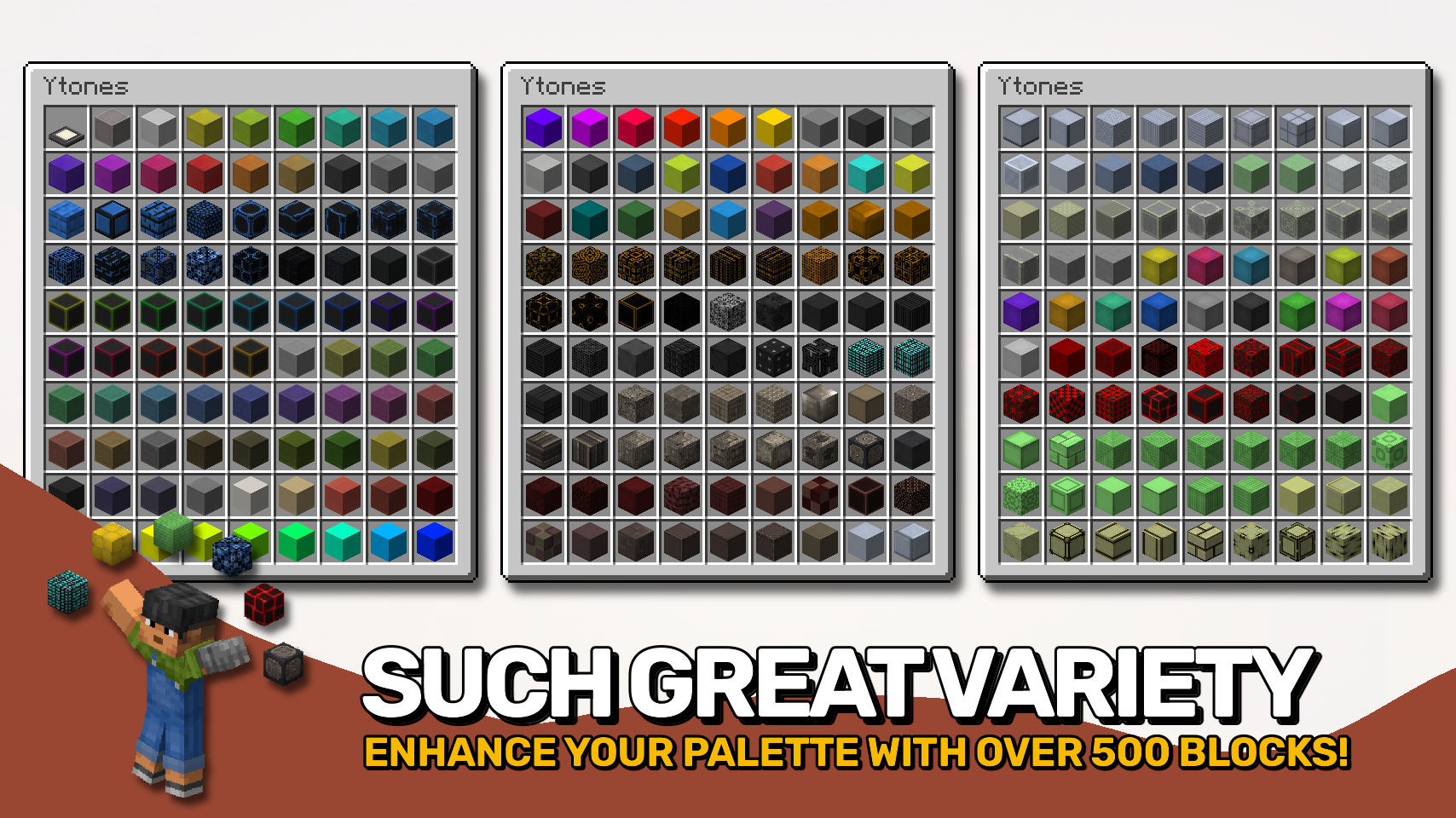
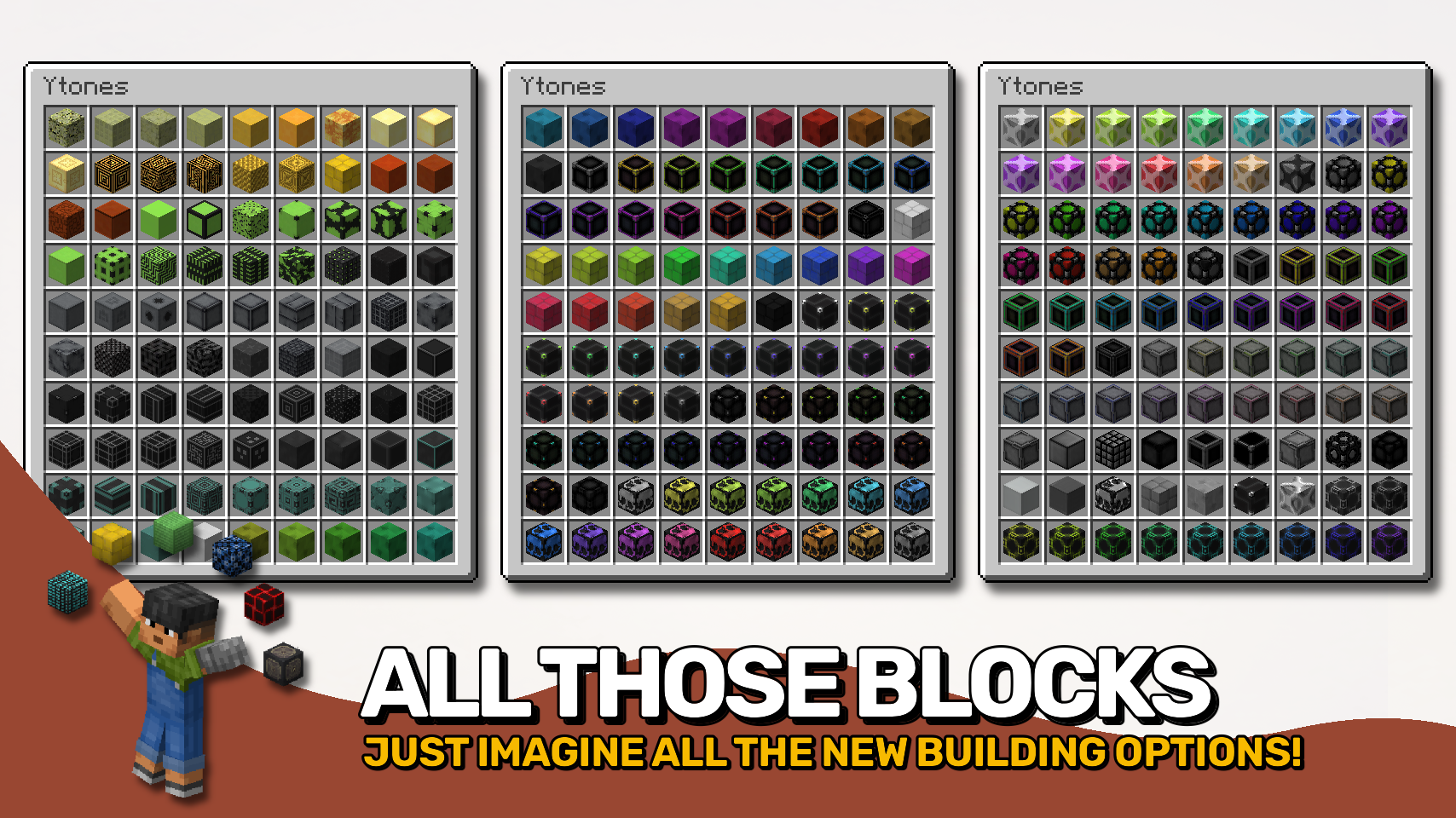

⏩ INSTALLATION REQUIRED ON CLIENT & REQUIRED ON SERVER
⏩ REQUIRES PUZZLES LIB TO BE INSTALLED (FABRIC & NEOFORGE)
⏩ REQUIRES FABRIC API TO BE INSTALLED (FABRIC)
⏩ REQUIRES FORGE CONFIG API PORT TO BE INSTALLED (FABRIC)

If available for a mod, configuration is possible directly from in-game using the mod menu (requires Mod Menu by Prospector to be installed on Fabric). Please note that on older Minecraft versions installing Forge Config Screens is also a requirement.
For manual configuration using an external text editor all files are found at .minecraft/config, named as MOD_ID-client.toml, MOD_ID-common.toml, or MOD_ID-server.toml, depending on the type of config. Not all types might exist for a mod, if any at all.

🌟 Huge thanks to RiciJak for creating the original Ztones mod with all those amazing textures.
🌟 Huge thanks to TehNut for picking up the mod as Xtones and polishing it for modern Minecraft versions.
 |
 |
|
|---|---|---|
 |
 |
|
 |
 |
|
 |
 |
|
 |
 |
|

Project description from CurseForge.
Pick your setup
Choose the version and loader you play, then open the matching release.
Check the dependencies, then try the file in a copied instance before changing a world you care about.
Recent files
Ytones-v21.10.0+mc1.21.10-NeoForge.jar
8 Oct 2025
Ytones-v21.10.0+mc1.21.10-Fabric.jar
8 Oct 2025
Ytones-v21.9.0+mc1.21.9-NeoForge.jar
5 Oct 2025
Ytones-v21.9.0+mc1.21.9-Fabric.jar
5 Oct 2025
Ytones-v21.8.0-1.21.8-NeoForge.jar
18 Jul 2025
Ytones-v21.8.0-1.21.8-Fabric.jar
18 Jul 2025
Ytones-v21.7.0-1.21.7-NeoForge.jar
1 Jul 2025
Ytones-v21.7.0-1.21.7-Fabric.jar
1 Jul 2025
Ytones-v21.6.0-1.21.6-NeoForge.jar
18 Jun 2025
Ytones-v21.6.0-1.21.6-Fabric.jar
18 Jun 2025
Ytones-v21.5.1-1.21.5-NeoForge.jar
12 May 2025
Ytones-v21.5.1-1.21.5-Fabric.jar
12 May 2025
Looking for an older file? The official CurseForge project page is in Resources.
 mod
modLetters. Packages. And Pigeons to deliver them across the world.
 mod
modMadoku Craft: API is a fabric library MOD. It has dedicated Season, Time, and other useful systems.
 mod
modA Fabric HUD customization mod for Minecraft.
