Minecraft version
Back to mods 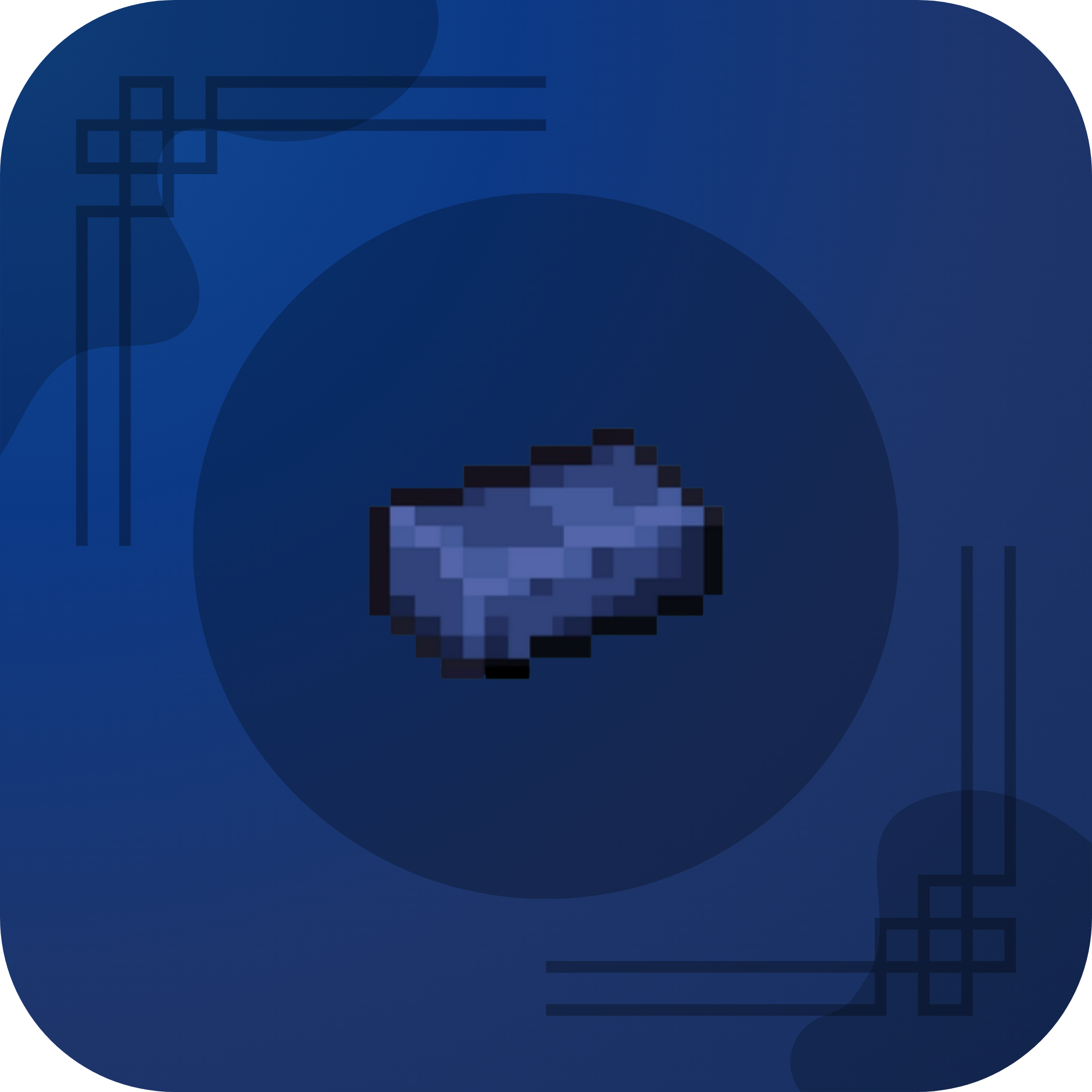
CurseForge · Minecraft mod
Azurium : Tools - Armor
Add New Simple Material [ Azurium Tools And Armors ] [ Not OP Mod ] [ Hardcore ]
Choose a version Pick your version below, then grab the matching file.
Quick answer
Which Azurium : Tools - Armor release should I use?
Latest stable file Azurium_1.21.1_NeoForge.jar
Game version 1.21.1
Loader NeoForge
Azurium : Tools - Armor Azurium_1.21.1_NeoForge.jar targets 1.21.1 with NeoForge. The project page does not say whether this file belongs on the client, dedicated server, or both. No extra mods listed for this file.
Where it goes
Is Azurium : Tools - Armor required on the client, server, or both?
The project page does not say whether this file belongs on the client, dedicated server, or both.
Client Source doesn’t say
Dedicated server Source doesn’t say
Loader for this release NeoForge
Required install it here Optional supported, not mandatory Not supported do not install here Source doesn’t say do not assume
The source does not explicitly classify this release as client-only or server-only.
What else does Azurium : Tools - Armor Azurium_1.21.1_NeoForge.jar need?
Azurium_1.21.1_NeoForge.jar. Change the file and its required mods may change too.
This file does not list any required mods. Do not add a library just because a different file uses it.
This file does not list any required or optional mods.
Before you install it
Add Azurium : Tools - Armor without breaking your instance.
Built for Azurium : Tools - Armor Azurium_1.21.1_NeoForge.jar. Pick another file and the loader, install side or required mods may change.
- 01
Stick to this file
Use Azurium_1.21.1_NeoForge.jar. It targets 1.21.1 with NeoForge; another release may have different loader, side or dependency requirements.
- 02
Bring the mods it needs
This file does not list any required mods. Do not add a library just because a different file uses it.
- 03
Put it on the correct side
The project page does not say whether this file belongs on the client, dedicated server, or both.
- 04
Pick the file you checked
Use the “Get this file” button beside Azurium_1.21.1_NeoForge.jar. It opens that exact file at the source.
About this project
What does Azurium : Tools - Armor add?



[ Beta Version ! More Support Versions In Coming Soon ] Support : Just Enough Items (JEI)- Overflowing Bars

Azurium is a material Can Be Crafted, used primarily to upgrade Netherite gear. Azurium items are more powerful and durable than Netherite, and Azurium blocks are also unbreakable by the strongest explosions from normal gameplay (such as TNT),

- Azurium Dust
- Azurium Ingot
- Azurium Nugget
- Azurium Block
- Azurium Upgrade Template

- Azurium Helmet
- Azurium Chestplate
- Azurium Leggings
- Azurium Boots
- Azurium Sword
- Azurium Axe
- Azurium Pickaxe
- Azurium Shovel
- Azurium Hoe
Project description from CurseForge.
Pick your setup
Azurium : Tools - Armor by Minecraft version and loader
Choose the version and loader you play, then open the matching release.
Minecraft version
1.20.1
1 loader buildCheck the dependencies, then try the file in a copied instance before changing a world you care about.
Recent files
Azurium : Tools - Armor versions and loaders
Azurium_1.21.1_NeoForge.jar
6 Feb 2026
Client Source doesn’t say Server Source doesn’t say Dependencies No extras listed Listed on Release listing
Check the 1.21.1 · NeoForge setup 1.21.1NeoForge release
Azurium_1.20.1_Forge.jar
6 Feb 2026
Client Source doesn’t say Server Source doesn’t say Dependencies No extras listed Listed on Release listing
Check the 1.20.1 · Forge setup 1.20.1Forge release
Looking for an older file? The official CurseForge project page is in Resources.
 mod
CurseForge · Minecraft
Better Integrated Inventory
Bring your Equipment, Curios, Cosmetic Armor, Crafting Grid and Attributes together in one
 mod
CurseForge · Minecraft
WH: NPCs - Lang Addon
WHLang adds multilingual NPC dialogue support to Without Honor: NPCs, allowing players to choose their preferred language through a hash-based translation system.
 mod
CurseForge · Minecraft
Dungeon Totems
Totems of Undying that still save your life, but leave a curse behind: lost hearts, a zombie body, a rampage, a melon diet and more. Evokers drop them.