Lodestone Needed by VS Genesis genesis-1.20.1-0.7.3.jar
requiredMatching file found Matched file: lodestone-1.20.1-1.6.4.1.jar

CurseForge · Minecraft mod
A space mod for Valkyrien Skies
Quick answer
VS Genesis genesis-1.20.1-0.7.3.jar targets 1.20.1 with Forge. The project page does not say whether this file belongs on the client, dedicated server, or both. All 6 required mods have matching files.
Where it goes
The project page does not say whether this file belongs on the client, dedicated server, or both.
The source does not explicitly classify this release as client-only or server-only.
genesis-1.20.1-0.7.3.jar. Change the file and its required mods may change too.
Install Lodestone, VLib, Zero Point Systems, Valkyrien Skies (Forge/Fabric) and 2 more first. We found matching files for this game-version and loader setup. 4 come through another mod in the chain.
4 extra mods were pulled in by other dependencies. Indented rows show who needs each one. We only count dependency files that match this setup. A file for another loader does not fill the gap.
Before you install it
Built for VS Genesis genesis-1.20.1-0.7.3.jar. Pick another file and the loader, install side or required mods may change.
Use genesis-1.20.1-0.7.3.jar. It targets 1.20.1 with Forge; another release may have different loader, side or dependency requirements.
Install Lodestone, VLib, Zero Point Systems, Valkyrien Skies (Forge/Fabric) and 2 more first. We found matching files for this game-version and loader setup. 4 come through another mod in the chain.
The project page does not say whether this file belongs on the client, dedicated server, or both.
Use the “Get this file” button beside genesis-1.20.1-0.7.3.jar. It opens that exact file at the source.
About this project
Welcome to Genesis, a revolutionary new space mod utilizing Valkyrien Skies and Pehkui to deliver as immersive of a space experience as possible.

Genesis adds a space dimension to the game with customizable orbiting planets and stars. In order to deliver the most seamless space experience possible, it utilizes Pehkui and Valkyrien Skies to shrink everything in the space dimension down to 1/16 of the size, resulting in extremely quick movement for ships without the problem of running into unloaded chunks. Thanks to the fact that everything is either a render or a Valkyrien Skies ship, world height no longer matters either.

By default, Genesis only includes the Earth, the Moon, and the Sun as celestial objects. If you want more celestials but don't want to create your own, consider installing one of these addons!
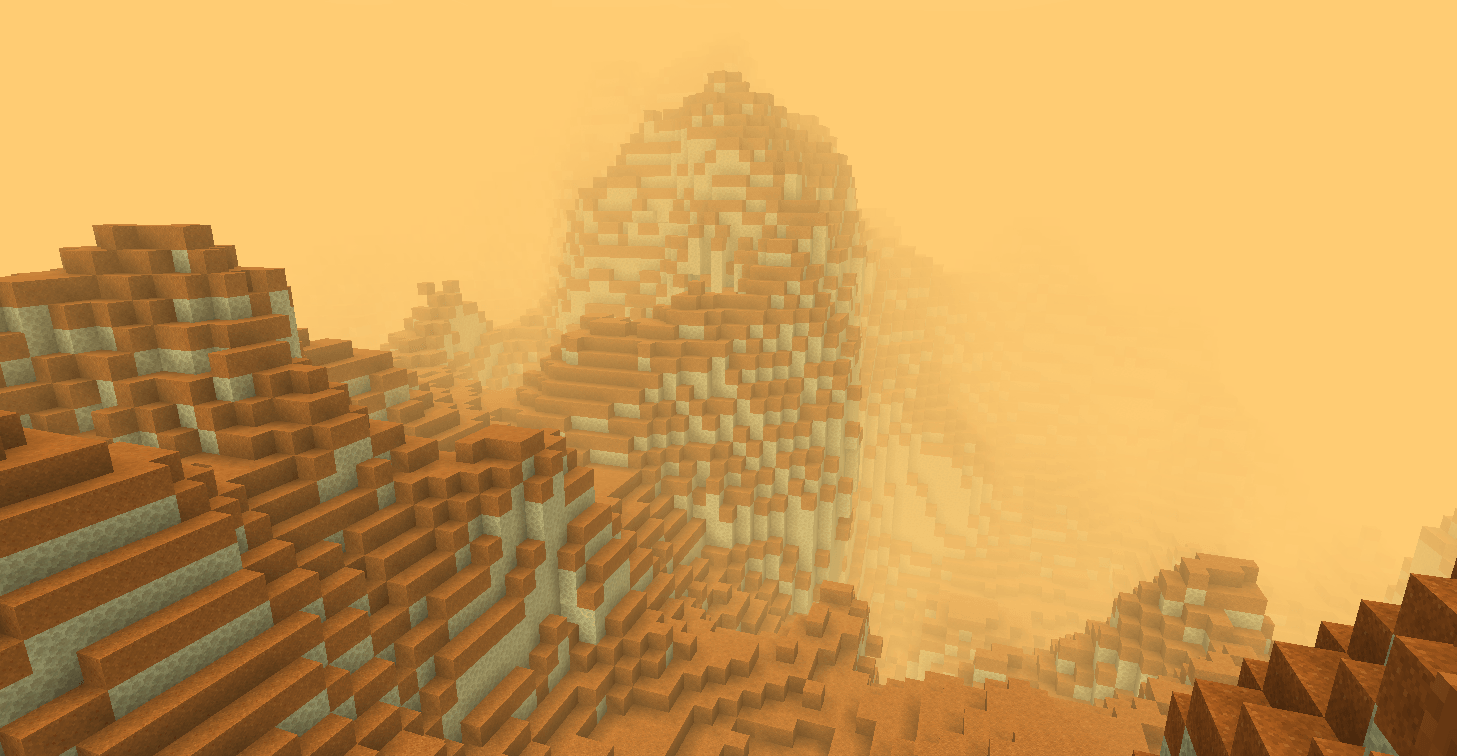
This mod adds infinite procedurally generated planets and star systems to Genesis space. It starts with 5 planets in the Solar system and one additional star with planets around it, and you can right-click with the star system theory item to generate as many new star systems as you like, all without even leaving the world!

This mod adds all of the planets from Ad Astra to Genesis Space and integrates the oxygen and gravity mechanics from Ad Astra into Genesis as well. Install this for the most complete survival experience.
There are two tools to help you on your interplanetary travels: The Void Engine, and the Navigation Projector.
The Void Engine is a multiblock structure which grants access to a hyperspace dimension that compresses your coordinates similarly to the Nether, but by a much greater amount. It is basically necessary to have for interplanetary and interstellar travel due to how far apart things are. To make it, you need three things: a Void Core, Void Engine frame blocks, and a Void Engine Interface.
 Both of these Void Engine setups are valid.
The Navigation Projector is a block that displays a scaled version of the solar system for finding planets. It will always show your position as a small white cube in the center of the projection. Planets appear as transucent blue cubes, and stars appear as translucent white cubes. This block is especially helpful while in subspace since planets are not visible there. So, while in subspace, the Navigation Projector and your memory are your only guides as to your location.
Project description from CurseForge.
Pick your setup
Choose the version and loader you play, then open the matching release.
Check the dependencies, then try the file in a copied instance before changing a world you care about.
Recent files
13 Apr 2026
5 Apr 2026
1 Apr 2026
27 Mar 2026
21 Mar 2026
17 Nov 2025
16 Nov 2025
15 Nov 2025
22 Oct 2025
21 Oct 2025
18 Oct 2025
Looking for an older file? The official CurseForge project page is in Resources.
 mod
Restores Squall weather effects with Oculus shaders and improves wet surfaces, glass effects, and chest reflections.
 mod
This mod adds the option for colonies, overhauls and modifies the entire Minecraft world, and introduces features such as recruiting soldiers, having colonists, and more.
 mod
Have you ever been playing minecraft and thought to yourself "I could really use with an extra pair of hands" then this is the mod for you. Mini Me's can mine, farm, cut down tress and kill mobs for you!