Puzzles Lib Needed by Enchantment Switch [FABRIC] [26.2.x] v26.2.0
requiredMatching file found Matched file: v26.2.5-mc26.2.x+fabric
CurseForge · Minecraft mod
Swap active enchantments on your items on the fly! Toggle between otherwise incompatible enchantments.
Quick answer
Enchantment Switch [FABRIC] [26.2.x] v26.2.0 targets 26.2 with Fabric. The project page does not say whether this file belongs on the client, dedicated server, or both. All 3 required mods have matching files.
Where it goes
The project page does not say whether this file belongs on the client, dedicated server, or both.
The source does not explicitly classify this release as client-only or server-only.
[FABRIC] [26.2.x] v26.2.0 on 26.2. Every mod below is checked against that same setup.
Install Puzzles Lib, Fabric API, Forge Config API Port first. We found matching files for this game-version and loader setup. 4 come through another mod in the chain.
4 extra mods were pulled in by other dependencies. Indented rows show who needs each one. We only count dependency files that match this setup. A file for another loader does not fill the gap.
Before you install it
Built for Enchantment Switch [FABRIC] [26.2.x] v26.2.0 on 26.2. Pick another file and the loader, install side or required mods may change.
Use [FABRIC] [26.2.x] v26.2.0. It targets 26.2 with Fabric; another release may have different loader, side or dependency requirements.
Install Puzzles Lib, Fabric API, Forge Config API Port first. We found matching files for this game-version and loader setup. 4 come through another mod in the chain.
The project page does not say whether this file belongs on the client, dedicated server, or both.
Use the “Get this file” button beside [FABRIC] [26.2.x] v26.2.0. It opens that exact file at the source.
About this project







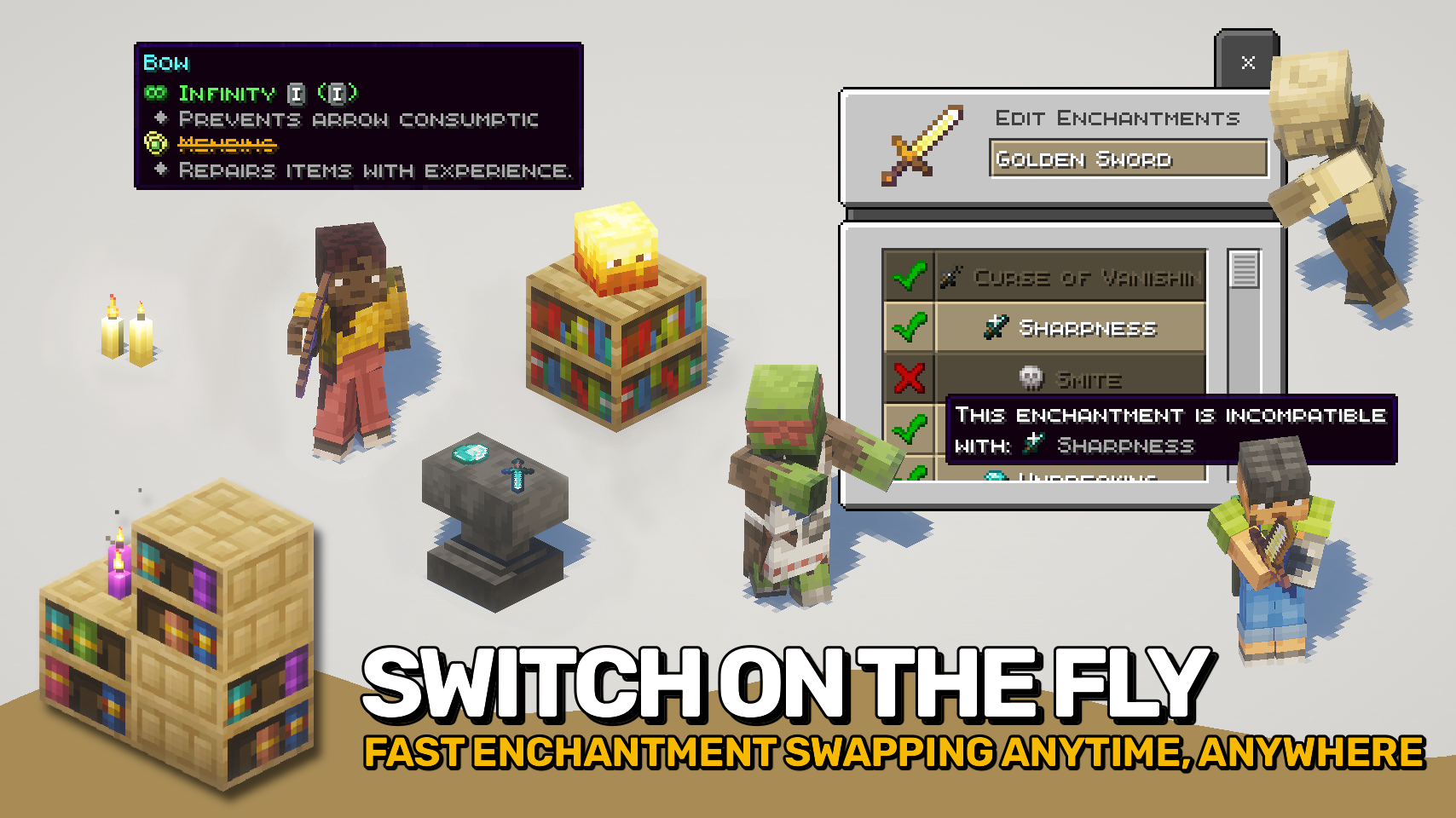
Enchantment Switch lets you control which enchantments are active on your tools, weapons, and armor. With a simple key press while hovering your mouse cursor over an enchanted item, a menu appears showing all enchantments on that item. You can then turn each one on or off to match the situation.
This makes it possible to combine enchantments that normally cannot exist together, as long as only one is active at a time. For example, switch between Mending and Infinity on your bow, or Sharpness and Smite on your sword. Even Frost Walker can be toggled off when you want to go swimming again.
Curses and other special enchantments cannot be turned off, keeping gameplay fair. Disabled enchantments still appear on the tooltip with a clear strike-through effect so you always know what is active.

enchantmentswitch:persistent_enchantments tag.

⏩ INSTALLATION REQUIRED ON CLIENT & REQUIRED ON SERVER
⏩ REQUIRES PUZZLES LIB TO BE INSTALLED (FABRIC & NEOFORGE)
⏩ REQUIRES FABRIC API TO BE INSTALLED (FABRIC)
⏩ REQUIRES FORGE CONFIG API PORT TO BE INSTALLED (FABRIC)

If available for a mod, configuration is possible directly from in-game using the mod menu (requires Mod Menu by Prospector to be installed on Fabric).
For manual configuration using an external text editor all files are found at .minecraft/config, named as MOD_ID-client.toml, MOD_ID-common.toml, or MOD_ID-server.toml, depending on the type of config. Not all types might exist for a mod, if any at all.
 |
 |
|
|---|---|---|
 |
 |
|
 |
 |
|
 |
 |
|
 |
 |
|

© 2026 @heyitsfuzs. All rights reserved. This page was last edited on 11 September 2026, at 06:44 (UTC).
Project description from CurseForge.
Pick your setup
Choose the version and loader you play, then open the matching release.
Check the dependencies, then try the file in a copied instance before changing a world you care about.
Recent files
EnchantmentSwitch-v26.2.0-mc26.2.x-Fabric.jar
18 Jun 2026
EnchantmentSwitch-v26.2.0-mc26.2.x-NeoForge.jar
18 Jun 2026
Looking for an older file? The official CurseForge project page is in Resources.
 mod
Records the cumulative playtime at which you first obtain each of your own goal items — perfect for ATM Star hunts in ATM10.
 mod
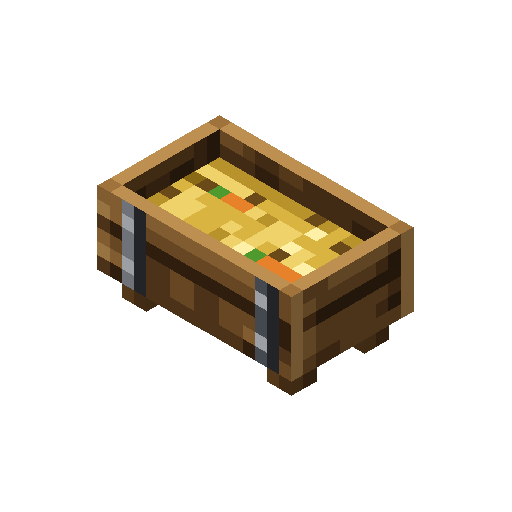
Auto-breeding feeding trough: fill it with food and grown animals walk over, eat and breed on their own. Babies grow faster near it.
 mod
A mega torch: no hostile mob spawns naturally within 64 blocks of a Ward Torch, even while you are away.