Interpret Optional for Nautilus Shell Block 1.0.1-forge-1.20.1-47.4.10
optionalMatching file found Matched file: Interpret 2.0 - Horses of Havoc Drop
CurseForge · Minecraft mod
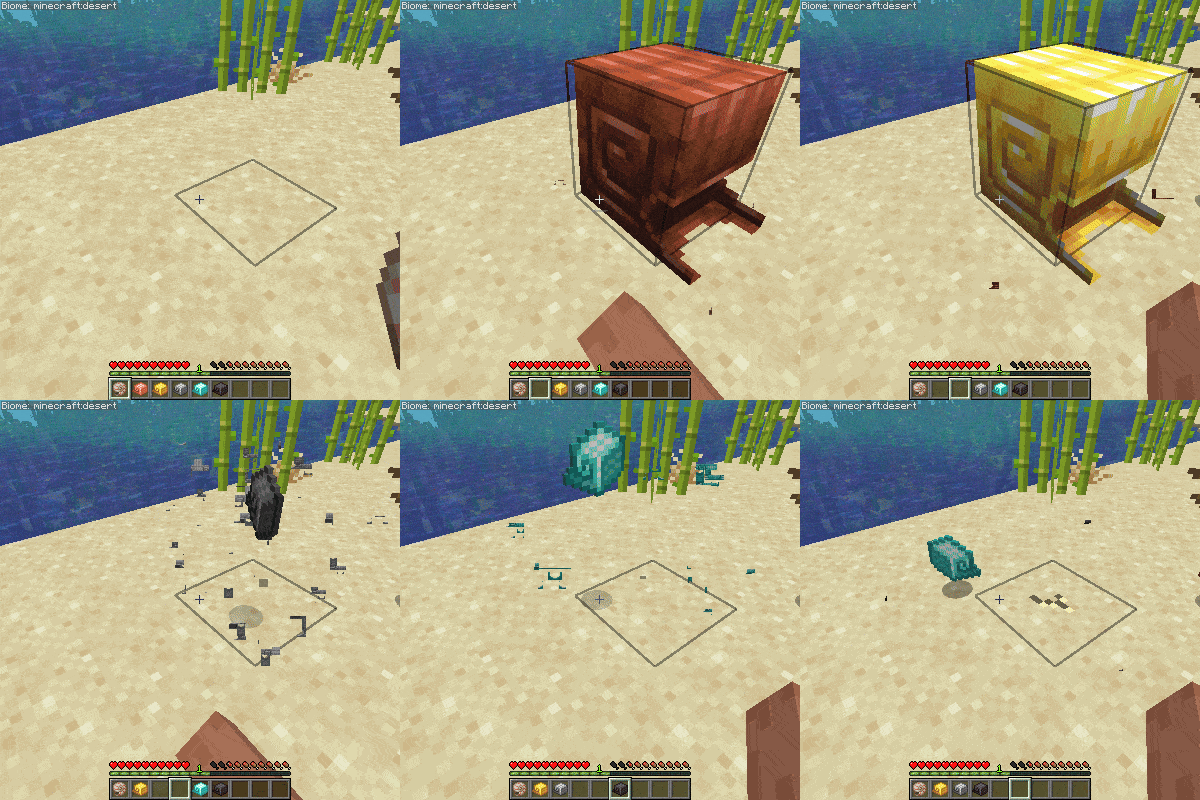
With this mod you can place the shell of the nautilus or the nautilus armors on the ground.
Quick answer
Nautilus Shell Block 1.0.1-forge-1.20.1-47.4.10 targets 1.20.1 with Forge. The project page does not say whether this file belongs on the client, dedicated server, or both. No extra mods listed for this file.
Where it goes
The project page does not say whether this file belongs on the client, dedicated server, or both.
The source does not explicitly classify this release as client-only or server-only.
1.0.1-forge-1.20.1-47.4.10. Change the file and its required mods may change too.
This file does not list any required mods. Do not add a library just because a different file uses it.
We only count dependency files that match this setup. A file for another loader does not fill the gap.
Before you install it
Built for Nautilus Shell Block 1.0.1-forge-1.20.1-47.4.10. Pick another file and the loader, install side or required mods may change.
Use 1.0.1-forge-1.20.1-47.4.10. It targets 1.20.1 with Forge; another release may have different loader, side or dependency requirements.
This file does not list any required mods. Do not add a library just because a different file uses it.
The project page does not say whether this file belongs on the client, dedicated server, or both.
Use the “Get this file” button beside 1.0.1-forge-1.20.1-47.4.10. It opens that exact file at the source.
About this project
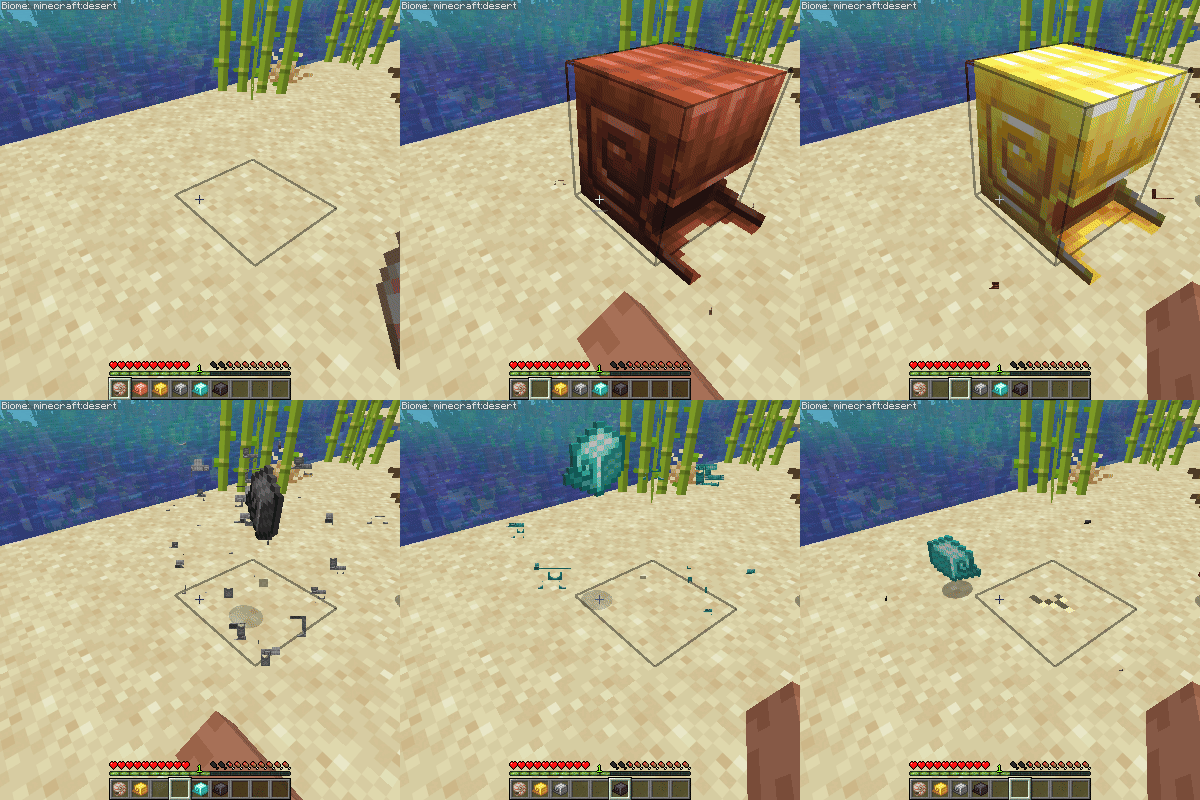
With this mod you can place the shell of the nautilus on the ground.
All you need is the nautilus shell item and click with it on the ground.
You can place it down in the direction you are looking.
After a while when waterlogged or when its raining it can change its texture into the zombie nautilus one and later into the coral zombie one.
You can manually change its texture too!
To clean it, you can break it and then it will drop a normal nautilus shell item, making it have the default texture when placing it again.
When its in default state, then using a slime ball on it has a chance to make it have the zombie texture.
When its on default or zombie state, then using a coral on it has a chance to make it have the coral texture.
There is an item json tag in the data folder for these, so you can change the required items for them.
You can also place the nautilus armor blocks down on the ground!
From version below 1.21.11, you can craft the nautilus armor blocks with a nautilus shell and an ingot from the armor type.
When breaking it, it will drop the nautilus shell and the ingot too (in 1.21.11+ it will drop the armor instead of the ingot)!
Mod currently supports
Forge 1.21.11 | 1.21.10 | 1.21.9 | 1.21.8 | 1.21.7 | 1.21.6 | 1.21.4 | 1.21.1 | 1.20.1
Fabric 1.21.11 | 1.21.10 | 1.21.9 | 1.21.8 | 1.21.7 | 1.21.6 | 1.21.4 | 1.21.1 | 1.20.1
Neoforge 1.21.11 | 1.21.10 | 1.21.9 | 1.21.8 | 1.21.7 | 1.21.6 | 1.21.4 | 1.21.1
SEND ME A PRIVATE MESSAGE IF YOU NEED THE MOD IN A DIFFERENT VERSION AT CURSEFORGE
https://legacy.curseforge.com/members/aquarius_playz/projects
Follow me on X (twitter)
Project description from CurseForge.
Pick your setup
Choose the version and loader you play, then open the matching release.
Check the dependencies, then try the file in a copied instance before changing a world you care about.
Recent files
nautilusshell-1.0.1-forge-1.20.1-47.4.10.jar
24 Dec 2025
nautilusshell-1.0.0-forge-1.21.11-61.0.2.jar
21 Dec 2025
nautilusshell-1.0.0-forge-1.21.10-60.1.0.jar
21 Dec 2025
nautilusshell-1.0.0-forge-1.21.8-58.1.11.jar
21 Dec 2025
nautilusshell-1.0.0-forge-1.21.4-54.1.11.jar
21 Dec 2025
nautilusshell-1.0.0-forge-1.21.1-52.1.8.jar
21 Dec 2025
nautilusshell-1.0.0-forge-1.20.1-47.4.10.jar
21 Dec 2025
nautilusshell-1.0.0-fabric-1.21.11-0.140.0.jar
21 Dec 2025
nautilusshell-1.0.0-fabric-1.21.10-0.138.4.jar
21 Dec 2025
nautilusshell-1.0.0-fabric-1.21.4-0.119.4.jar
21 Dec 2025
nautilusshell-1.0.0-fabric-1.21.1-0.116.7.jar
21 Dec 2025
nautilusshell-1.0.0-fabric-1.20.1-0.92.6.jar
21 Dec 2025
Looking for an older file? The official CurseForge project page is in Resources.
 mod
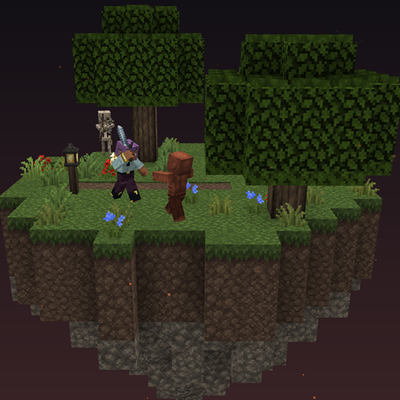
Animated title, pause, world and loading screens: a 3D floating island behind the title menu, worlds shown as islands, your own skin on the create-world screen, and a camera that flies between them. Client-side.
 mod
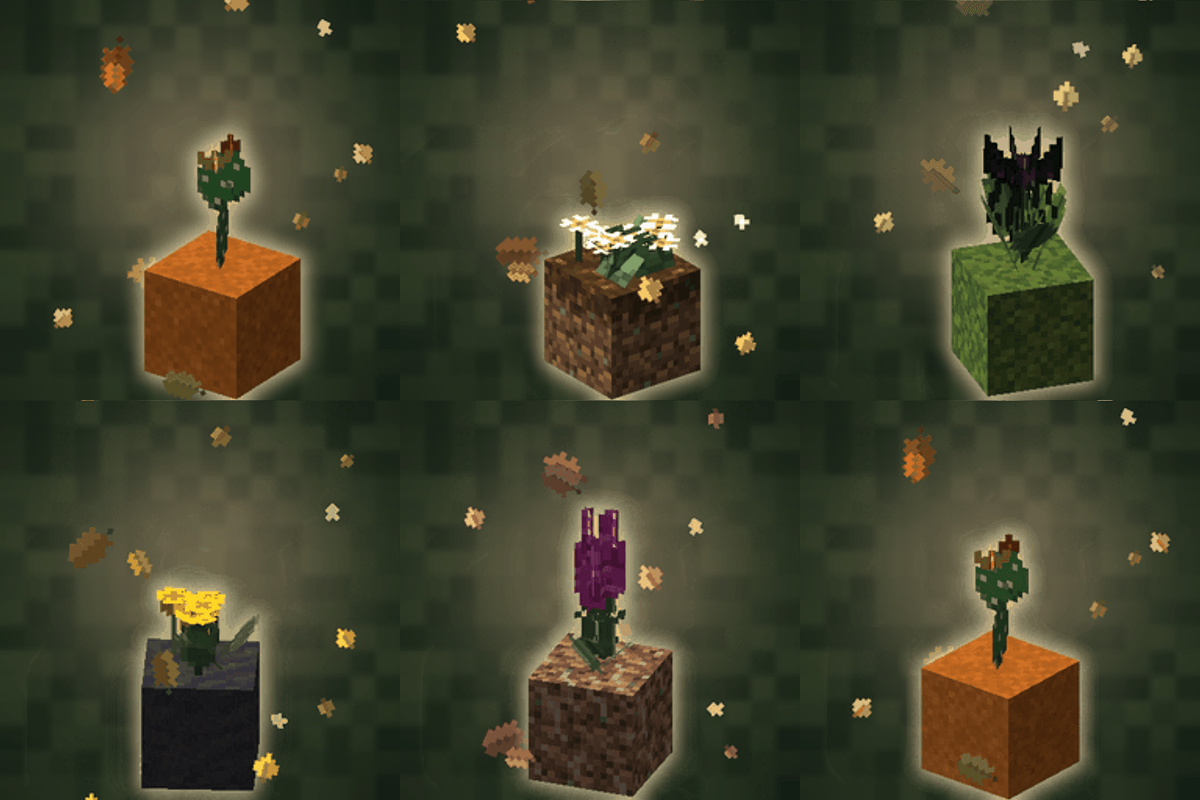
Dresses the ground and walls: leaf litter, 3D flowers, wall ivy that grows on villages and ruins, bushes, hedges, trellises and picket fences.
 mod
sH's Remains - makes every fight leave something behind. A killed mob no longer flashes red and vanishes in a puff of smoke - it falls, lies there as a body and stays until you deal with it.