Best match for your filtersstationbuilder-FABRIC-1.0.0+1.20.4.jar
Game version1.20.4
LoaderFabric
Station Builder stationbuilder-FABRIC-1.0.0+1.20.4.jar targets 1.20.4 with Fabric. The project page does not say whether this file belongs on the client, dedicated server, or both. All 1 required mods have matching files.
Where it goes
Is Station Builder required on the client, server, or both?
The project page does not say whether this file belongs on the client, dedicated server, or both.
ClientSource doesn’t say
Dedicated serverSource doesn’t say
Loader for this releaseFabric
Required install it hereOptional supported, not mandatoryNot supported do not install hereSource doesn’t say do not assume
The source does not explicitly classify this release as client-only or server-only.
Matching file found Matched file: placeholder-api-2.4.0-pre.1+1.20.4.jar
3
extra mods were pulled in by other dependencies.
Indented rows show who needs each one. We only count dependency files that match this setup. A file for another loader does not fill the gap.
Before you install it
Add Station Builder without breaking your instance.
Built for Station Builder stationbuilder-FABRIC-1.0.0+1.20.4.jar on 1.20.4. Pick another file and the loader, install side or required mods may change.
01
Stick to this file
Use stationbuilder-FABRIC-1.0.0+1.20.4.jar. It targets 1.20.4 with Fabric; another release may have different loader, side or dependency requirements.
02
Bring the mods it needs
Install Fabric API first. We found matching files for this game-version and loader setup. 3 come through another mod in the chain.
03
Put it on the correct side
The project page does not say whether this file belongs on the client, dedicated server, or both.
04
Pick the file you checked
Use the “Get this file” button beside stationbuilder-FABRIC-1.0.0+1.20.4.jar. It opens that exact file at the source.
About this project
What does Station Builder add?
Station Builder
Create decorated railways and stations for Create, MTR, and Vanilla Minecraft with few clicks!
Build a station (with vanilla, Create, and MTR rails)
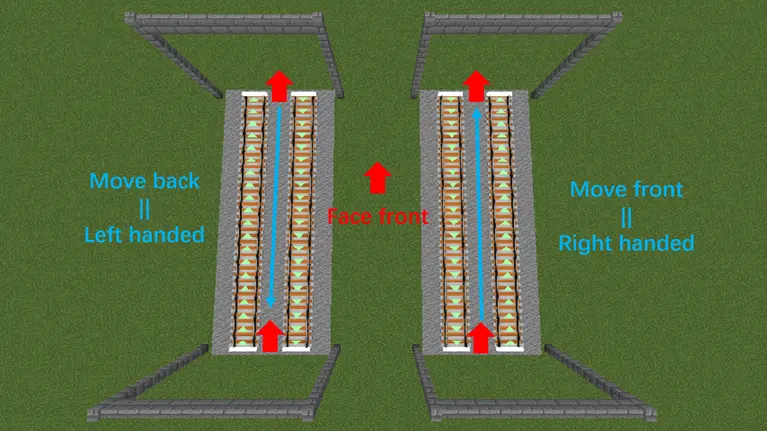
Build parallel rails (in vanilla, Create, and MTR mode)
Station Builder provides 2 tools for convenient construction of continuous rails and train stations.
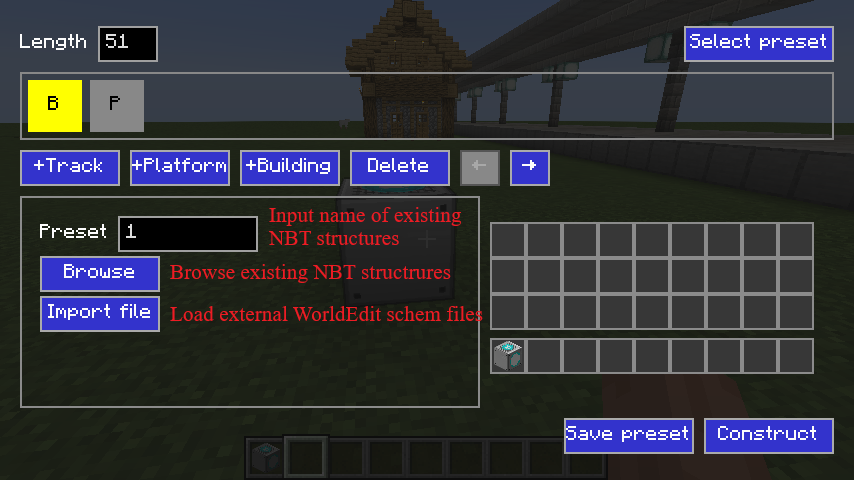
Station Builder: A block to create train station with multiple platforms and tracks. Pillars, canopys, saftey lines/doors, passenger information display system (PIDS), station buildings (can be rotated), ballasts, and sky/underground passage are created automatically in one click.
Right click to open GUI and construct.
Use Building Selector item in this mod to select a building and save, and load them in Station Builder block's GUI. You can also use WorldEdit to save buildings as .schem files (//schem save building_name).
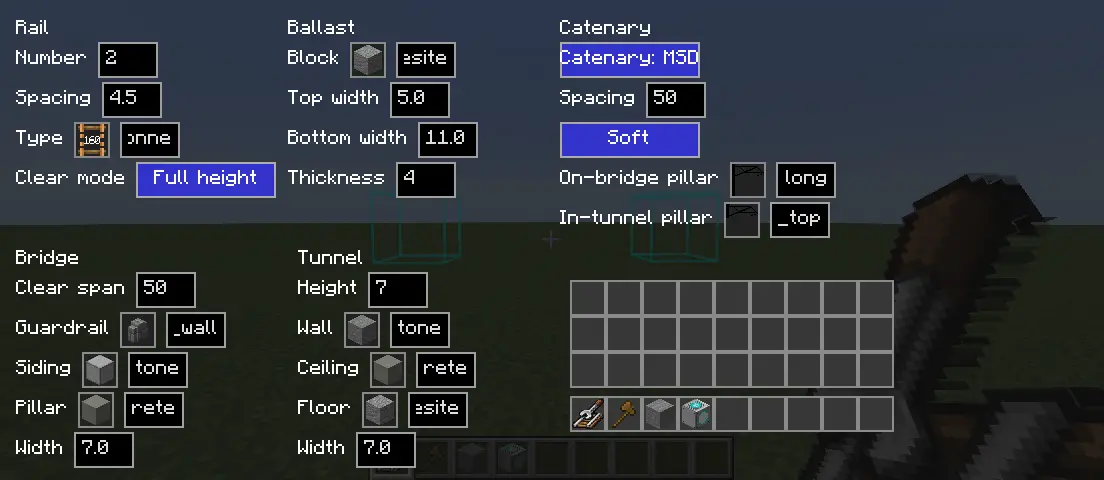
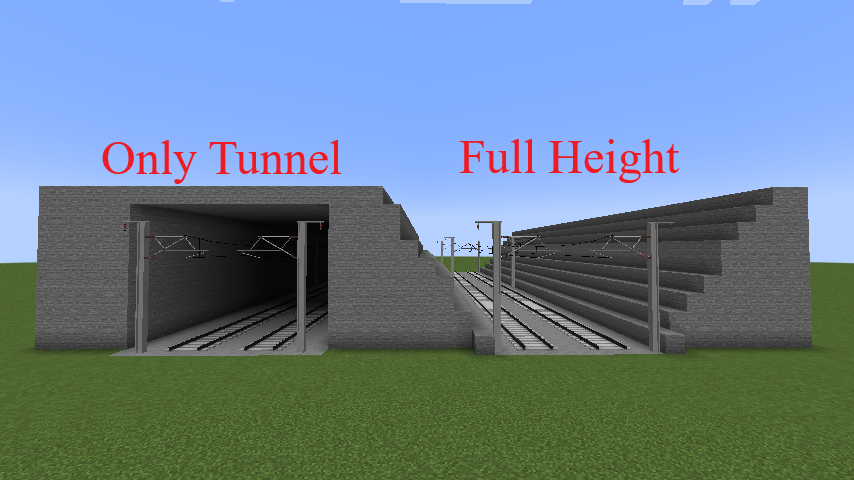
Rail Builder: An item for continuous parallel rails' construction. It could create tunnels, bridges, piers, catenary and ballasts for the rail automatically.
Right click to build continuous parallel rails. Shift + Right click to open GUI for configuration. Press V to stop continuous building.
Vanilla railways cannot go uphill and turn at the same time. Striaght slope and level turn are supported.
MTR Scheduler: An item for detecting and solving MTR platform conflicts.
View the routes, stops and timetable.
Plot Gantt chart to see which route occupies a platform intuitively.
Applying a system of difference constraints, the tool automatically solves the route conflicts on platforms.
Use Ctrl+Z to undo station generation, railway construction, and building placement. At most 10 times can be undone.
Optional Dependencies
Create: Minecraft 1.21.1 requires 6.0.10 (NeoForge only), and Minecraft 1.20.1 requires 6.0.8 (Forge/Fabric). Other versions currently do not support Create.


 mod
 mod
 mod