Create Needed by Ocer Economy economymod-1.6.0.jar
requiredMatching file found Matched file: Create 6.0.8 for mc1.20.1

CurseForge · Minecraft mod
Is economy mod with the server mod
Quick answer
Ocer Economy economymod-1.6.0.jar targets 1.20.1 with Forge. The project page does not say whether this file belongs on the client, dedicated server, or both. All 1 required mods have matching files.
Where it goes
The project page does not say whether this file belongs on the client, dedicated server, or both.
The source does not explicitly classify this release as client-only or server-only.
economymod-1.6.0.jar. Change the file and its required mods may change too.
Install Create first. We found matching files for this game-version and loader setup. 1 comes through another mod in the chain.
1 extra mod was pulled in by another dependency. Indented rows show who needs each one. We only count dependency files that match this setup. A file for another loader does not fill the gap.
Before you install it
Built for Ocer Economy economymod-1.6.0.jar. Pick another file and the loader, install side or required mods may change.
Use economymod-1.6.0.jar. It targets 1.20.1 with Forge; another release may have different loader, side or dependency requirements.
Install Create first. We found matching files for this game-version and loader setup. 1 comes through another mod in the chain.
The project page does not say whether this file belongs on the client, dedicated server, or both.
Use the “Get this file” button beside economymod-1.6.0.jar. It opens that exact file at the source.
About this project
A lightweight banking system designed for **Minecraft servers using Minecraft Forge.
This mod introduces a simple and efficient banking system where each player has a server-managed bank account. Players can interact with ATMs through a graphical interface, deposit or withdraw money, and automatically receive a welcome bonus on their first login.
The goal of this mod is to remain lightweight, server-friendly, and easy to integrate with other mods while providing a basic but reliable banking system.
Persistent bank accounts for every player.
ATM blocks with GUI allowing players to:
Deposit money
Withdraw money
Check their account balance
Automatic welcome bonus granted once to new players on their first login.
Secure client/server network architecture to synchronize account data.
Designed to be lightweight and optimized for multiplayer servers.
Server-side data handling to ensure account integrity.
Install the correct version of Minecraft Forge for your Minecraft version.
Place the mod .jar file into the mods folder of the client and/or server.
Start the game or server.
Check the logs to confirm that the mod loaded correctly.
An optional configuration file allows server owners to adjust:
Welcome bonus amount
Feature permissions
Data persistence settings
Server administrators can backup or restore banking data using standard server tools.
All transactions are validated server-side to prevent exploits or cheating.
Designed specifically for Minecraft Forge.
Compatible with most mods that do not modify player entity systems or UUID persistence.
It is recommended to test the mod on a staging server before production deployment.
When a player joins the server for the first time, they automatically receive a configurable welcome bonus.
Players can interact with ATMs to:
Open the banking interface
Deposit funds
Withdraw funds
Check their current balance
All operations are handled server-side to guarantee the integrity of player accounts.
ATM block placed in a server environment
ATM user interface showing a deposit transaction
Persistent player bank accounts
ATM system with graphical interface
Automatic welcome bonus system
Project description from CurseForge.
Pick your setup
Choose the version and loader you play, then open the matching release.
Check the dependencies, then try the file in a copied instance before changing a world you care about.
Recent files
28 Apr 2026
21 Mar 2026
9 Mar 2026
9 Mar 2026
economymod-1.0.0.jar
8 Mar 2026
economymod-1.0.0.jar
8 Mar 2026
Looking for an older file? The official CurseForge project page is in Resources.
 mod
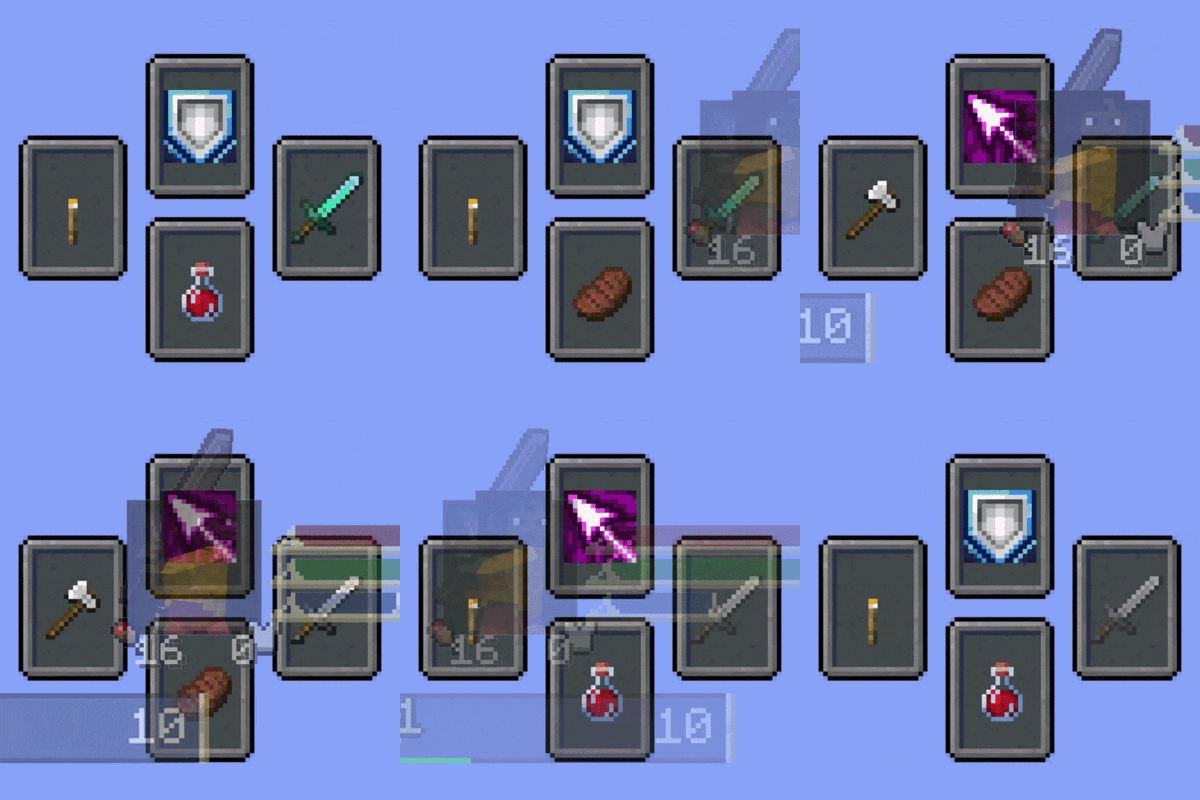
Adds a soulslike HUD featuring equipment slots, boss bar, status gauges and team display.
 mod
A tech mod with pipes, computers, guns, rusty machinery and meat.
 mod
Another multiblock placer, specifically for Project Infinity 0.1