RarityCore Optional for ColorTooltips-1201.3.2.jar
optionalMatching file found Matched file: raritycore-1201.14.3.jar

CurseForge · Minecraft mod
ColorTooltips is a mod that provides a tip box style.It has two characteristics: brilliance and flexibility.
Quick answer
ColorTooltips-1201.3.2.jar targets 1.20.1 with Forge. The project page does not say whether this file belongs on the client, dedicated server, or both. No extra mods listed for this file.
Where it goes
The project page does not say whether this file belongs on the client, dedicated server, or both.
The source does not explicitly classify this release as client-only or server-only.
ColorTooltips-1201.3.2.jar. Change the file and its required mods may change too.
This file does not list any required mods. Do not add a library just because a different file uses it.
17 extra mods were pulled in by other dependencies. Indented rows show who needs each one. We only count dependency files that match this setup. A file for another loader does not fill the gap.
Before you install it
Built for ColorTooltips-1201.3.2.jar. Pick another file and the loader, install side or required mods may change.
Use ColorTooltips-1201.3.2.jar. It targets 1.20.1 with Forge; another release may have different loader, side or dependency requirements.
This file does not list any required mods. Do not add a library just because a different file uses it.
The project page does not say whether this file belongs on the client, dedicated server, or both.
Use the “Get this file” button beside ColorTooltips-1201.3.2.jar. It opens that exact file at the source.
About this project
ColorTooltips is a mod that provides custom tooltip styling. It features two main characteristics: highly customizable and buttery smooth.
This mod no longer requires RarityCore to be installed since version 2.0.
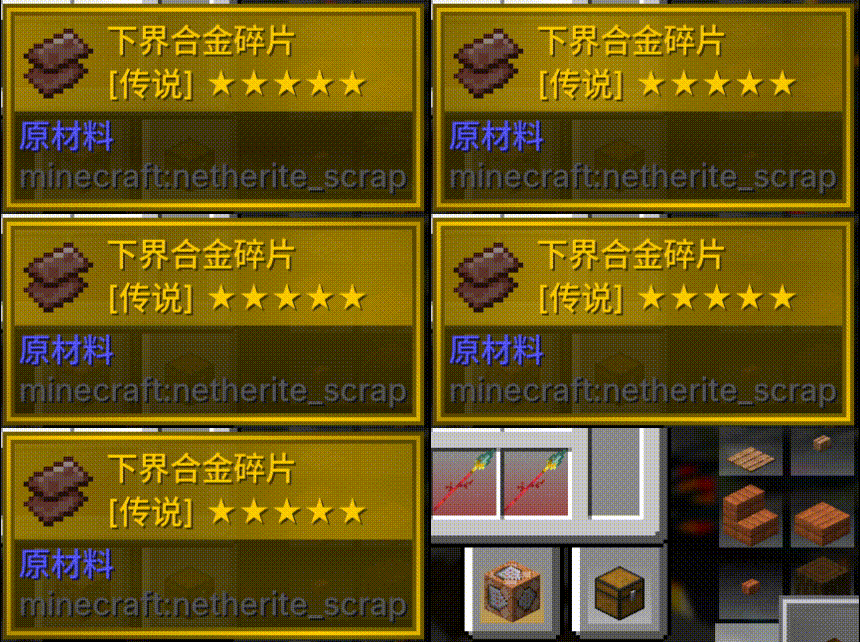
If RarityCore is installed alongside, you can select styles based on an item's RarityCore rarity.
Of course, without RarityCore, you can still select styles based on an item's vanilla rarity.
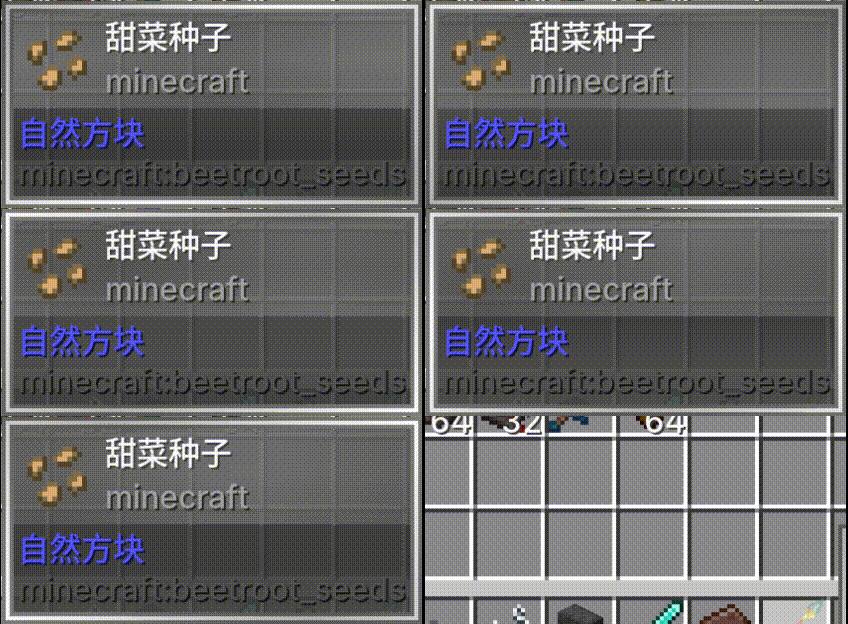
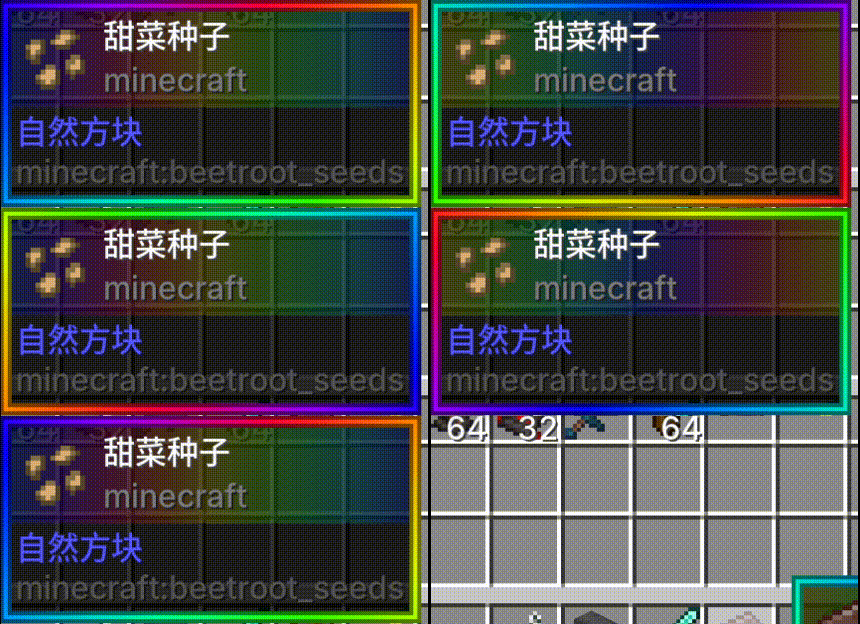
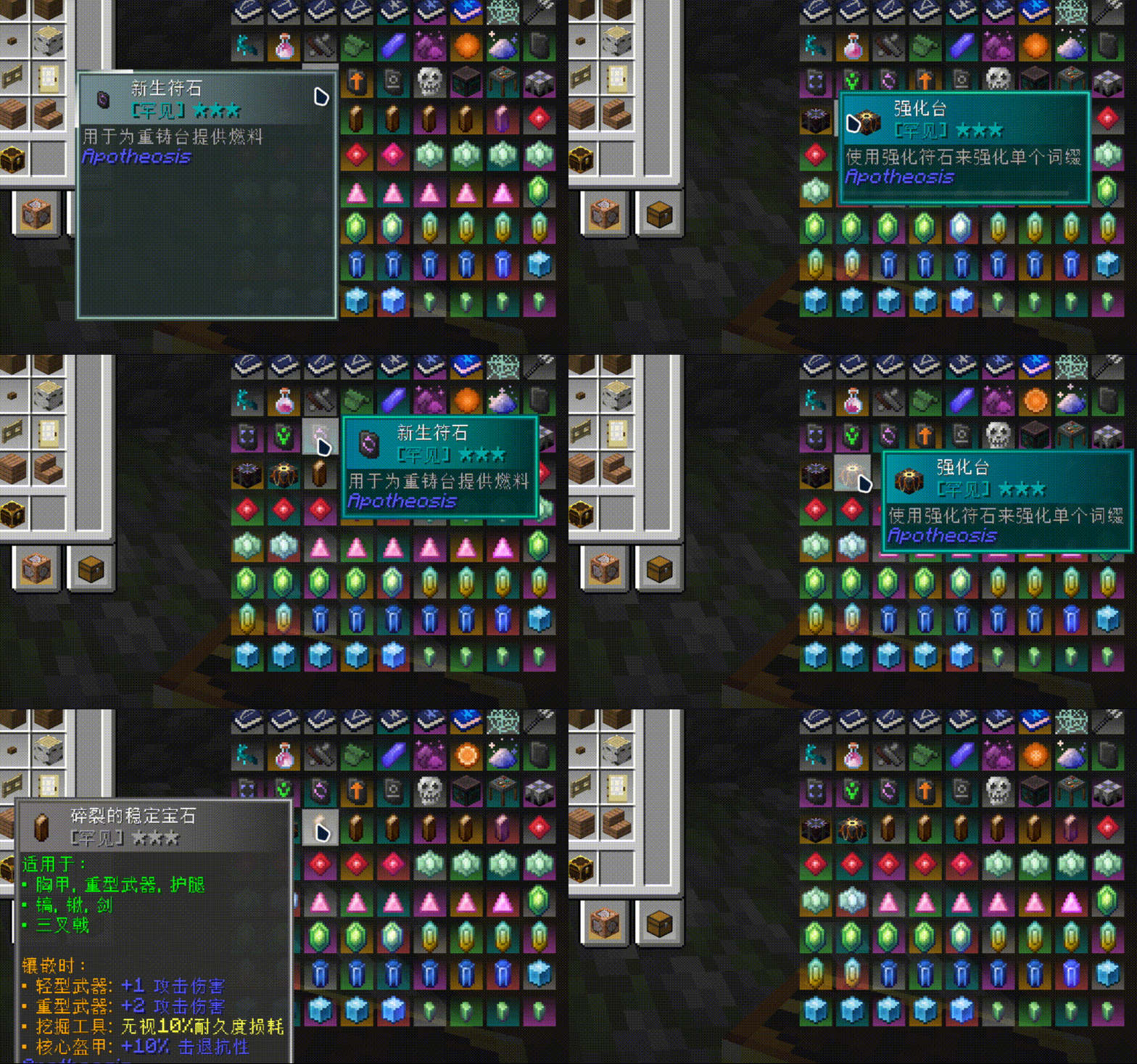
ColorTooltips' animations never cut corners — every single effect can be toggled and adjusted independently:
| 1 | 2 | 3 |
|---|---|---|
 |
 |
 |
| 1 | 2 |
|---|---|
 |
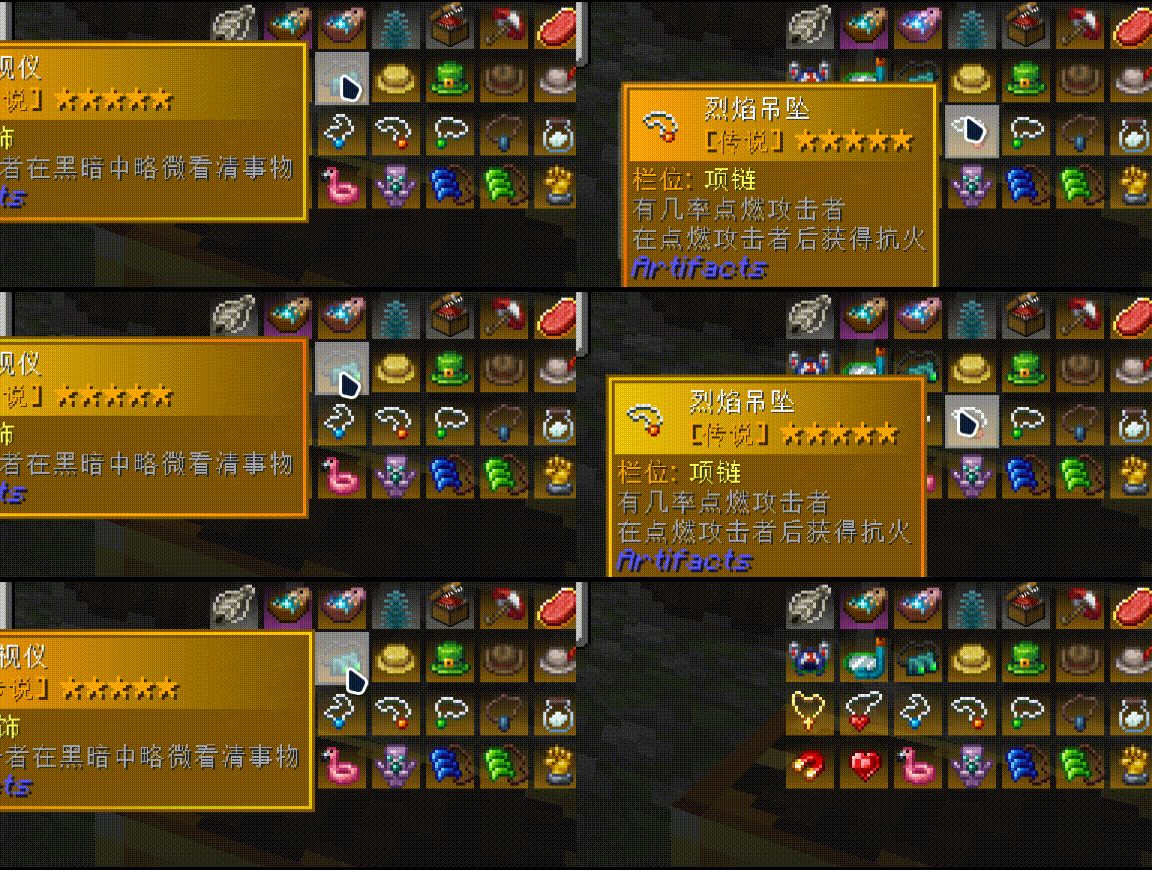 |
Everything is configurable, down to every component, every color, and every animation:
/colortooltips reload, and preview changes instantly — no restart required.Your first style begins here: Style Configuration Guide.
Four preset styles are ready to use out of the box: Vanilla (minimal white), VanillaRarity (rarity colors), RarityCoreStyles (RarityCore), and RGB (rainbow gradient).
You can hold down Shift and scroll the mouse wheel to move the tooltip up and down, allowing you to view content that extends beyond the screen.
Compatible with SearchCarefully!
Incompatible with mods that modify tooltip styles, but compatible with mods that add content to them.
Here's the Wiki you're looking for.
Q: Why do tooltip animations sometimes disappear in certain places? A: This means multiple tooltips are being rendered on screen at the same time. This is a decision made for compatibility reasons.
Q: What happened to my color transition animation? A: Unfortunately, it will part ways with you in version 3.0.
Project description from CurseForge.
Pick your setup
Choose the version and loader you play, then open the matching release.
Check the dependencies, then try the file in a copied instance before changing a world you care about.
Recent files
12 Sept 2026
12 Sept 2026
11 Jul 2026
10 Jul 2026
3 Jul 2026
26 Jun 2026
9 Jun 2026
23 May 2026
16 May 2026
25 Apr 2026
1 Apr 2026
Looking for an older file? The official CurseForge project page is in Resources.
 mod
modAn Extension Of The Xiaoxiang Cultivation Mod. Do You Want To Make Your Cultivation Journey Harder? Abysmal? Impossible? Well Now, You Can!!! With The XiaoXiang Config Extenion.
 mod
modBackports Minecraft 1.21's Trial Chamber features to Forge 1.20.1. Trial spawners, vaults, breeze, bogged, wind charges, ominous mode, trial-themed mob effects, with full 1.21.1 Trial spawner functionality.
 mod
modBetter Resolution improves GPU performance by lowering Minecraft’s internal world render resolution and then reconstructing it back to native resolution using smart and lightweight algorithms.