Fabric API Needed by Window Size 2.0.0 for 26.3 Fabric
requiredMatching file found Matched file: 0.160.7+26.3
CurseForge · Minecraft mod
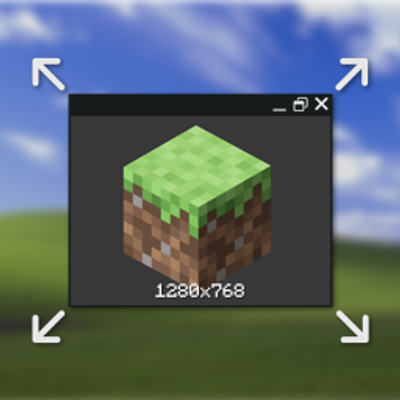
Permanently modify the Minecraft game's (non-fullscreen) window size without having to edit options.txt!
Quick answer
Window Size 2.0.0 for 26.3 Fabric targets 26.3 with Fabric. The project page does not say whether this file belongs on the client, dedicated server, or both. All 1 required mods have matching files.
Where it goes
The project page does not say whether this file belongs on the client, dedicated server, or both.
The source does not explicitly classify this release as client-only or server-only.
2.0.0 for 26.3 Fabric. Change the file and its required mods may change too.
Install Fabric API first. We found matching files for this game-version and loader setup.
We only count dependency files that match this setup. A file for another loader does not fill the gap.
Before you install it
Built for Window Size 2.0.0 for 26.3 Fabric. Pick another file and the loader, install side or required mods may change.
Use 2.0.0 for 26.3 Fabric. It targets 26.3 with Fabric; another release may have different loader, side or dependency requirements.
Install Fabric API first. We found matching files for this game-version and loader setup.
The project page does not say whether this file belongs on the client, dedicated server, or both.
Use the “Get this file” button beside 2.0.0 for 26.3 Fabric. It opens that exact file at the source.
About this project

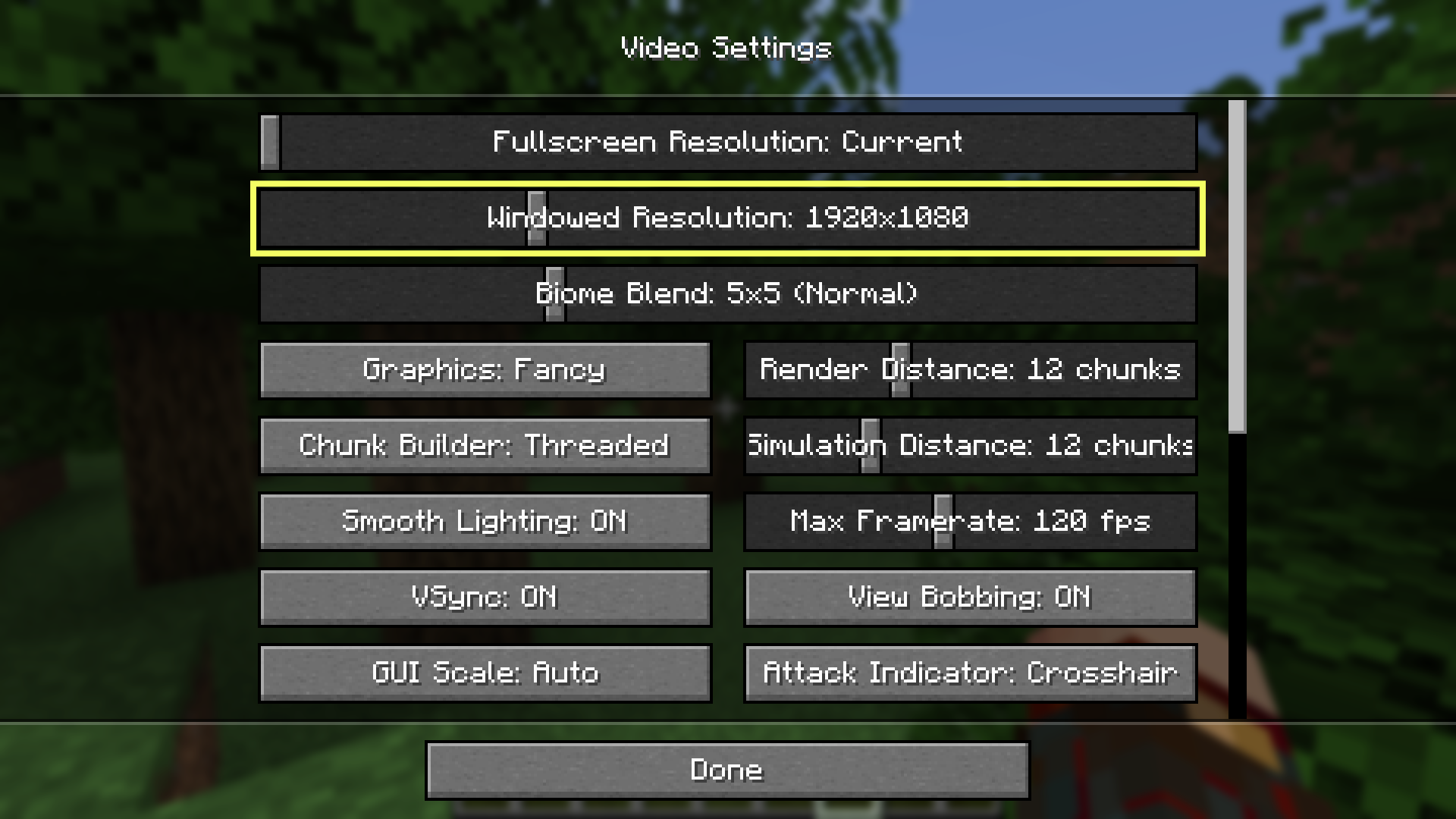
Permanently modify the Minecraft game's (non-fullscreen) window size without having to edit options.txt! Simply resizing the window will automatically update the overrideWidth and overrideHeight properties in your options.txt, plus the video options screen in game will have a new slider for windowed resolution!
Also on Modrinth · Source on GitHub · Report an issue

Project description from CurseForge.
Pick your setup
Choose the version and loader you play, then open the matching release.
Showing the newest 12 of 17 game versions. Older files are in the list below.
Check the dependencies, then try the file in a copied instance before changing a world you care about.
Recent files
windowsize-fabric-2.0.0+26.3.jar
17 Sept 2026
windowsize-neoforge-2.0.0+26.3.jar
17 Sept 2026
windowsize-fabric-2.0.0+26.2.jar
21 Jun 2026
windowsize-neoforge-2.0.0+26.2.jar
21 Jun 2026
windowsize-forge-2.0.0+26.2.jar
21 Jun 2026
windowsize-fabric-2.0.0+26.1.jar
10 Jun 2026
windowsize-neoforge-2.0.0+26.1.jar
10 Jun 2026
windowsize-forge-2.0.0+26.1.jar
10 Jun 2026
windowsize-1.0.0+26.1.jar
6 Apr 2026
windowsize-1.0.0+1.21.jar
6 Apr 2026
Looking for an older file? The official CurseForge project page is in Resources.
 mod
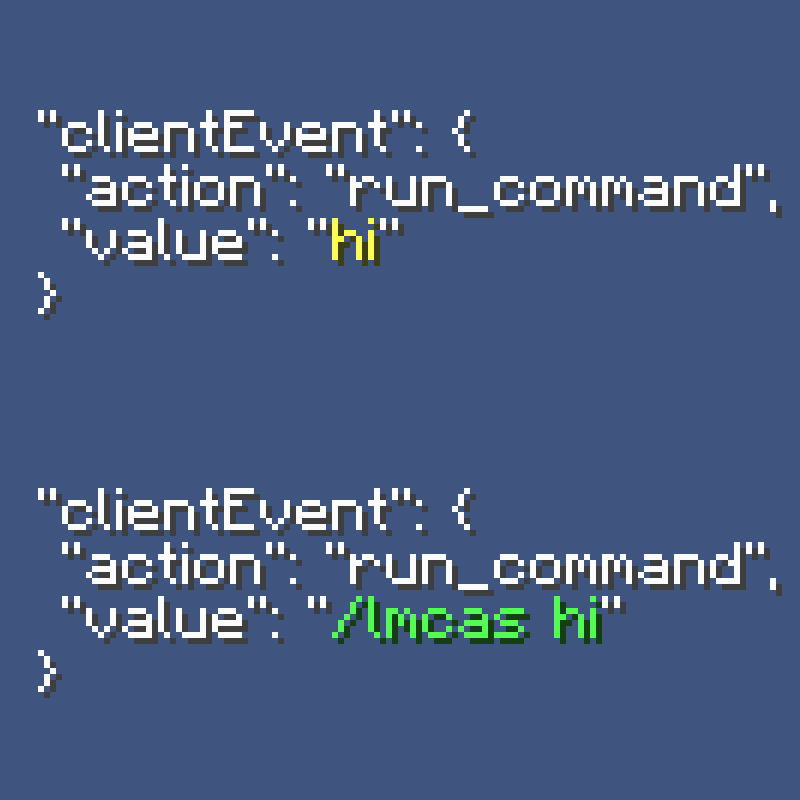
modA simple Minecraft server-side mod, that replaces all non-command `run_command` content with a custom command, to bypass client-side restrictions since 1.19.1-rc1
 mod
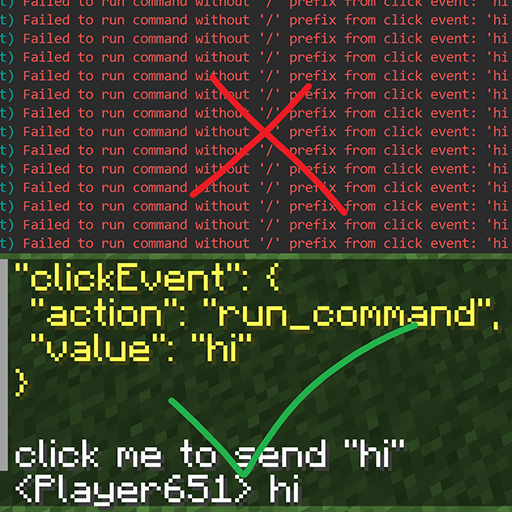
modA simple Minecraft client-side mod, that reverts the `run_command` click event restriction introduced in 1.19.1-rc1, so non-command messages can be sent freely via `run_command` click event again
 mod
modCall your Happy Ghast from far away using a goat horn! Use the goat horn to make your Happy Ghast fly faster.