Create Needed by Create Link create_link-1.0.0.jar
requiredMatching file found Matched file: Create 6.0.10 for mc1.21.1

CurseForge · Minecraft mod
Adds Wireless Links for organized control
Quick answer
Create Link create_link-1.0.0.jar targets 1.21.1 with NeoForge. The project page does not say whether this file belongs on the client, dedicated server, or both. All 1 required mods have matching files.
Where it goes
The project page does not say whether this file belongs on the client, dedicated server, or both.
The source does not explicitly classify this release as client-only or server-only.
create_link-1.0.0.jar. Change the file and its required mods may change too.
Install Create first. We found matching files for this game-version and loader setup.
We only count dependency files that match this setup. A file for another loader does not fill the gap.
Before you install it
Built for Create Link create_link-1.0.0.jar. Pick another file and the loader, install side or required mods may change.
Use create_link-1.0.0.jar. It targets 1.21.1 with NeoForge; another release may have different loader, side or dependency requirements.
Install Create first. We found matching files for this game-version and loader setup.
The project page does not say whether this file belongs on the client, dedicated server, or both.
Use the “Get this file” button beside create_link-1.0.0.jar. It opens that exact file at the source.
About this project
Create Link expands your Create experience with a set of wireless tools that make automation setups smarter and cleaner.
Rather than handling everything block by block, Create Link lets you connect machines and behaviors over distance through simple channel based links. Whether you want to copy settings, sync filters, or share redstone strength, the mod gives you a more practical way to manage larger setups while keeping the feel of Create.
Currently included links:
While playing Create Aeronautics, I often felt like something was missing. A way to change a block’s settings remotely. I got tired of having to run across entire contraptions just to change one setting on the right block. At some point I decided to make my own fix for that, and that idea eventually turned into this mod.
-> So Create Aeronautics support should be ensured
Project description from CurseForge.
Pick your setup
Choose the version and loader you play, then open the matching release.
Check the dependencies, then try the file in a copied instance before changing a world you care about.
Recent files
16 Jul 2026
Looking for an older file? The official CurseForge project page is in Resources.
 mod
modA pet bonding and summoning mod. Call your pets or mounts from anywhere and dismiss them to keep them safe. A spiritual successor to Callable Horses.
 mod
modRain, snow and frost on your windows: raindrops running down the glass, snowflakes and frost. Pixel art, client side.
 mod
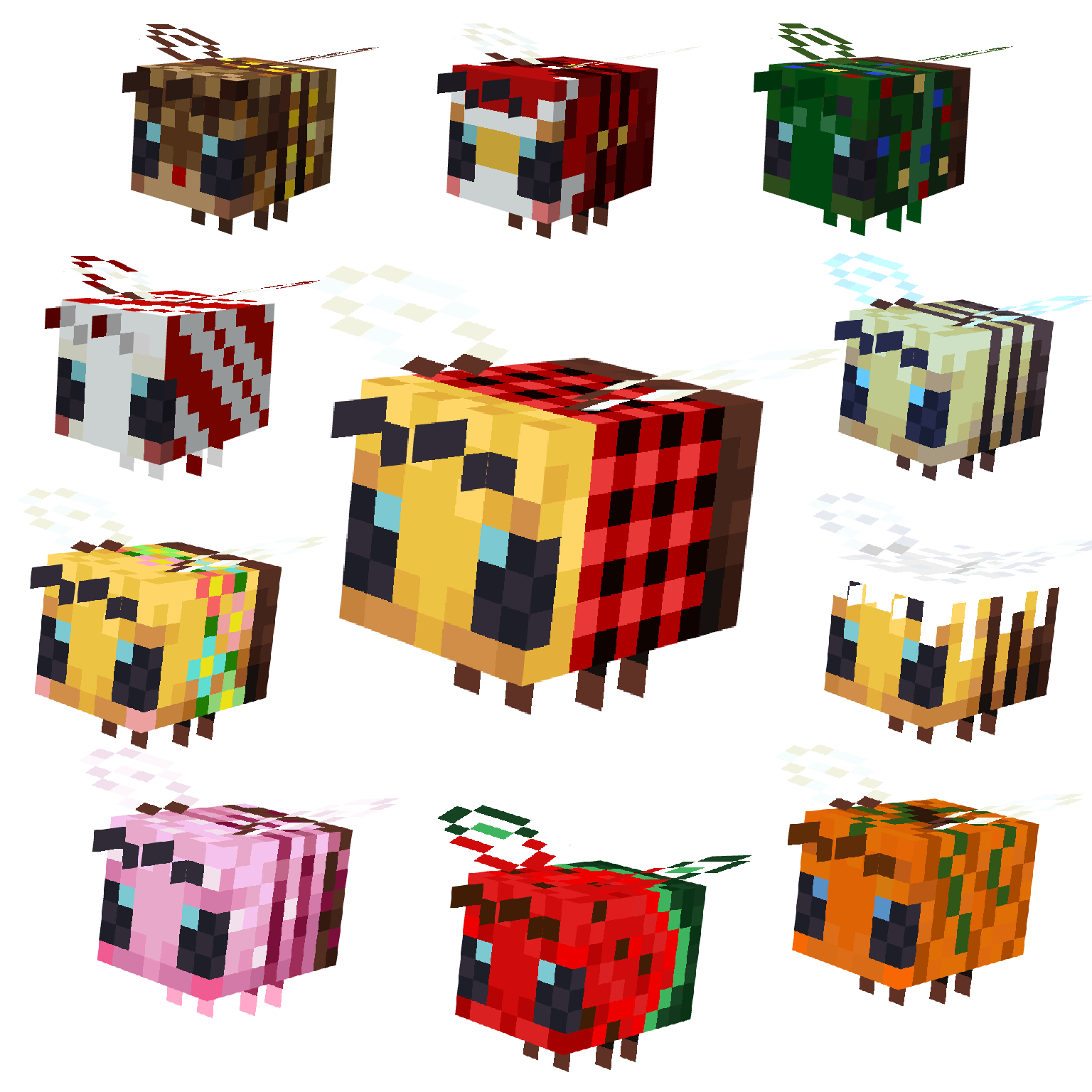
modSeasonal bee variants with custom textures that change with the seasons! ✨🐝